Template details
Monochrome
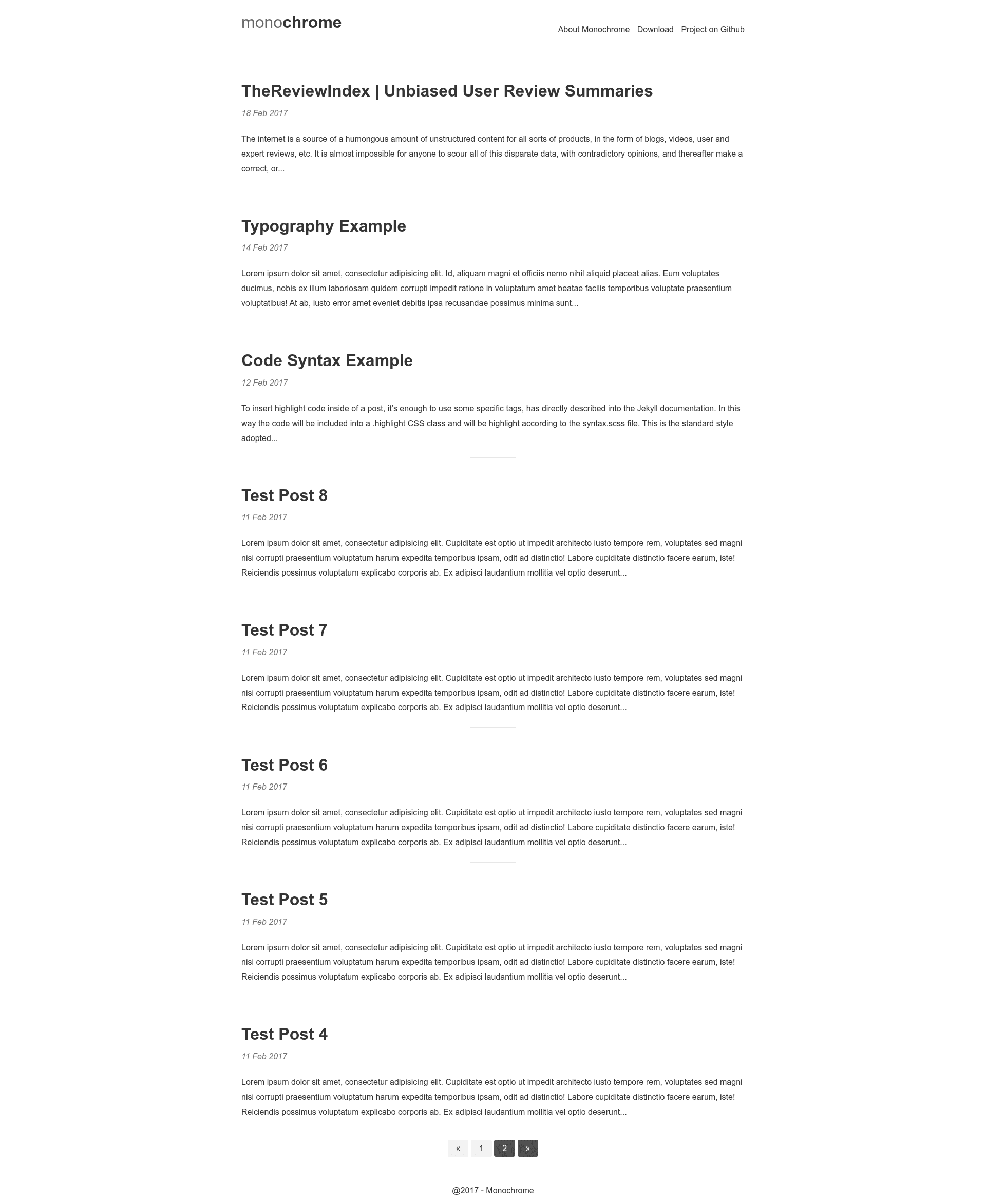
Minimal, responsive Jekyll theme for blogging with SEO-friendly URLs, sitemap, pagination, and custom monochrome styling.
About this template
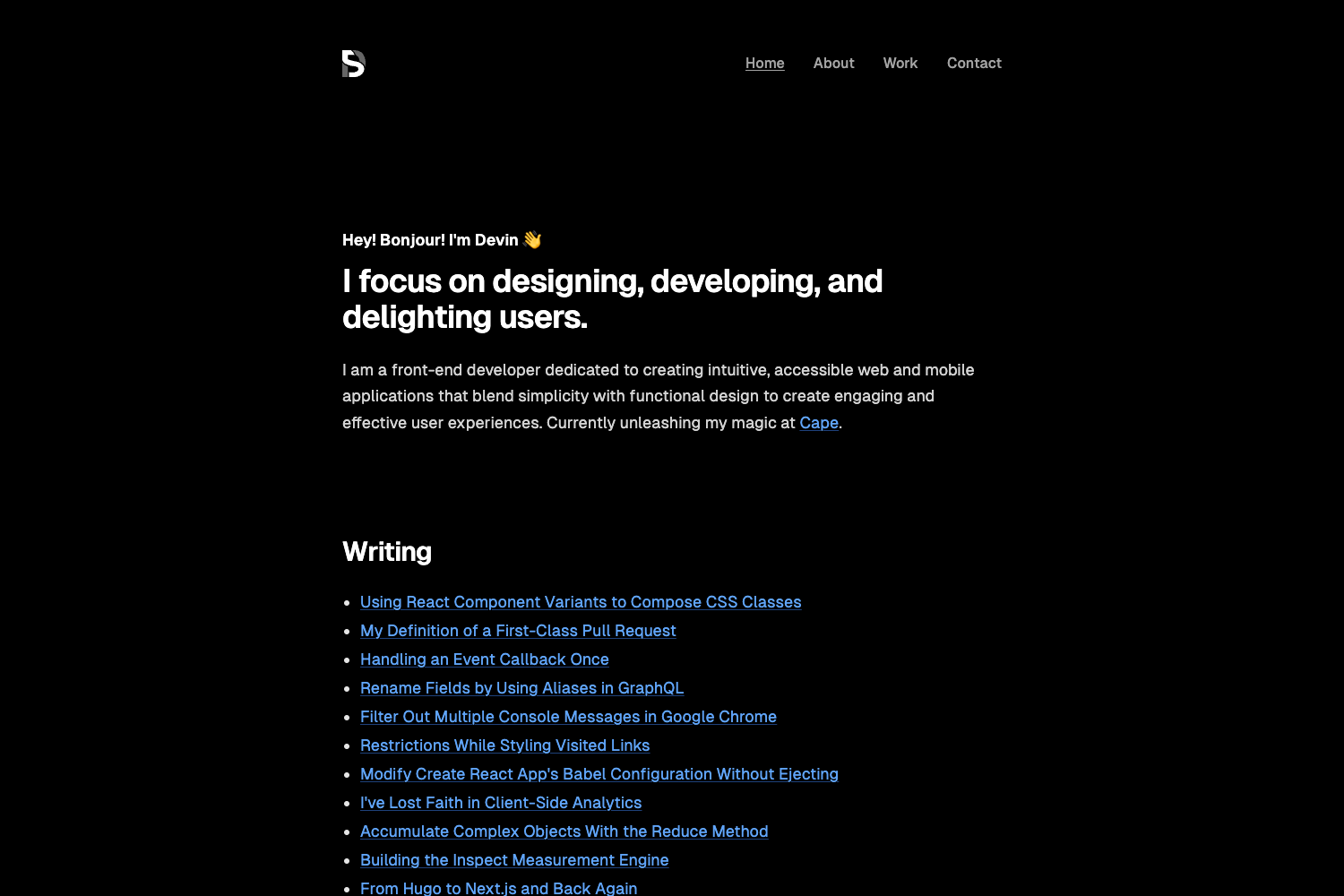
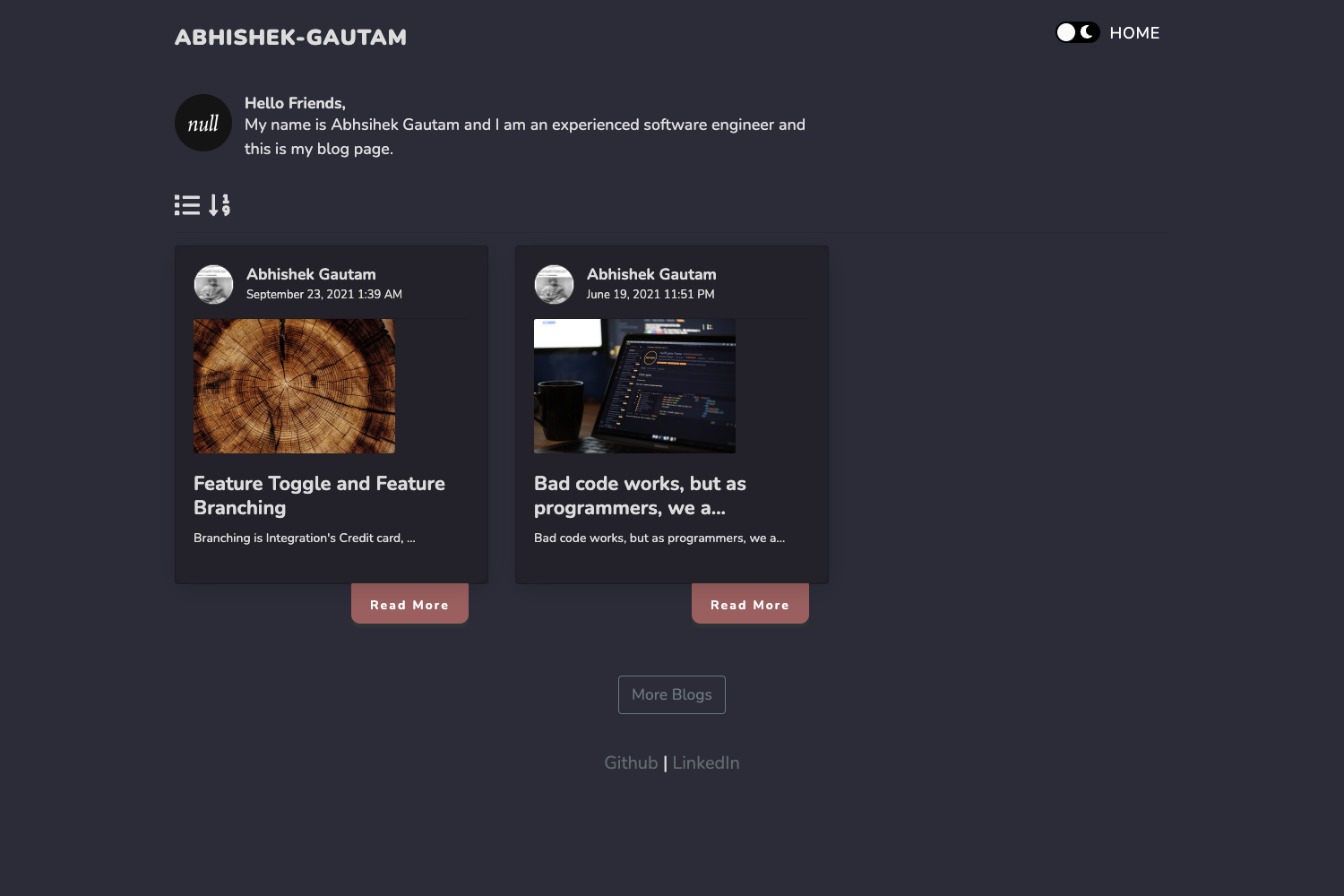
Monochrome is a minimal, responsive Jekyll theme for blogging that turns Markdown posts into a static, SEO-optimized site with clean URLs and a monochrome color palette.
What is Monochrome?
Monochrome is a free, open-source Jekyll theme designed specifically for personal and publication blogs. It takes Markdown files placed in the _posts folder and generates a fully static, responsive website with auto-generated SEO meta tags, a sitemap, and pagination. The theme is built on top of the Emerald Jekyll theme, runs on any Jekyll installation (requires Ruby 2.2 and Jekyll 2.2), and was authored by Dyuti Barma of TheReviewIndex under the MIT License.
Key Features
- Responsive and mobile-first — The layout adapts to any screen size, and the navigation menu is mobile-friendly out of the box.
- SEO-friendly URLs — Post URLs are auto-generated from the post title only, with no date prefixes, and SEO title/description tags are integrated.
- Sitemap ready — Includes
jekyll-sitemapplugin support to automatically generate an XML sitemap. - Pagination support — Uses
jekyll-paginateto split the blog index into pages. - Customizable header, footer, and navigation — Set flags in
_config.ymlto enable custom code inheader-custom.htmlandnav-footer-custom.html, or reverse the navigation side. - Monochrome color palette — Default colors are black, white, and greys, adjustable via four SCSS variables in
base.scss($background-color,$text-color,$text-light-color,$text-dark-color). - Built-in pages — Includes an About page and a custom 404 error page.
- Typographic scale — Uses a modular scale with a 24px baseline to maintain vertical rhythm.
Who should use Monochrome?
- Personal bloggers who want a clean, distraction-free writing space without managing layouts or styling.
- Developers new to Jekyll who need a starter theme with documented installation steps for Ruby, bundler, and Jekyll plugins.
- Portfolio or content sites that need a minimal, mobile-first blog section with SEO basics included.
What can you do with Monochrome?
- Publish blog posts — Write a Markdown file named
yyyy-mm-dd-title-of-post.mdin_posts/, and the theme generates the page with title/description meta tags. - Customize the look — Edit SCSS variables to change colors, modify the header/footer/navigation, and add custom links without touching layout files.
- Deploy for free — Host the site on GitHub Pages by forking the repository or pushing the extracted zip, with either a custom
baseurlor root install.
How does Monochrome work?
Installing Monochrome follows Jekyll's standard workflow: first install Ruby 2.2, Bundler, and Jekyll, then add the jekyll-paginate and jekyll-sitemap gems. After that, either fork the repository or download the zip, run jekyll serve, and open localhost:4000/blog/ to preview the site. Posts are written in Markdown, and navigation links are autogenerated from pages with the page layout.
Pros and cons
- Pros: Free under MIT; fully responsive; clean URLs; easy color/header/footer customization; includes sitemap and pagination; minimal design.
- Cons: No built-in Google Analytics integration (listed in the project's todo); the footer is not automatically sticky when content is short; requires Jekyll 2.2 and Ruby 2.2, which are older versions.
Pricing
Monochrome is free to use and modify, released under the MIT License.
FAQ
Is Monochrome free?
Yes, Monochrome is released under the MIT License, so you can use, copy, modify, and distribute it freely for personal or commercial projects.
What are the installation requirements?
Monochrome requires Ruby 2.2 and Jekyll 2.2, along with the jekyll-paginate and jekyll-sitemap gems. The repository provides commands to install these via sudo gem install.
How do I write a new blog post?
Navigate to the _posts/ directory, create a file named yyyy-mm-dd-title-of-post.md, add a title and description in the front matter (referencing the test posts), then write the body in Markdown.
Can I host Monochrome on GitHub Pages?
Yes, the project includes a gh-pages branch for demos, and the setup instructions describe forking the repo or pushing local files to GitHub and enabling GitHub Pages.
Does Monochrome include an About page and 404 page?
Yes, the theme ships with an About page and a custom 404 error page as part of its default layout.