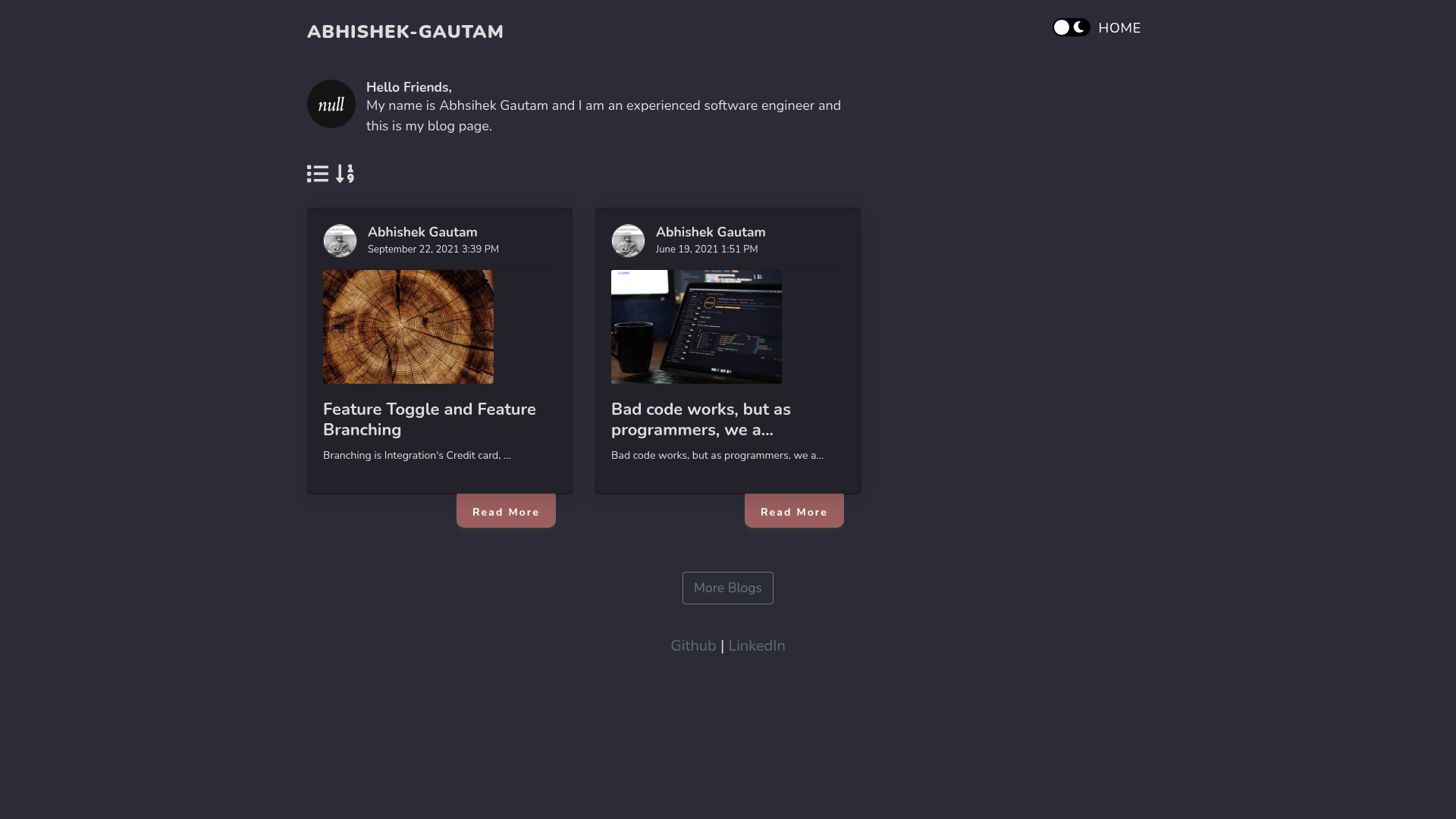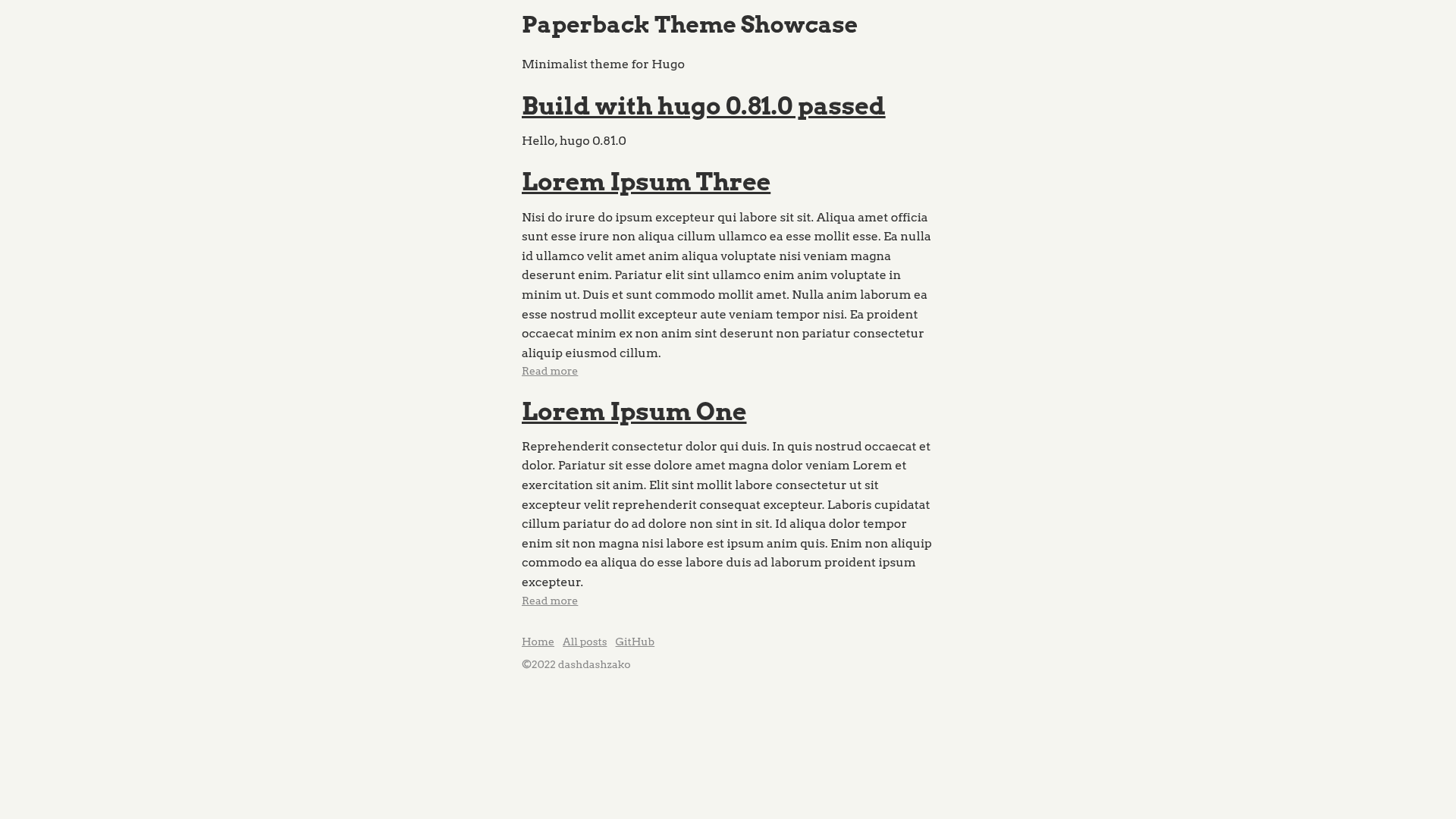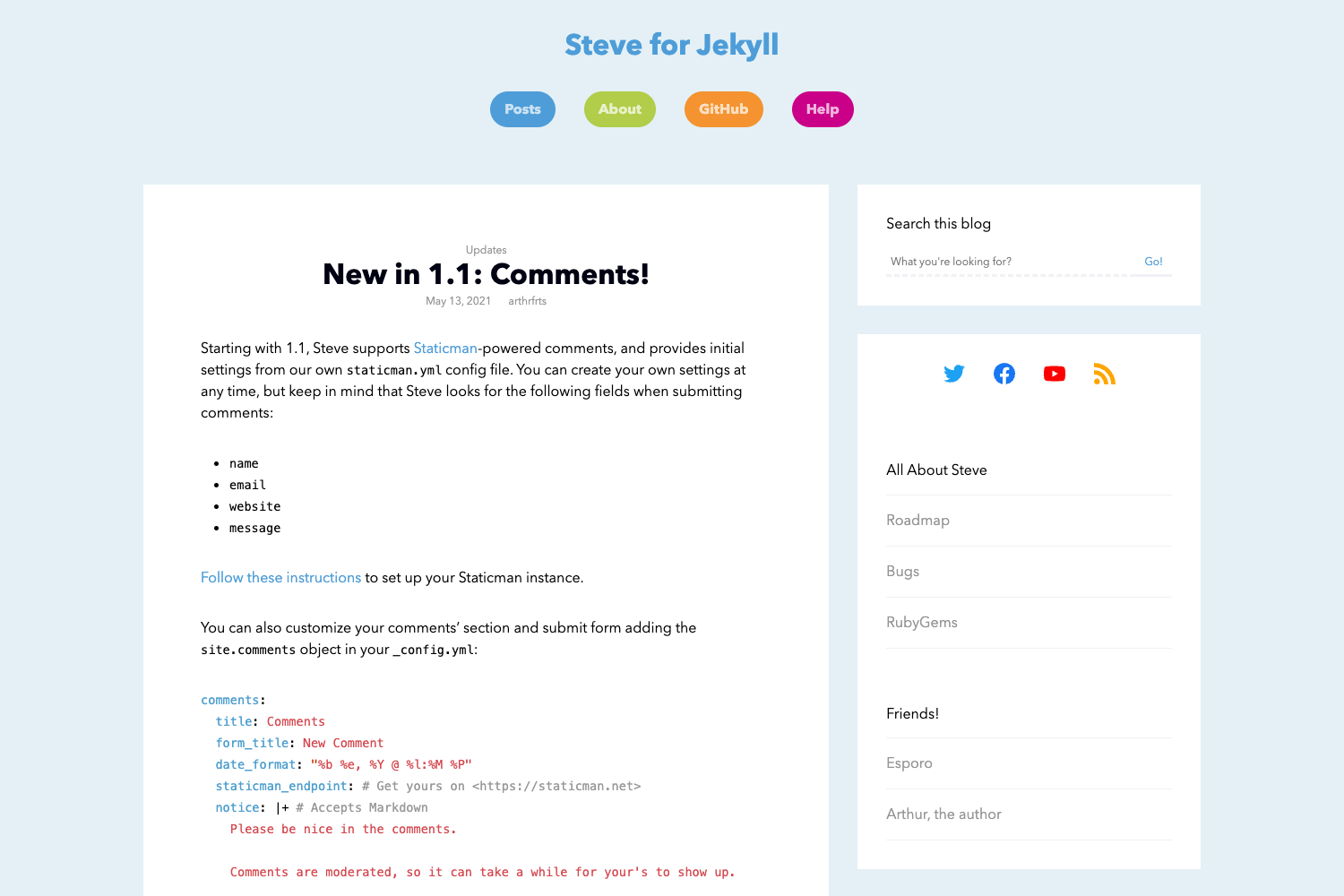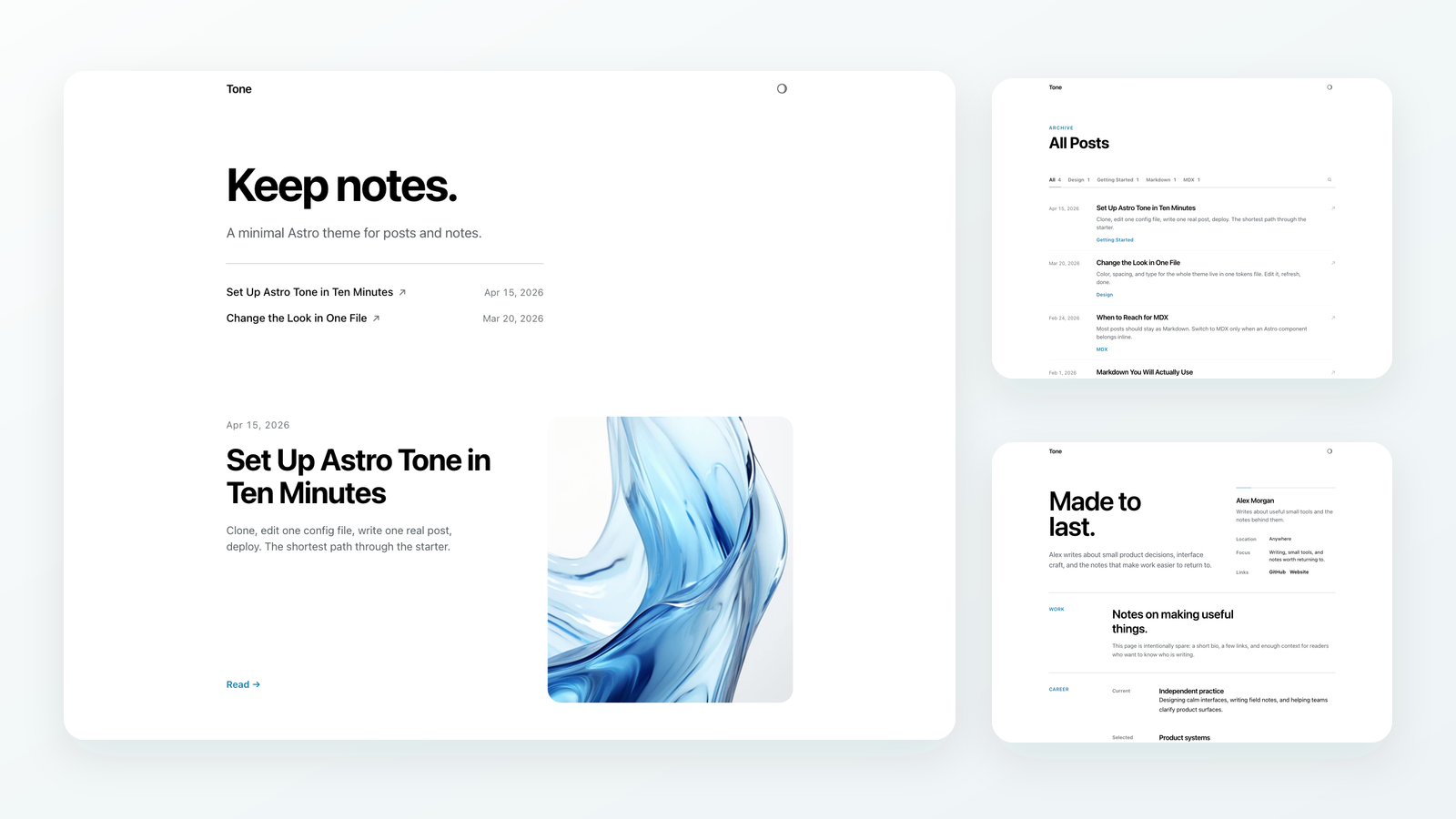
Template details
Tech Blog App
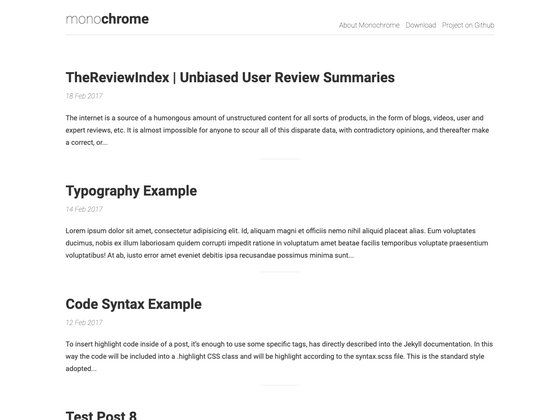
Next.js and Sanity blogging template with draft previews, code highlighting, rich text, theming, and serverless JAMstack architecture.
About this template
Tech Blog App is a blogging template built on Next.js and the Sanity headless CMS that runs as a serverless JAMstack application, giving you a blog with draft previews, code highlighting, and rich text rendering.
What is Tech Blog App?
Tech Blog App is a starter project for a blog, created with create-next-app and extended with Sanity as its content backend. It manages content in Sanity, renders it as a Next.js site, and exposes API routes through the pages/api directory. The project follows serverless architecture guidelines, which means the blog can be deployed to platforms like Vercel without running a dedicated server.
Key Features
- JAMstack architecture — Uses Next.js for the front end and Sanity CDN for content delivery, following serverless guidelines for scalable hosting.
- Draft previews — View unpublished content before it goes live, supporting editorial review workflows.
- Code highlighting — Displays code blocks with syntax highlighting, suited for programming articles.
- Rich text rendering — Renders rich text stored in Sanity rather than only plain Markdown.
- Preview before publish — Lets authors check how a post will look on the live site before publication.
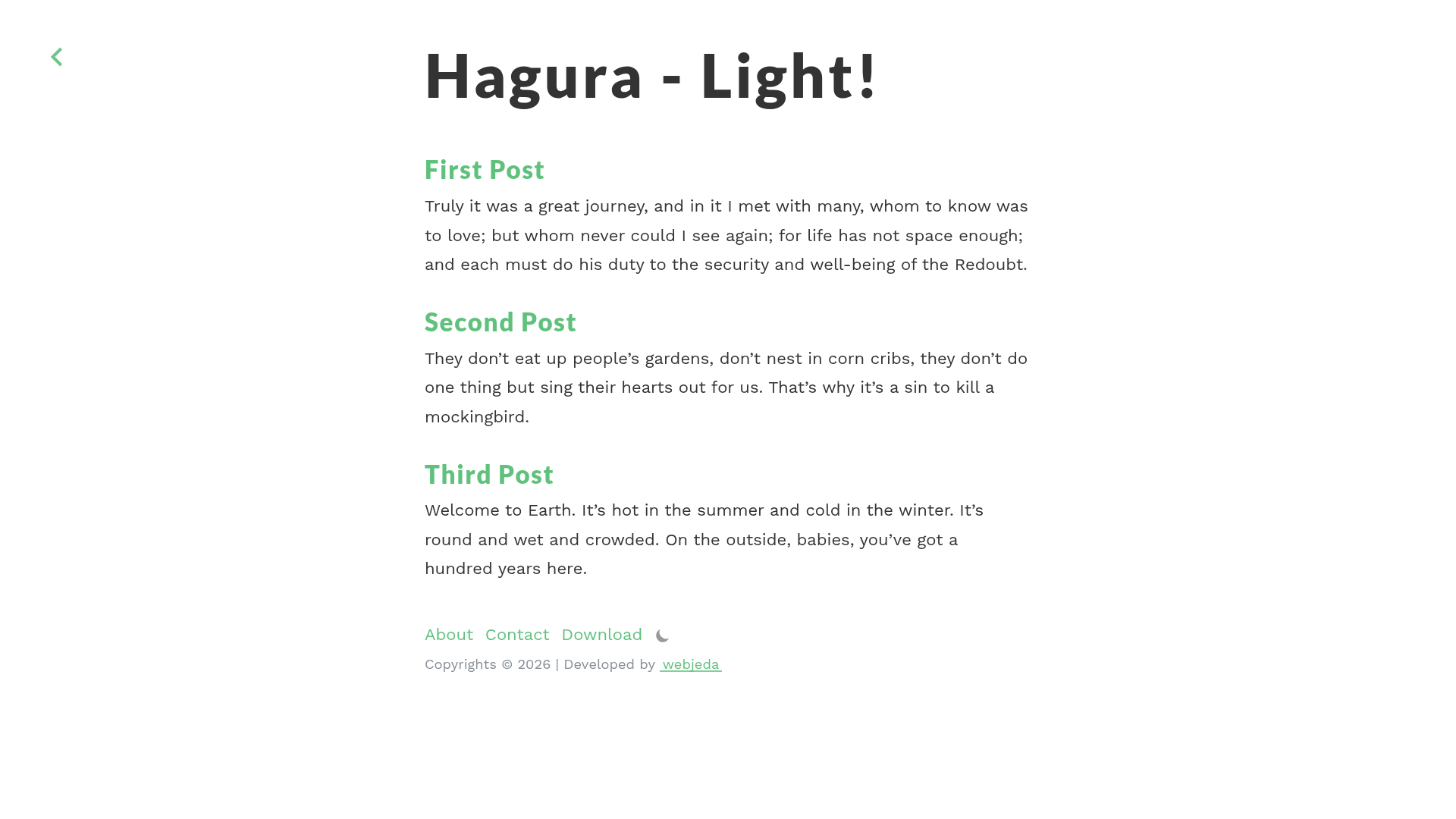
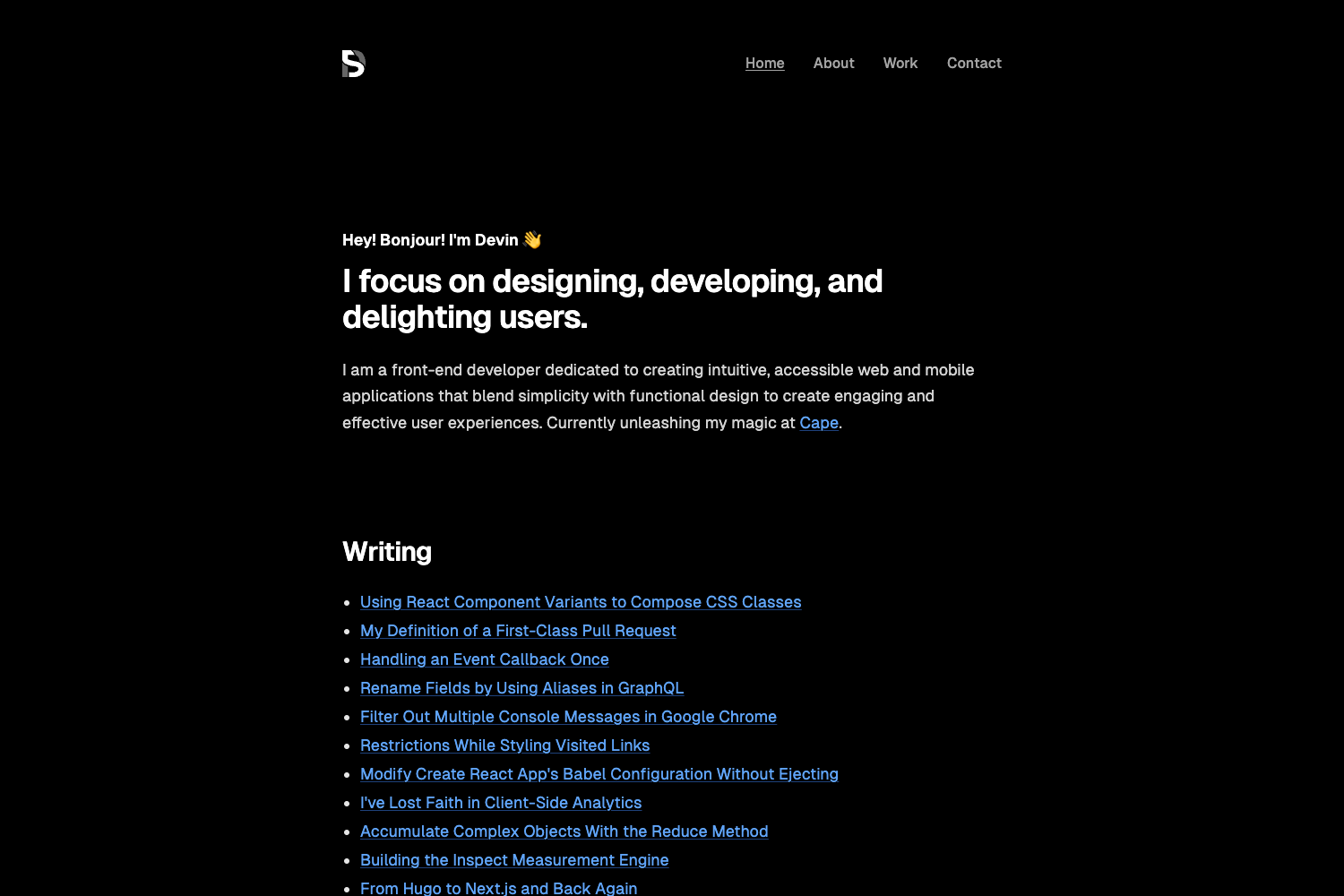
- Theming — The blog includes multiple themes so the visual design can be switched without rewriting pages.
- Next.js API routes — Ships an example endpoint at pages/api/hello.js, mapped to /api/hello, demonstrating serverless functions.
Who should use Tech Blog App?
- Technical bloggers who write posts with code snippets and need syntax highlighting.
- JAMstack developers seeking a starter that combines Next.js with Sanity and serverless functions.
- Small content teams that want a draft-and-preview workflow using a headless CMS.
What can you do with Tech Blog App?
- Tech writers: draft articles with rich text and code blocks, preview them pre-publication, and publish through Sanity.
- Developers: extend the blog by editing pages/index.js or adding new API route files in pages/api.
- Indie hackers: deploy the project to Vercel for a serverless personal blog without infrastructure upkeep.
How does Tech Blog App work?
Run npm run dev or yarn dev to start the development server on localhost:3000. Edit pages/index.js to change the homepage; the page auto-updates as you save. API routes live in pages/api and are accessible at /api/hello for this template.
FAQ
Does Tech Blog App use a headless CMS?
Yes, it uses Sanity as the headless CMS. Content is served through Sanity's CDN and rendered in Next.js pages, keeping the front end decoupled from content management.
Can I add new pages to Tech Blog App?
Yes. It is a standard Next.js project, so you create new page files inside the pages directory. Additional API routes are created by adding files to pages/api.
How do I deploy Tech Blog App?
The README points to the Vercel Platform from the creators of Next.js as the easiest deployment path, and links to the official Next.js deployment documentation for other options.
Is theming built in?
Yes, the repository description lists theming as a supported feature, so you can change the blog's appearance without rewriting page components.