Template details
Paperback
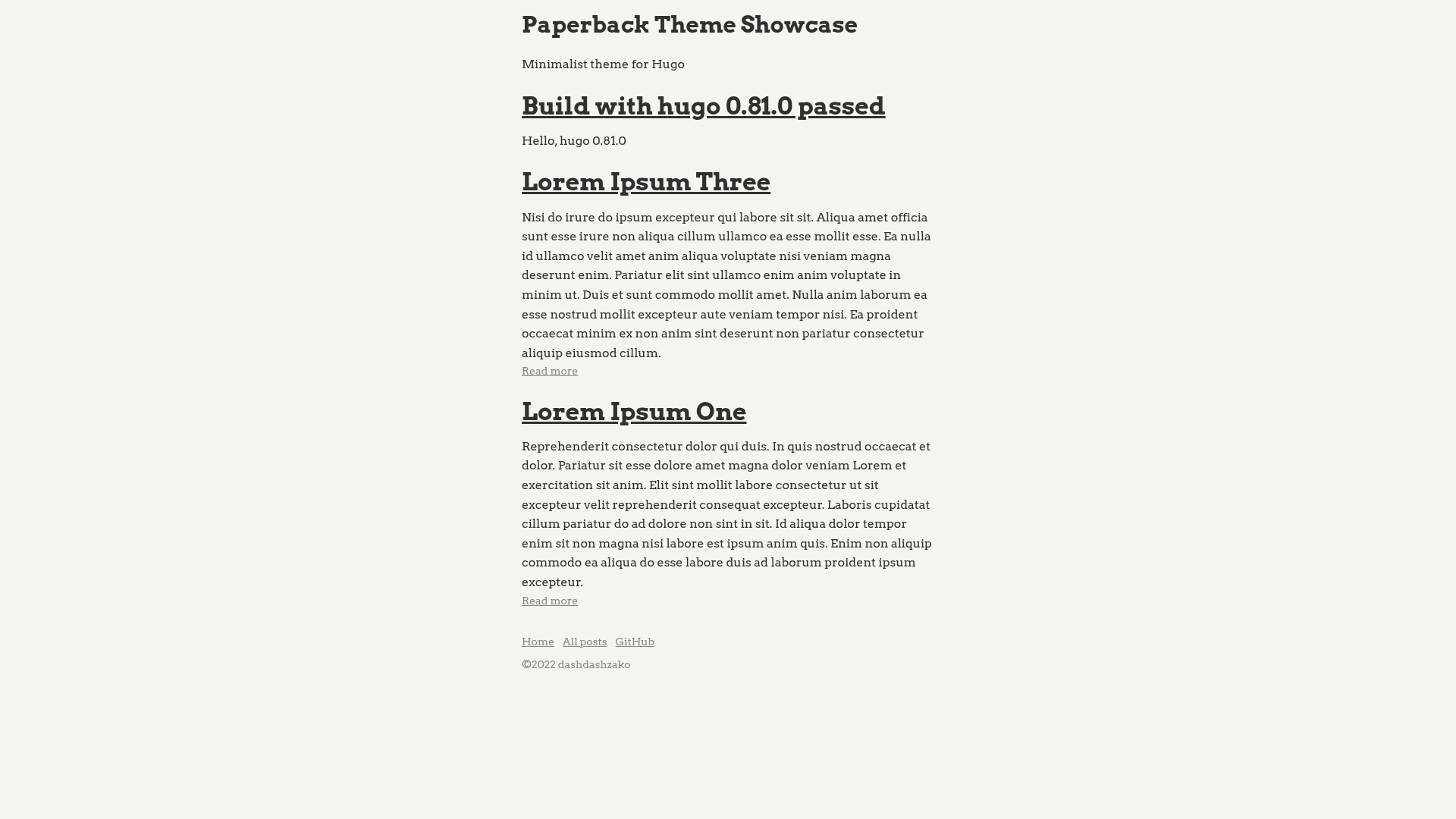
Minimalist Hugo theme for blogs with high-contrast colors, no decorative effects, and Highlight.js code syntax highlighting.
About this template
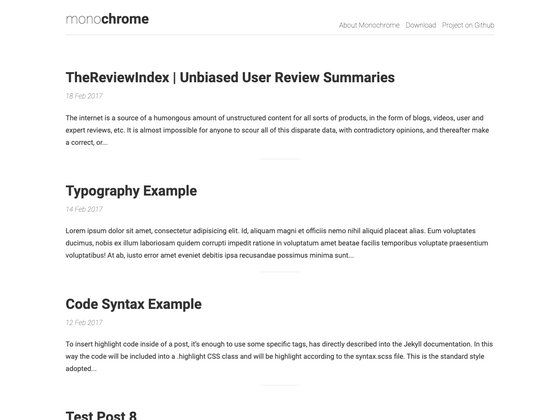
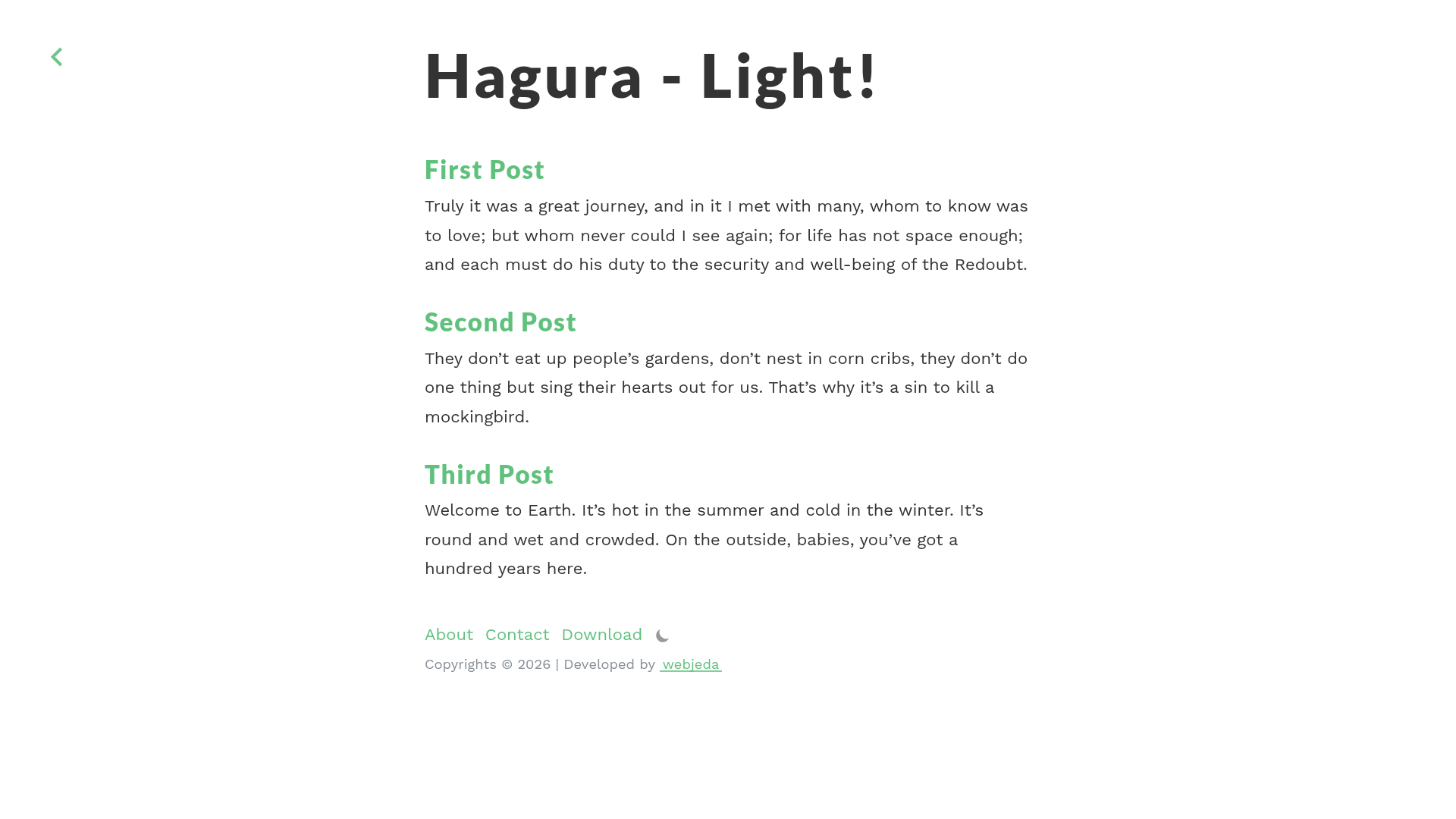
Paperback is a minimalist theme for the Hugo static site generator that focuses on improving the reading experience through high-contrast colors and no fancy effects.
What is Paperback?
Paperback is a Hugo theme designed as a clean, no-frills layout for static blogs. It takes Markdown content from a Hugo site and renders it into a high-contrast blog interface, with code snippets automatically colorized by Highlight.js. The theme is maintained by dashdashzako and a live demo is hosted at dashdashzako.github.io/paperback-demo.
Key Features
- High-contrast minimalist design — The theme relies on strong text-to-background contrast and avoids decorative effects, keeping the focus on readability.
- Highlight.js syntax highlighting — Code blocks are highlighted using Highlight.js; both the JavaScript library and the CSS theme can be overridden.
- Customizable tagline — A Tagline parameter displays a short text beneath the homepage h1 heading; it is undefined by default.
- Homepage post count — HomepagePosts controls how many posts appear on the index page, with a default value of 10.
- Author name in copyright — AuthorName appears next to the copyright sign, giving personal blogs a simple attribution line.
- Optional social links — GithubUsername, TwitterUsername, and LinkedInUsername parameters add profile links when set in the site config.
- Easy highlight theme override — Drop a custom Highlight.js build into static/js and a highlight.css file into static/css to change the look of code snippets.
Who is it for?
Paperback is for Hugo users who want a straightforward, readable blog without visual distractions. Bloggers writing long-form articles with code examples benefit from the built-in syntax highlighting. Developers comfortable editing a TOML config can personalize the theme through the params block without touching template files.
What can you do with Paperback?
- Personal bloggers: publish Markdown posts and get a clean, high-contrast front page that lists recent posts automatically.
- Technical writers: include code snippets in articles and rely on Highlight.js to colorize them, or replace the highlight library and theme with your own files.
- Static site developers: use Paperback as a base and customize the tagline, social links, and post count through site configuration parameters.
- Portfolio site owners: display a short tagline under the site title and link out to GitHub, Twitter, or LinkedIn from the footer.
FAQ
Is Paperback free to use?
Paperback is an open-source Hugo theme distributed through GitHub, so there is no license fee or paid tier mentioned in the documentation. You can download or clone it and use it in your own Hugo projects.
How do I change the code highlighting colors?
Place a custom Highlight.js theme file named highlight.css in the static/css directory of your Hugo site, and optionally replace the library build in static/js. The theme will use those files instead of the defaults.
Where can I see Paperback in action?
A live demo is available at dashdashzako.github.io/paperback-demo. The demo shows the default homepage, post layout, and code highlighting behavior out of the box.