Template details
Stratus
An Astro documentation site starter built for visual editing in CloudCannon, with 58 page-builder components and MDX docs.
About this template
Stratus is an Astro-based documentation site starter that you clone and own outright, with every component shipped as editable source and pre-wired for visual editing in CloudCannon.
What is Stratus?
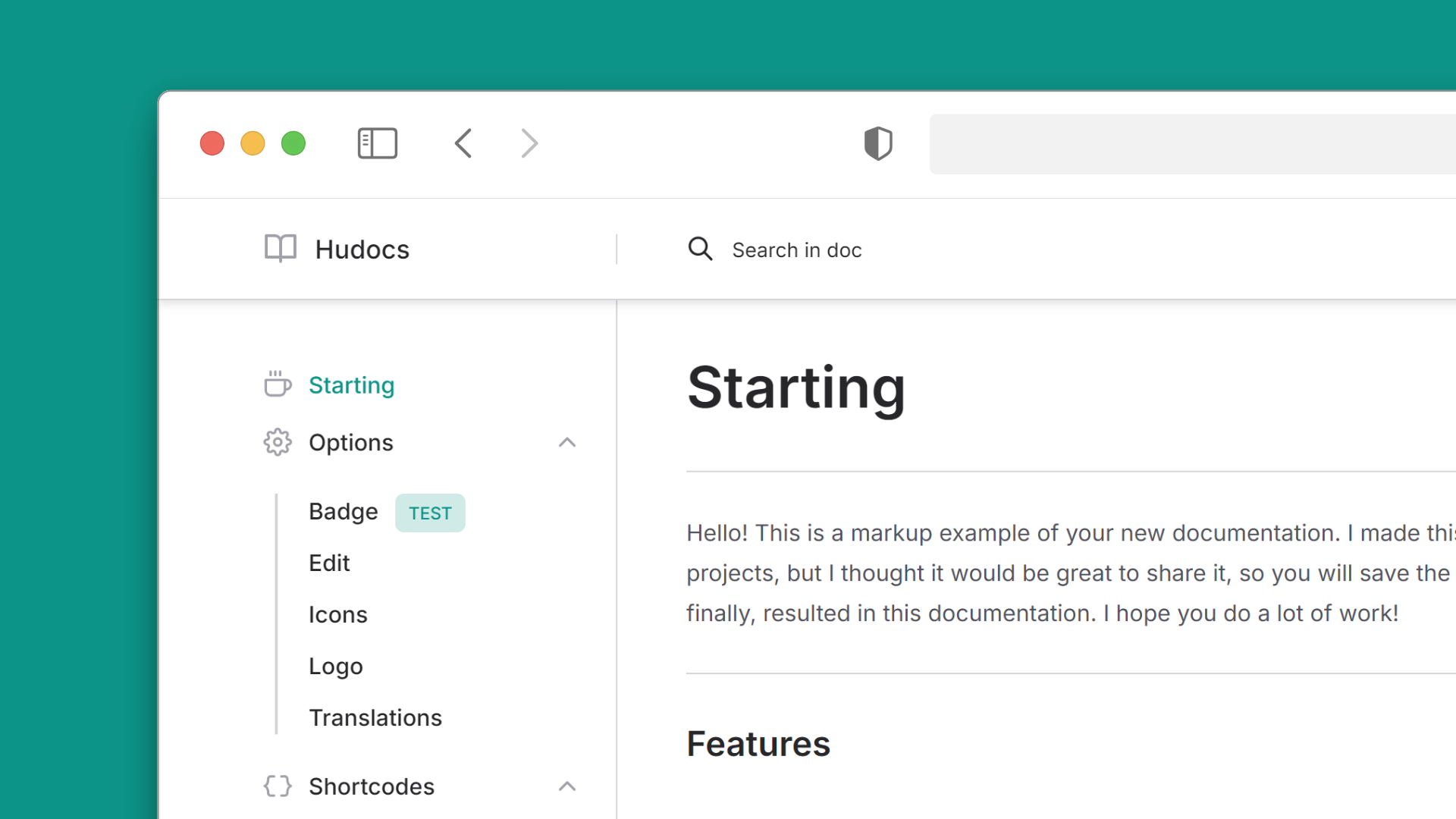
Stratus is a documentation site template built on the Astro static site framework and packaged for visual editing in the CloudCannon CMS. You write documentation pages as .mdx files in src/content/docs/, and the template derives the grouped sidebar, client-side search index, on-this-page rail, breadcrumbs and pager from that content. Output is a static Astro site with no runtime, inlined CSS and a small JavaScript payload. The repository ships CloudCannon's build settings and component schemas, and is released under the MIT license.
Key Features
- Astro static output — no runtime, inlined CSS, tiny JS payload; the only heavy dependency is Mermaid, which loads only on pages containing a diagram.
- CloudCannon-native component editing — every component ships an editor schema beside it, so it appears in the editor's Add menu with a preview and, if it has a snippet file, in the Content Editor's insert menu.
- Three-file component pattern — each component pairs a
.astrofile with a.cloudcannon.inputs.yml(what editors can change) and a.cloudcannon.structure-value.yml(defaults and picker metadata), plus an optional.cloudcannon.snippets.yml. - 58 page-builder components — 9 page sections, 46 building blocks and 3 navigation blocks, plus 10 pieces of site chrome and 343 icons; thumbnails live in
public/component-previews/. - Derived, not configured, sidebar — frontmatter
groupandorderplace a page;src/data/sidebar.jsononly orders the groups. - Token-based theming — colors, fonts, spacing and radius live in
src/styles/variables/, with light and dark semantic tokens insrc/styles/themes/_light.cssand_dark.css;defaultThemeinsrc/data/theme.jsonacceptsdark,lightorsystemand ships dark by default. - Authoring conveniences — code tabs, annotated code blocks, callouts, disclosures, definition lists, Mermaid diagrams, figures, video, a print layout for PDF export, and a 404 page that searches.
- Verification tooling —
npm run checkruns lint, format, types and drift checks includinglint:css-vars, plus Vitest unit tests, a render test of every component's defaults, and headless-browser smoke tests.
How does Stratus work?
Clone the repository, run npm ci and npm run dev to serve the site at http://localhost:4321, then edit src/content/docs/introduction.mdx to see changes hot-reload. Running npm run reset:starter prompts for your site name and production URL, clears the demo documentation and overview page, and sets site in astro.config.mjs, which every canonical URL, sitemap entry and JSON-LD record is built from. Only .mdx files are loaded from src/content/docs/; a .md file there is silently skipped.
Who is it for?
- Technical writers and docs teams — maintain a documentation site in Markdown while non-technical editors change page content visually in CloudCannon.
- Developers shipping a product docs site — scaffold new components with
npm run new:component building-blocks/core-elements/my-thingand get the CloudCannon schema wired up automatically. - Agencies rebranding for clients — swap token files rather than component CSS to change colors, spacing, radius, type scale, fonts (
site-fonts.mjs) and header/footer/SEO defaults insrc/data/*.json. - Teams using coding agents — ten skills in
.agents/skills/encode workflows such as writing a page, creating a component, turning a screenshot into one, migrating an existing site and retheming.
What can you do with Stratus?
- Publish a reference-style docs site: write MDX pages with
group/orderfrontmatter and get a sidebar, search and pager without configuring navigation. - Give editors a visual workflow: CloudCannon shows component input schemas, so content changes happen in the CMS while the component source stays in your repo.
- Ship print and PDF versions: the print layout renders documentation ready for the browser's print dialog.
- Keep dependency lockfiles CI-safe:
npm run deps:syncregeneratespackage-lock.jsonwith resolutions for Linux, Windows and macOS;npm run deps:checkverifies it.
FAQ
Is Stratus free to use?
Stratus is released under the MIT license, and the repository states that you clone it and own it — every component is source code you can modify, extend or delete. CloudCannon hosting and editing are separate services you connect to the repository.
What are Stratus's prerequisites?
Node.js 22.12 or later is required. The repo pins version 24.18.0 in .nvmrc, which is the version CI uses. Smoke tests additionally need the component harness routes built with the COMPONENT_PREVIEWS=true environment variable before npm run test:smoke.
Does Stratus work with plain Markdown files?
Only .mdx files in src/content/docs/ are loaded; a .md file placed there is silently skipped. Code samples are written with the CodeBlock component rather than Markdown fences so they survive a round trip through CloudCannon's editor.
How does the sidebar get built?
The sidebar is derived from page frontmatter rather than configured: group and order place a page. A page with no group still builds and is searchable but has no sidebar entry, and src/data/sidebar.json only orders the groups, editable in CloudCannon.