Template details
SvelteKit Preview Mode
A SvelteKit library for previewing draft CMS content via a secret query parameter and cookie, inspired by Next.js Preview Mode.
About this template
SvelteKit Preview Mode is a drop-in SvelteKit library that lets developers preview draft or unpublished CMS content by adding a secret query parameter to any route. It implements a preview workflow inspired by Next.js Preview Mode, but built for the SvelteKit handle hook, and it is released as an open-source package under the ISC License.
What is SvelteKit Preview Mode?
SvelteKit Preview Mode is a TypeScript library that you install into an existing SvelteKit application with pnpm add sveltekit-preview-mode -D. It takes a PREVIEW_SECRET environment variable as input and, through a custom handle hook, checks incoming requests for a matching ?secret= query parameter. When the secret matches, it sets an isPreview flag on locals, persists the state in a cookie named __preview_mode by default, and exposes the status to client-side code through $page.data.isPreview. The repository is maintained by Darby Manning and includes ready-to-run examples for the Hygraph and Contentful CMSs.
Key Features
handlehook integration — Wraps SvelteKit's request lifecycle so every route is checked for the preview secret without per-route code.- Cookie-based persistence — Sets a
__preview_modecookie so preview state survives navigation and browser sessions. - Client-side preview banner — Ships a
<PreviewBanner />component you can drop into+layout.svelteto show editors when preview mode is active. - Configurable options — Supports custom
cookieName,cookieOpts,exitPreviewQueryParam, andsecretTokenQueryParamvia thePreviewModeOptionsinterface. - Server-shared status — A
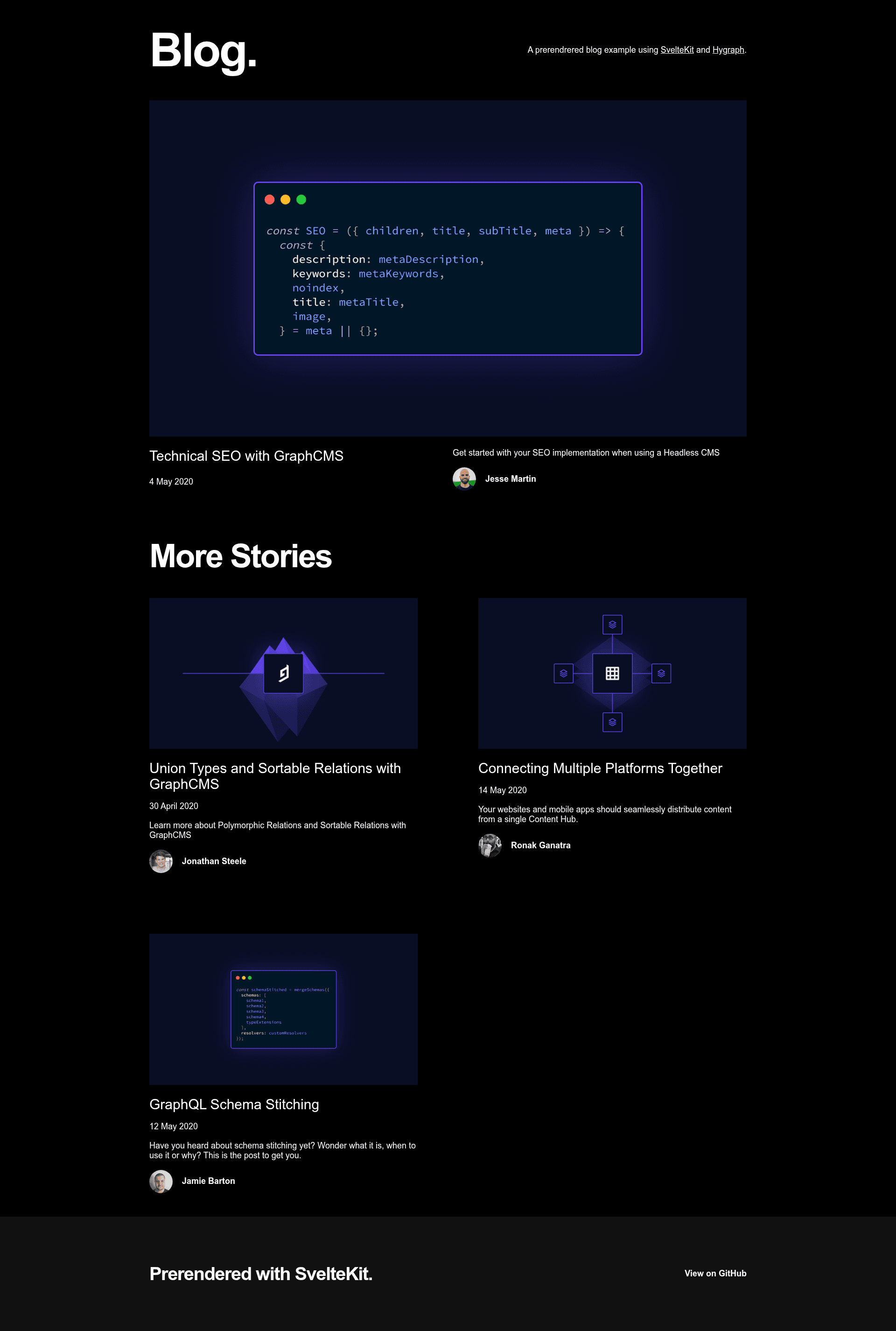
+layout.server.tsload function returnslocals.exitPreviewQueryParamandlocals.isPreviewso client routes can react to preview state. - CMS-agnostic — Works with any CMS that supports preview URLs; official examples cover Hygraph and Contentful.
- SSG-aware — Disables itself during static site generation, and the README documents a
/preview/[slug]workaround for prerendered routes.
Who is it for?
- SvelteKit developers using a headless CMS like Hygraph or Contentful who need a quick way to toggle draft content during development or editorial review.
- Content editors who want to click a preview link with a secret token and see unpublished blog posts or pages rendered in the real SvelteKit layout.
- Teams migrating from Next.js who are familiar with Next.js Preview Mode and want an equivalent workflow without switching frameworks.
What can you do with SvelteKit Preview Mode?
- Content editors: Preview draft entries by loading any route with
?secret=your-secretappended; the cookie keeps preview mode active across pages. - Developers: Add a dynamic
/preview/[slug]route that redirects to the static page when not in preview mode, preserving SSG builds. - Designers: Use the included
<PreviewBanner />component to display an exit-preview link that appends?exit-previewto the current URL.
How does SvelteKit Preview Mode work?
After installing the library, you import previewMode in src/hooks.server.ts and pass it a previewSecret option loaded from $env/static/private. The handle function checks the secret query parameter against that value; on success it sets the isPreview flag and writes the cookie. To exit, add ?exit-preview to any route, which clears the flag and updates the cookie.
Pros and cons
- Pros: Simple setup with a single hook wrapper; configurable via a typed options object; documented examples for two major CMSs; open-source with an ISC license.
- Cons: Requires a SvelteKit server; preview mode is automatically disabled during prerendering/static builds, so SSG sites need a separate dynamic route workaround.
FAQ
Is SvelteKit Preview Mode free?
Yes, it is an open-source library released under the ISC License, and the repository accepts contributions via issues or pull requests.
How do I enable preview mode?
Add a ?secret=PREVIEW_SECRET query parameter to any route. The secret must match the previewSecret value you configured in the previewMode handle function.
Can I use SvelteKit Preview Mode with static site generation?
No, it relies on a server to analyze query parameters and cookies, so it is turned off during build. The README suggests creating a dynamic /preview/[slug] route that redirects back to the static route when preview mode is inactive.
Which CMSs are supported?
Any CMS that supports draft preview URLs. The repository includes examples for Hygraph and Contentful, and you can adapt them to other providers.
How do I exit preview mode?
Add the query parameter ?exit-preview to any route. The default exit parameter name can be changed with the exitPreviewQueryParam option.