Template details
Nuxt Storybook
Storybook integration with Nuxt.
About this template
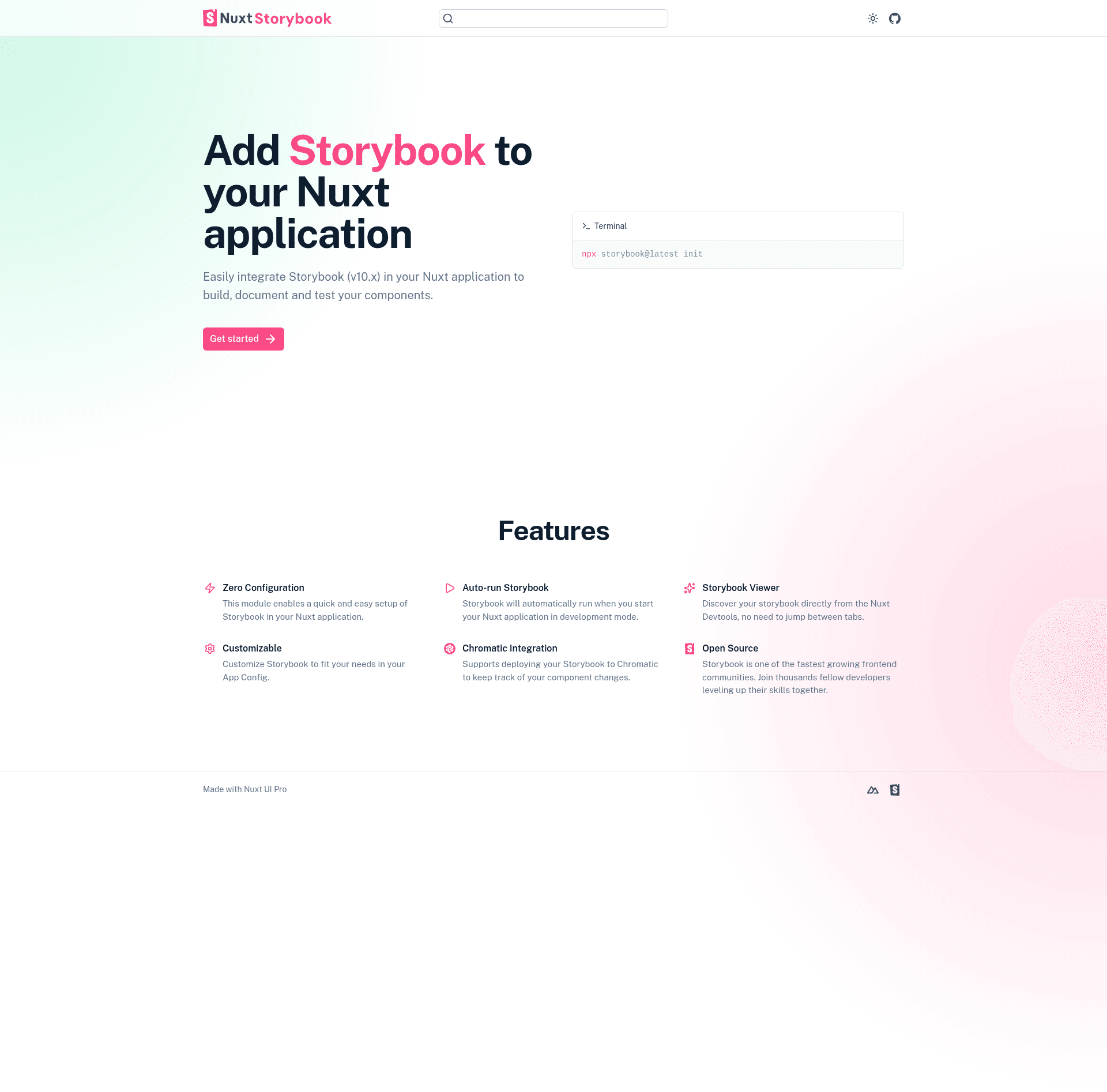
Nuxt Storybook is a Nuxt module that integrates Storybook 10 into Nuxt 3 and Nuxt 4 applications, enabling component-driven UI development directly inside a Nuxt project.
What is Nuxt Storybook?
Nuxt Storybook is a community-built Nuxt module (maintained by Chakir Qatab, also known as ChakAs3) that adds a fully configured Storybook environment to an existing Nuxt application. It takes a Nuxt project as its input and produces a development-time Storybook server attached to the Nuxt dev server, exposed by default at the /_storybook route on port 6006. The module supports Nuxt 3.x and Nuxt 4.x, requires Storybook 10.x, and runs on Node.js versions 20.19+, 22.12+, or 24+. It is released under the MIT License.
Key Features
- Zero configuration — The module works out of the box after installation and adding
@nuxtjs/storybookto the modules array, so no separate Storybook config files are required to start. - Storybook Terminal access — You can open an interactive Storybook terminal from within the Nuxt CLI, giving quick access to Storybook commands.
- Devtools tab — The Nuxt DevTools integration shows a dedicated tab that embeds the Storybook app, so you can switch between your Nuxt app and Storybook UI without leaving the browser.
- Configurable hosting — The storybook section in
nuxt.configlets you set the host, route, and port; the defaults arehttp://localhost,/_storybook, and6006. - Reference your Storybook config in your app — Your Nuxt app can access the resolved Storybook configuration at runtime, so you can build links or status indicators.
- Extendable by Nuxt modules — Other Nuxt modules can hook into this module to add their own Storybook presets or augment the configuration.
- Supports Nuxt 3 and Nuxt 4 — The module explicitly declares compatibility with both major Nuxt versions and Storybook 10.x.
- Demo project — The repository links to a public demo (storybook-vue/nuxt-storybook-module-demo) to see a working integration.
Who should use Nuxt Storybook?
- Nuxt application developers — Anyone building a Nuxt app who wants to develop and test UI components in isolation without maintaining a separate Storybook configuration.
- Component library and design system maintainers — Teams that ship reusable Vue components and need a Storybook environment congruent with their Nuxt codebase and its module ecosystem.
- Visual regression testing teams — Because the module integrates with Chromatic (a sponsor of the project) and Storybook's test features, UI engineers can review visual changes and catch regressions.
- Nuxt module authors — Developers extending Nuxt who want to guarantee their modules can also register Storybook stories or configuration.
What can you do with Nuxt Storybook?
- Develop UI components in isolation: Open the Storybook server at
/_storybookand interact with each component's stories with hot reload during Nuxt dev. - Run visual regression checks: Use the supported Storybook 10 test tooling and Chromatic to review UI changes and detect unintended visual differences.
- Share components across teams: Since Storybook runs inside the Nuxt app, team members on a dev server can access the component library via the configured route and port.
- Extend behavior with other Nuxt modules: Compose this module with other modules that augment the Storybook story list or configuration, making it part of a larger Nuxt setup.
How does Nuxt Storybook work?
- Install the module with
npx nuxi@latest module add storybook. - Add
'@nuxtjs/storybook'to themodulesarray in yournuxt.configfile and optionally setstorybookoptions such ashost,route, andport. - Run
pnpm devto start the Nuxt server; the module boots a Storybook instance accessible at the configured route (default/_storybook) on the given port.
FAQ
What Nuxt versions are supported?
Nuxt Storybook supports Nuxt 3.x and Nuxt 4.x. You also need Storybook 10.x installed in the project. Node.js requirements are 20.19+, 22.12+, or 24+; the module relies on features available in those versions.
Is Nuxt Storybook free to use?
Yes, the module is published under the MIT License, so you are free to use and modify the code. The repository is hosted on GitHub under the nuxt-modules organization, with 485 stars at the time of writing.
How do I install Nuxt Storybook?
Run npx nuxi@latest module add storybook in your Nuxt project root. Then add '@nuxtjs/storybook' to the modules array in nuxt.config and, optionally, configure host, route, and port under a storybook key. Finally, start your dev server with pnpm dev.
Can I change the default route and port?
Yes, define a storybook section in your nuxt.config with host, route, and port values. The defaults are http://localhost, /_storybook, and 6006 respectively.
How do I get help or contribute?
The maintainer lists contact links in the README: email javachakir@gmail.com, Discord user ChakAs3, and Twitter (@ChakirQatab). The contribution guide asks you to install dependencies with pnpm, run pnpm dev:prepare to generate a stub dist directory, make changes, run pnpm lint, and submit a pull request.