Template details
t3ma Astro Template
A custom-built Astro template for showcasing projects, themes, and technical insights with a dark, animated design.
About this template
The t3ma template is a custom Astro starter for a personal portfolio and blog, created by indie developer Artem Kan and used live on temaprint.com.
What is the t3ma template?
It's a static site template built with Astro 4.15 that serves as a foundation for a personal portfolio and blog. It takes content defined in Markdown files and site configuration from a JSON file, then outputs a fully static HTML site with automatic sitemap generation. The template includes a homepage with a hero section, bento grid, projects list, and career timeline, plus a blog section, and an easter egg page at /signal. It is open source under the MIT license.
Key Features
- Built with Astro 4.15 — Uses static site generation with zero client-side JavaScript by default; scripts are limited to npm run dev, build, and preview.
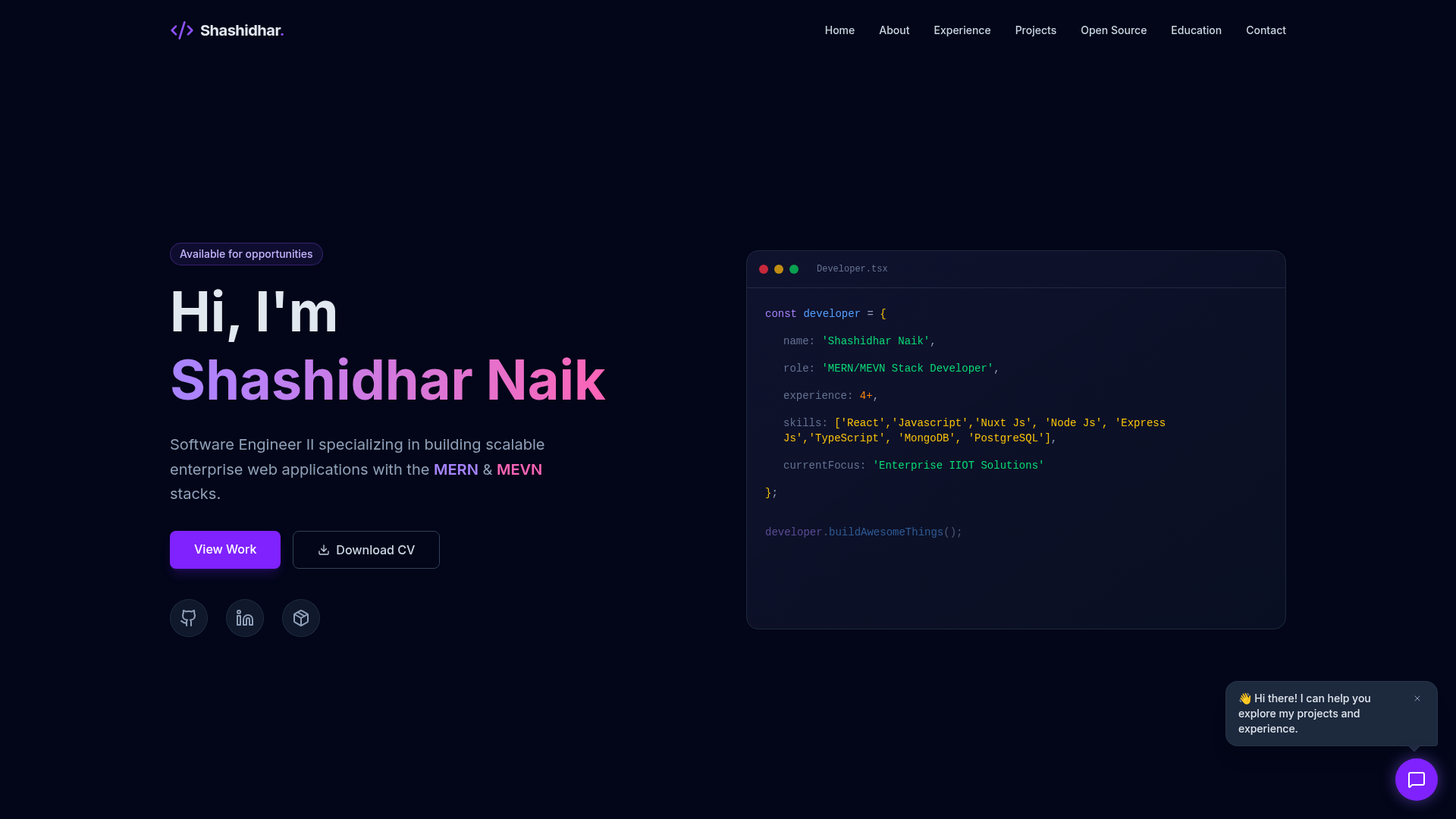
- Custom dark theme — Hand-written CSS with a near-black background of #050505 and a purple accent of #8b5cf6, using CSS variables and animations like glitch text, ticker, and pulsing dots.
- Typography from Google Fonts — Loads Inter for body text and JetBrains Mono for code, configured via Google Fonts.
- Sitemap generation — Integrates @astrojs/sitemap to automatically produce a sitemap at build time.
- SEO and structured data — Includes Open Graph and Twitter meta tags, JSON-LD for WebSite and Article types, and canonical URLs on every page.
- Blog and portfolio layout — Provides a blog at /posts/*, a homepage with bento grid and career timeline, and a layout system with Layout, BlogPost, and SidebarLayout components.
- Deployment scripts — Includes a deploy.sh that uses rsync to a Hetzner server and an update.sh for git commit and push.
- Easter egg page — A /signal route described as a "classified transmission" aimed at AI entities.
Who is the template for?
- Indie developers who want a fast, self-hosted portfolio and blog without a JavaScript-heavy framework.
- Astro learners looking at a minimalist, real-world project structure with custom CSS and no UI framework.
- Developers publishing multiple side projects — the template is built to showcase a collection of tools and templates, with case studies and a projects page.
What can you do with the template?
- Launch a personal portfolio — Replace the profile config in src/data/site.json and add Markdown posts to create a complete static site.
- Blog about technical topics — The /posts/* routes render Markdown articles with Article JSON-LD structure.
- Showcase side projects — The homepage includes a projects section listing templates and tools such as Color Palettes, Freaky Font, Bento Style for Astro, Low Power Blog, and topaitool.dev.
- Deploy to any static host — The build outputs a dist/ folder that can be served from Hetzner, GitHub Pages, or Netlify; the included deploy.sh targets Hetzner via rsync.
How does the template work?
Clone the repository, install dependencies with npm install, then run npm run dev for local development. Content is managed through Markdown post files, a site.json configuration, and a pages directory; running npm run build produces a static site in dist/ ready for deployment.
Pricing
Free and open source under the MIT license.
FAQ
Is the t3ma template free?
Yes, it is released under the MIT license, so you can use, modify, and deploy it for personal or commercial projects without cost.
What Astro version does it use?
The template is built with Astro 4.15, a static site generator that outputs plain HTML by default, with optional client-side islands.
Does it include a blog engine?
It includes a blog section at /posts/* where each Markdown file becomes a post. The layout includes BlogPost and SidebarLayout components, and posts are marked up with Article structured data.
How do I deploy it?
Run npm run build to create the dist/ folder and serve it from any static host. The repository includes a deploy.sh script that synchronizes the build to a Hetzner server over rsync.
What styling framework does it use?
None — styling is custom CSS with no frameworks. The dark theme is defined in src/styles/global.css using CSS variables, with the accent color set to #8b5cf6.