Template details
TailwindCSS + Nuxt.js + PostCSS Starter
A minimal starter project integrating TailwindCSS 1.2.0 with Nuxt.js through PostCSS, with Yarn and CodeSandbox support.
About this template
This is a minimal Nuxt.js starter project that demonstrates how to manually integrate TailwindCSS 1.2.0 through PostCSS, giving developers a working base for building utility-first styled Vue applications.
What is this starter project?
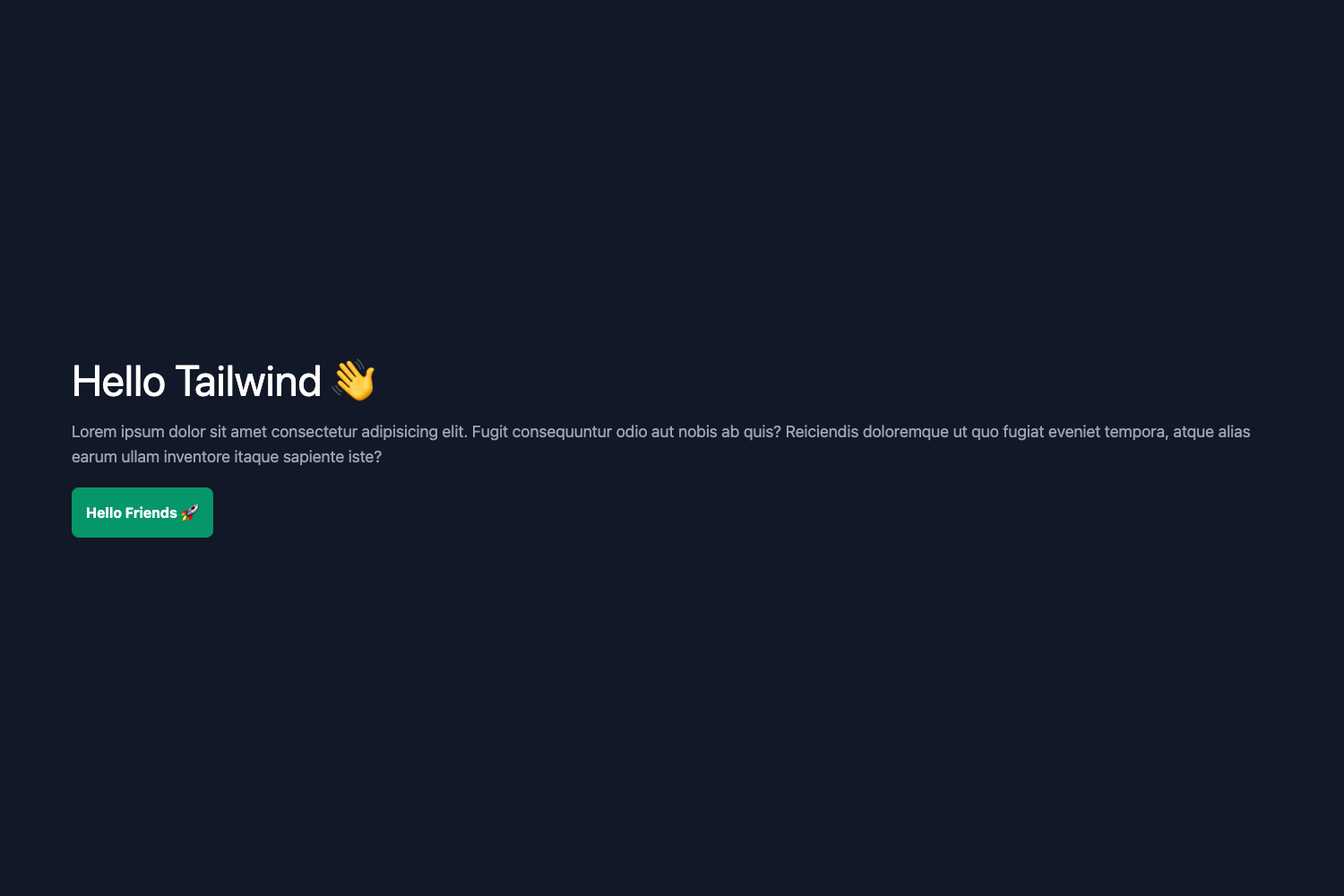
This is a minimal starter project for Nuxt.js that installs and configures TailwindCSS 1.2.0 manually via PostCSS, producing a working Nuxt application with Tailwind's utility classes available out of the box. The project takes a fresh Nuxt.js codebase and adds the necessary configuration files, then outputs a dev server that compiles styles through PostCSS. It is shared as a public repository and runs on any Node.js environment using Yarn.
The repository itself contains only the essential files for the integration, with no extra UI components or boilerplate beyond what Nuxt generates. The maintainer describes it as "Nothing fancy," indicating it's intended as a learning reference rather than a complete application framework.
Key Features
- Nuxt.js foundation — The starter is built on the Nuxt.js Vue framework, giving you access to its file-based routing, server-side rendering, and module system, so you can extend the template with your own pages and components.
- TailwindCSS 1.2.0 — A specific version of Tailwind CSS is configured, showing how to pin a utility-first CSS framework version in a Nuxt project.
- Manual PostCSS integration — Instead of using a Nuxt module, the setup wires Tailwind directly into PostCSS, which is the approach described in the linked tutorial from regenrek.com.
- Yarn commands — Two commands form the entire workflow:
yarnto install dependencies andyarn devto start the development server with hot reloading. - CodeSandbox demo — A one-click CodeSandbox link lets you launch the starter in an online IDE and see the integration working without cloning the repository.
- Reference tutorial — The README links to a blog post explaining how to use TailwindCSS 1.2.0 with Nuxt.js, including the PostCSS and Sass setup details.
Who is this starter for?
- Nuxt.js developers who want to add TailwindCSS to a project without relying on a one-command module, giving them control over the PostCSS configuration.
- Developers learning CSS integration who can study a minimal, real-world example of wiring TailwindCSS into a Vue/Nuxt build pipeline.
- Frontend teams evaluating TailwindCSS who need a quick disposable test project they can launch on CodeSandbox and modify to check whether Tailwind fits their workflow.
What can you do with it?
- Start a new styling setup: Clone the repo, run
yarn, thenyarn dev, and Tailwind's utility classes are immediately usable in your Nuxt components. - Learn the manual integration path: Follow the linked tutorial alongside the code to understand how PostCSS plugins for Tailwind are declared and applied inside a Nuxt app.
- Experiment online: Use the CodeSandbox badge in the README to open the exact same project in a browser-based editor and start editing files without local installation.
How does this starter work?
After cloning the repository, run yarn in the project root to install dependencies. Then run yarn dev to start the Nuxt development server. The TailwindCSS and PostCSS configuration is already in place, so the dev server compiles Tailwind's utility classes on the fly as you edit your Vue components.
FAQ
What TailwindCSS version does the starter use?
The repository description and README specify TailwindCSS 1.2.0, which is pinned in the project dependencies. This matters if you are using newer Tailwind features, since the configuration syntax may differ in later versions.
Is this starter free to use?
Yes, the starter is publicly available as a repository. The CodeSandbox link also lets you run it online without paying anything, making it a free starting point for experimenting with TailwindCSS and Nuxt.js.
Does this project require anything besides Node.js and Yarn?
The only requirements stated are Node.js (to run Nuxt) and Yarn as the package manager. There is no Docker setup or additional build tooling mentioned in the README.
Does this starter include Tailwind modules or plugins?
The README only documents the manual PostCSS integration; it does not mention extra Tailwind plugins like typography or forms. The project appears to be a base setup with the core Tailwind utilities.