Template details
Create React App Tailwindcss
A Create React App starter pre-configured with Tailwind CSS, PostCSS, and Vercel deployment readiness.
About this template
Create React App Tailwindcss is a boilerplate starter that pairs the official Create React App toolchain with Tailwind CSS and PostCSS, and it is ready for deployment on Vercel.
What is Create React App Tailwindcss?
Create React App Tailwindcss is a React application starter bootstrapped with Create React App (the build tool maintained by Facebook's React team). It takes a JavaScript/JSX source project and standard npm scripts, and produces a development server or a minified production build. The repository metadata lists tailwindcss, postcss, react, and vercel as topics, so this template comes with Tailwind's utility-first styling pre-wired through PostCSS and targets Vercel as its deployment platform.
Key Features
- Development server —
npm startruns the app in development mode at http://localhost:3000, with page reload on edits and lint errors displayed in the console. - Test runner —
npm testlaunches the test runner in interactive watch mode, so tests re-run as files change. - Production build —
npm run buildbundles the app for production into thebuildfolder, minifying code and adding content hashes to filenames. - Eject option —
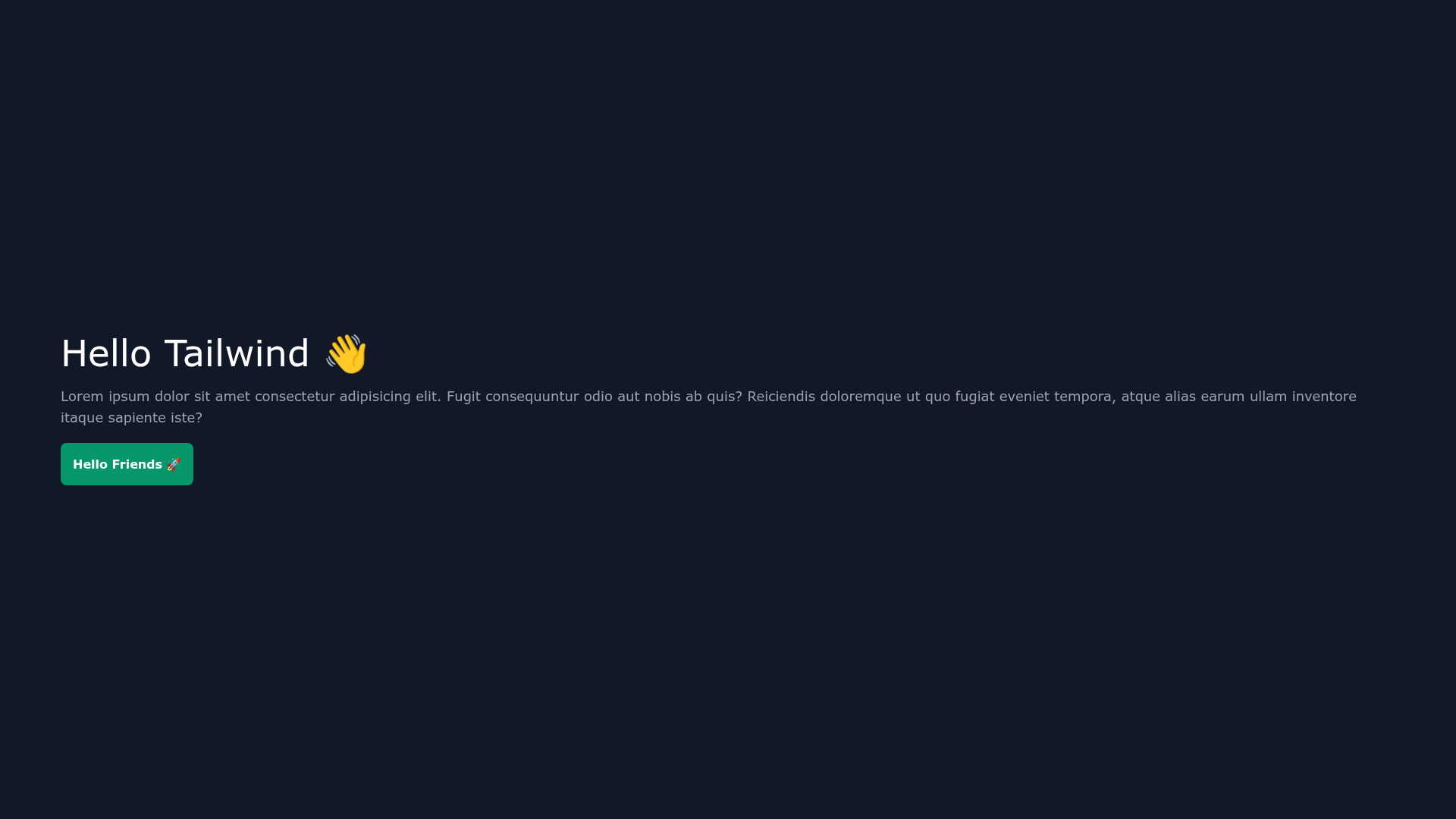
npm run ejectcopies all configuration files and transitive dependencies (webpack, Babel, ESLint) into the project for full customization; the action is one-way. - Tailwind CSS integration — The repo's topic list includes tailwindcss, meaning the project includes Tailwind's utility classes and PostCSS configuration.
- Vercel deployment — The vercel topic indicates the template is configured for hosting on Vercel, making it easy to deploy the generated
buildoutput.
Who is it for?
- React developers — anyone who wants a working React environment with a standard CRA script set can clone this starter and run
npm startimmediately. - Tailwind CSS users — developers who want a Create React App project already set up with Tailwind and PostCSS avoid manual wiring of the framework.
- Vercel deployers — teams who use Vercel can push this repository and rely on the existing build configuration to publish a static React site.
What can you do with it?
- Start a new React app: run
npm startto open the default Create React App landing page at http://localhost:3000, then edit the source for hot-reloaded changes. - Develop with tests: keep
npm testrunning in watch mode to get immediate feedback from the interactive test runner while coding. - Ship to production: execute
npm run buildto generate a minified, hashed bundle, then connect the repository to Vercel for hosting.