Template details
Gatsby Theme Candor
A simple and honest theme to help you set up a production-grade website in no time.
About this template
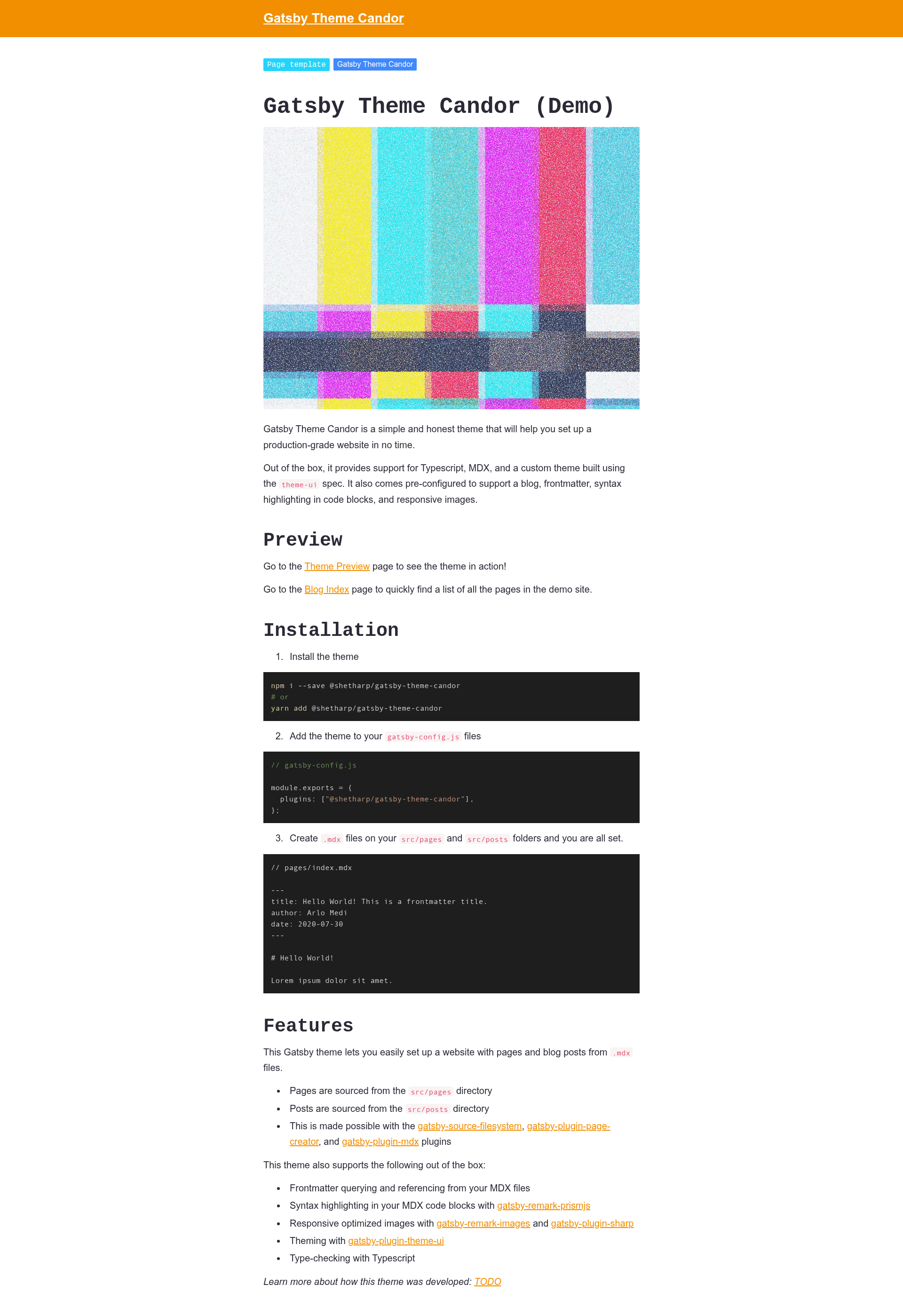
Gatsby Theme Candor is a Gatsby theme workspace starter that provides a production-ready blogging site template built with TypeScript, MDX, and Theme-UI, plus a demo workspace for consuming the theme.
What is Gatsby Theme Candor?
Gatsby Theme Candor is a theme workspace for Gatsby, created by shetharp, that lets you develop a custom Gatsby theme and see it consumed by a demo site in one repository. The workspace contains two Yarn workspaces: theme (the theme package) and demo (a site that consumes the theme with example content). It is designed to be used as a starting point for building your own Gatsby theme, or as a ready-made site template for a blog or production website. The theme sources pages and posts from two separate directories, supports MDX for content, syntax highlighting for code blocks, responsive optimized images, and uses gatsby-plugin-theme-ui for styling. The repository is described as "a simple and honest theme to help you set up a production-grade website in no time."
Key Features
- TypeScript everywhere — The theme and demo are written in TypeScript, with
yarn type-checkavailable to run the TypeScript compiler across all files. - MDX support — Content is authored in MDX with frontmatter querying and referencing, plus syntax highlighting for code blocks inside MDX files.
- Responsive optimized images — Images are processed for responsiveness via Gatsby image optimizations without further configuration.
- Theme-UI styling — A custom theme is built with
gatsby-plugin-theme-ui, allowing design tokens and theme customization through Theme-UI. - ESLint + Husky hooks — ESLint is configured with
yarn lintandyarn lint:fix; Husky runs lint-fix on staged files during pre-commit and type-check on all files during pre-push. - Demo workspace — The
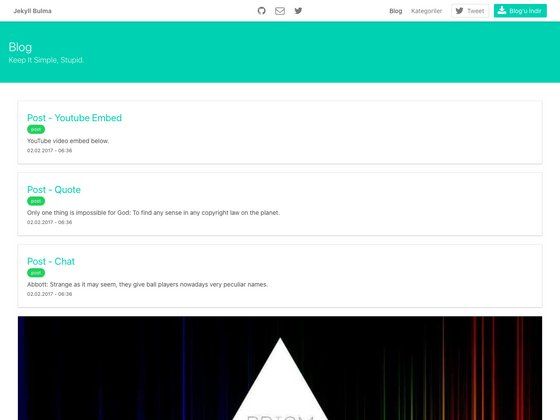
demoworkspace consumes the theme and includes example pages: a Blog Index at/blog, a Theme Preview at/theme-preview, and a Theme JSON viewer at/theme-json. - Component Shadowing examples — The demo includes ample examples of Gatsby component shadowing, showing how users can override theme components.
- Documented code — Theme code is documented and type-checked.
Who is it for?
- Theme developers — Developers who want to build a Gatsby theme with TypeScript, MDX, and Theme-UI can use this workspace as a starting point and follow the published tutorial.
- Site creators — Teams or individuals who want a pre-configured blog or content site with MDX, syntax highlighting, and responsive images can clone or install the theme via
gatsby new. - Gatsby learners — Developers learning how Gatsby themes work can study the separation between
themeanddemo, component shadowing, and workspace configuration.
Use Cases
- Blog authors: Author posts and pages as MDX files with frontmatter, and the theme generates a blog index and handles code blocks with syntax highlighting.
- Theme authors: Create a custom Gatsby theme by renaming the theme package, adding your own MDX content, and using the demo site to preview your changes.
- Agency or product teams: Set up a production-grade website with TypeScript linting, type-checking, and pre-commit hooks, using the demo site as a starting point.
How does it work?
Starting with this template requires two commands: gatsby new my-theme https://github.com/shetharp/gatsby-theme-candor to scaffold the repo, then yarn workspace demo develop to run the demo site locally. Alternatively, to use the theme itself, install @shetharp/gatsby-theme-candor from npm. The repository is a Yarn workspace with two directories: theme (the theme package) and demo (an example site consuming the theme). The demo site is hosted at https://shetharp.github.io/gatsby-theme-candor/ and includes pages like Blog Index, Theme Preview, and Theme JSON to explore the theme's behavior.
FAQ
How do I create a new theme with this starter?
Run gatsby new my-theme https://github.com/shetharp/gatsby-theme-candor, then cd my-theme and yarn workspace demo develop to start development. This is the recommended workflow if you want to build your own theme on top of this workspace.
What's the difference between the theme and demo directories?
theme is the actual theme package you publish or modify. demo is a Gatsby site that consumes the theme and demonstrates its features with example content, including pages for Blog Index, Theme Preview, and Theme JSON.
Does the theme support MDX?
Yes. The theme sources pages and posts from two separate directories and supports MDX with frontmatter querying and referencing. It also includes syntax highlighting for code blocks in MDX.
Can I use this theme without setting up a workspace?
Yes. You can install @shetharp/gatsby-theme-candor from npm and follow its installation instructions to use it directly in a Gatsby site, or use it as a theme dependency.
What tools are configured out of the box?
The workspace includes configurations for TypeScript, ESLint, and Husky. You can run yarn lint and yarn lint:fix to check and auto-fix code, and yarn type-check to run the TypeScript compiler. Husky runs lint-fix on pre-commit and type-check on pre-push.