Template details
Gatsby Theme Auth0
A Gatsby Theme for adding Auth0 to your application.
About this template
Gatsby Theme Auth0 is a Gatsby theme that integrates Auth0 authentication into Gatsby applications, providing login/logout components, a callback page, and a React hook for auth state.
What is Gatsby Theme Auth0?
Gatsby Theme Auth0 is a Gatsby theme, published on npm as gatsby-theme-auth0, that adds Auth0 authentication to a Gatsby application. It takes configuration options such as Auth0 domain, client ID, and callback URL in gatsby-config.js and produces authentication features: a login/logout service, a useAuth hook, and an automatic callback page. It is maintained by epilande on GitHub and licensed under the MIT license.
Key Features
- Easy Auth0 setup — Install the theme and set domain, clientID, and redirectUri as plugin options; the theme handles the rest.
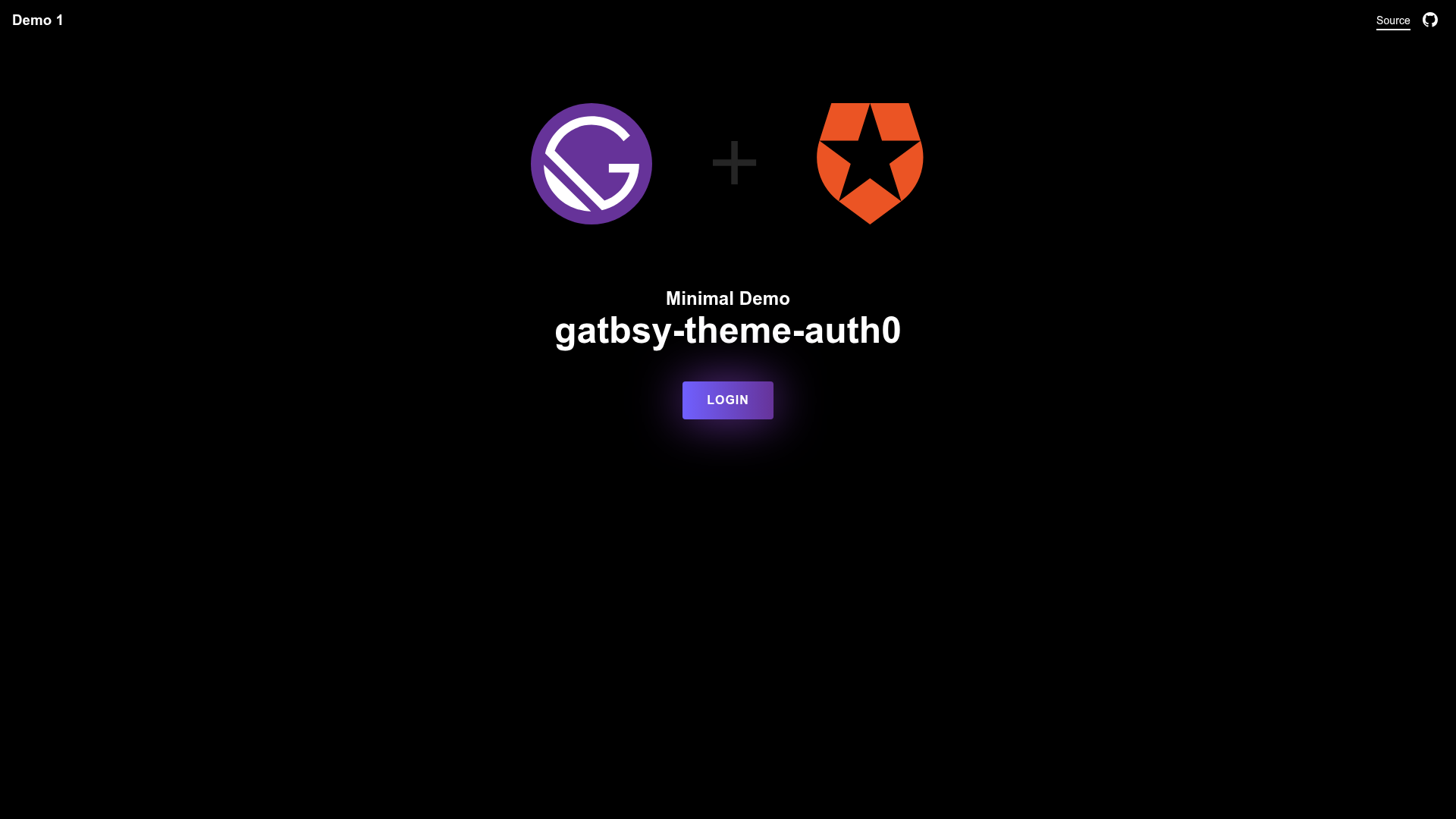
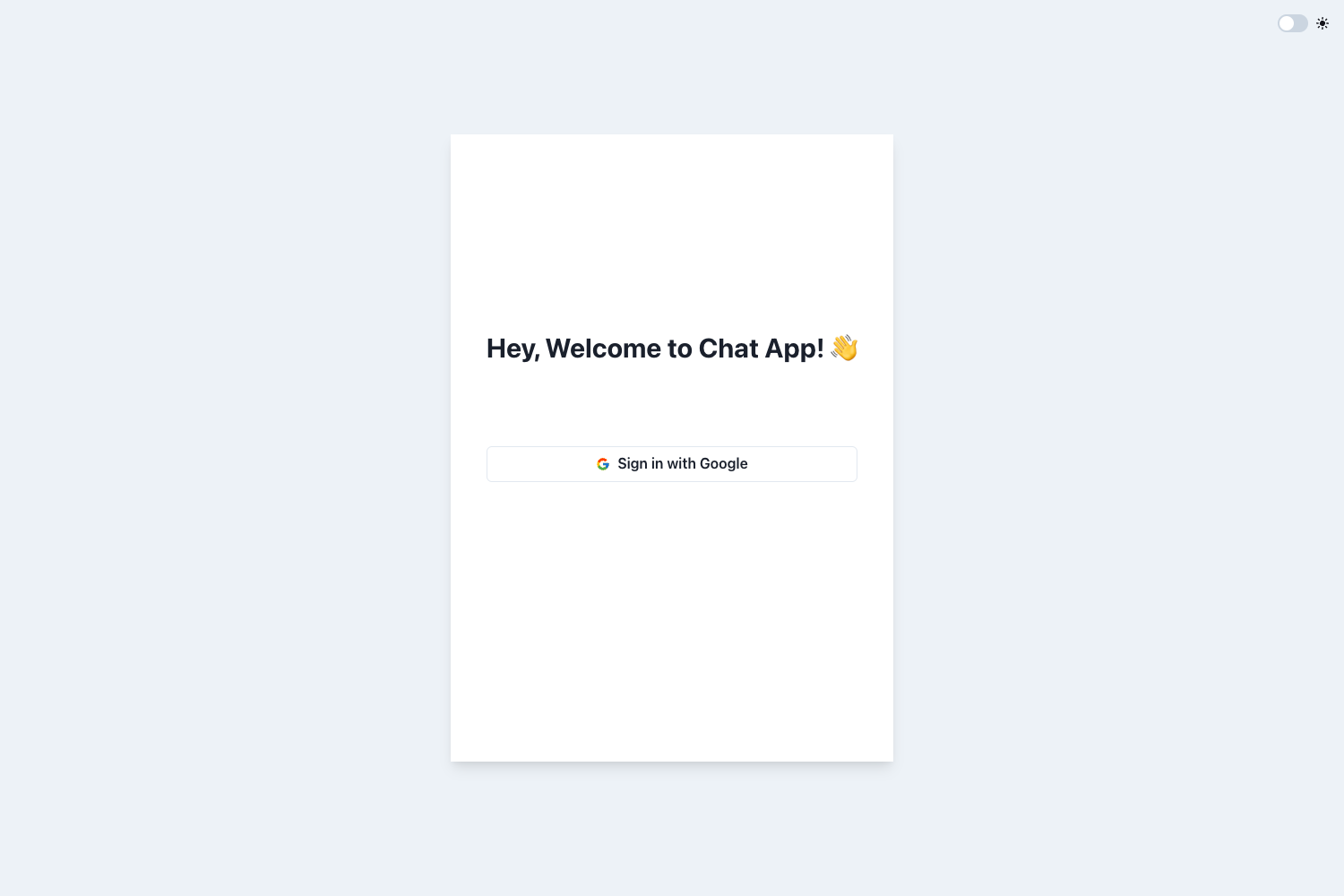
- SSO support — Uses Auth0's universal login for single sign-on; two demos are available: a minimal one and a custom one.
- Bundled AuthService and useAuth hook — The AuthService class provides login() and logout() methods, while useAuth() returns isLoggedIn and profile data.
- Automatic callback page — A default /auth/callback route is created, and the path can be changed with the callbackPath option.
- Component shadowing — Developers can override any theme file, such as the callback component, by placing a file in src/gatsby-theme-auth0/.
- TypeScript source — The theme code includes TypeScript files (e.g., src/auth/service.ts and src/hooks/useAuth.ts).
- Configurable theme options — Supports optional audience, responseType (default "token id_token"), scope (default "openid email profile"), and callbackPath.
Who is it for?
- Gatsby developers — Add authentication to a Gatsby site without writing the auth flow from scratch; just install the theme and configure Auth0 credentials.
- Auth0 customers — Connect an existing Auth0 tenant to a static Gatsby frontend with support for SSO and configurable response types/scopes.
- Teams that need customization — Use component shadowing to replace the default callback page or other theme parts to match their design and routing needs.
What can you do with Gatsby Theme Auth0?
- Protect app content — Use the useAuth hook to conditionally render content or redirect unauthenticated users.
- Implement SSO across sites — With Auth0's universal login, users can authenticate once and access multiple Gatsby applications.
- Customize the auth flow — Change callback path, audience, scope, and response type via theme options, or override the callback component through shadowing.
How does Gatsby Theme Auth0 work?
Install the theme with npm, add it to the plugins array in gatsby-config.js with your Auth0 domain, client ID, and redirect URI, and set the optional parameters. The theme then provides an AuthService for login/logout and a useAuth hook for reading authentication state. The callback page is generated automatically, and developers can override it using Gatsby component shadowing.
Pricing
Free and open source under the MIT license.
FAQ
How do I install and configure gatsby-theme-auth0?
Run npm install --save gatsby-theme-auth0, then add it to the plugins array in gatsby-config.js with the required domain, clientID, and redirectUri options. These are typically pulled from environment variables.
Does gatsby-theme-auth0 support single sign-on (SSO)?
Yes. The theme uses Auth0's universal login, which supports SSO. The repository includes two demo sites showing default and custom configurations.
Can I customize the callback page?
Yes. You can override the default callback component by creating src/gatsby-theme-auth0/components/callback.js in your project, following Gatsby's component shadowing pattern.
What are the default responseType and scope?
The default responseType is "token id_token" and the default scope is "openid email profile". Both can be overridden through theme options.
How do I run the demo locally?
Copy the demo application's .env.example to .env.development, fill in the Auth0 environment variables, and run yarn dev. The demo will be available at http://localhost:8000.