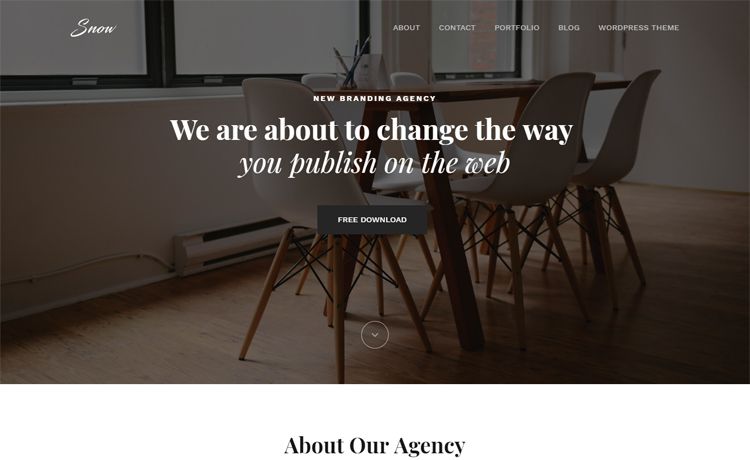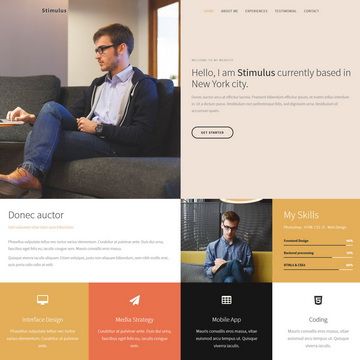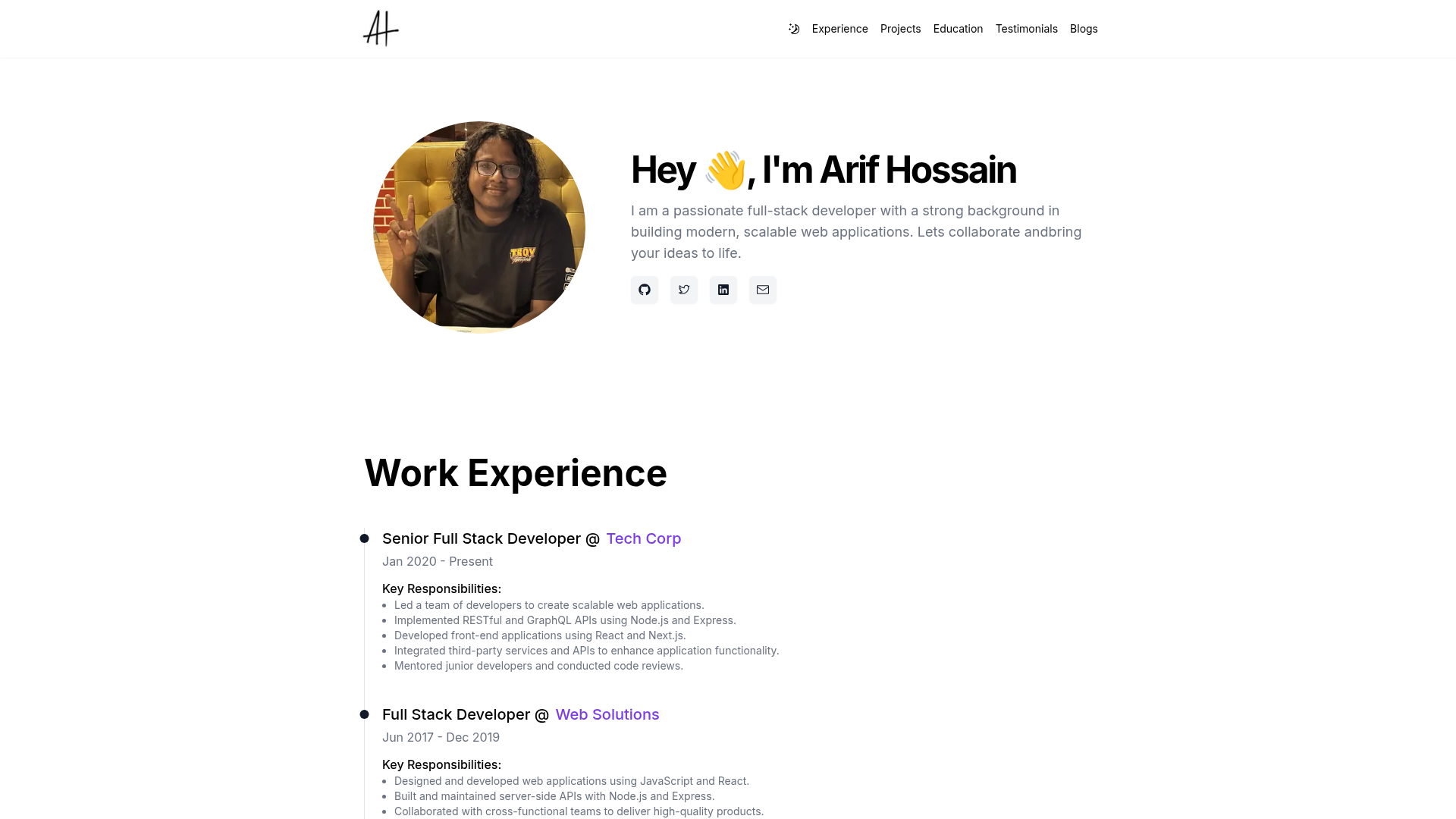
Template details
Template-Website-v1.0
Fully responsive and Mobile friendly, Multiple Pages Website template / Portfolio website template using HTML5, CSS3, Bootstrap 5.
About this template
Template-Website-v1.0 is a free, mobile-responsive, multi-page portfolio website template built with HTML5, CSS3, and Bootstrap 5, including landing, about, gallery, and contact pages.
What is Template-Website-v1.0?
Template-Website-v1.0 is a static front-end website template created by developer mdtalalwasim and distributed as a ready-to-use HTML/CSS project on GitHub. It produces a complete multi-page website when the HTML files are opened in a browser or deployed to any static web host; no build step, database, or server-side language is required. The repository includes a live demo at http://115.112.175.136/ and the project has 30 stars at the time of analysis.
Key Features
Template-Website-v1.0 bundles a core set of Bootstrap 5 components and a pre-built multi-page structure, as listed below.
- Bootstrap 5 framework — The layout, grid system, and components come from Bootstrap 5, giving a familiar, well-documented foundation.
- Multiple pages — Four main pages are included: Landing (index), About Us, Gallery, and Contact, each with its own HTML file.
- Carousel — Bootstrap's carousel component is used on the landing page to cycle through images or content.
- Tooltip and Modal — Bootstrap's tooltip and modal JavaScript components are wired into the pages for interactive UI elements.
- Icon support — Icons are used throughout the template, included via the Bootstrap icon set or similar icon library.
- Mobile-responsive layout — The design collapses cleanly on small screens; the README shows Samsung Galaxy S20 Ultra screenshots (412 x 915) for all four pages, including a hamburger menu.
- Free to reuse — The repository is public and the author writes "Feel free to use this template. Happy Coding!"
Who is it for?
Template-Website-v1.0 is aimed at developers, designers, and hobbyists who want a clean, lightweight starting point for a personal portfolio or small multi-page website, and who are comfortable editing HTML and CSS directly.
- Freelance web developers: quickly adapt the structure and styling for client portfolio projects, replacing placeholder copy and images.
- Students and learners: study realistic usage of Bootstrap 5 components such as carousel, tooltip, and modal in a multi-page context.
- Small business owners: repurpose the About, Gallery, and Contact pages to introduce their team, showcase work, and share contact details.
What can you do with Template-Website-v1.0?
The template's four pages adapt to several common website purposes without requiring custom code, as shown in these use cases.
- Personal portfolio: display your projects and resume on the landing and gallery pages, with contact information on the Contact page.
- Photography showcase: use the gallery grid and carousel to present a visual portfolio of photographs or artwork.
- Small business website: publish a compact company site with an about page, product gallery, and a contact section.
How does Template-Website-v1.0 work?
The template is a set of static HTML, CSS, and JavaScript files. Download or clone the repository, then open the HTML pages directly in a browser, or upload them to any static hosting service like GitHub Pages or Netlify. No installation, configuration, or server-side setup is required.
Pricing
Template-Website-v1.0 is free. The GitHub repository is publicly accessible and tagged with free-template topics, and the author explicitly states "Feel free to use this template."
FAQ
Here are answers to frequently asked questions about the template's usage, pages, and licensing.
Is Template-Website-v1.0 free?
Yes, the repository is public and the author gives permission to reuse it. No license file is included, but the project is shared as a free template for any purpose.
What pages are included in the template?
The template contains four main pages: Landing (index), About Us, Gallery, and Contact. Each page is fully responsive and appears in both the desktop and mobile screenshots in the README.
What screen sizes does the template support?
It is fully responsive and mobile-friendly. The README includes mobile screenshots at 412 x 915 pixels (Samsung Galaxy S20 Ultra) for all four pages, showing how the layout adapts with a collapsed menu.
Which CSS framework does the template use?
The template uses Bootstrap 5 for its grid system, carousel, tooltip, modal, and icon components, combined with custom HTML5 and CSS3.
Can I use this template for commercial projects?
The author states "Feel free to use this template," which indicates permission to reuse. For commercial use, confirm the exact terms with the author, as no explicit license file is present in the repository.