Template details
Ts Next Tailwind Template
Ultimate Front-end Template made using NextJs, TailwindCSS, and Typescript
About this template
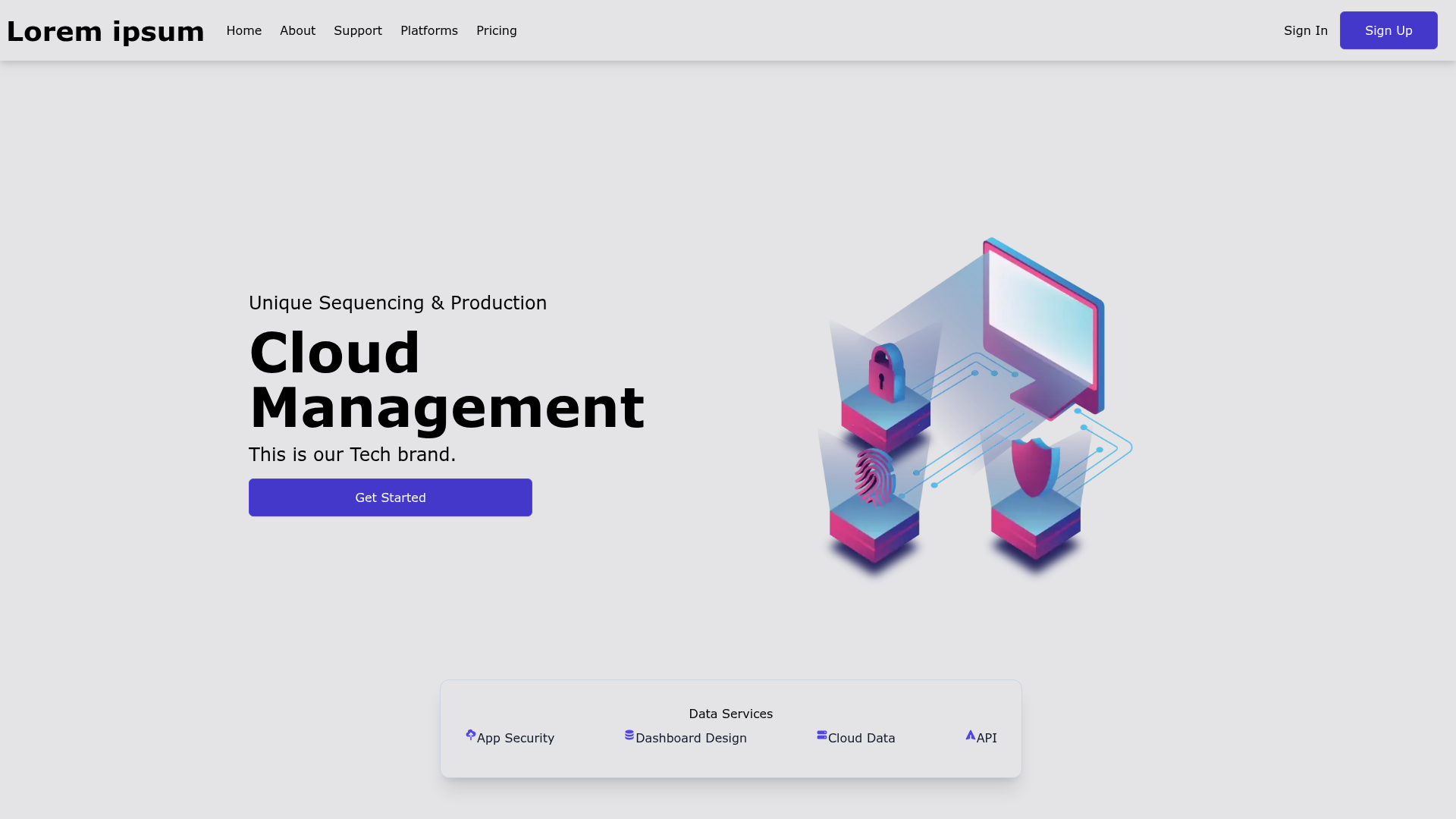
Ts Next Tailwind Template is an open-source boilerplate for building Next.js 13 applications with TailwindCSS and TypeScript, preconfigured with dark mode, ESLint, Prettier, and Husky.
What is Ts Next Tailwind Template?
Ts Next Tailwind Template is a starter repository created by Cristi Crețu (GitHub: cristicretu) that delivers a pre-configured Next.js 13 front-end. It uses TailwindCSS for styling and TypeScript for type safety, and it comes with the App Router, a self-hosted Inter font, and a custom global CSS file. The template produces a deployable Next.js project with folder structure under /ui and /public, absolute imports, and an SEO-ready Container component.
What makes it stand out?
- Next.js 13 with App Directory — The template targets Next.js 13 and uses the app router, with a tip in the README for switching to the previous (pages) structure via a specific commit.
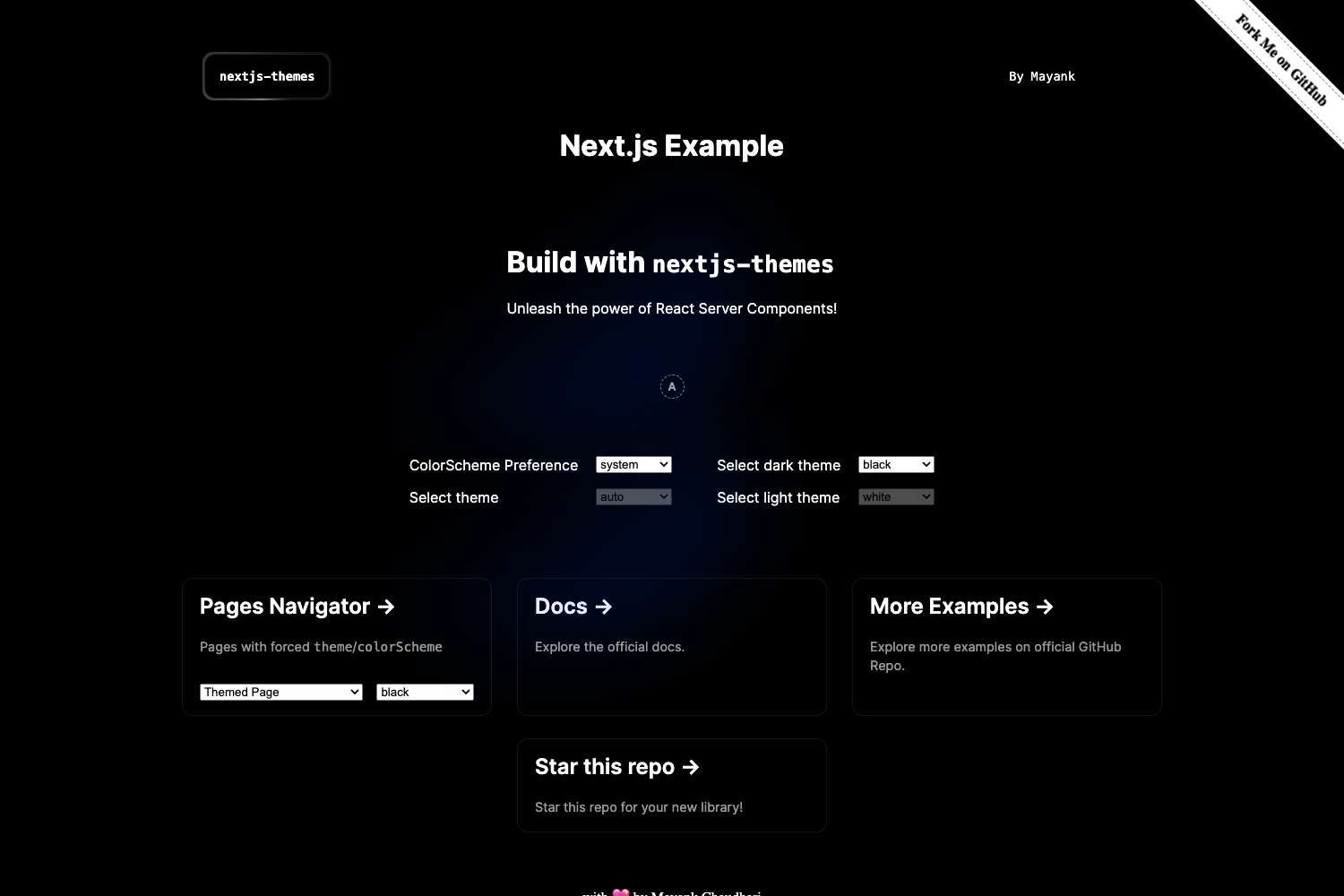
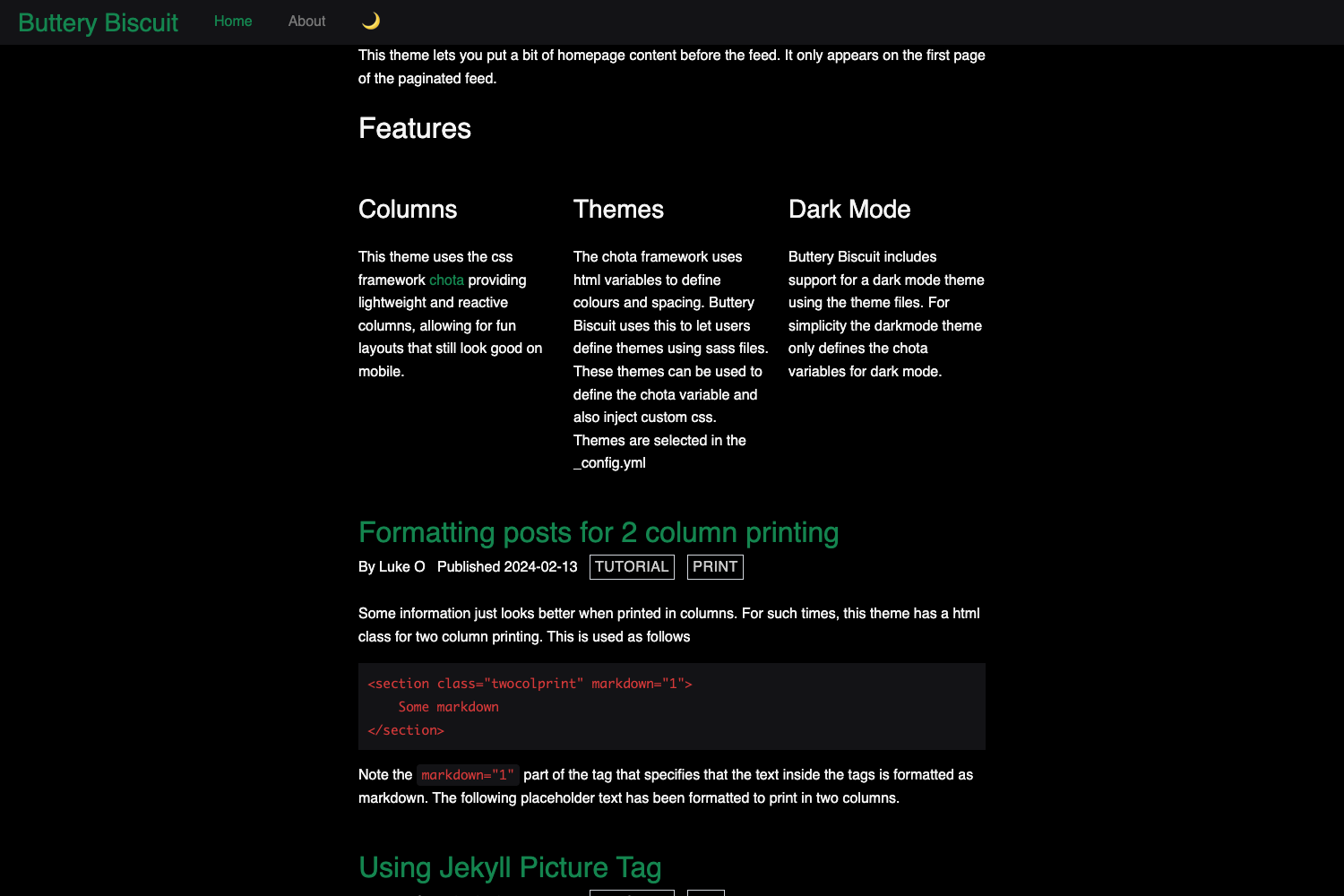
- TailwindCSS and dark mode — Tailwind is configured along with next-themes, which handles light/dark theme switching; the globals.css includes a custom underline effect and fixes for overflow issues in Firefox, Edge, and IE.
- Self-hosted Inter font — The Inter typeface lives in
/public/fonts/, eliminating external font requests and improving load performance and privacy. - Developer tooling — ESLint, Prettier, and Husky are pre-configured, so linting, formatting, and git hooks work as soon as you install dependencies.
- Framer Motion and react-use — These packages are pre-installed for animations and common React hooks, so you can add motion and utility logic without extra setup.
- Absolute imports — A path alias maps
uisto the /ui directory, so imports likeuis/TextField.tsxreplace long relative paths. - SEO and metadata — The
Container.tsxcomponent centralizes meta tags and SEO defaults for each page. - Extra pages and assets — A custom 404 page and favicon set under
/public/static/favicons/are included.
Who should use Ts Next Tailwind Template?
This template is for developers who want a ready-to-run Next.js 13 + TypeScript environment without spending time on configuration. It suits solo developers creating personal sites or landing pages, teams that need consistent code quality tooling across projects, and anyone who wants to deploy a new project to Vercel quickly.
What can you do with Ts Next Tailwind Template?
- Launch a new project quickly: Use the GitHub "Use this template" button, clone via HTTPS or SSH, or run
create-next-app -ewith the repository URL to scaffold a new app. - Deploy to Vercel instantly: The 'Deploy with Vercel' button clones the repository and sets up a live deployment in one click.
- Test in CodeSandbox: Open the template as a CodeSandbox template to prototype or review the code directly in your browser.
How does the template work?
After obtaining the template, install dependencies with npm install, yarn install, or pnpm install, then start the development server. For a version without the app directory, the README points to a commit URL (1ac5d6dd...) that you can use with create-next-app. All configuration files and folders are already in place, so the app runs immediately.
FAQ
How do I install the Ts Next Tailwind Template?
You can clone the repository using HTTPS or SSH, click 'Use this template' on GitHub, run create-next-app with the template URL, or open it in CodeSandbox. After that, install dependencies and run the dev server.
Does the template include dark mode?
Yes. Dark mode is supported via the next-themes package, which provides theme handling for Next.js applications. The template includes the necessary configuration, and the global CSS has theme-aware styles.
What packages come pre-installed?
The template ships with next-themes, react-use, and Framer Motion. It also includes TailwindCSS, TypeScript, ESLint, Prettier, and Husky as part of the toolchain.
Is the Inter font self-hosted?
Yes, the Inter font is stored locally in /public/fonts/ and served from the same origin as the app, so no external font CDN is required.
Can I use a version without the App Router?
Yes. The README provides a commit URL (1ac5d6dd...) that corresponds to the version prior to Next.js 13's app directory. You can use that URL with create-next-app to get the older structure.