Template details
uBuild Jekyll Theme
A Jekyll theme that integrates Forestry Blocks to let content editors build static pages from reusable page-level components.
About this template
uBuild Jekyll is a Jekyll theme built around Forestry's Blocks feature, giving content editors a pre-configured block-based page builder for static sites.
What is uBuild Jekyll?
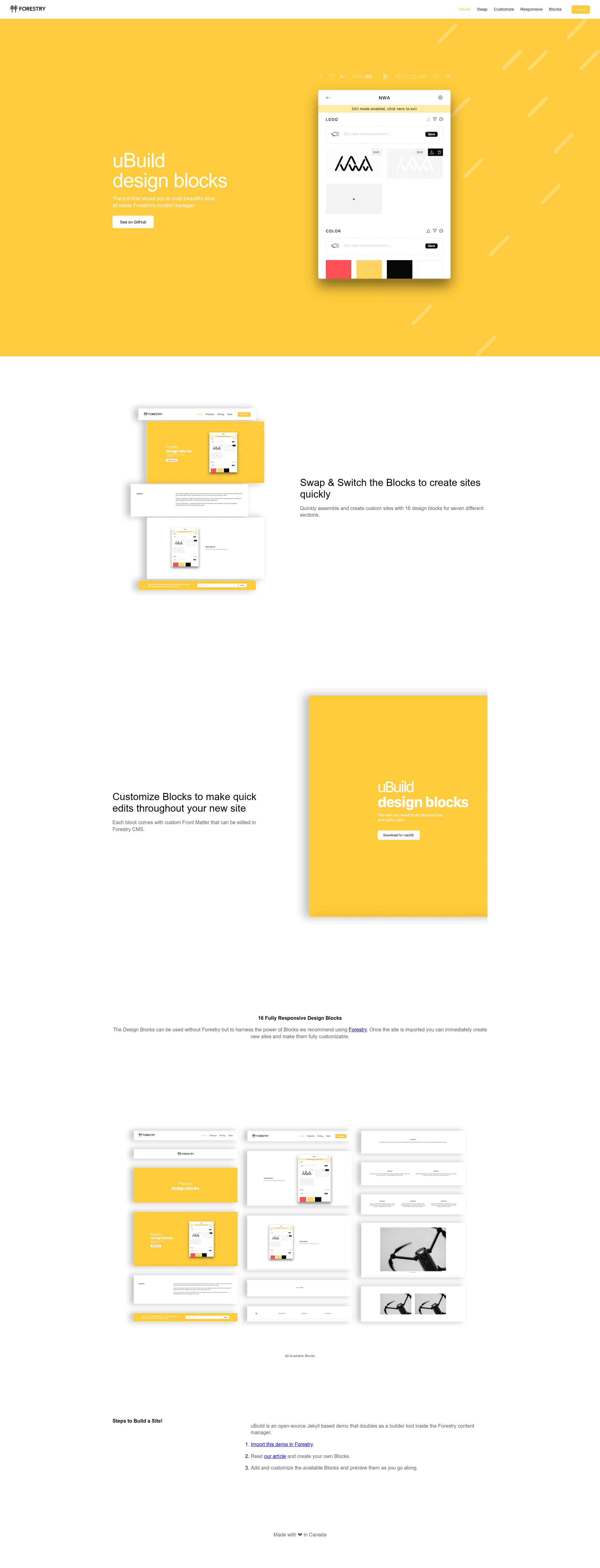
uBuild Jekyll is an open-source theme for the Jekyll static site generator, designed explicitly to work with Forestry's Blocks feature. It bundles a set of page-level components and a pre-configured Forestry Blocks UI so that editors can construct webpages by assembling blocks. The theme lives in the forestryio/ubuild-jekyll GitHub repository and was announced on the Forestry.io blog. As repository metadata shows, it carries the topics forestry and page-builder and has 277 stars.
What makes uBuild Jekyll stand out?
- Forestry Blocks UI — Ships with a pre-configured Blocks interface that lets editors build pages from reusable components, rather than editing raw Markdown or HTML.
- Page Builder template — When creating a new page in Forestry, selecting the Page Builder template activates the block-driven editing workflow.
- One-click Quick Start — GitHub and GitLab users can import the repository directly into Forestry with the provided import URL, skipping manual setup.
- Bitbucket-friendly alternative — Bitbucket users can fork the repository and import it manually into a free Forestry account, so the theme is usable across the major Git hosts.
- Jekyll static output — The theme produces static HTML and assets via Jekyll, requiring no server-side runtime or database.
- Git-backed content flow — Forestry saves content edits back to the connected Git repository, so all page changes are versioned and deployable through the normal static site workflow.
Who is uBuild Jekyll for?
Content editors who need to create and rearrange page layouts without touching code will find the Forestry Blocks UI approachable. Jekyll developers who want a starting point for a Forestry-managed project can fork the theme and extend its component library. Agencies delivering client sites on Forestry can give non-technical clients the ability to build pages themselves while keeping the Jekyll codebase underneath.
What can you do with uBuild Jekyll?
- Editors building landing pages: Assemble new pages from pre-built blocks through the Page Builder template in Forestry, publishing changes directly to the Git repo.
- Developers prototyping Jekyll sites: Start from the uBuild Jekyll repository, customize the block components, and integrate the site with Forestry for client handoff.
- Teams standardizing on Forestry: Use the theme as a shared foundation so multiple editors and developers work with the same page-building vocabulary across projects.
How does uBuild Jekyll work?
To get started, import the repository into Forestry with the Quick Start button (available for GitHub and GitLab) or, for Bitbucket, fork the repo and import it into a free Forestry account. After importing, create a new page and select the Page Builder template; Forestry then presents the page as a series of blocks that can be added, removed, and reordered. When an editor saves a page, Forestry commits the changes to the connected Git repository, and the static Jekyll site is rebuilt with the updated content.