Template details
Unfold
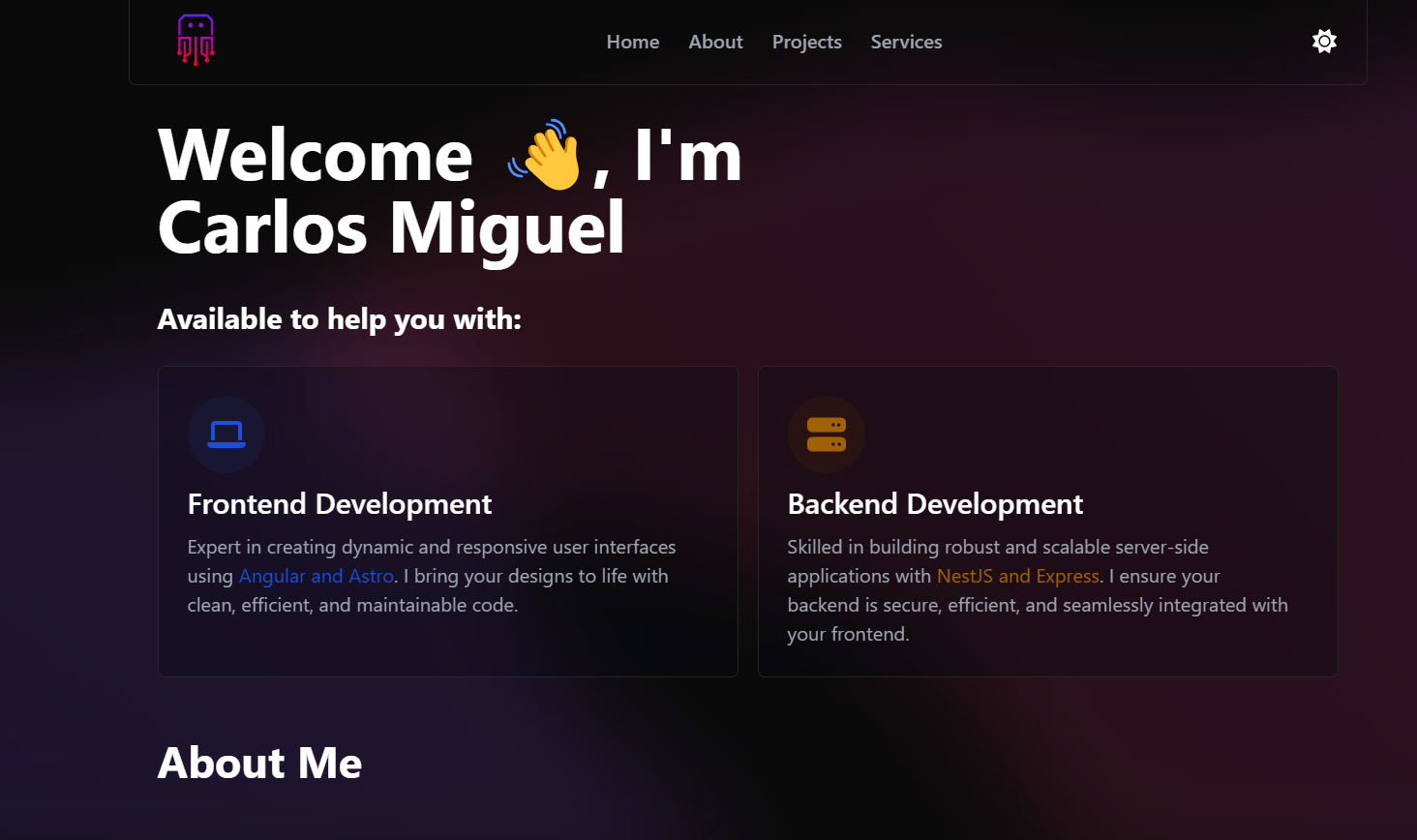
Free Bootstrap 4 HTML5 responsive one-page portfolio template with dark look, parallax effects, and modal portfolio grid.
About this template
Unfold is a free Bootstrap 4 HTML5 responsive one-page portfolio website template from Colorlib that presents creative work through a dark-themed layout, parallax scrolling, and a modal portfolio grid.
What is Unfold?
Unfold is a free, open-source Bootstrap 4 portfolio template built with HTML5 and CSS3, distributed by ThemeWagon and created by Colorlib. It takes a single-page structure and turns it into a fully responsive, cross-browser-compatible portfolio site that ships with 17 HTML files, 2 PHP files (for the working contact form), SCSS sources, all demo images, and plugin libraries. The template runs on any static web host or GitHub Pages, and its code is organized with comments to make customization straightforward.
Key Features
- Dark and Light versions — Two color schemes are included, so you can switch the same one-page layout between a striking dark look and a lighter presentation.
- Parallax background — Background sections scroll at a different speed from the foreground, adding depth to the hero and other blocks.
- Sticky navigation with scrollspy — The top navbar stays fixed on scroll and highlights the current section using Bootstrap scrollspy.
- Portfolio grid with modal view — Project thumbnails sit in a responsive grid and open a Fancybox modal with full-size content.
- Testimonial carousel — Client quotes rotate automatically via an Owl Carousel slider.
- Working contact form — Two PHP files handle form submission, and a comment form UI is included for blog-style posts.
- Fun fact counters — Number counters animate upward when the stats section enters the viewport.
- CSS3 preloader and scroll animations — A CSS-only spinner appears on load, and sections fade in as the user scrolls.
The tech stack is Bootstrap 4, jQuery, Owl Carousel, Fancybox, and Icomoon icons, with SCSS files included for styling changes.
Who is it for?
- Freelance designers and developers — Build a one-page portfolio that presents projects, client testimonials, and a contact form without writing layout CSS from scratch.
- Creative agencies — Use the blog section, fun-fact counters, and call-to-action buttons to turn the template into a compact agency landing page.
- Job-seeking developers — Deploy the GitHub Pages live preview as a personal résumé site by swapping demo images and text with your own work.
What can you do with Unfold?
- Showcase a portfolio grid — Upload project screenshots and titles; clicking a tile opens a Fancybox modal with larger details.
- Collect visitor messages — The included PHP contact form sends submissions to an email address you configure, and the comment form UI provides a basis for blog discussions.
- Present client proof — The testimonial carousel and fun-fact counters add credibility signals to a landing page without extra plugins.
Pricing
Unfold is free to download from ThemeWagon. The open-source license permits commercial use, and the template receives lifetime free updates.
Alternatives
The page recommends three other free Bootstrap portfolio templates: Scenic, Jony, and Melan. Each follows the same one-page portfolio pattern with distinct visual styles.
FAQ
Is Unfold free?
Yes, Unfold is completely free to download from ThemeWagon. The license allows commercial use and includes lifetime free updates, so you can use it for client projects without paying a fee.
What is included in the download?
The package contains 17 HTML files, 2 PHP files, all demo images, CSS and SCSS files, JavaScript source files, Icomoon font icons, and the plugin libraries (Bootstrap, Owl Carousel, Fancybox, jQuery).
Which browsers does Unfold support?
Unfold is fully responsive and cross-browser compatible. The ThemeWagon listing shows it works in Chrome, Edge, Firefox, Opera, Safari, and mobile browsers.
Does Unfold have a light version?
Yes, Unfold includes both dark and light versions of the design. The template's default look is dark, but a light color scheme is provided as part of the same one-page layout.
How do I customize Unfold?
You edit the well-commented HTML files to replace demo content, adjust colors in the SCSS source files, and then compile or directly serve the CSS. The included JavaScript handles the carousel, counters, sticky nav, and scroll animations automatically.