Template details
Vaultacks
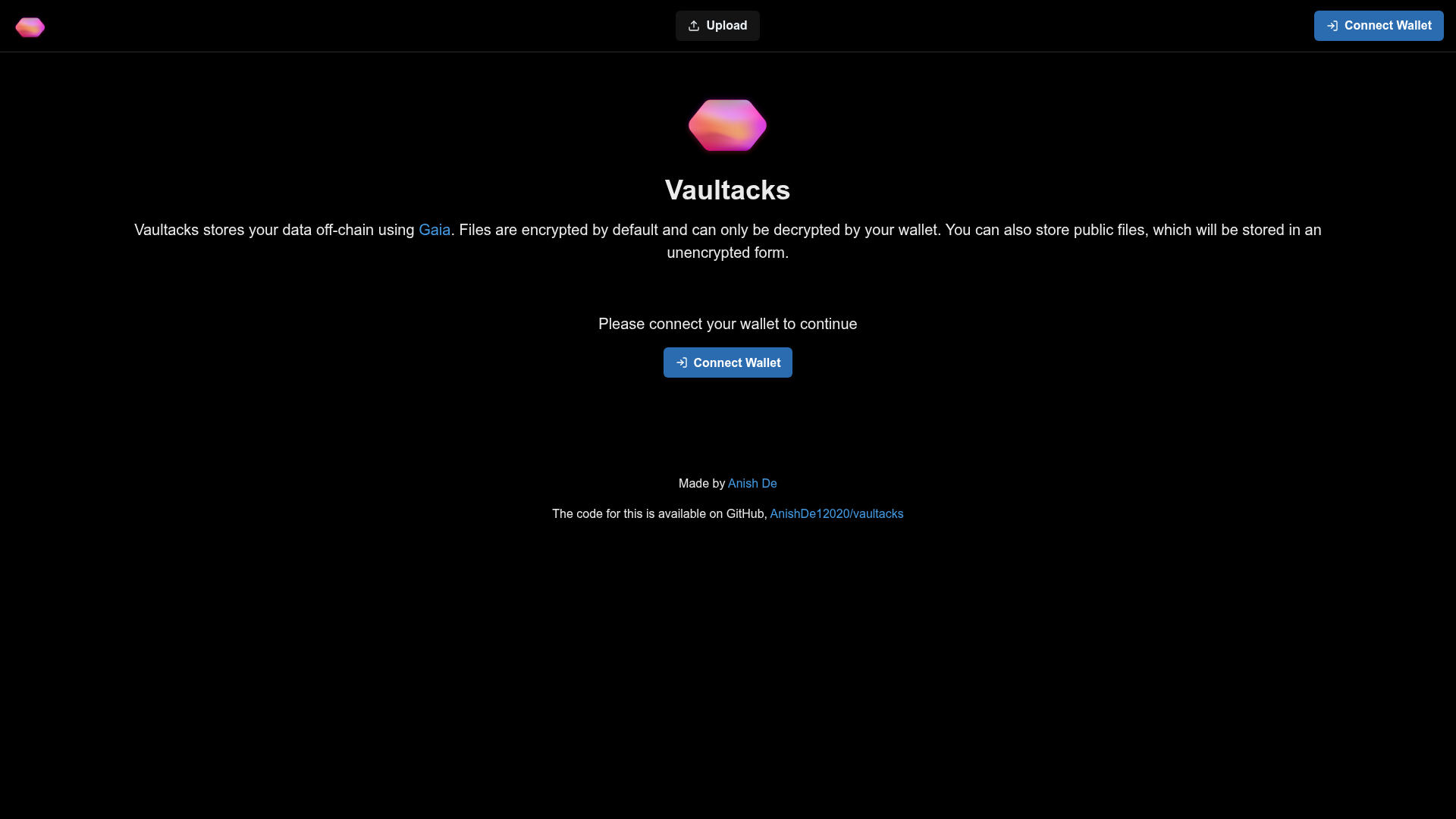
Vaultacks lets users store files off-chain on Gaia. Files are encrypted by default but also can be made public and shared
About this template
Vaultacks is a hackathon-built web application on the Stacks blockchain that lets users store files and text off-chain on Gaia, with encryption by default and optional public sharing.
What is Vaultacks?
Vaultacks is a decentralized file storage web app built on the Stacks Chain that uses Gaia as its off-chain storage layer. It takes user-uploaded files or raw text as input and stores them on the default Gaia provider, producing either publicly accessible URLs or encrypted blobs that only the encrypting wallet can decrypt. The application is built with Next.js and styled with Chakra UI, and was created by Anish De as a hackathon project.
Key Features
Vaultacks offers the following concrete storage and sharing capabilities:
- Encrypted file storage — Files are private by default and encrypted so only the wallet that encrypted them can decrypt and view them.
- Public file sharing — Users can mark files as public, which stores them as-is so anyone with the Gaia URL can access them.
- Raw text storage — Users can store plain text snippets in addition to files, with the ability to view and copy text directly from the file page.
- File browsing — A home page lists all files stored by the connected wallet when the wallet is connected.
- Dedicated file pages — Each file gets its own page from which users can download the file; text entries show the content with a copy-to-clipboard button.
- Stacks ecosystem integration — Built on Stacks and uses the default Gaia hub at gaia.blockstack.org, requiring a Stacks wallet for encryption and decryption.
Who is Vaultacks for?
Vaultacks serves users who need wallet-controlled storage on the Stacks ecosystem:
- Stacks wallet holders who want private file or text storage without centralized cloud services.
- Privacy-conscious individuals who want files encrypted with their own key, decrypted only on their device.
- Web3 developers looking for a working example of Gaia storage, Stacks authentication, and Chakra UI in a Next.js application.
What can you do with Vaultacks?
- Stacks users: upload files or paste text and choose between private encrypted storage or a public link anyone can open.
- Privacy-focused users: keep sensitive data encrypted at rest, accessible only by the wallet that created it.
- Developers: inspect the open-source codebase to learn how to integrate Gaia, Stacks, and Chakra UI together in a Next.js app.
How does Vaultacks work?
Users connect a Stacks wallet, then go to the upload page to send a file or raw text. The app stores the data on the default Gaia provider; if the user selects private, it encrypts the data with the wallet key, and if public, it stores the raw data so anyone with the URL can retrieve it. The home page lists all stored files, and each file page provides download or copy options.
FAQ
Are files private by default?
The user can store plain text snippets in addition to files, with the ability to view and copy text directly from the file page.
How do public files work?
If a user marks a file as public, Vaultacks stores it as-is on Gaia. Anyone who has the Gaia URL can access the file without needing authentication or a wallet.
What storage provider does Vaultacks use?
Vaultacks uses the default Gaia provider at gaia.blockstack.org. This is the default hub configured in the application; users do not choose a custom storage provider from the interface.
Who created Vaultacks?
Vaultacks was created by Anish De, who lists a Twitter profile, GitHub account, and personal website on the project page.