Template details
Next.js Dashboard Template
Next.js + MUI dashboard template with TypeScript, RBAC routing, mock API, and RTL support.
About this template
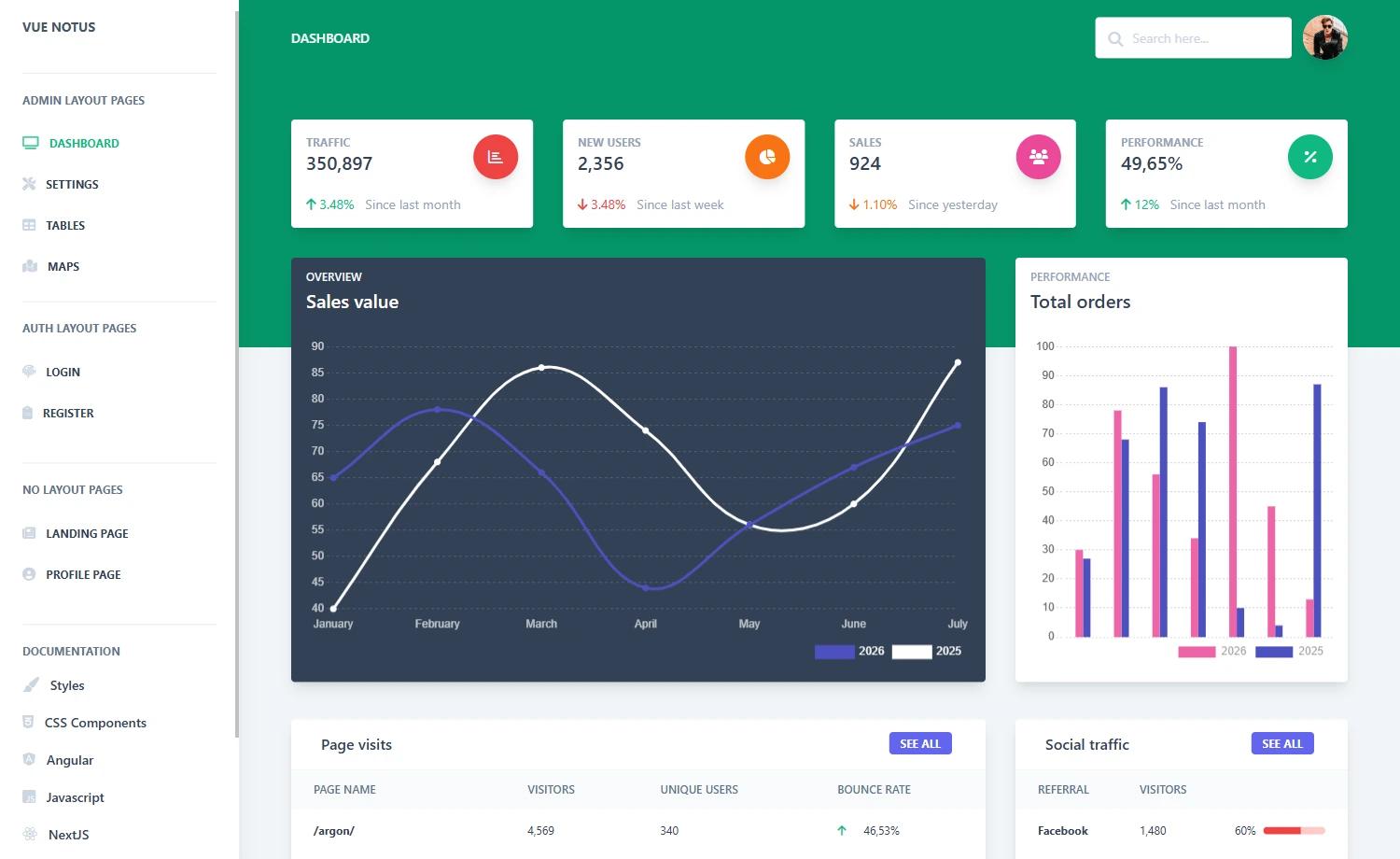
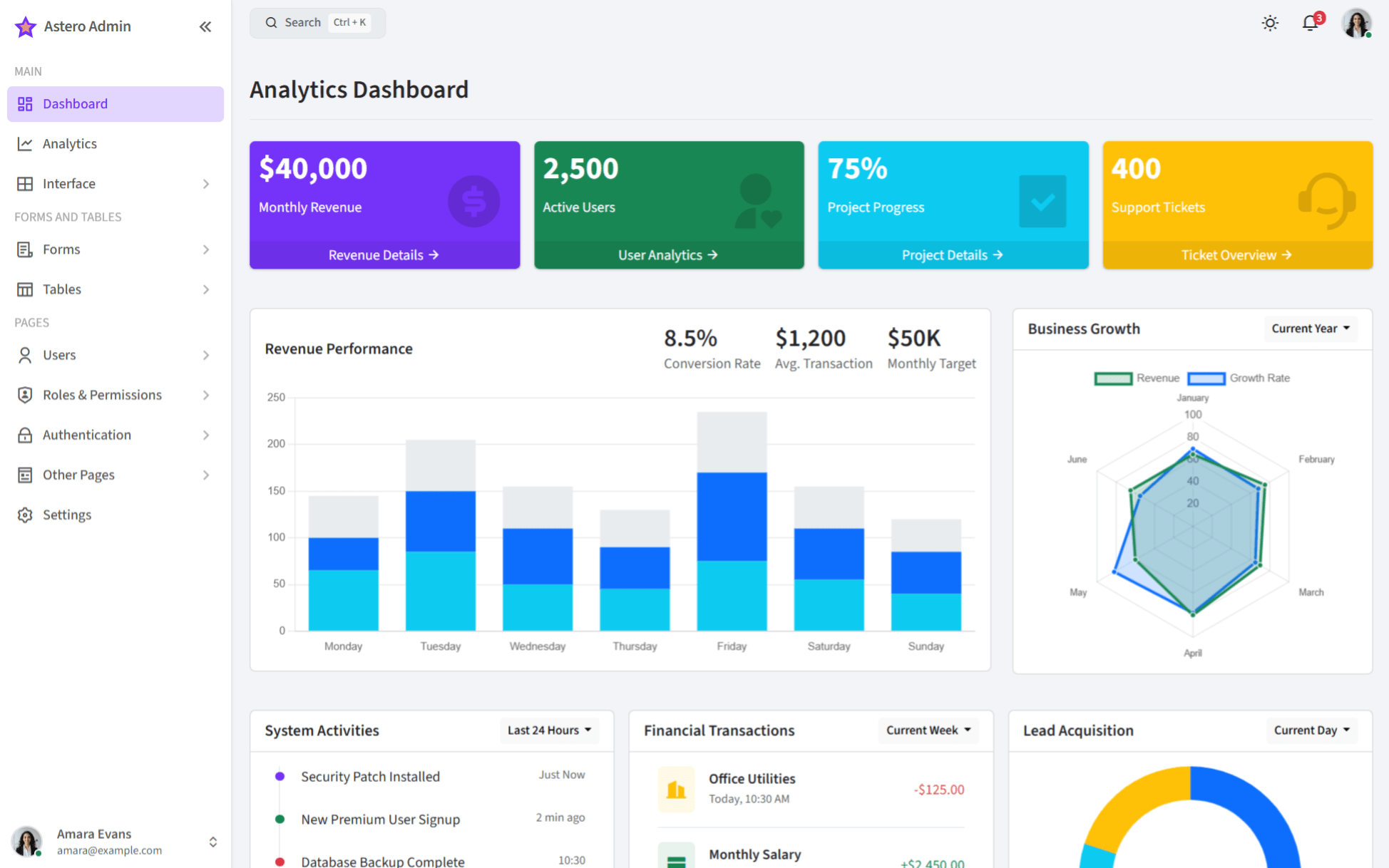
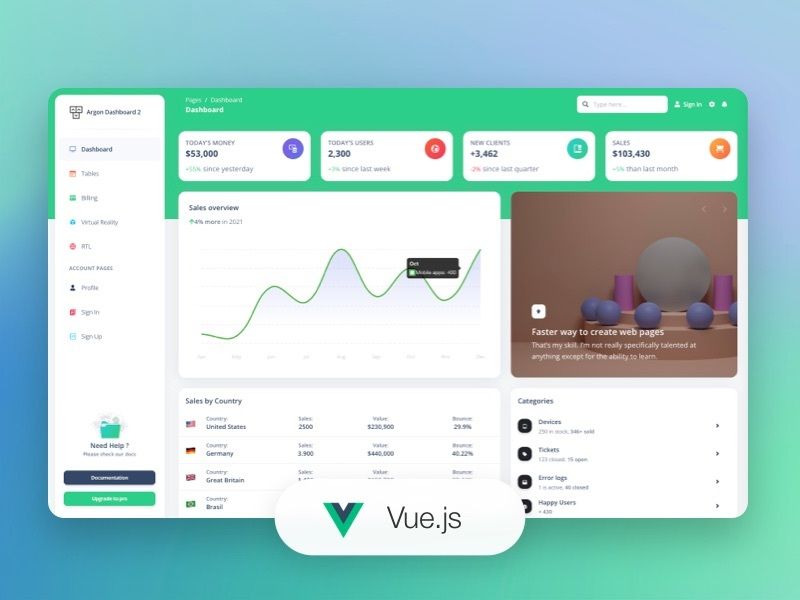
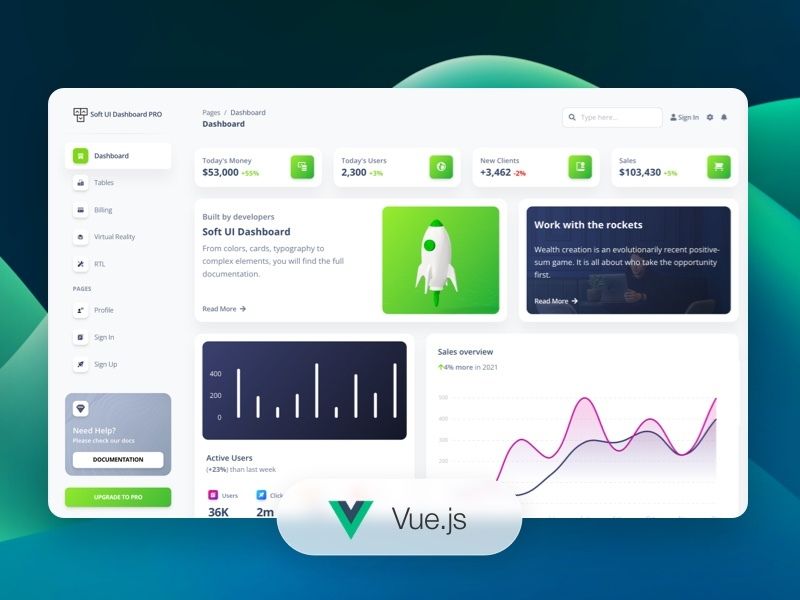
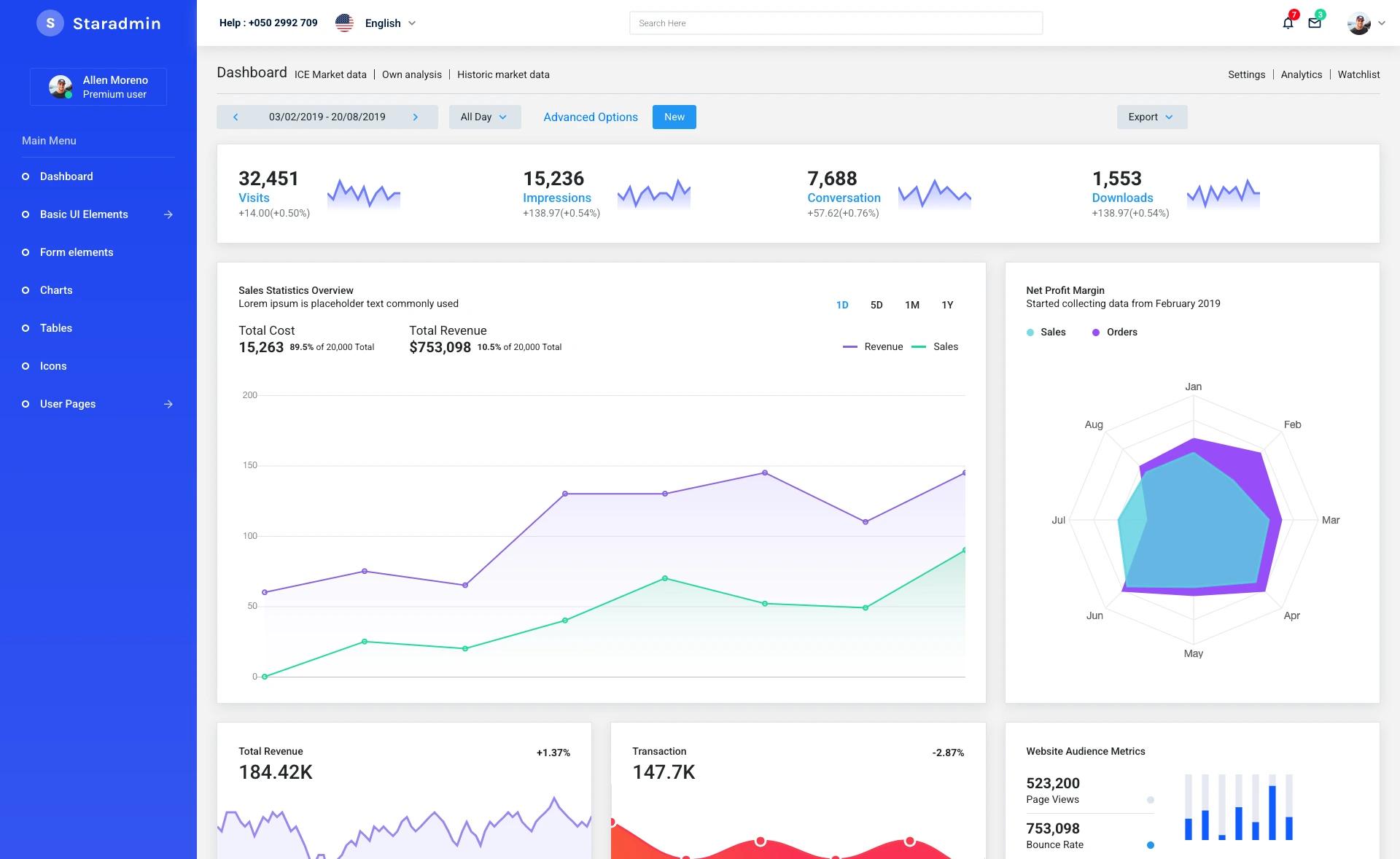
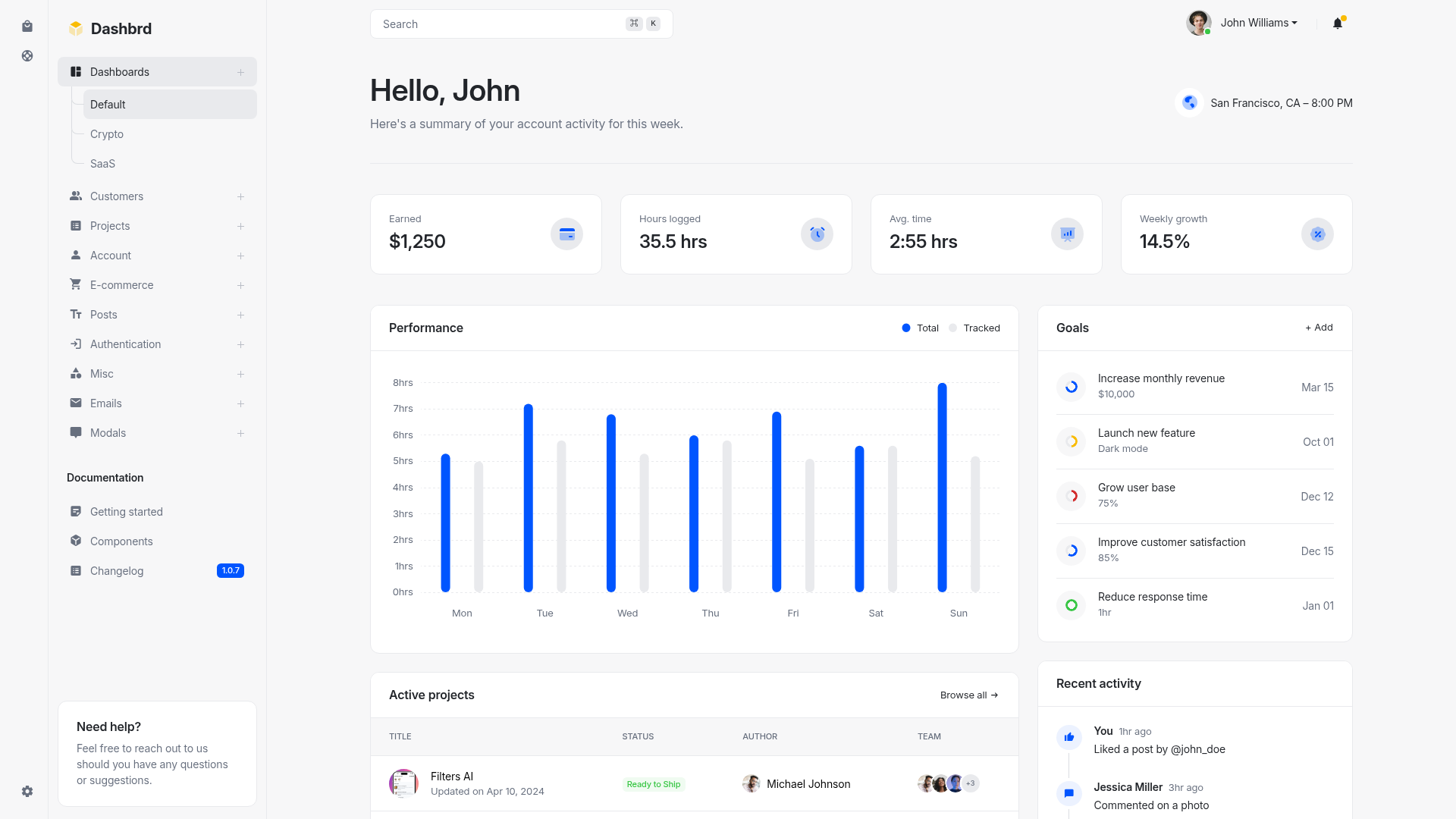
Next.js Dashboard Template is a developer-focused admin dashboard starter built on Next.js and Material-UI (MUI) with TypeScript, intended to speed up building any application's frontend interface. Its core function is to provide a pre-configured dashboard scaffold with routing, role-based access control, mock API, right-to-left layout support, ESLint, and Iconify integration, so developers can skip the boilerplate and jump straight to app-specific logic.
What is Next.js Dashboard Template?
Next.js Dashboard Template is a GitHub-hosted dashboard template built on the Next.js React framework and Material-UI component library. It takes a developer's application requirements as input and outputs a configurable dashboard interface with route protection, a mock data layer, and linting set up. The README shows it is designed for quick implementation: after cloning, running npm install --legacy-peer-deps and npm run dev serves the dashboard at http://localhost:8080. The repository description is "NextJS + MUI - dashboard template" and it currently has 2 stars on GitHub.
Key Features
- TypeScript — The template is written in TypeScript, giving type-safe components and editor autocomplete out of the box.
- RBAC Routing — Role-based access control is built into the routing, letting developers define which user roles can access which pages.
- Mock API — A built-in mock API layer allows prototyping data flows without a real backend service.
- RTL Support — Right-to-left language layout is already configured, useful for Arabic, Hebrew, or Persian dashboards.
- ESLint — ESLint is set up with the project, so code style and common errors are caught during development.
- Iconify — The Iconify icon system is integrated, giving access to thousands of icons without separate icon font bundles.
- Planned Features — The status table lists Full Calendar, Form Validation, i18n, and Charts as under construction (marked with a construction emoji), so they are not yet available in the current version.
Who is it for?
- Developers building admin panels — They get a pre-wired dashboard with routing, RBAC, and linting so they can focus on their own features.
- Frontend engineers who use Material-UI — The template uses MUI components, so teams already familiar with MUI can adapt it quickly.
- Prototype builders — The mock API and RTL support make it easy to create demonstration dashboards for demos or MVPs.
What can you do with it?
- Build a role-based admin area: Use the RBAC routing to restrict dashboard sections like settings or user management to specific roles.
- Prototype data-heavy views: Leverage the mock API to display fake data in tables and cards while the backend is being developed.
- Create a localized interface: With RTL support already in place, you can start building a dashboard for right-to-left languages immediately.
How does the template work?
The setup process is straightforward: install dependencies with the exact command npm install --legacy-peer-deps, then start the development server with npm run dev. The dashboard is available at http://localhost:8080. From there, developers customize the pages and components, swap the mock API for real endpoints, and adjust RBAC rules as needed.
FAQ
Is Next.js Dashboard Template free to use?
The template is hosted on GitHub, so it can be cloned and used for projects. The repository does not mention a paid license, so it appears to be free, but you should check the repository's license file for exact terms.
Which features are ready to use?
The currently available features are TypeScript, RBAC routing, mock API, RTL support, ESLint, and Iconify. Full Calendar, Form Validation, i18n, and Charts are listed as under construction and are not yet implemented.