Template details
Wave
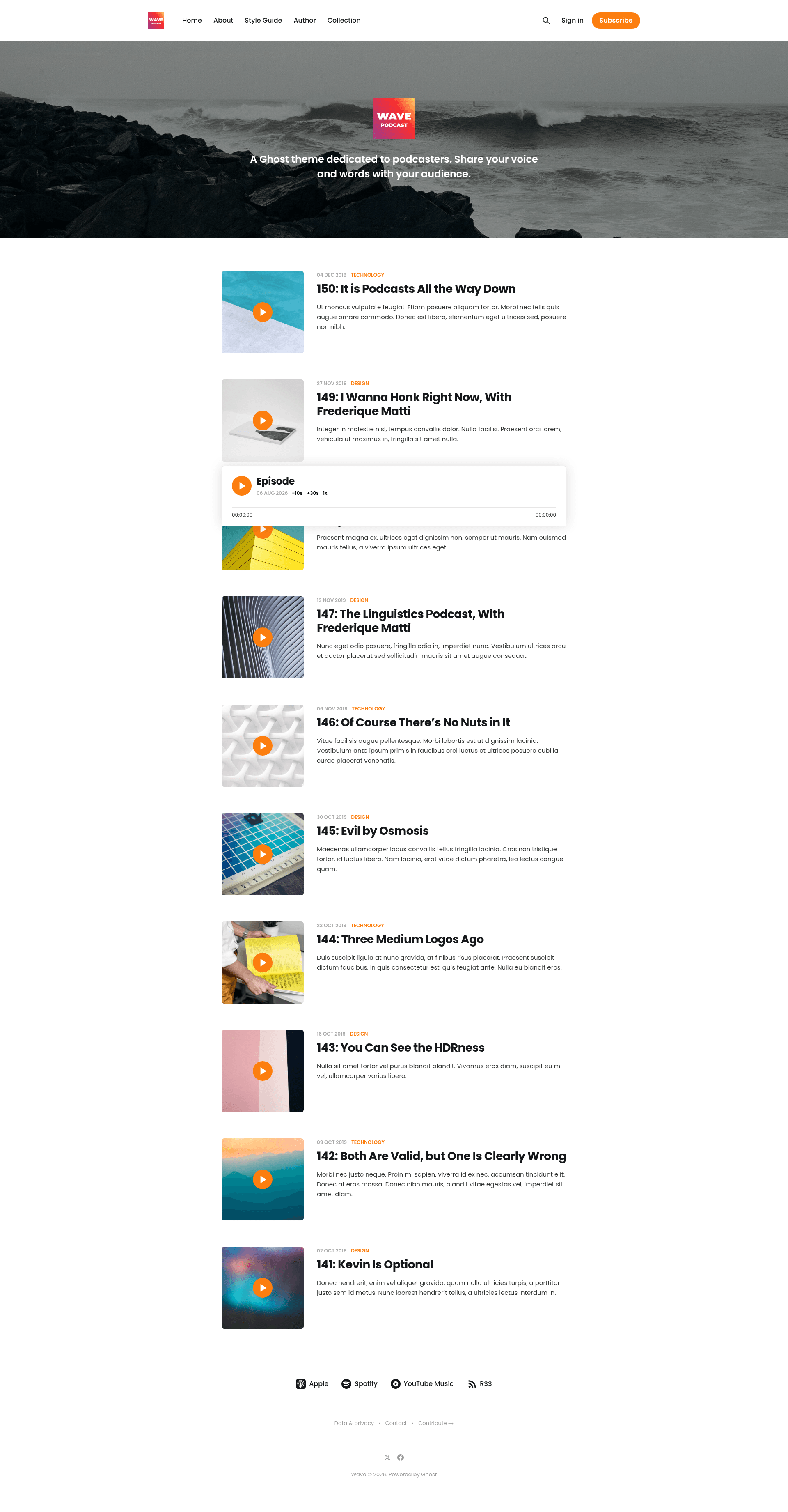
An official, MIT-licensed Ghost theme for podcasters to share audio episodes and written posts.
About this template
Wave is a free, open-source Ghost theme built specifically for podcasters, enabling creators to share audio episodes and written words with their audience through the Ghost CMS.
What is Wave?
Wave is an official theme for the Ghost publishing platform, dedicated to podcasters who want to present both their voice and their writing in one place. The theme takes podcast episodes and articles created in Ghost and renders them as a complete website, with a live demo available at https://wave.ghost.io. It is developed by the Ghost Foundation and automatically synced with the TryGhost/Themes monorepo, so bug reports and contributions are handled in that main repository.
Key Features
- Podcast-focused design — Wave's tagline is "Share your voice and words with your audience," reflecting its purpose of presenting audio and written content together for listeners and readers.
- Official Ghost theme — Maintained by the Ghost Foundation, it is part of the TryGhost/Themes monorepo, meaning updates and fixes flow through the official Ghost ecosystem.
- MIT licensed — Released under the MIT license with copyright held by the Ghost Foundation (2013-2026), so you can freely use, modify, and redistribute it.
- Gulp/PostCSS build pipeline — Styles are compiled with Gulp and PostCSS to polyfill future CSS specifications; editing files in
/assets/css/automatically builds to/assets/built/. - pnpm-based development workflow — Requires Node, pnpm, and Gulp. Run
pnpm installto set up dependencies,pnpm devto watch and compile styles, andpnpm zipto package the theme intodist/wave.zipfor upload. - Easy installation — Download the zip from the GitHub repository and upload it in Ghost's Design settings area; no coding required to activate the default look.
- Theme translations — Localization is supported via the TryGhost/Themes theme-translations project, with instructions in that project's README for editing or contributing translations.
Who is it for?
Wave is made for podcasters who use Ghost as their publishing platform and want a theme tailored to their content format. It is also useful for bloggers who want to incorporate audio segments alongside written posts, and for developers who need a clean, officially supported Ghost theme to customize for clients or personal projects.
What can you do with Wave?
- Podcasters: Launch a podcast website where each episode is presented with show notes and written articles, all managed from the Ghost editor.
- Writers: Publish a blog that pairs written essays with audio recordings, keeping a consistent design across both media types.
- Theme developers: Use the Gulp/PostCSS workflow to modify the theme's styles and package a custom zip via the
pnpm zipcommand. - Site administrators: Install the theme quickly by uploading the zip in the Ghost admin's Design settings, then configure it like any other Ghost theme.
How does Wave work?
Download the theme zip from the GitHub repository. In Ghost, go to the Design settings area and upload the file to activate it. For local development, clone the repository, run pnpm install to install dependencies, then use pnpm dev to compile styles on the fly. When you're done, pnpm zip creates dist/wave.zip for deployment.
FAQ
Is Wave free?
Yes, Wave is distributed under the MIT license. You can download it from the GitHub repository and use it on any Ghost site without paying a fee.
How do I install Wave?
Download the zip from the GitHub repository, log into your Ghost admin panel, navigate to the Design settings, and upload the zip file. The theme activates immediately, replacing the current design.
Can I customize Wave's styles?
Yes. After cloning the repo, run pnpm install and pnpm dev. Edits to files in /assets/css/ are automatically compiled to /assets/built/. The pnpm zip task packages the final theme into dist/wave.zip.
Does Wave support translations?
The theme relies on the TryGhost/Themes theme-translations directory for localization. You can edit or contribute translations by following the instructions in that project's README.