Template details
Whisper
A beautifully minimal, accessible blog theme for Astro, featuring the elegant Catppuccin color palette.
About this template
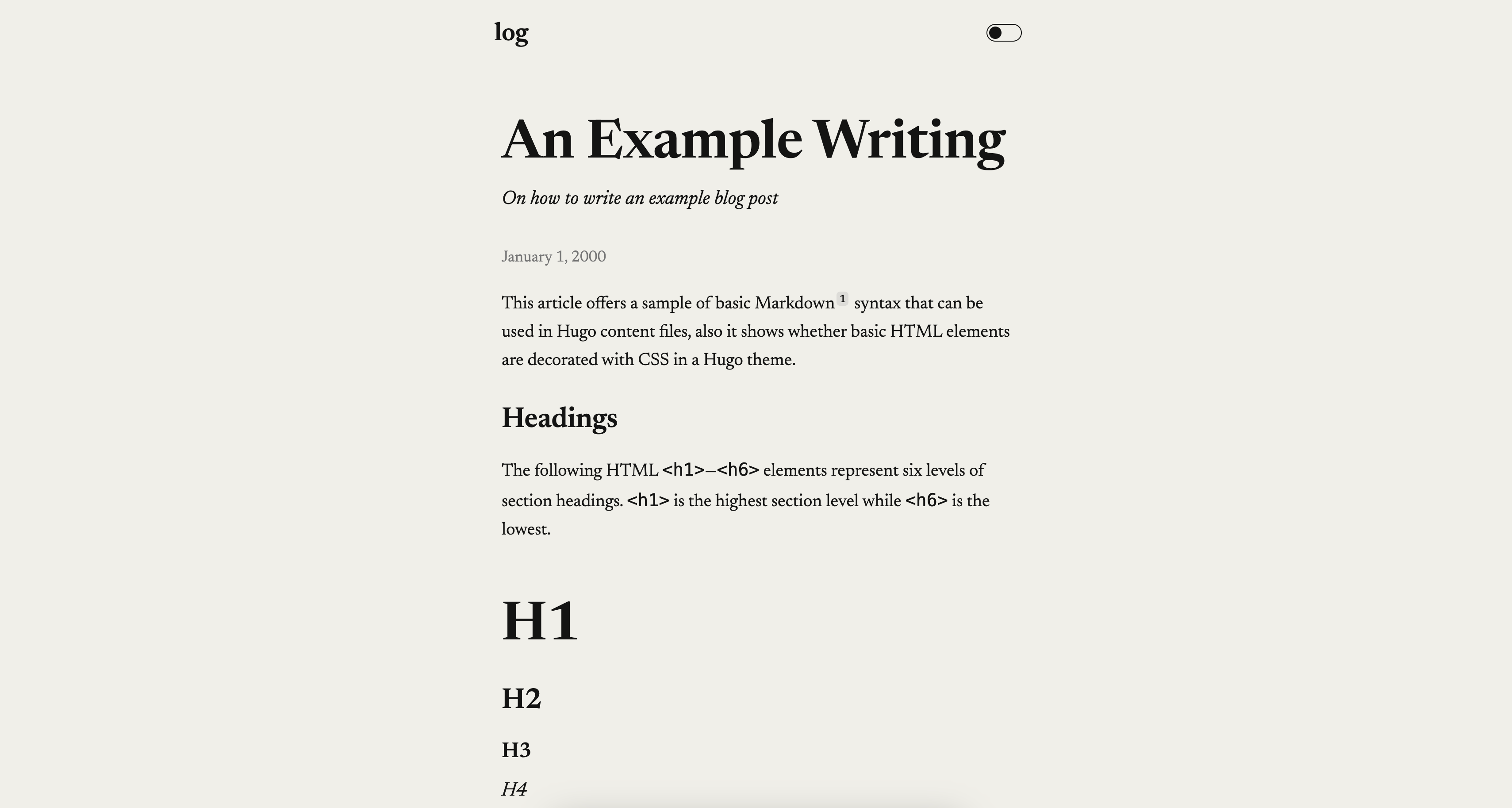
Whisper is a minimal Astro blog and portfolio theme that uses the Catppuccin color palette and ships with full example content for a fictional developer named Max Bytefield.
What is Whisper?
Whisper is a blog and portfolio theme built with the Astro static-site generator, distributed as a GitHub repository. It takes Markdown blog posts and configuration files as input and produces a fully static, responsive website with a home page, about page, "now" page, "uses" page, a projects showcase, a 404 page, and blog post pages. The theme is pre-configured with example content for a fictional developer named Max Bytefield, which you can replace entirely through the provided customization steps.
Key Features
- Catppuccin Color Palette — Whisper uses the Catppuccin Latte (light) and Mocha (dark) themes, with colors defined in
src/styles/main.cssand tested for WCAG AA contrast compliance. - Dark Mode with System Preference Support — The theme switches smoothly between light and dark based on the visitor's operating system setting.
- Mobile-First Responsive Layout — The design adapts to phones, tablets, and desktops without extra configuration.
- SEO and Open Graph — Proper meta tags and Open Graph support are built in for better sharing on social networks.
- Blog with Reading Time and Table of Contents — Blog posts are stored as Markdown in
src/content/blog/, and each post automatically gets a reading time estimate and a table of contents. - Example Content Included — The repository ships with a complete developer portfolio for Max Bytefield, including a welcoming home page, a detailed about page, a "now" page for current projects, a "uses" page with tool descriptions, a projects showcase, and a quirky 404 error page.
- Config-Driven Site Settings — Site-wide metadata lives in
src/config/site.ts, while per-page titles and descriptions are stored insrc/config/page.ts.
Who is it for?
- Individual developers who want a personal blog and portfolio are the primary audience; you can replace the example content with your own about, now, uses, and projects pages.
- Writers who prefer minimal design get a clean, distraction-free reading interface with a built-in table of contents and reading time.
- Astro learners can use the straightforward project structure (assets, components, layouts, pages) to see how a complete Astro site is organized.
What can you do with Whisper?
- Launch a personal website — Use the included home, about, now, uses, and projects pages to present your identity and work, then deploy the static output from
pnpm build. - Publish a blog — Add Markdown files to
src/content/blog/and every post automatically gains reading time, a table of contents, and SEO meta tags. - Customize the theme — Update the Catppuccin colors in
src/styles/main.css, edit the site and page configuration files, and change the content of any page insrc/pages/.
How does Whisper work?
Whisper is built on Astro and managed with pnpm. After installing dependencies with pnpm install, you can run pnpm dev to start a local development server at localhost:4321, pnpm build to compile the site into ./dist/, and pnpm preview to test the production build locally. All commands are run from the root of the project.