Template details
dario
A minimal Hugo theme inspired by Dario Amodei's personal website, built for fast, elegant reading.
About this template
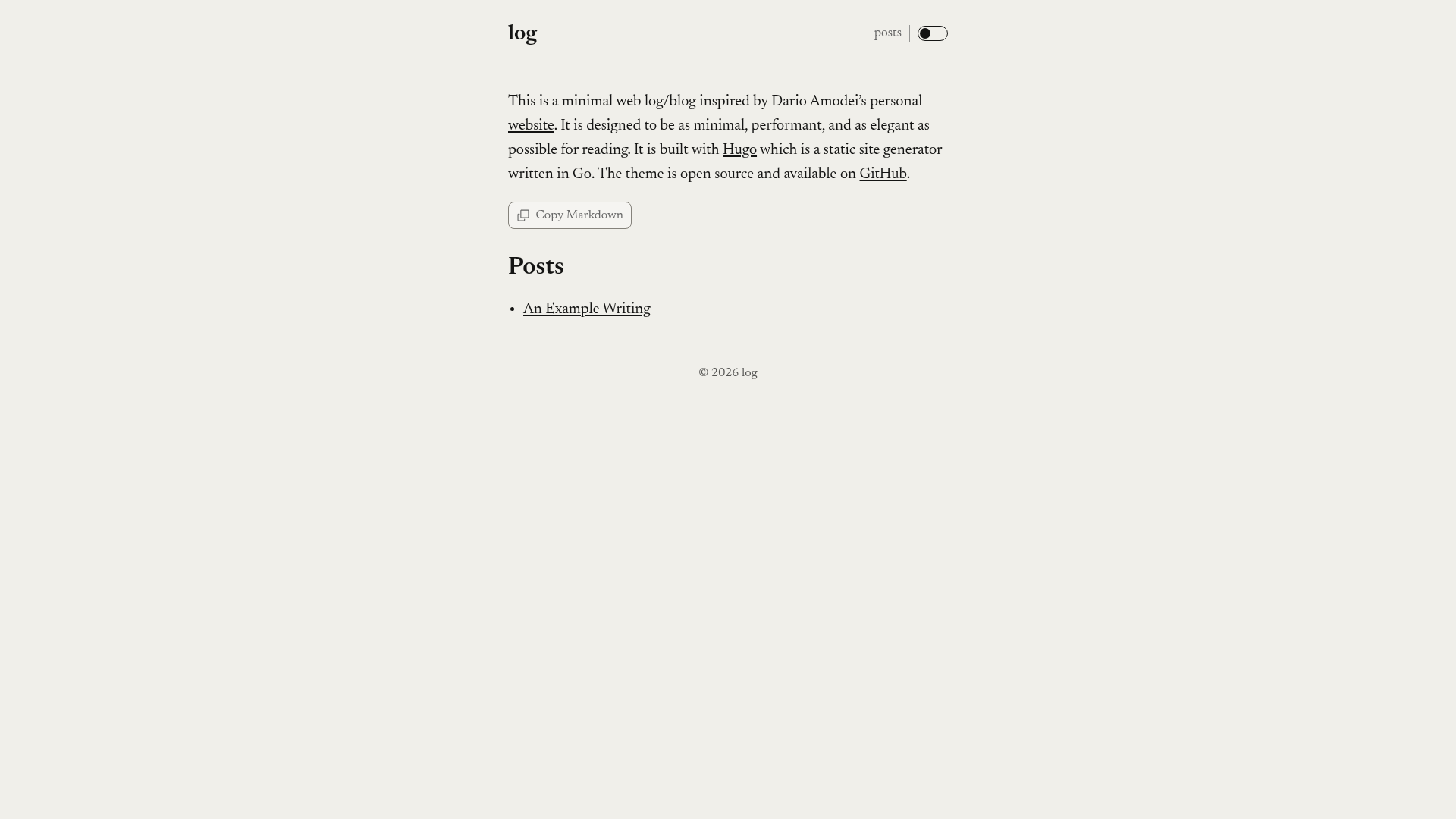
Dario is a minimalist Hugo theme for personal blogs, inspired by Dario Amodei's personal website, built for fast, distraction-free reading.
What is Dario?
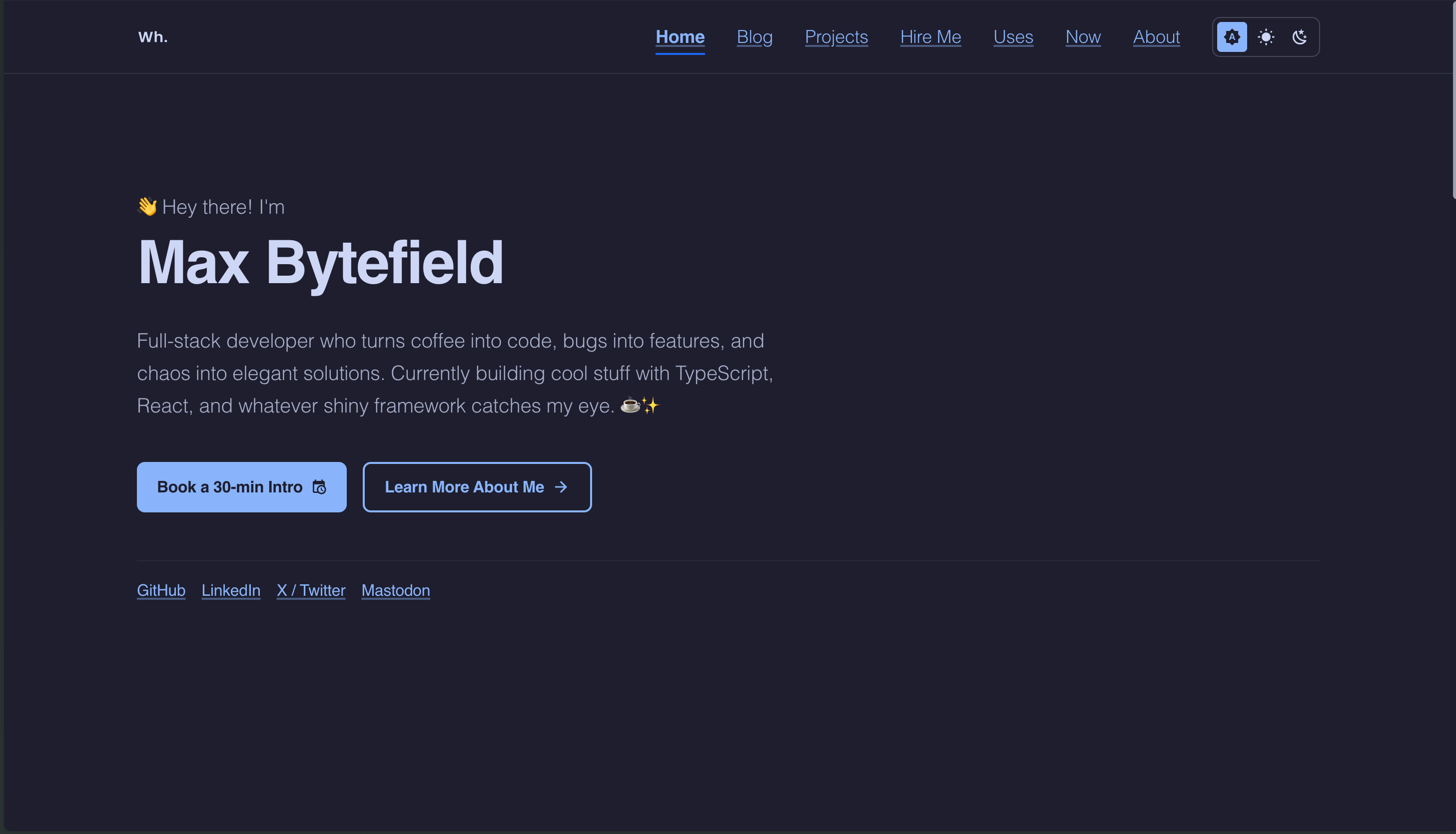
Dario is an open-source Hugo theme that transforms Markdown content into a static blog with a clean, single-column reading layout. It takes standard Hugo content files (posts with YAML front matter) and a config.toml file as input, and outputs a fully static website with light and dark modes, optional social meta tags, and a blog post listing. The theme is maintained by Grant Birki on GitHub, and a live demo is available at https://log.birki.io.
Key Features
- Light and dark mode toggle — Users can switch between light and dark themes, or set the
colorSchemeparameter inconfig.tomlto 'system', 'light', or 'dark' to follow the user's display preference or lock the scheme. - Copy Markdown control — Optional button that copies a page's raw Markdown body (plus heading, and on the landing page, generated section and post links) to the clipboard, ready to paste into an LLM prompt or a Markdown-aware tool.
- Social meta tags — Automatically generates Open Graph and X (Twitter) Card meta tags for posts, with front matter fields
ogTitle,ogDescription, andogImagefor per-post control; these can be disabled entirely withdisableSocialMeta. - Customizable sections — The home page shows the top-level section with the most pages by default; the
mainSectionsparameter lets you select specific sections like posts, essays, or notes. - Custom CSS support — Add your own styles by placing code in
assets/css/custom.css, allowing overrides such as custom bullet styles or font changes. - 404 page customization — Override the default 404 page by creating
content/_404.mdwith custom text and a subtitle. - Multiple installation methods — Install by downloading the source zip from GitHub, adding the theme as a Git submodule with
git submodule add, or using Hugo Modules with full commit-pinned updates viahugo mod get. - Non-standard meta tags — Extend the head with custom meta tags for content like email, bitcoin, or PGP keys via
layouts/partials/nonstdmeta.html.
Who is it for?
- Personal bloggers — Authors who want a clean, minimal site to publish long-form writing without design overhead; the theme's single-column layout focuses attention on content.
- Developers using Hugo — Those comfortable with static site generation and Git can quickly scaffold a blog with the provided scripts (
script/bootstrap,script/lint,script/test,script/build) and configure viaconfig.toml. - Privacy-conscious writers — Because Dario generates a static site with no JavaScript frameworks, it produces fast pages with a perfect 100 PageSpeed Insights score, reducing tracking and dependence on dynamic services.
What can you do with Dario?
- Launch a personal blog in minutes — Add the theme to a Hugo site, define posts with front matter, and deploy a static site that supports light/dark mode and social sharing tags.
- Build a reading-focused digital garden — Use the copy Markdown feature to convert any post or landing page into raw Markdown for reuse in AI prompts, note-taking apps, or version-controlled notes.
- Customize the home page as a post — Set
homePageIsPost: truein_index.mdfront matter to hydrate the landing page like a blog post, offering an alternative layout.
How does Dario work?
Installation follows standard Hugo theme workflows. You can extract the source into themes/dario and set theme = "dario" in config.toml; or add it as a Git submodule with git submodule add; or use Hugo Modules by adding an import path in config.toml and pinning to a 40-character commit SHA via hugo mod get. After installation, you configure params, author details, and content pages in Markdown, then run Hugo to generate the static site.
FAQ
Is Dario free?
Yes, Dario is an open-source theme hosted on GitHub under the GrantBirki repository. You can download the source, use it as a submodule, or add it as a Hugo module without a license fee.
Does Dario support comments or analytics?
The theme does not include built-in comment or analytics integrations. It focuses on minimal, static output; comment and analytics services can be added manually by editing layout templates or inserting custom HTML.
How do I change the default color scheme?
Set the colorScheme parameter in config.toml to 'toggle' (default), 'system', 'light', or 'dark'. The toggle mode displays a button and initially follows the user's system preference, while system, light, or dark lock the appearance.
Can I use Dario for a non-blog site?
Although Dario is blog-oriented, it supports arbitrary sections via the mainSections parameter. You can create sections for essays, notes, or other content types and list them on the home page.