Template details
Anybody Home?
A minimal Hugo blog theme that displays only the 10 most recent posts and individual post pages.
About this template
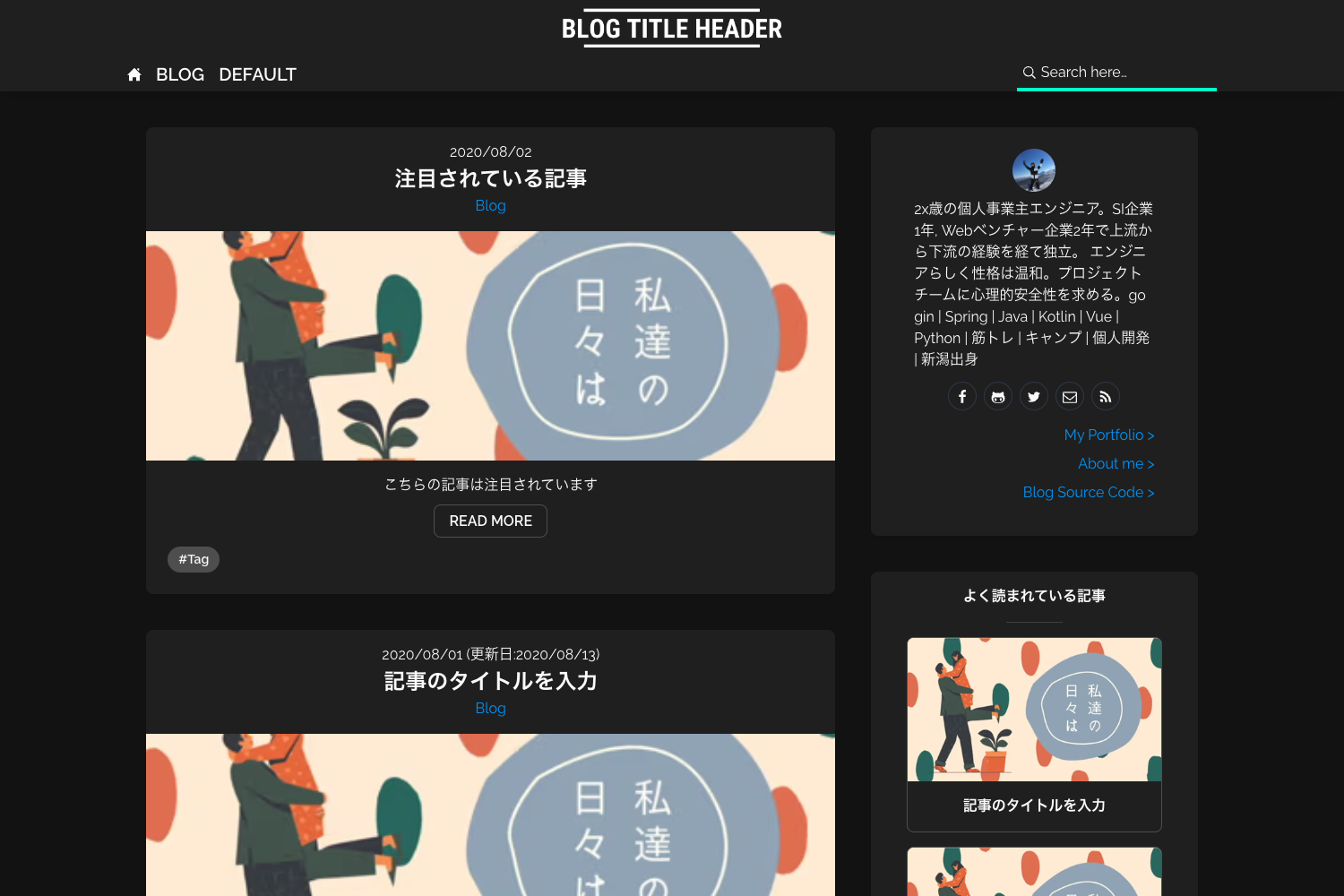
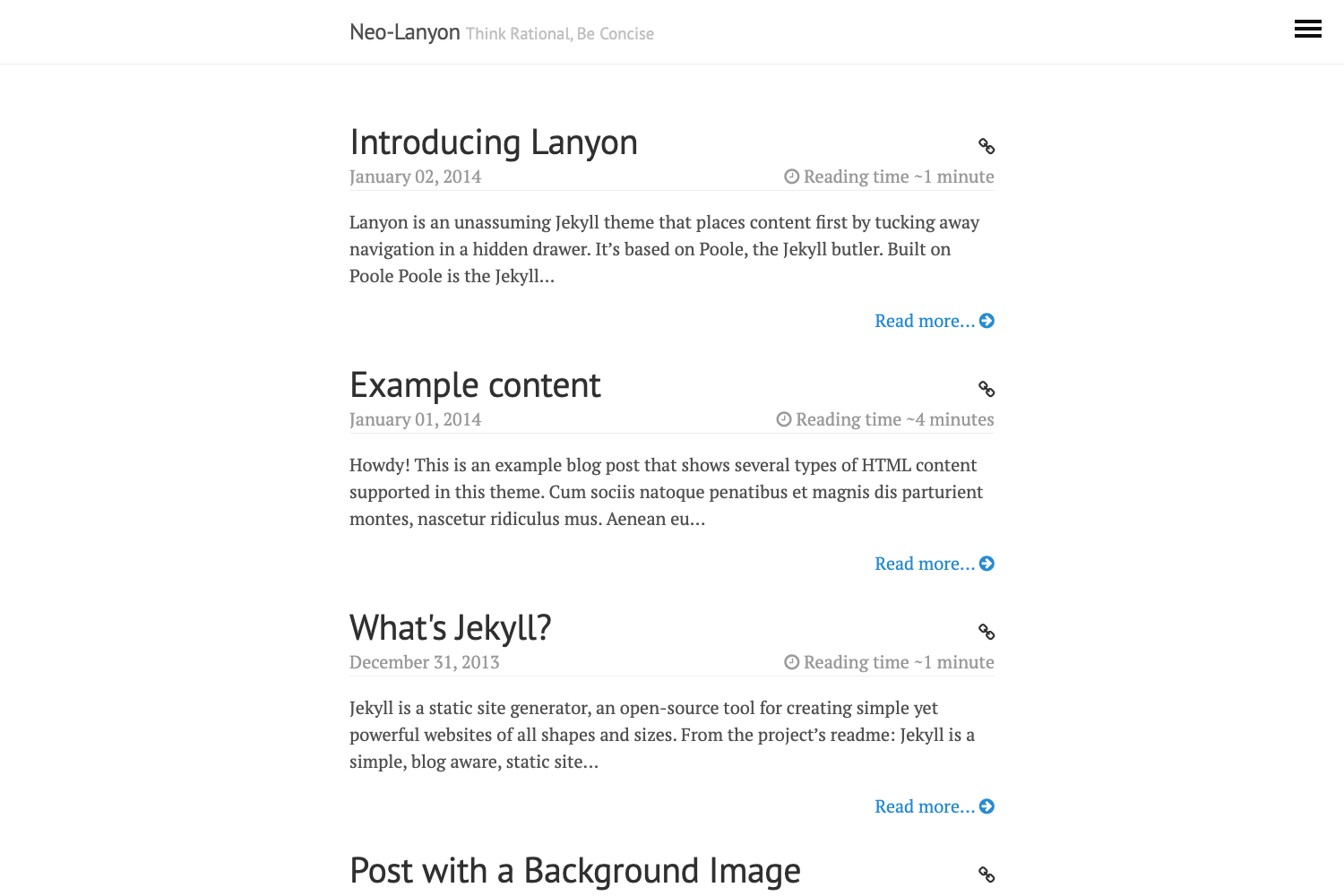
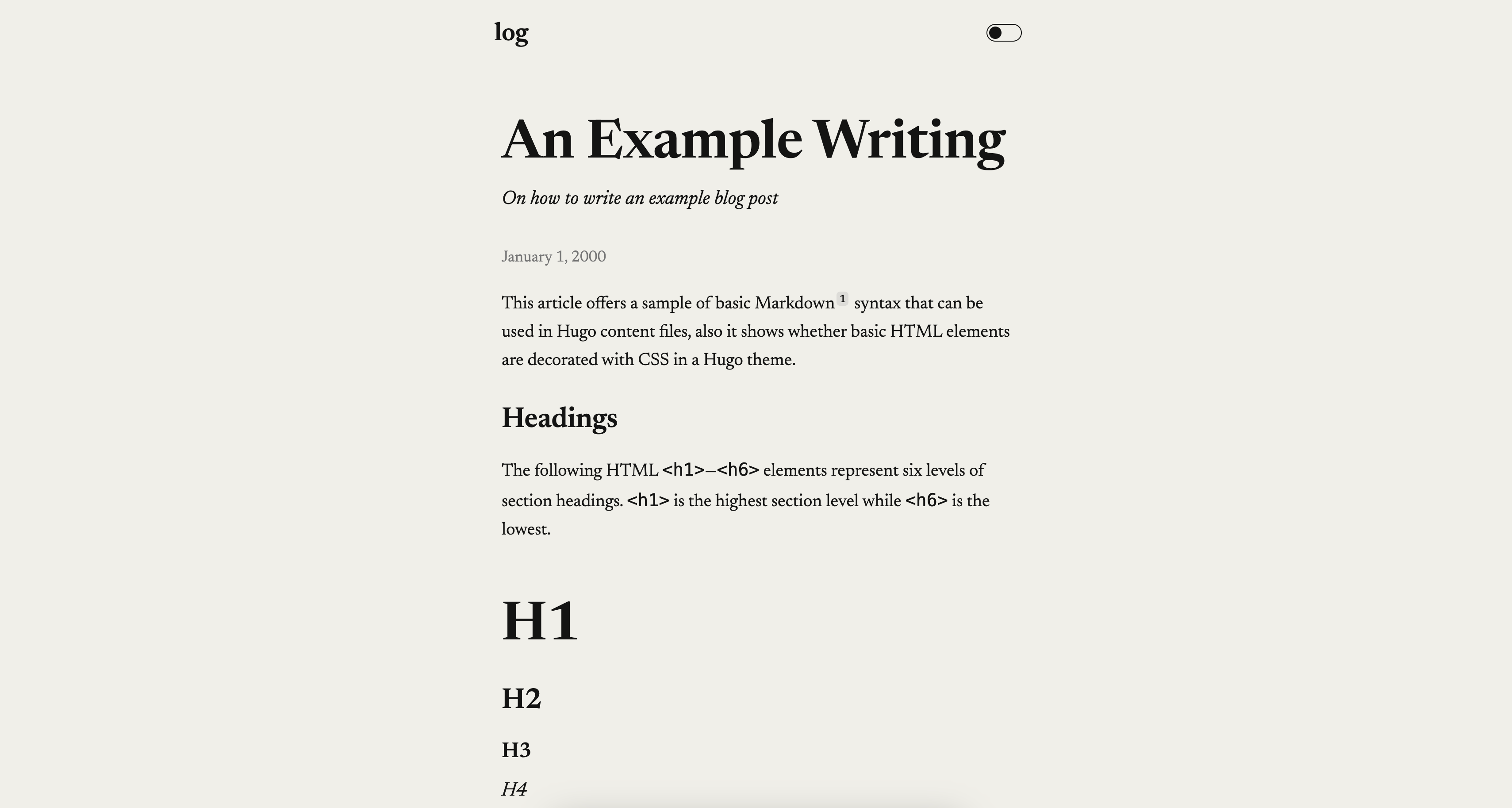
Anybody Home? is a minimal Hugo theme that produces a blog-only site: a homepage listing the 10 most recent posts with pagination, plus individual post pages, and no other page types.
What is Anybody Home?
Anybody Home? is a single-purpose Hugo theme created by lasseborly for bloggers who want only a post list and a post view. It takes Markdown content files from a Hugo site and renders them into an HTML list of the 10 latest posts and standalone post pages, with automatic pagination beyond that limit. The theme contains no archives, tags, categories, or about pages by design. Its complete feature set is tuned for speed and simplicity, as its stated tagline is 'A simple theme for simple people with simple needs.'
Key Features
- Blog-only layout — The theme renders exactly two template types: the main page (a list of the 10 most recent posts) and the post page; pagination is added automatically for older entries.
- Highlight.js integration — Code blocks in posts are highlighted using Highlight.js, so no separate syntax-highlighting setup is required.
- Custom subtitle parameter — You can add a subtitle site-wide by setting a
params.subtitlevalue inconfig.toml, displayed alongside the site title. - Simple installation — Clone the repository directly into
themes/anybodyhomewithgit clone https://github.com/lasseborly/anybodyhome.git themes/anybodyhome. - Native Hugo configuration — The theme activates with the
theme = "anybodyhome"entry inconfig.tomlor the-t anybodyhomeflag on thehugocommand. - Fast and dependency-free — With no JavaScript frameworks, CSS preprocessors, or external assets except Highlight.js, the theme stays lean for small personal sites.
Who is it for?
- Personal bloggers who want a distraction-free writing home with zero layout decisions to make.
- Developers who want a quick live demo or a side-project blog with highlighted code samples out of the box.
- Hugo newcomers looking for a configuration that fits in one
config.tomlblock and a single git clone.
What can you do with it?
- Set up a blog in minutes: Run the two install commands (clone and
hugo -t anybodyhome) and start writing Markdown posts incontent/. - Publish a coding blog: Add code blocks to any post; Highlight.js renders syntax colors without further setup.
- Maintain a minimal online presence: Publish only a list of recent posts and their full text — no extra pages to update or design.
How does Anybody Home work?
Clone the repository into your Hugo site’s themes folder, select the theme in config.toml (or with the -t flag), then add Markdown files to the content directory. The theme automatically builds the homepage from the latest 10 posts and generates a page per post. Optional customization is limited to standard Hugo config and a subtitle parameter.
FAQ
Is Anybody Home free to use?
The theme is publicly available on GitHub and can be cloned with git clone, so you can download and use it without payment. There is no license file or paid tier mentioned on the repository page.
Does Anybody Home support tags or categories?
No. The theme deliberately omits all taxonomy pages; the only two pages are the main post list and individual posts. If you need tags or categories, you would need to modify the theme templates.
How do I install Anybody Home?
From the root of your Hugo site, run git clone https://github.com/lasseborly/anybodyhome.git themes/anybodyhome. Then set theme = "anybodyhome" in your config.toml or run hugo -t anybodyhome.
Can I add a subtitle to my site?
Yes. Add a [params] section to your config.toml and set subtitle = "Your Subtitle". The theme renders this subtitle on the site alongside the title.
Does the theme include pagination?
Yes. The homepage lists only the 10 most recent posts and automatically adds pagination links when the post count exceeds that limit.