Template details
Neo Lanyon
A Jekyll theme based on Lanyon that tucks navigation in a drawer, with eight base16 color themes and layout options.
About this template
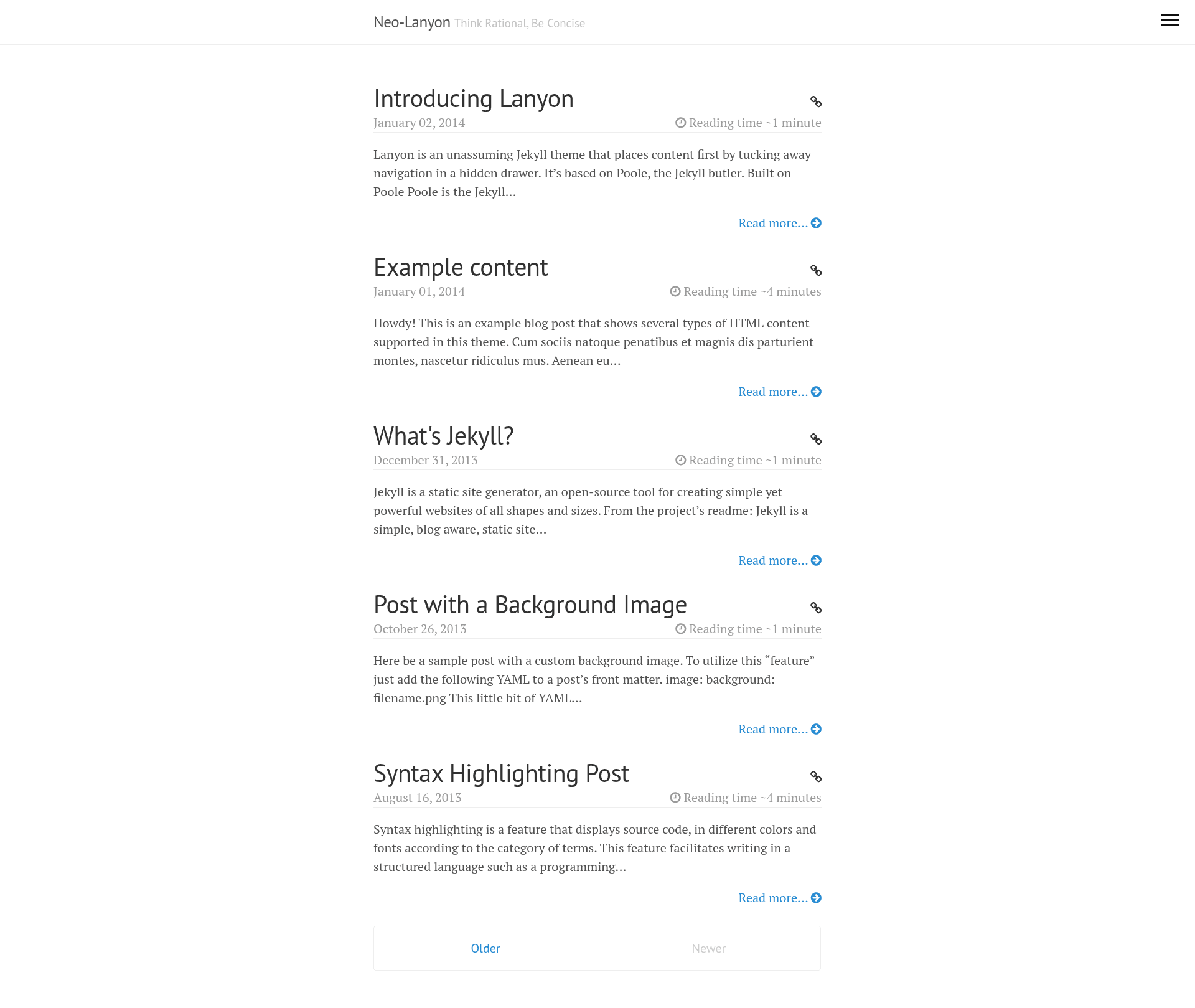
Neo Lanyon is a Jekyll theme, a continuation of Mark Otto's Lanyon, whose core function is to keep page content front-and-center by tucking site navigation into a hidden sidebar drawer. It inherits the fully furnished Jekyll setup from Poole, so you download the repository, start the Jekyll server, and get a static site with a toggleable drawer. The repository is tagged with the topics jekyll and jekyll-theme.
What is Neo Lanyon?
Neo Lanyon is a Jekyll theme based on Lanyon, which is built on Poole, the Jekyll butler that provides a complete starting configuration for Jekyll sites. It produces a static site where the main content fills the page and navigation lives in a hidden drawer that slides in when toggled. The theme was originally authored by Mark Otto (github.com/mdo) and is open sourced under the MIT license, and the project keeps active development on the master branch while gh-pages hosts the demo site with analytics code.
Key Features
- Hidden drawer sidebar — Navigation tucks away so content stays primary, toggled through a checkbox input with the class
sidebar-checkbox. - Eight base16 color themes — Optional themes based on the base16 color scheme, applied by adding a class such as
theme-base-08(red) to the body element indefault.html. - Custom theme support — Copy an existing theme from the Themes section of
public/css/lanyon.css(each is only a few lines of CSS), rename it, and change the colors. - Reverse layout — The
layout-reverseclass flips the page orientation so the drawer sits on the opposite side. - Sidebar overlay mode — The
sidebar-overlayclass keeps content stationary and slides the sidebar over it, adding box-shadow outlines to the toggle and sidebar for depth. - Sidebar open on page load — Adding the
checkedboolean attribute to the sidebar checkbox input shows the drawer open when the page loads. - Per-page sidebar state with Liquid — Liquid templating can set the sidebar open conditionally per page, for example only when
page.titleequals "Home". - Sidebar menu via front matter — Pages appear in the sidebar by specifying
layout: pagein front matter, which excludesindex.htmlandatom.xmlfrom the alphabetical page list.
Who is it for?
- Jekyll bloggers who want a content-first site — They can hide navigation in the drawer and let articles occupy the full viewport.
- Developers who want a minimal Jekyll starting point — Because it is built on Poole, it ships as a furnished Jekyll setup: download, run the server, and the site works.
- Theme remixers — Anyone who wants a small, readable base to fork; the MIT license and few-line CSS themes make custom color schemes easy.
What can you do with Neo Lanyon?
- Bloggers: set up a Jekyll blog where post content is the visual focus and navigation appears only when the drawer is toggled open.
- Personal site owners: apply the reverse layout plus one of the eight base16 themes to give the site a distinct color scheme with a single class change.
- Developers experimenting with Jekyll: use
sidebar-overlayto build a layout where the sidebar floats over content, and open the drawer on load by adding thecheckedattribute.
How does Neo Lanyon work?
Neo Lanyon works like any Poole-based Jekyll site: download the repository, install Jekyll, and start the Jekyll server. Most customization happens by adding classes to the body element in default.html — for example theme-base-08 for a red base16 theme, layout-reverse to flip orientation, or sidebar-overlay for an overlay drawer. Sidebar links are created by setting layout: page in each page's front matter, and the drawer's open state on load is controlled by the checked attribute on the checkbox input, optionally set per page with Liquid.
FAQ
Is Neo Lanyon free?
Yes. Neo Lanyon is open sourced under the MIT license, so you can use, modify, and redistribute it freely, including in commercial projects, without paying a license fee.
How do I change the theme color?
Add one of the eight theme classes to the body element in default.html, such as theme-base-08 for the red scheme. To create a custom color scheme, copy an existing theme from the Themes section of public/css/lanyon.css — each theme is only a few lines of CSS — rename the class, and change the colors.
How do I add pages to the sidebar?
Assign each page the page layout in its front matter. This is required because Jekyll otherwise returns all pages, including atom.xml, in alphabetical order; specifying the layout excludes index.html so the first sidebar link is Home.
How do I make the sidebar open by default?
Add the checked boolean attribute to the checkbox input in the layout, like <input type="checkbox" class="sidebar-checkbox" id="sidebar-checkbox" checked>. You can also use Liquid to set it conditionally per page, such as when page.title equals "Home".
How do I contribute to Neo Lanyon?
Pull requests should be submitted against the master branch, which is used for active development. The gh-pages branch hosts the demo site and includes analytics tracking code, so it should be avoided for contributions.