Template details
Bliss Template
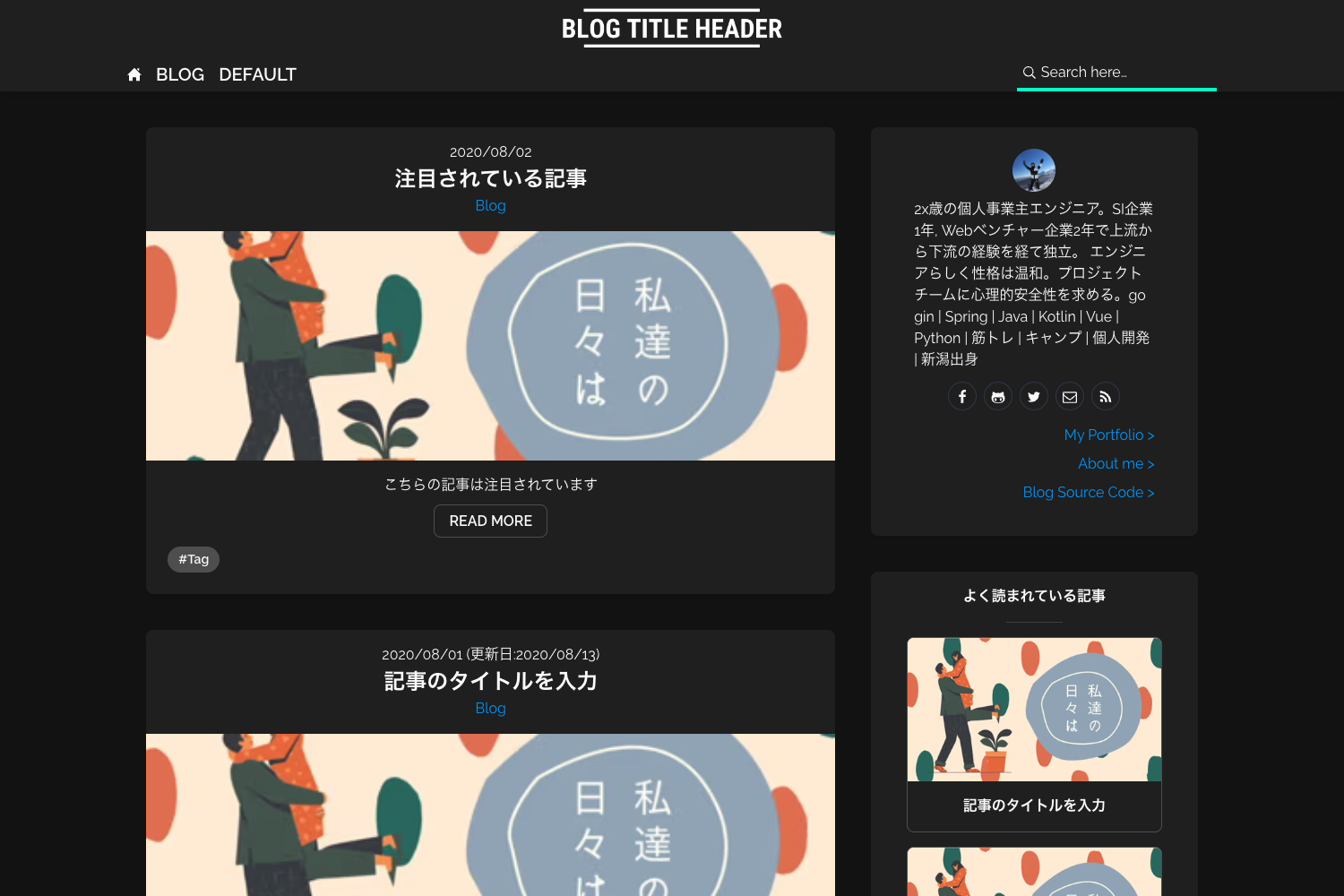
Start blogging in just 3 clicks with a zero-config Hugo blog on GitHub Pages.
About this template
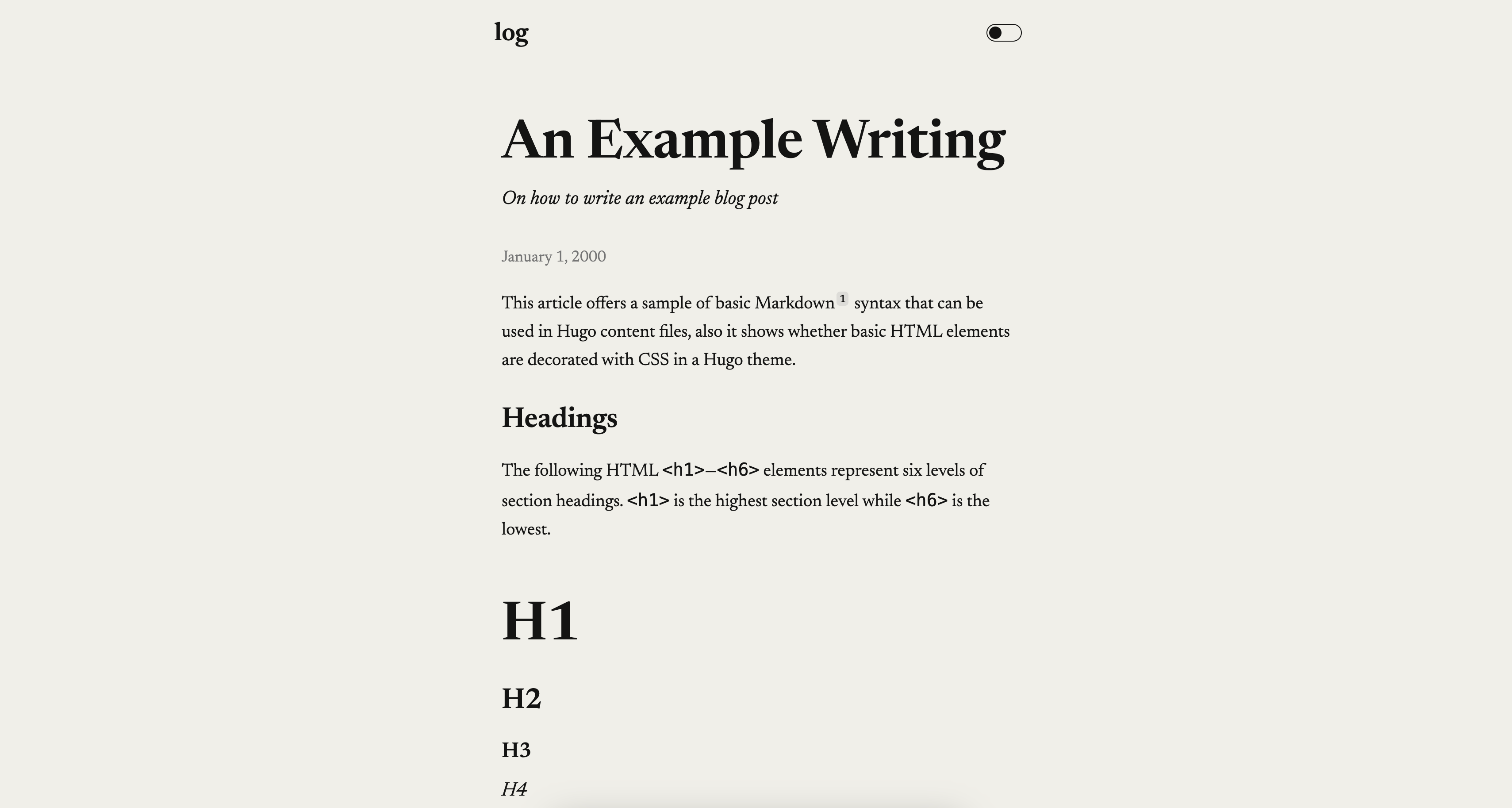
Bliss Template is a GitHub repository template that generates a fully-configured Hugo blog with the eon theme, ready to publish on GitHub Pages after a single click and a 30-second wait.
What is Bliss Template?
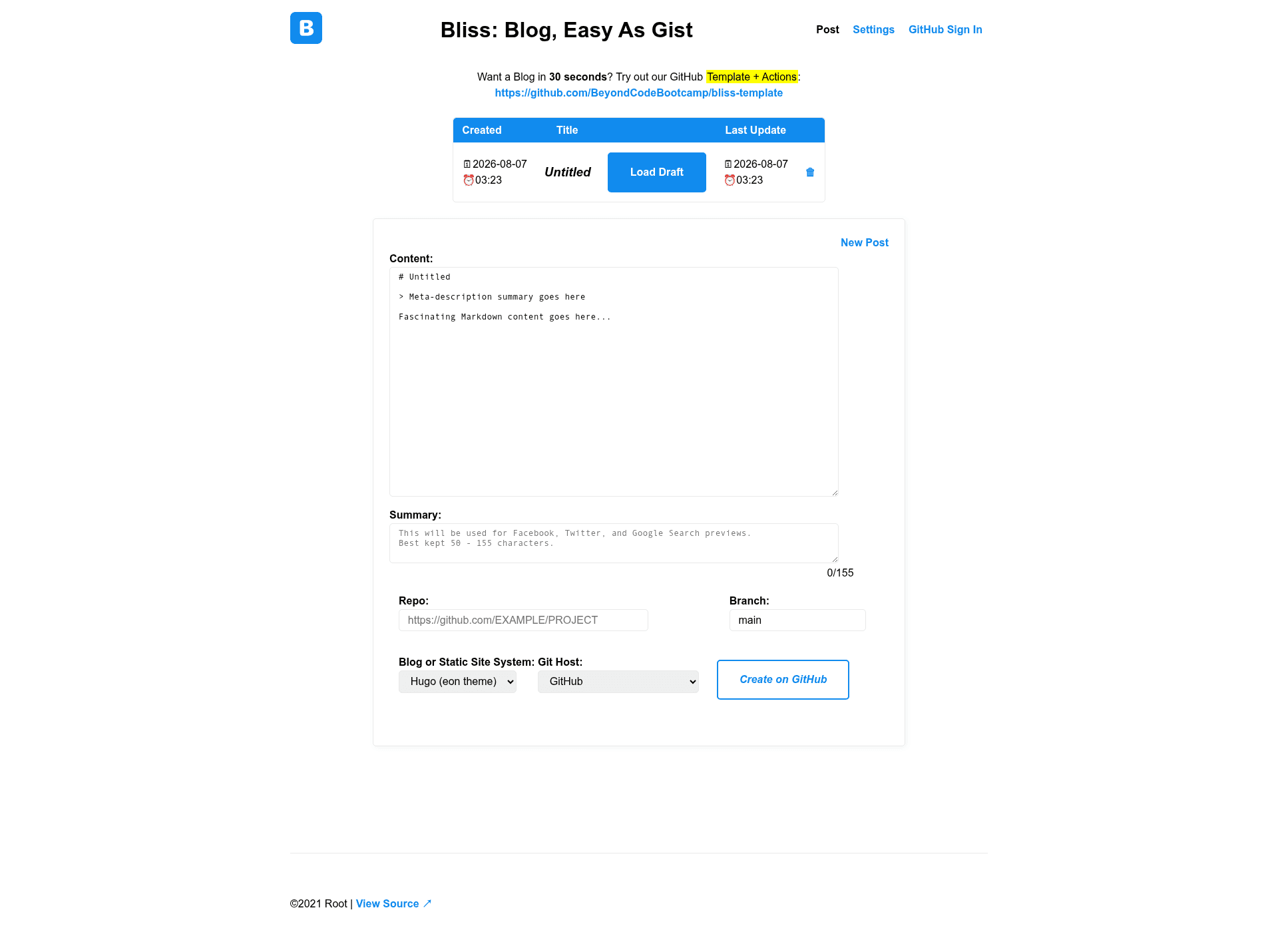
Bliss Template is a blog starter from BeyondCodeBootcamp that runs on Hugo and deploys to GitHub Pages through GitHub Actions. It takes a GitHub account and a repo name as input and produces a blog with an auto-generated config.yaml, built-in edit links, and optional comments via utterances. The template can be used from the web through the Bliss interface at bliss.js.org or from the command line with Hugo.
Key Features
- Zero configuration – The
config.yamlbuilds itself, so no manual Hugo setup is required after generating a repo from the template. - Zero GitHub dependency – Although it works in push-button fashion on GitHub, the site can be built locally with Hugo, so you aren't locked into GitHub Actions.
- Dual editing interfaces – Write and manage posts through the Bliss web front-end (bliss.js.org) or via the Hugo command-line tools.
- Built-in edit links – Every page includes a link to edit the underlying source file, making quick changes straightforward.
- Comments via utterances – Enable GitHub Issues as a comment system for your posts with a simple toggle.
- Custom domain support – Add a
CNAMEfile and configure A, AAAA, or ANAME DNS records to point a custom domain at the GitHub Pages site. - Fast setup – Generating the repo from the GitHub template and waiting about 30 seconds yields a working blog with next steps rendered in the README.
Who is it for?
- Bloggers who want a zero-maintenance site – They can start with a repo template, enable GitHub Pages, and write posts via Bliss without touching Hugo configs.
- Developers who prefer version-controlled workflows – They can clone the repo, write Markdown posts, and use Hugo's CLI locally or on GitHub Actions.
- GitHub users who want built-in comments – Setting up utterances lets visitors comment through GitHub Issues without a third-party commenting service.
- People who want a personal site on GitHub Pages – The template's custom domain instructions cover ANAME and A/AAAA records for pointing an existing domain at the generated blog.
What can you do with Bliss Template?
- Start a personal blog quickly – After clicking "Use this template" and naming the repo, the site appears at
https://owner.github.io/repo/in about 30 seconds. - Publish posts from the web – Use the Bliss front-end (bliss.js.org) to create new posts, with the New Post link in the README pre-filled for the repo.
- Host on a custom domain – Create a
CNAMEfile and update DNS records to serve the blog from a domain likeexample.com. - Manage posts with Git – Clone the repository and use Hugo commands to build and preview locally, then push changes to rebuild via GitHub Actions.
How does Bliss Template work?
- Click "Use this template" on the GitHub repository page, choose a name (such as
blog), and create the repo. - Wait about 30 seconds for GitHub Actions to auto-generate the
config.yamland deploy the site to thegh-pagesbranch. - Refresh the repo page to see a new README with direct links into GitHub Pages settings, then enable Pages from the
gh-pagesbranch and turn on utterances for comments.
Pros and cons
- Pros – Zero-config setup, dual editing interfaces, local and remote builds, no vendor lock-in for the build process, and free hosting on GitHub Pages.
- Cons – The push-button flow and deployment instructions are built around GitHub Pages, so using another host requires working around the automated GitHub Actions pipeline.
FAQ
Is Bliss Template free?
Yes. The template is an open-source GitHub repository template, and it relies on free tiers of GitHub Pages and GitHub Actions, plus the open-source Hugo and Bliss tools.
How long does it take to set up a blog with Bliss Template?
From generating the repository to visiting the live site is about 30 seconds, assuming the GitHub Actions workflow completes successfully. The README refreshes to include setup links once the auto-configuration finishes.
Do I need to know Hugo to use Bliss Template?
No. The web interface (Bliss) handles post creation, and the template auto-builds the config.yaml. Hugo knowledge is optional for local builds or advanced customization.
Can I use a custom domain?
Yes. Place a CNAME file in the repo root, then set an ANAME (ALIAS) record to <user>.github.io, or A records to 185.199.108.153 and related addresses as listed in the template's README.
How do comments work?
Comments are powered by utterances, which connects GitHub Issues to the blog. After enabling Pages, the setup README walks you through enabling the utterances app on the repository.