Template details
11-TEA
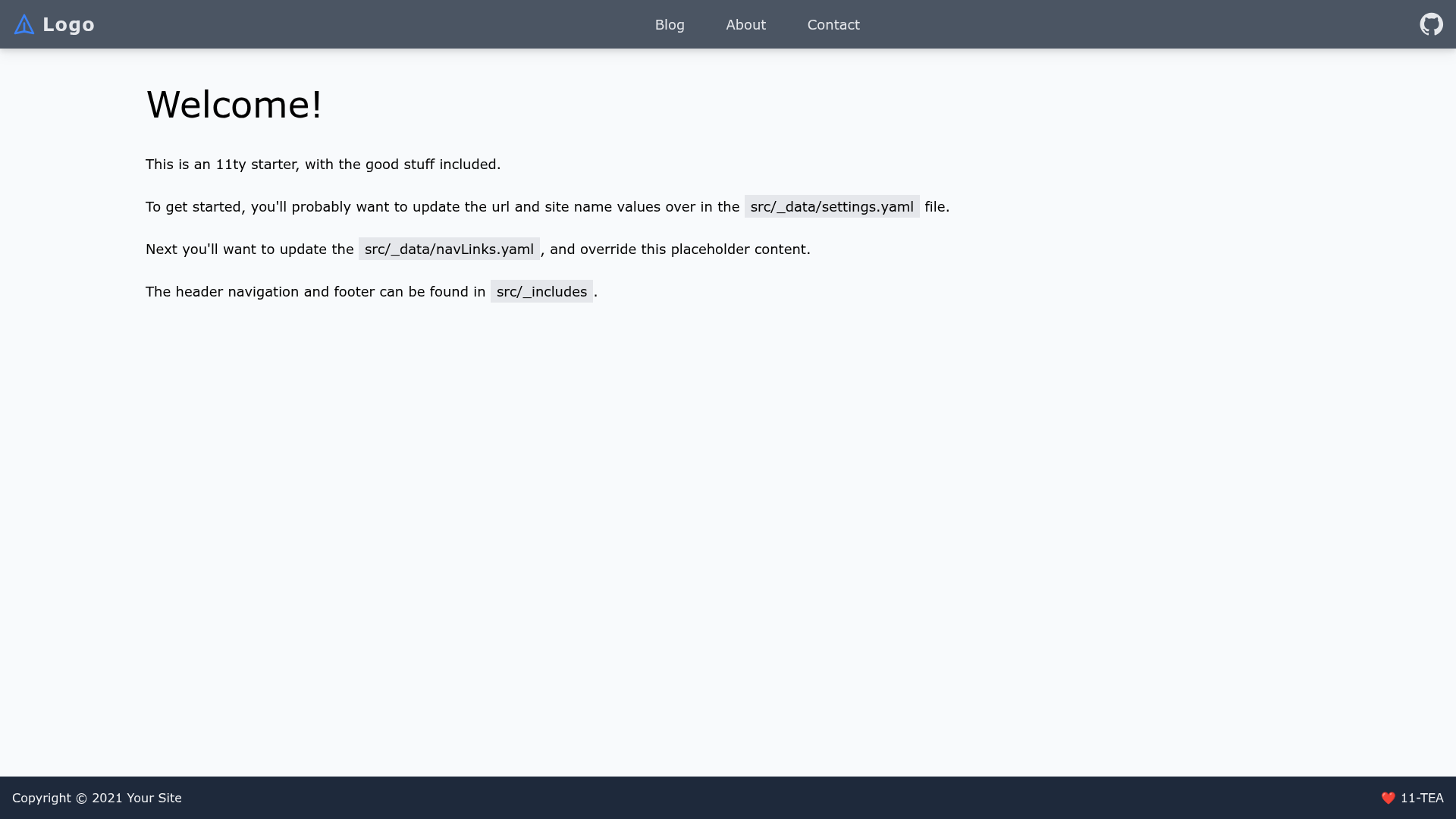
Eleventy starter with Tailwind 3, AlpineJS 3 for building static sites with a fast JIT-enabled workflow.
About this template
11-TEA is an Eleventy (11ty) starter template that bundles Tailwind CSS 3 and Alpine.js 3 for building static websites with a minimal setup.
What is 11-TEA?
11-TEA is a starter repository for Eleventy, the static site generator (also called 11ty), that comes preconfigured with Tailwind CSS 3 and Alpine.js 3. It gives you a working project structure, npm scripts for development and production builds, and a dist folder for deployable output. The project is maintained by willvincent on GitHub and is distributed as an open-source repository you can clone or degit.
Key Features
- Eleventy (11ty) foundation — A static site generator that compiles templates and Markdown into plain HTML, with no client-side framework required for the output.
- Tailwind CSS 3 with JIT mode — Utility-first styling engine that generates only the CSS classes you actually use, keeping the production stylesheet small and the dev build fast.
- Alpine.js 3 — A lightweight JavaScript library for adding interactive behavior like toggles, dropdowns, and dynamic content directly in your markup.
- Degit-friendly cloning — The README recommends
npx degit https://github.com/willvincent/11-TEAto copy the starter without pulling the full Git history. - npm dev workflow — Run
npm run devto start a local development server with hot reload; Tailwind JIT compiles styles on demand. - Production build script —
npm run buildgenerates a production-ready site in thedistdirectory. - Netlify-ready deployment — The README suggests connecting the repository to Netlify so every push automatically triggers a deploy.
Who is it for?
- Frontend developers who want a preconfigured Eleventy starter instead of manually wiring up Tailwind and Alpine.
- Freelancers and agencies building static marketing sites or client brochures that need fast builds and small CSS output.
- Hobbyist bloggers or portfolio owners who want a GitHub-based static site workflow with optional Netlify auto-deploys.
- Developers learning 11ty who want a working example of how Tailwind 3 JIT and Alpine.js 3 fit into an Eleventy project.
What can you do with 11-TEA?
- Build a static marketing site — combine Eleventy templates with Tailwind utility classes to create responsive pages, then add Alpine.js for interactive navigation and accordions.
- Create a personal blog — write posts in Markdown and have Eleventy generate the HTML, while Tailwind JIT keeps the CSS lean.
- Prototype a design system — use the starter's dev server and JIT compilation to iterate quickly on UI components without a heavy build step.
- Deploy an auto-updating website — connect the repo to Netlify so production builds happen automatically on every push.
How does 11-TEA work?
The README outlines a simple workflow: clone the repo (optionally with degit), install dependencies with npm or yarn, and run npm run dev to start a local development server. When you are ready to publish, run npm run build to output the site into the dist folder, then deploy that folder anywhere — or link the repo to Netlify for automatic deployments on each push.
FAQ
Is 11-TEA free to use?
Yes, the repository is publicly available on GitHub under the willvincent account. No license or pricing information is specified in the README, so check the repository files if licensing matters for your project.
Does 11-TEA support Tailwind JIT mode?
Yes, the README explicitly mentions Tailwind's JIT mode, which compiles only the CSS classes found in your templates and speeds up development builds.
What does the production build output?
Running npm run build generates a static site in the dist directory. That folder contains the ready-to-deploy HTML, CSS, and JavaScript files produced by Eleventy and Tailwind.
Can I deploy 11-TEA to Netlify?
Yes, the README suggests connecting your repository to Netlify. After wiring it up, Netlify will run the build and deploy your site automatically every time you push changes.