Template details
Hugo Tailwind Boilerplate
A boilerplate for Hugo sites based on Tailwind CSS.
About this template
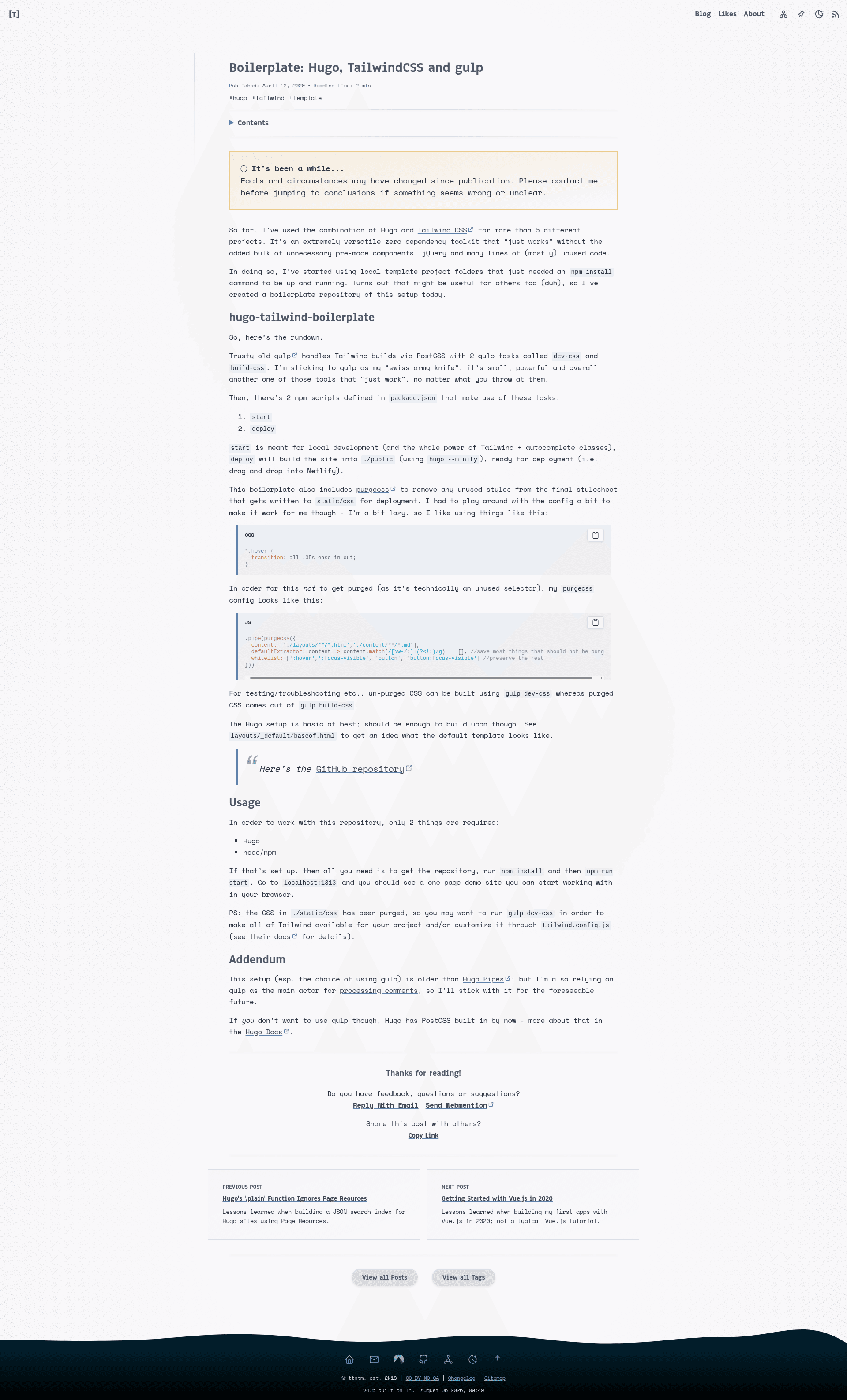
Hugo Tailwind Boilerplate is a minimal open-source starter template that pairs the Hugo static site generator with Tailwind CSS, using gulp and PostCSS as the build pipeline. The repository is designed as a very simple foundation for Hugo sites, providing the default Tailwind configuration file and a basic layout to build upon. It requires only Hugo and node/npm to run, and it currently has 21 stars on GitHub.
What is Hugo Tailwind Boilerplate?
Hugo Tailwind Boilerplate is a boilerplate repository for creating Hugo static sites styled with Tailwind CSS. As input, it takes site content and layout files in the ./content and ./layouts folders; as output, it produces a static website in the ./public directory when the deploy script is run. The platform stack is Hugo for site generation, gulp for task automation, and PostCSS with the Tailwind CSS plugin for styling. It is intended as a starting point that developers can fork and extend.
Key Features
- Gulp-based CSS builds — Two gulp tasks,
dev-cssandbuild-css, process Tailwind CSS through PostCSS to generate stylesheets for development and production. - Two npm scripts —
npm run startruns the local development environment, andnpm run deploybuilds the minified site into./publicusinghugo --minify. - Tailwind configuration with purge — The provided
tailwind.config.jsis set up to automatically purge unused styles from the./contentand./layoutsfolders whenNODE_ENV=production, reducing the final CSS file size. - Minimal Hugo layout — The default template is defined in
layouts/_default/baseof.html, giving a simple HTML skeleton for the site. - Placeholder directory structure — Some folders contain placeholder
txtfiles to preserve the directory structure when the repository is downloaded or forked. - Small dependency footprint — Only Hugo and node/npm are required; there is no full-fledged framework or database involved.
Who is it for?
- Hugo developers who want to use Tailwind CSS without manually configuring PostCSS and gulp in their own projects.
- Front-end designers who need a minimal static site setup with utility-first styling and a straightforward build process.
- Students and freelancers learning static site generation or prototyping one-page sites quickly with a local demo at
localhost:1313.
What can you do with it?
- Start a new Hugo site with Tailwind CSS quickly: Clone the repository, run
npm install, thennpm run startto see a one-page demo atlocalhost:1313with Tailwind classes available in the browser. - Customize the base template: Edit
layouts/_default/baseof.htmland the content in./contentto shape your site's structure and pages. - Deploy a static site: Run
npm run deployto generate a minified production build in./public, ready to be hosted on any static file server.
How does it work?
The workflow is simple: after installing dependencies, the start script runs the gulp dev-css task and serves the Hugo site locally, so you can develop with Tailwind utility classes instantly. The deploy script runs the build-css task with production purging enabled and then executes hugo --minify to produce the final static output.
FAQ
Is Hugo Tailwind Boilerplate free?
Yes, it is an open-source boilerplate hosted on GitHub, so you can use, clone, and fork it without charge. The only costs are installing Hugo and node/npm on your machine.
What versions of Tailwind CSS does it support?
The boilerplate links to Tailwind CSS v1 documentation for its purge functionality, so it is based on Tailwind v1. It uses PostCSS, so you can upgrade to newer versions with some configuration changes.
What does the deploy script output?
The deploy script builds the entire site into the ./public folder using hugo --minify, producing minified HTML and assets that can be uploaded to any static hosting service.
Is this boilerplate actively maintained?
No, the repository carries a "No Maintenance Intended" badge, indicating that the original author does not plan to maintain it further. You may need to adapt it for newer versions of Hugo or Tailwind CSS.