Template details
NextJS-featuredStarterTemplate
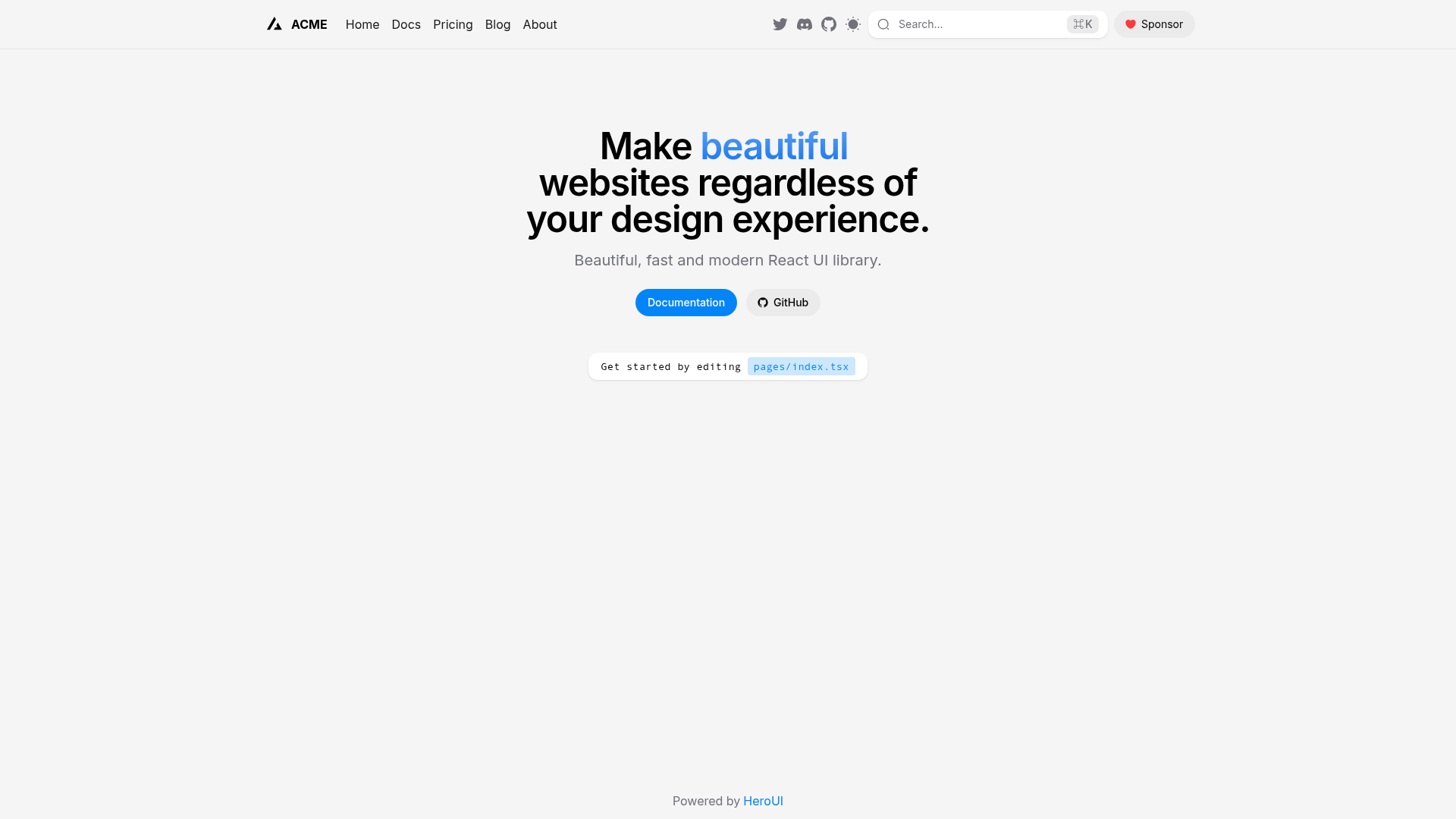
Features: Tailwind CSS, Google analytics, Page loader animation, Dynamic Head component | SEO, Responsive Navbar, Footer, Font setup, EsLint
About this template
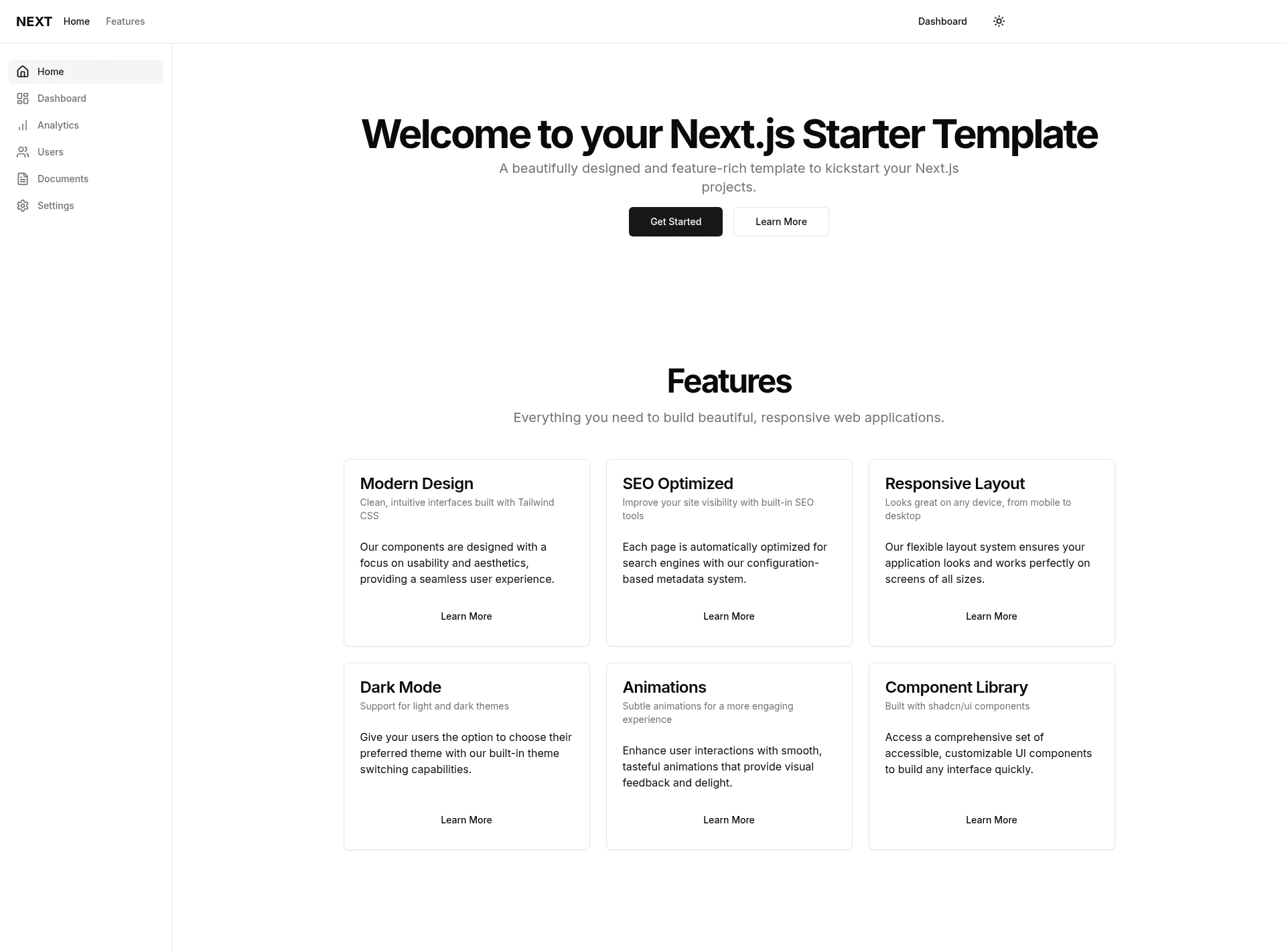
NextJS-featuredStarterTemplate is a Next.js boilerplate repository that scaffolds a new app with Tailwind CSS, Google Analytics, page loader animation, dynamic SEO, a sidebar, a header, and toast notifications preconfigured.
What is NextJS-featuredStarterTemplate?
NextJS-featuredStarterTemplate is an open-source starter template on GitHub, created by the user lifeofsoumya, that modifies the default create-next-app output to include commonly needed features. It runs on Next.js using the App Router, as the main editable file is app/page.tsx. Cloning the repository and running npm install gives you a working Next.js project with the listed features already wired up.
Key Features
- Tailwind CSS — The project is preconfigured with Tailwind CSS utility-first styling.
- Google Analytics — An analytics integration is included for tracking site traffic.
- Page loader animation — A custom loading animation runs during page transitions.
- Dynamic SEO — A dynamic head component sets per-page meta tags for search engine optimization.
- Sidebar — A sidebar component is included for navigation or dashboard layouts.
- Header — A site header is part of the default layout.
- Toast Notifications — A toast notification system is integrated for user feedback.
- Responsive Navbar — The navigation bar adapts to mobile and desktop screen sizes.
- Footer — A footer component is included in the layout.
- Font setup — Custom font configuration is part of the starter.
- EsLint — ESLint is configured for code linting.
Who is it for?
- Next.js developers who want a starting point that already includes Tailwind CSS, analytics, and SEO, so they can focus on building features instead of configuration.
- Dashboard builders who need a layout with a sidebar, header, and footer ready to go.
- Frontend learners who want to see how a modern Next.js project with App Router and Tailwind is structured, and who can edit app/page.tsx to experiment.
What can you do with NextJS-featuredStarterTemplate?
- Quickly scaffold a project — Clone the repo, run npm i, and npm run dev to get a local server at localhost:3000.
- Edit the home page — Modify app/page.tsx; the page hot-reloads on save.
- Ship with analytics and SEO — Google Analytics and dynamic head tags are already configured, so production sites can be tracked and indexed right away.
- Use as a base for a dashboard — The sidebar and header provide a navigation shell for internal tools.
How does it work?
The template is installed by cloning the repository, entering the new directory, installing dependencies with npm, and starting the dev server. The README lists the commands: git clone https://github.com/lifeofsoumya/NextJS-featuredStarterTemplate.git my-app, cd my-app, npm i, then npm run dev (or yarn dev / pnpm dev). After that, open localhost:3000 in a browser.
FAQ
How do I install this template?
Run the git clone command from the repository README, then cd into the folder, run npm install, and start the dev server with npm run dev. You can also use yarn or pnpm for the dev command.
Does this template include TypeScript?
The main editable file is app/page.tsx, which uses a .tsx extension, indicating the template is set up with TypeScript.
What is the page loader animation?
It is a built-in loading animation that appears during page transitions or initial load, part of the starter's preconfigured UI.
Can I use pnpm instead of npm?
Yes, the README lists pnpm dev as an alternative to npm run dev, so pnpm is supported.