Template details
Next Stitches Template
Boilerplate for initializing TypeScript + Next.js + Stitches applications.
About this template
Next Stitches Template is a GitHub boilerplate that scaffolds a Next.js application pre-configured with TypeScript and the Stitches CSS-in-JS library, so you can start building features instead of wiring up tooling.
What is Next Stitches Template?
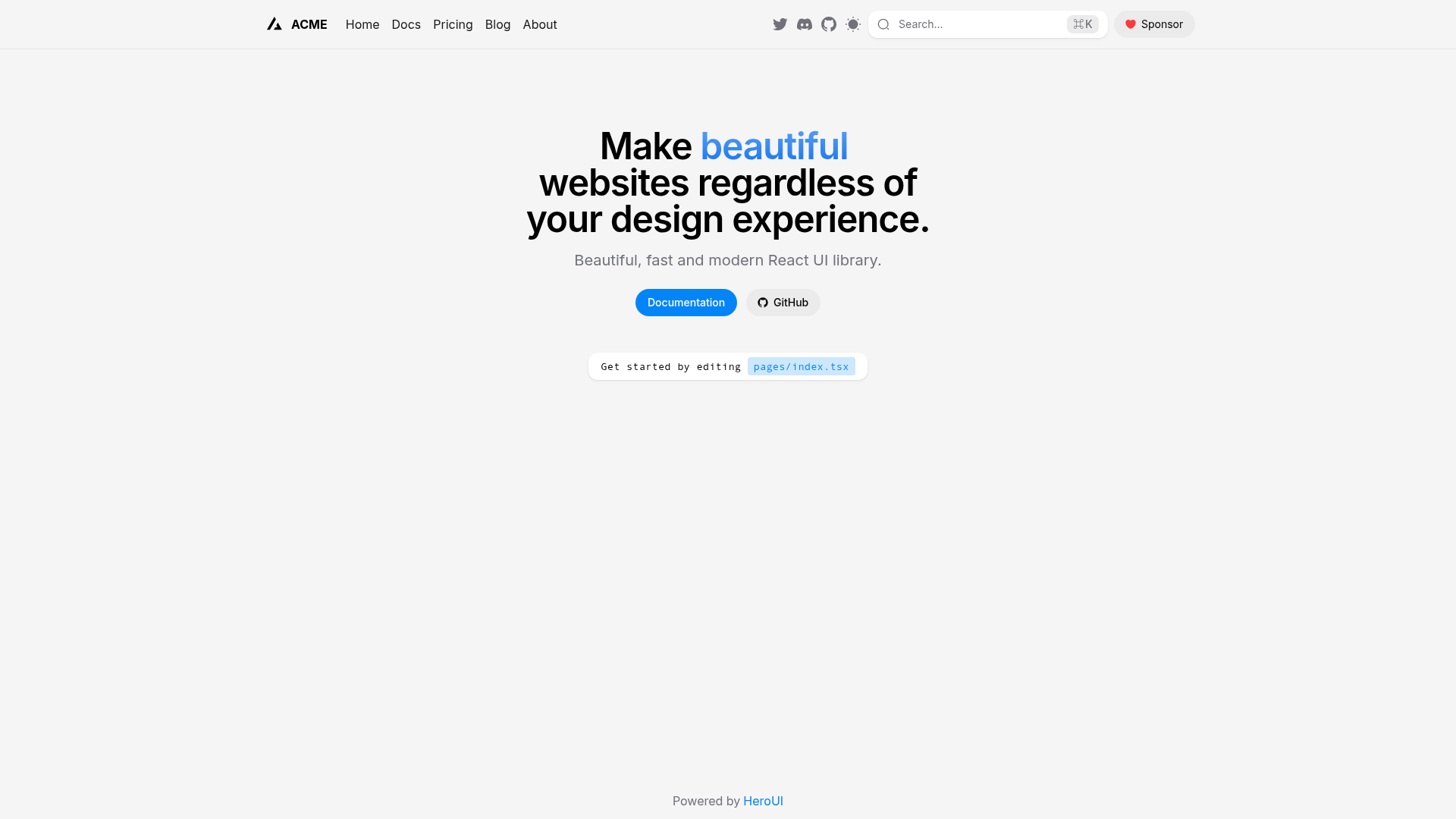
Next Stitches Template is a minimal starter repository that combines Next.js, TypeScript, and Stitches into one ready-to-run project. It takes a cloned copy of the repository as input and, after running a short setup sequence, produces a local web application served at http://localhost:3000. The template is published by GitHub user bernardinorafael and is aimed at developers who want these three technologies wired together without hand-configuring each one.
Key Features
- Next.js foundation — The template is built on the Next.js framework, which brings server-side rendering, static site generation, and file-based routing capabilities to the project.
- TypeScript included — The project is configured for TypeScript, enabling static type checking across your components and pages from the first file.
- Stitches CSS-in-JS — The styling system is Stitches, a typed CSS-in-JS library with theming, variants, and utility-style APIs.
- Local development server — Running
npm run devstarts a hot-reloading development server that defaults to http://localhost:3000. - Simple dependency installation — Dependencies are installed with
npm install, and the project works with either npm or yarn. - Node.js v14 or higher required — The template requires Node.js version 14 or above on your machine.
Who is it for?
- Frontend developers who want a pre-wired starting point for a Next.js + TypeScript + Stitches app instead of assembling the stack manually.
- Teams standardizing on Stitches who need a consistent base project with themes and variants already set up through the styling library.
- Learners exploring CSS-in-JS who want to see how Stitches integrates into a Next.js project with TypeScript.
What can you do with it?
- Bootstrapping a new web app: Clone the repository, run
npm install, thennpm run dev, and start adding your own pages, components, and Stitches styles right away. - Prototyping styled interfaces: Use Stitches tokens and variants to quickly build themed UI components without leaving your TypeScript components.
- Learning the stack: Study how the three tools are connected in the template's files to understand a baseline Stitches + Next.js setup.
How does it work?
The README documents a four-step workflow: clone the repository, enter the folder, install dependencies with npm install, and start the development server with npm run dev. After that, opening http://localhost:3000 in a browser shows the running application.
FAQ
Do I need Node.js to use this template?
Yes. The template requires Node.js version 14 or higher installed on your machine, plus either npm or yarn as the package manager.
What command installs dependencies?
Run npm install in the project folder after cloning. Both npm and yarn are supported as package managers.
How do I start the development server?
Run npm run dev from the project directory. The server starts and the application is served at http://localhost:3000.
Is this template intended for production use?
The repository is a starter template, not a production deployment configuration. It gives you a foundation on which to build your own application features and then deploy your own build.