Template details
Adding Cookies
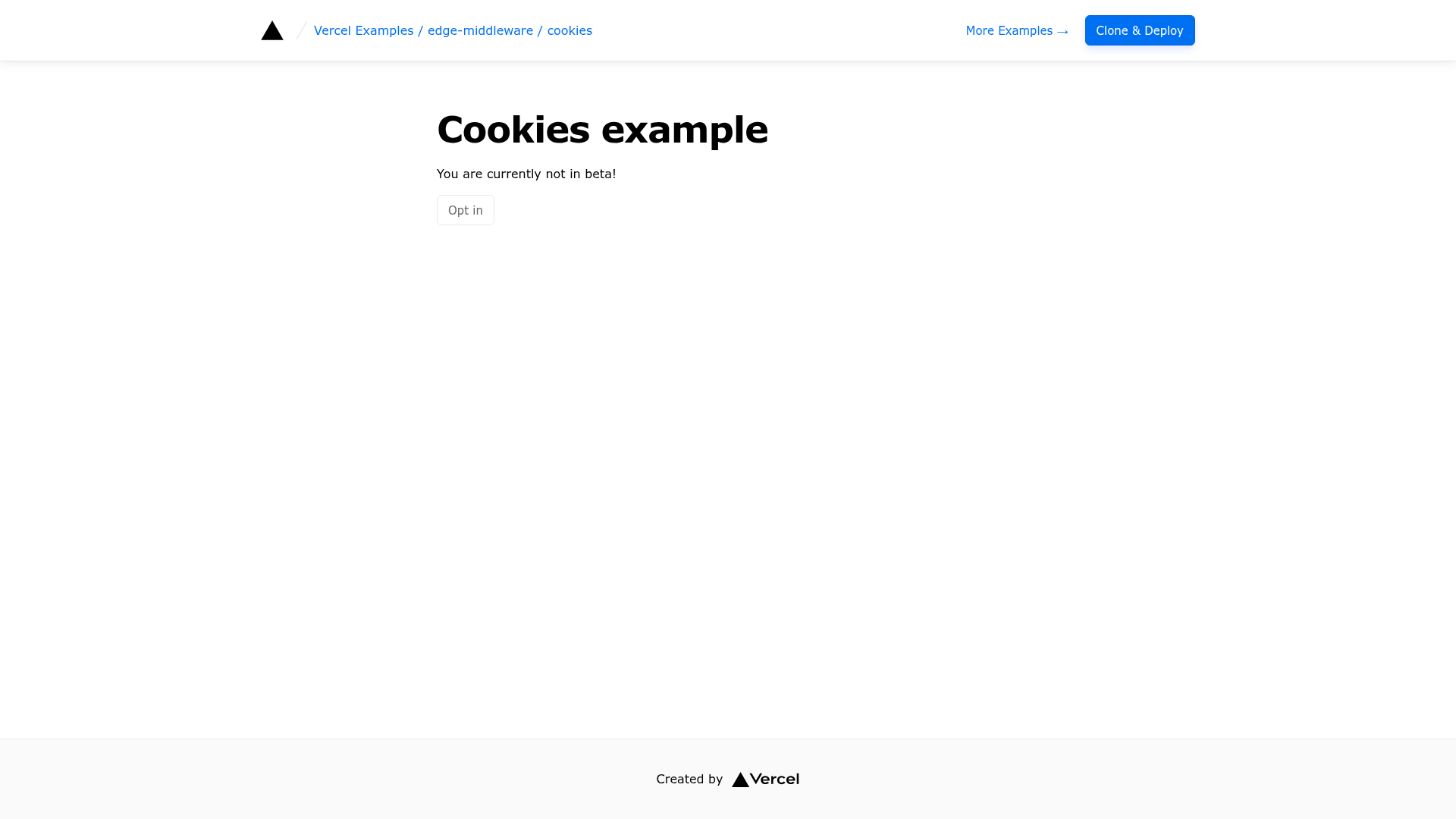
Next.js Edge Middleware example that reads a cookie at the edge and rewrites visitors to a statically generated page based on its value.
About this template
Adding Cookies is a Next.js Edge Middleware example from the Vercel examples repository that reads a cookie on the edge and rewrites the visitor to a statically generated page, so no server-rendering step is needed just to branch on a cookie value.
What is Adding Cookies?
Adding Cookies is an edge middleware template published inside the vercel/examples monorepo (topics: examples, nextjs, vercel) that reads the beta cookie from an incoming request and rewrites the user to either a /beta or /non-beta statically generated page. It takes an HTTP request as input, parses the cookie value with NextRequest's cookie API, mutates the URL pathname, and returns a rewrite response via NextResponse.rewrite() — all before the page is served. It runs on Next.js Edge Middleware and deploys to Vercel, and the code lives primarily in a single middleware.ts file written with the next/server imports NextRequest and NextResponse.
What makes Adding Cookies stand out?
- Edge cookie parsing — the middleware calls
req.cookies.get('beta'), JSON-parses the value, and falls back tofalsewhen the cookie is missing or unset. - Rewrite instead of redirect —
NextResponse.rewrite()serves the alternate page while keeping the original URL in the browser address bar. - Path matcher config — an exported
configobject withmatcher: '/'scopes the middleware to the root route only. - No getServerSideProps — the pattern removes the need for server-side rendering plus a redirect purely to read a cookie, so pages stay statically generated.
- Next.js framework — built on the App/Pages routing model of Next.js with TypeScript middleware.
- Tailwind CSS styling — the example's beta and non-beta pages are styled with Tailwind utility classes.
- Live demo — a deployed copy runs at edge-functions-cookies.vercel.app for testing cookie behavior.
- Two setup paths — one-click deploy via the Vercel clone URL, or bootstrap locally with
pnpm create next-app --examplefollowed bypnpm dev.
Who should use Adding Cookies?
- Next.js developers running beta programs: read a
betacookie at the edge and serve a different static page to opted-in users without touching page-level data fetching. - Teams doing traffic experiments: pair it with the sibling
ab-testing-simpletemplate to branch visitors on the edge. - Performance-focused engineers: keep routes static while still personalizing output, avoiding a redirect round-trip.
- Developers learning edge middleware: the whole pattern fits in one small
middleware.tsfile that is easy to copy into an existing app.
How does Adding Cookies work?
- A request reaches the route matched by the exported
matcher(the root path). - The middleware reads the
betacookie and JSON-parses it, defaulting tofalse. - It sets the request's
nextUrl.pathnameto/betaor/non-beta. - It returns
NextResponse.rewrite()so the matched static page is served under the same URL.
FAQ
What does the Adding Cookies example do?
It reads a cookie named beta inside Next.js Edge Middleware and rewrites the request to a /beta or /non-beta statically generated page. The browser URL stays the same, and the decision happens before the page is rendered, so no server-side data fetching is required.
Does it redirect or rewrite the user?
It rewrites, not redirects. NextResponse.rewrite() returns the alternate page content while preserving the original URL, which avoids an extra redirect round-trip and keeps the visitor's address bar unchanged.
Is Adding Cookies free to use?
Yes. It is an open-source example in the Vercel examples repository, licensed as part of that collection, and you can clone it and deploy it to your own Vercel account at no cost beyond your hosting plan.
Can I run it locally?
Yes. Bootstrap it with pnpm create next-app --example pointing at the edge-middleware cookies example, then run pnpm dev to start Next.js in development mode. The middleware executes locally through the Next.js dev server.