Template details
Almeida CV Theme
Hugo theme to build a customizable, printable HTML/CSS CV with minor web responsiveness.
About this template
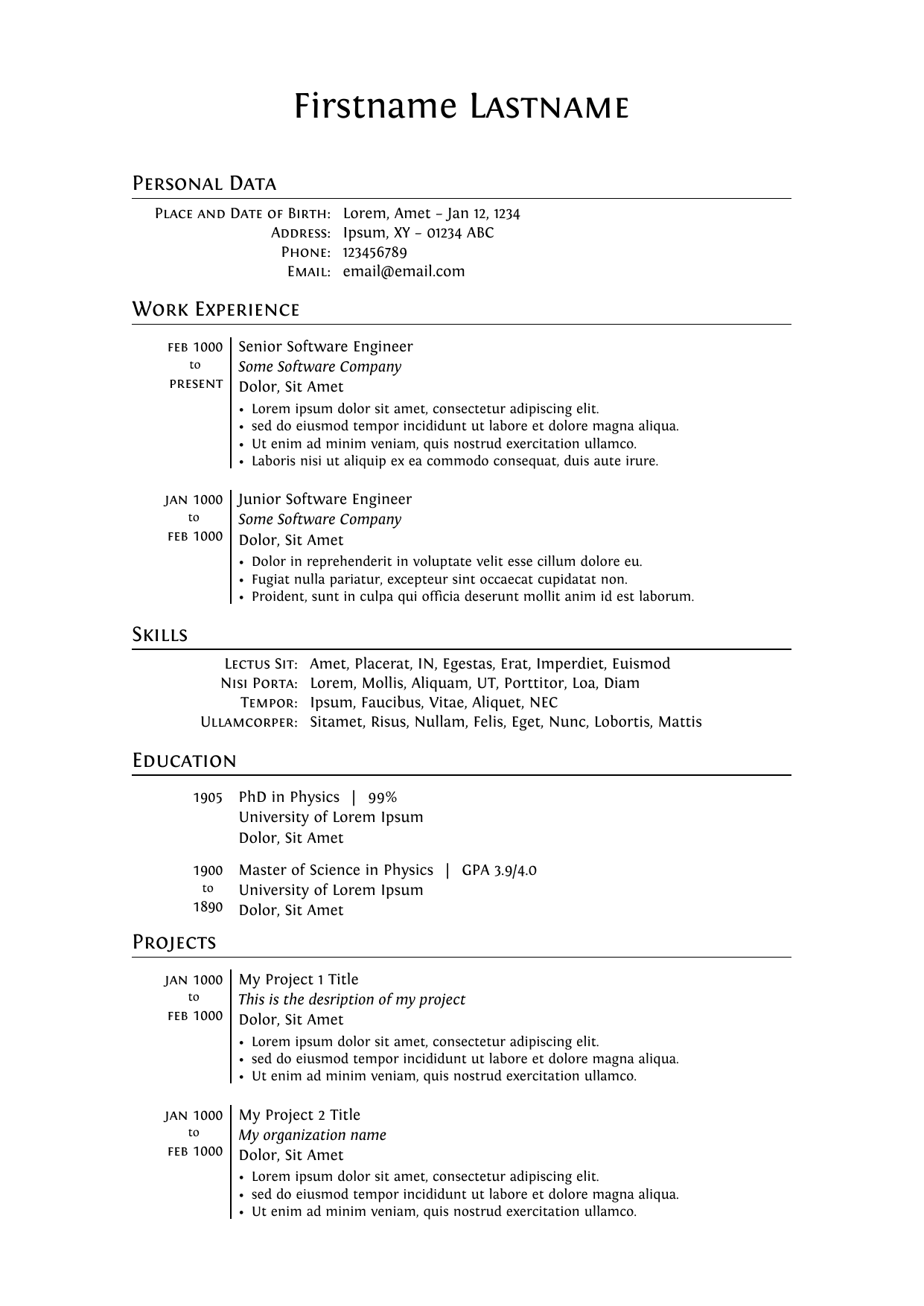
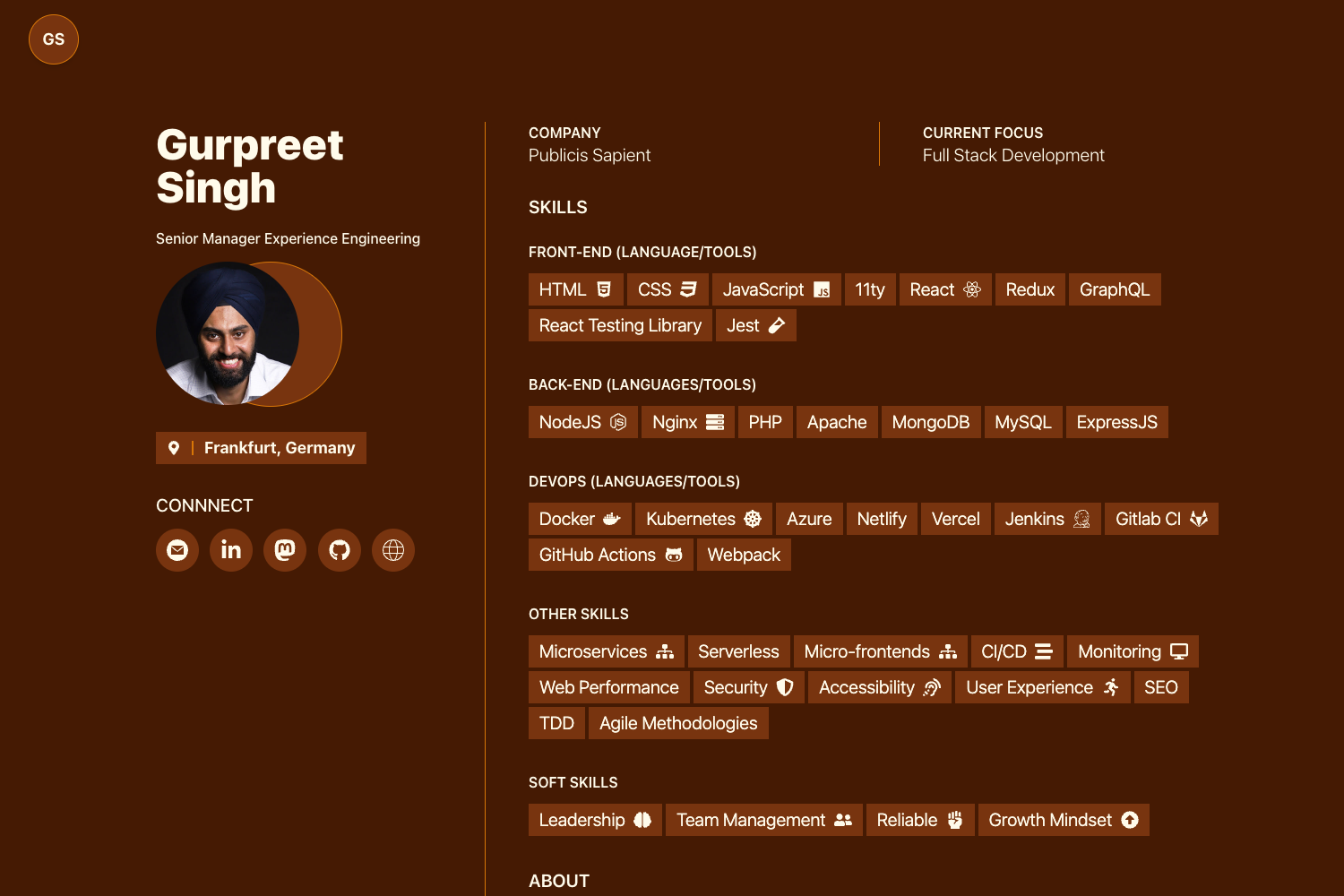
Almeida CV is a Hugo theme that converts YAML resume data into a printable, A4-optimized HTML/CSS CV with a two-column layout and fully customizable colors.
What is Almeida CV Theme?
Almeida CV Theme is a Hugo (Extended) static-site theme for building a professional resume as an HTML/CSS document. It takes your biographical and work-history data from data/content.yaml and site-wide appearance settings from config.toml, then renders a responsive online CV that also prints cleanly as an A4 PDF. The theme is maintained by Inês Almeida under the almeida-cv repository and is installed as a git submodule into any Hugo site.
Key Features
- A4 print layout — Browser printing produces a formatted A4 PDF; if the content overflows one page, the theme splits it across multiple pages, and the intended page count is set with the
pagesparameter inconfig.toml. - YAML-driven content — All professional information (name, contact details, work experience, education, skills) lives in
data/content.yaml, so you never edit HTML markup to update your CV. - Color customization — The theme exposes over a dozen color parameters in
config.toml, includingcolorPrimary,colorSecondary,colorIconBackground,colorRightColumnBackground, and separately configurable text colors for the right column. - Column swapping — Setting
swapColumnstotrueinconfig.tomlflips the left and right columns in the printed layout. - Custom SCSS overrides — Advanced users can create an
assets/scss/_custom.scssfile in the site root to override the theme's base SCSS. - SEO meta tags — The
enableMetaTagsparameter turns on meta tag generation for the online version of the CV. - Minified static output — Running
hugo --minifybuilds the site into minified static files ready to deploy to any static host.
Who is it for?
- Job seekers who want a clean, professional PDF resume generated from a single YAML file rather than from hand-maintained HTML templates.
- Hugo users and developers who want to version-control their CV, rebuild it from the command line, and customize styling with SCSS overrides.
- People who need a quick personal resume page that looks presentable online (with minor responsiveness) and still prints perfectly to A4 paper.
What can you do with it?
- Turn structured data into a resume: Fill
data/content.yamlwith your professional history and get a styled two-column CV with no markup editing. - Personalize colors for your brand: Edit the color parameters in
config.tomlto match your personal or corporate identity across the left and right columns, icons, and page background. - Export an A4 PDF: Open the rendered page, hit print, enable "Background Graphics" in the dialog, and save the result as a multi-page PDF resume.
How does it work?
- Install Hugo Extended by following the official installation guide.
- Create a new Hugo site, run
git init, and add the theme as a submodule withgit submodule add https://github.com/ineesalmeida/almeida-cv.git themes/almeida-cv. - Copy the files from
themes/almeida-cv/exampleSiteinto your site root. - Start a local preview with
hugo server -D, then visithttp://localhost:1313/. - Replace the example data in
data/content.yaml, adjustconfig.toml, and build the static site withhugo --minify.
FAQ
Does Almeida CV need a special Hugo version?
Yes — it requires Hugo Extended. The theme relies on the extended edition's SCSS/Sass processing to compile its custom stylesheets, so the installation instructions point you to the Hugo Extended installer.
How do I export my CV as a PDF?
Open the rendered page in a browser, open the browser's print dialog, enable the "Background Graphics" option so colored badges and icon backgrounds appear, and choose "Save as PDF". The theme formats the output at A4 size and will split content across pages as needed.
Can I control the number of pages my PDF takes?
Yes — set the pages parameter in config.toml. The theme divides your content to fill that number of A4 pages, and if your content is longer, additional pages are created automatically.
Where do I put my resume data?
All of your resume content goes into the data/content.yaml file in your site's data directory. The exampleSite directory includes a fully working sample that you can copy and edit with your own information.
How do I customize the colors beyond the config parameters?
For deeper changes, create an assets/scss/_custom.scss file in your site root. Any SCSS you add there overrides the theme's default styles, giving you full control over the final look.