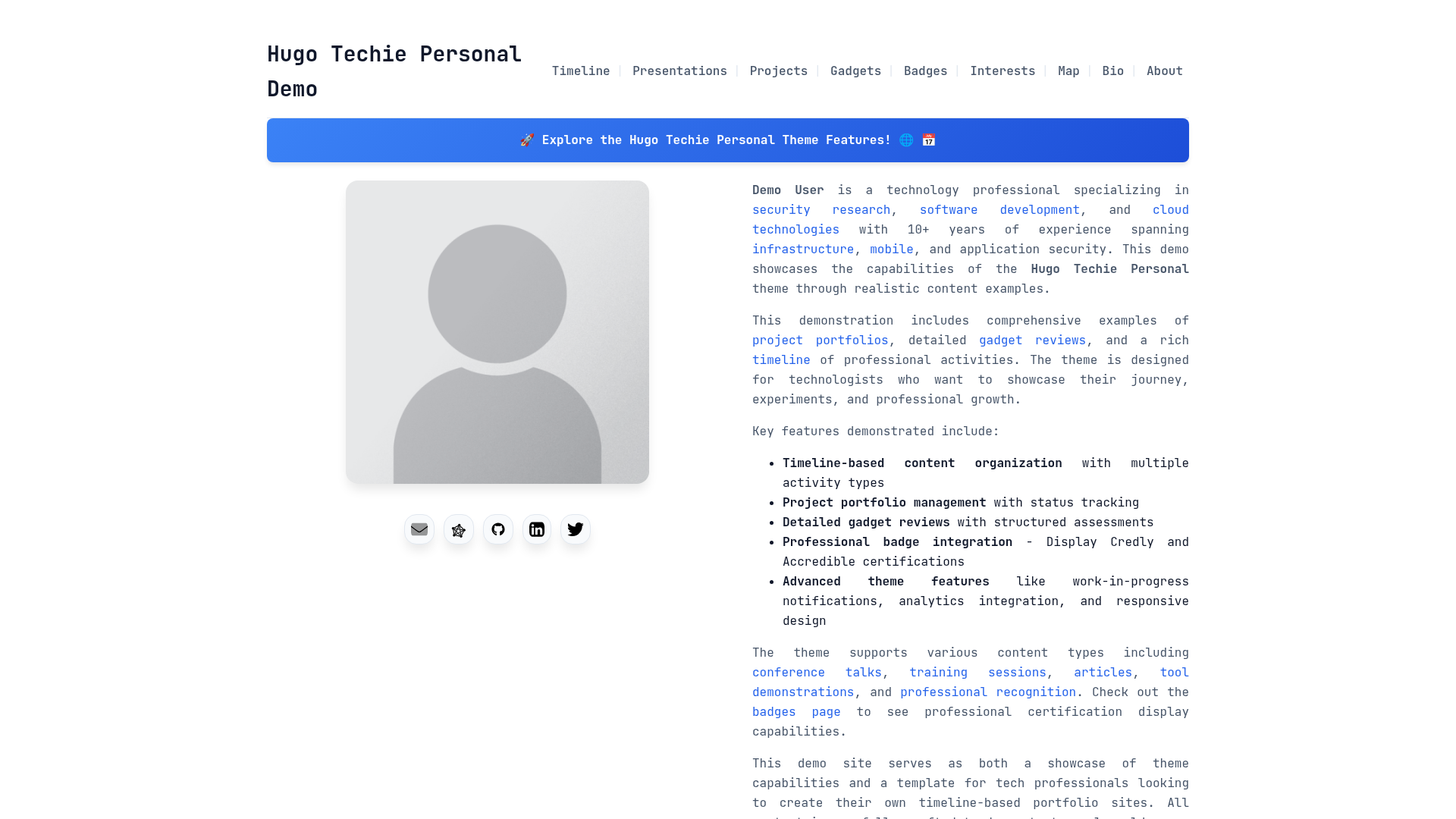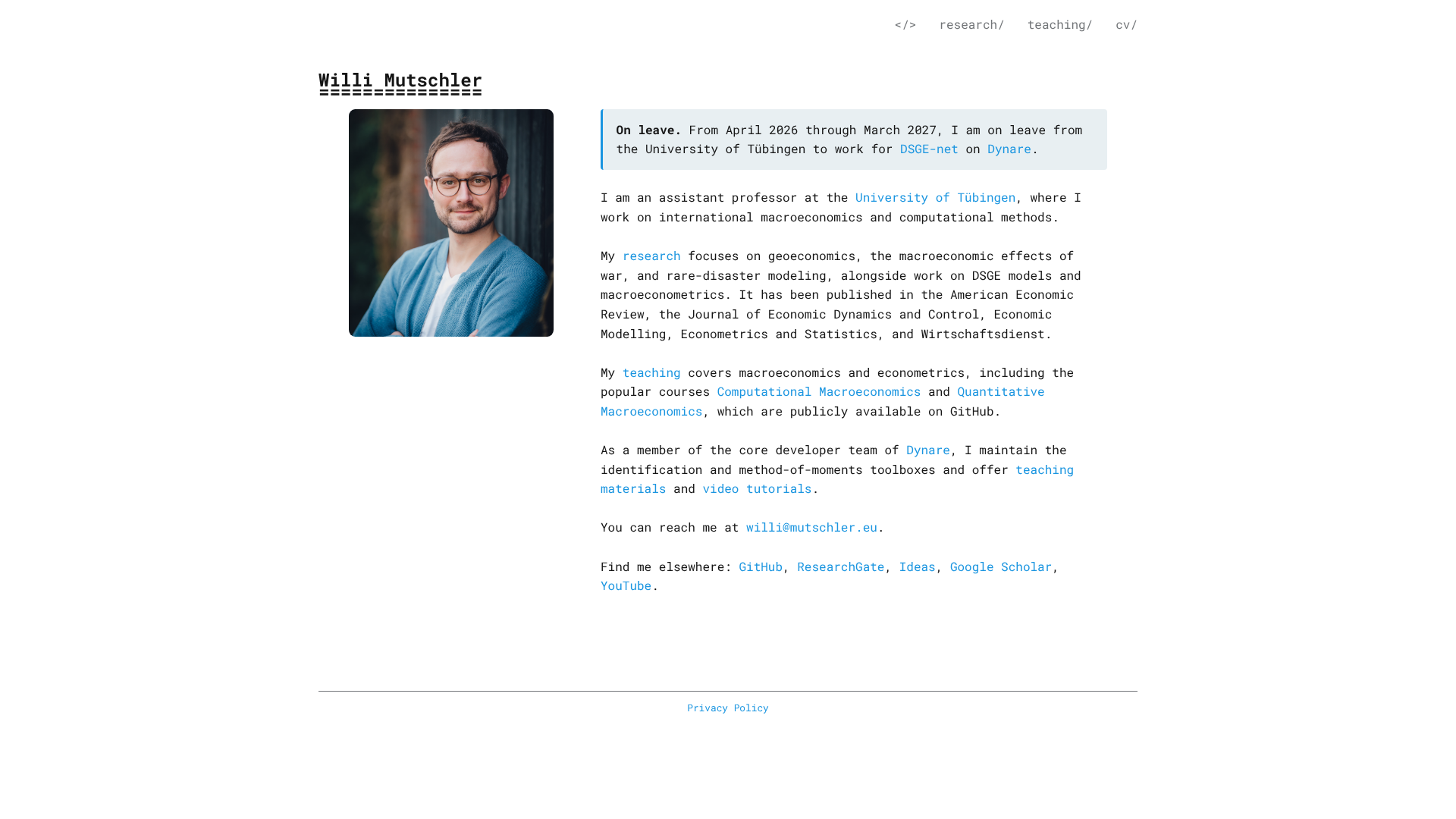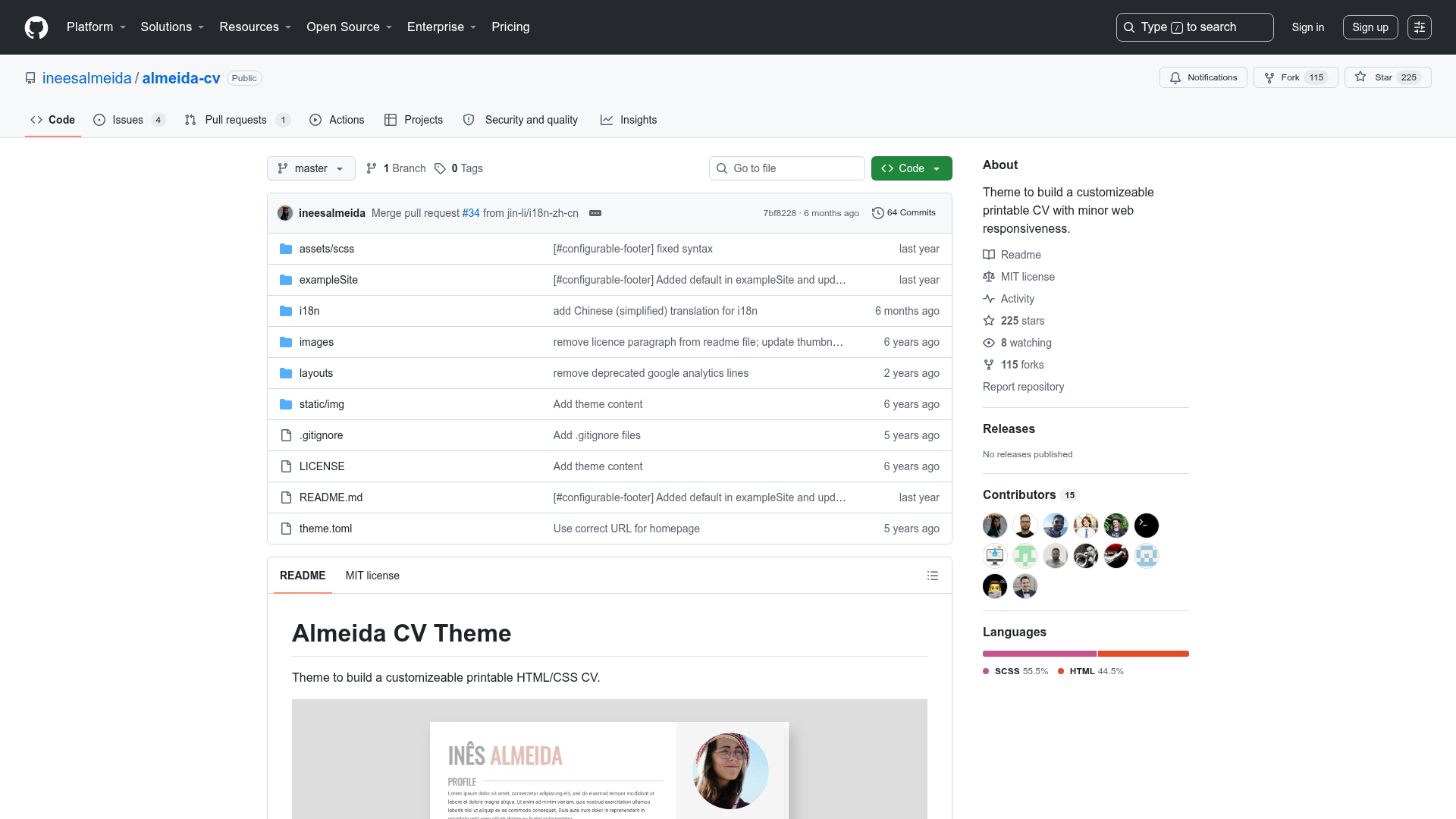
Template details
11ty Resume Template
An online resume template built with Eleventy and TailwindCSS, driven by JSON data files.
About this template
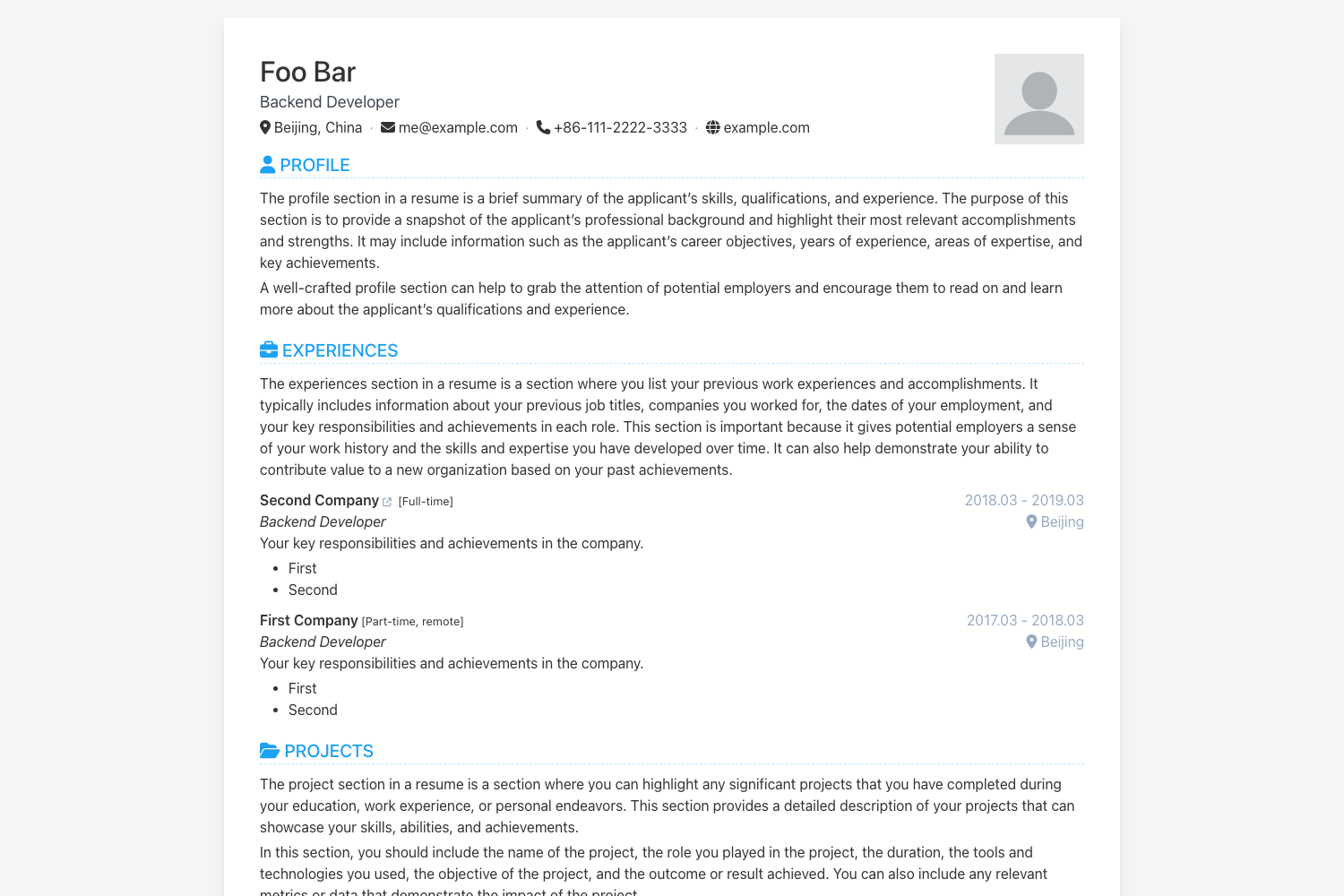
The 11ty Resume Template is an open-source, static-site resume template built with Eleventy (11ty) that turns your JSON career data into a single, accessible, self-contained HTML page.
What is the 11ty Resume Template?
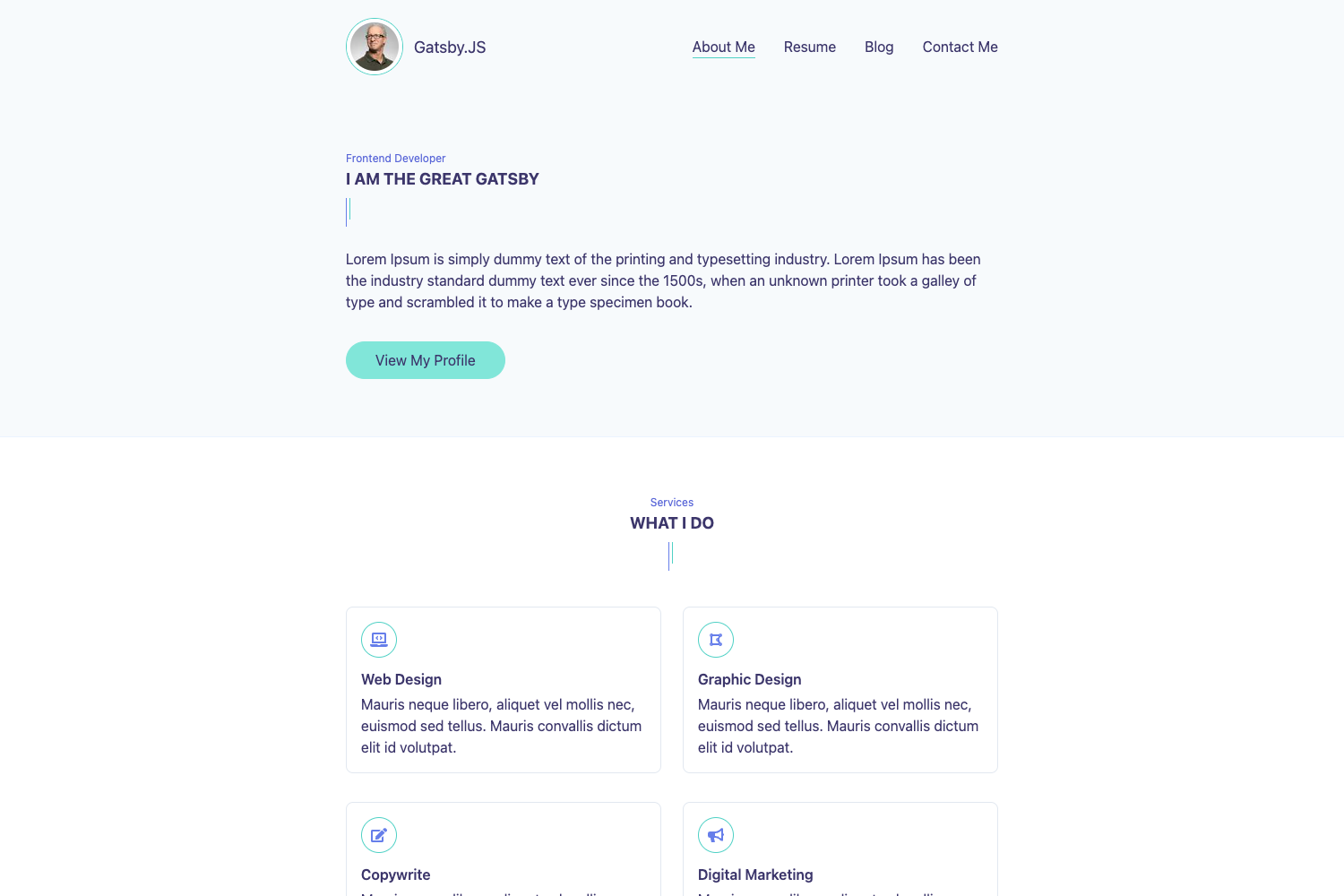
The 11ty Resume Template is a resume website starter project that runs on the Eleventy static site generator. It takes structured JSON files from the src/data folder as input and produces a static HTML resume page as output. The template is maintained by GitHub user learnwithgurpreet and was inspired by the weeby.studio Intro theme. It is built with TailwindCSS, includes dark/light theme support, and is designed to be fully self-contained so the generated page loads no external CSS or JavaScript resources.
What makes the 11ty Resume Template stand out?
- Fully customizable content — Replace the demo text by editing three JSON files:
author.jsonfor personal details and career history,projects.jsonfor recent projects, andsite.jsonfor site-level metadata like locale and theme color. - Accessible output (WCAG AA) — The template ships semantic HTML and is built to meet WCAG AA accessibility standards, so the resume is navigable by assistive technology users.
- Search-engine-optimized — It includes meta description tags and JSON-LD structured data, letting search engines interpret your resume as schema.org ContactPage or Person entities.
- Dark and light themes — TailwindCSS powers a theming system that you can control from
site.json; setthemeColorandbackgroundColorto adjust the site.webmanifest appearance. - Static build workflow —
npm startlaunches a development server with live reloading, whilenpm run buildproduces a production-ready static site in thedistfolder. - One-click Netlify deployment — The README includes a Deploy to Netlify button that forks the repository and deploys the site automatically.
Who is the 11ty Resume Template for?
- Job-seeking developers — Create a professional resume page that you can share as a URL, print to PDF, or host on your own domain without a CMS.
- Developers learning static site generators — Use this simple, well-documented repository as a real-world example of how to structure an Eleventy project with data-driven content.
- People who want a fast personal website — Because the output is static and uses no external resources, the page loads quickly and can be hosted for free on platforms like Netlify or GitHub Pages.
What can you do with the 11ty Resume Template?
- Build a bilingual-ready resume site — Set the
langandlocaleproperties insite.jsonto control the HTML language attributes and locale metadata for your audience. - Showcase your experience and certifications — Populate the
worksFor,hasCredential,publishes, andalumniOfarrays inauthor.jsonto display work history, certifications, publications, and education. - Make a printable one-page resume — The container layout is designed for screen reading, but you can use the browser's print-to-PDF feature to produce a paper resume.
How does the 11ty Resume Template work?
The workflow is JSON-first. After running npm install, you start the dev server with npm start, then edit the JSON data files under src/data. All page content is generated from those files, so you don't need to touch the templates for basic updates. When you're done, run npm run build to generate the static site, then deploy the output folder to any static host, or use the provided Netlify deploy button.
FAQ
Can I use the 11ty Resume Template for free?
Yes, the repository is public on GitHub and the template is freely usable. No pricing information is listed, and there are no licensing fees mentioned in the README.
Do I need to write HTML or CSS to customize the resume?
No — for normal content changes you only edit JSON files: author.json, projects.json, and site.json. To change the visual design you would edit the TailwindCSS classes in the source templates.
Does the generated resume page rely on external services?
No. Unless you add a remote profile picture URL in author.json, the generated page references no external CSS, JavaScript, or fonts. This makes the resume fully self-contained and fast.
Which data fields does the template support?
author.json contains required fields like name, email, location, title, and connect for social links, plus optional arrays for work experience (worksFor), certifications (hasCredential), publications (publishes), and education (alumniOf). projects.json holds project entries with industry, details, role, status, and technologies. site.json provides site metadata such as name, url, lang, and locale.
How do I deploy the resume to Netlify?
Click the Deploy to Netlify button in the README, or connect the repository to Netlify manually. The build command is npm run build, and the publish directory is the dist folder.