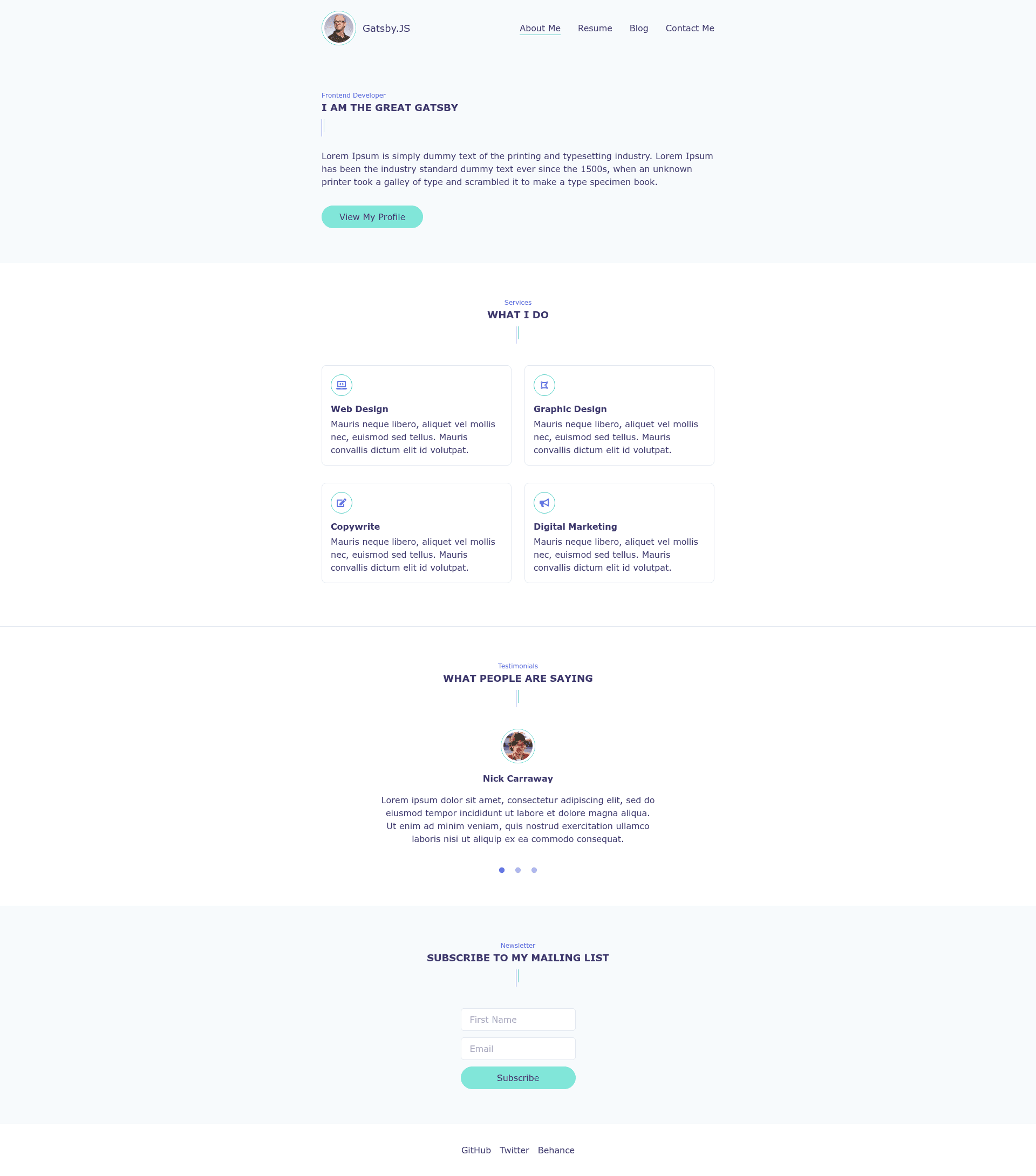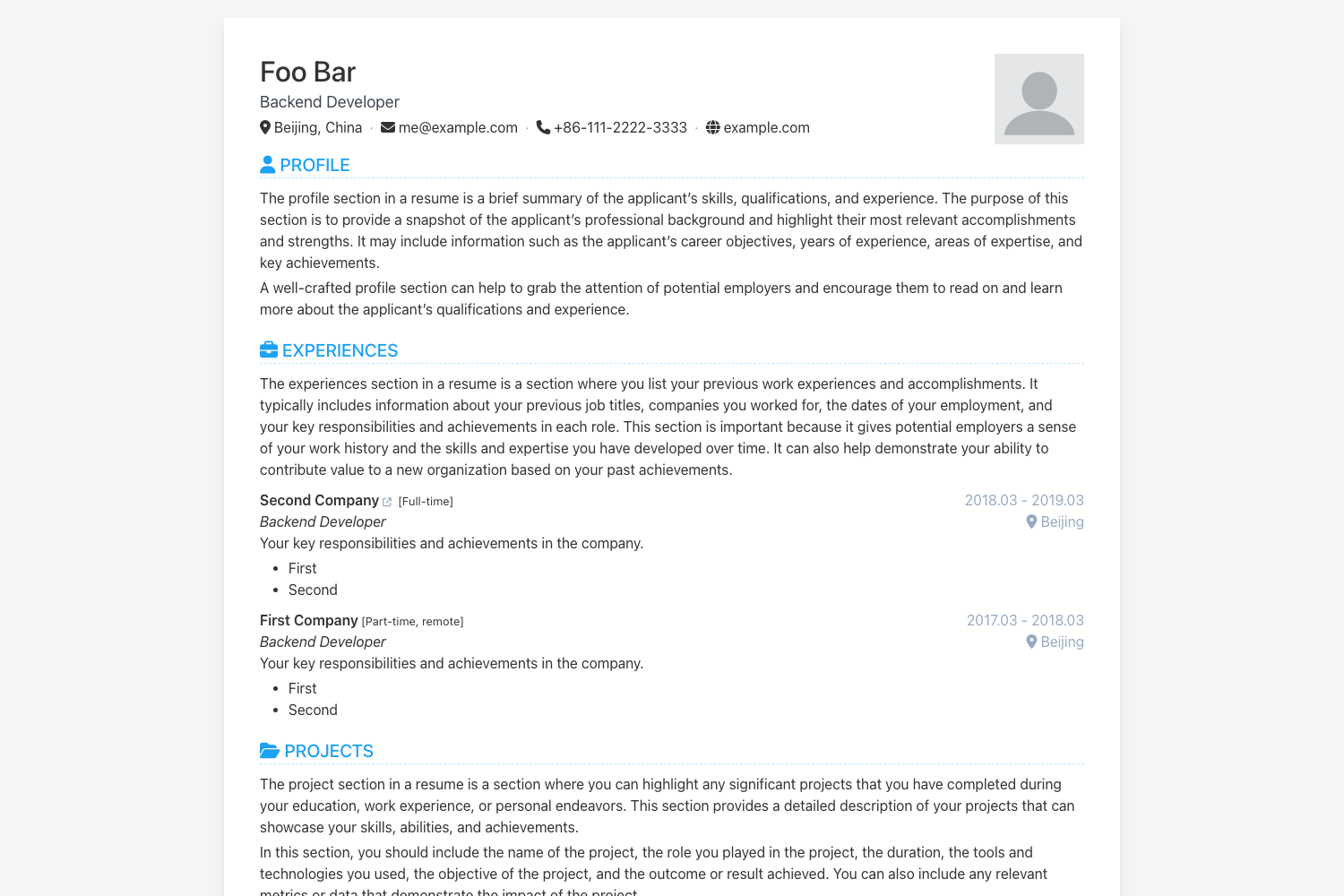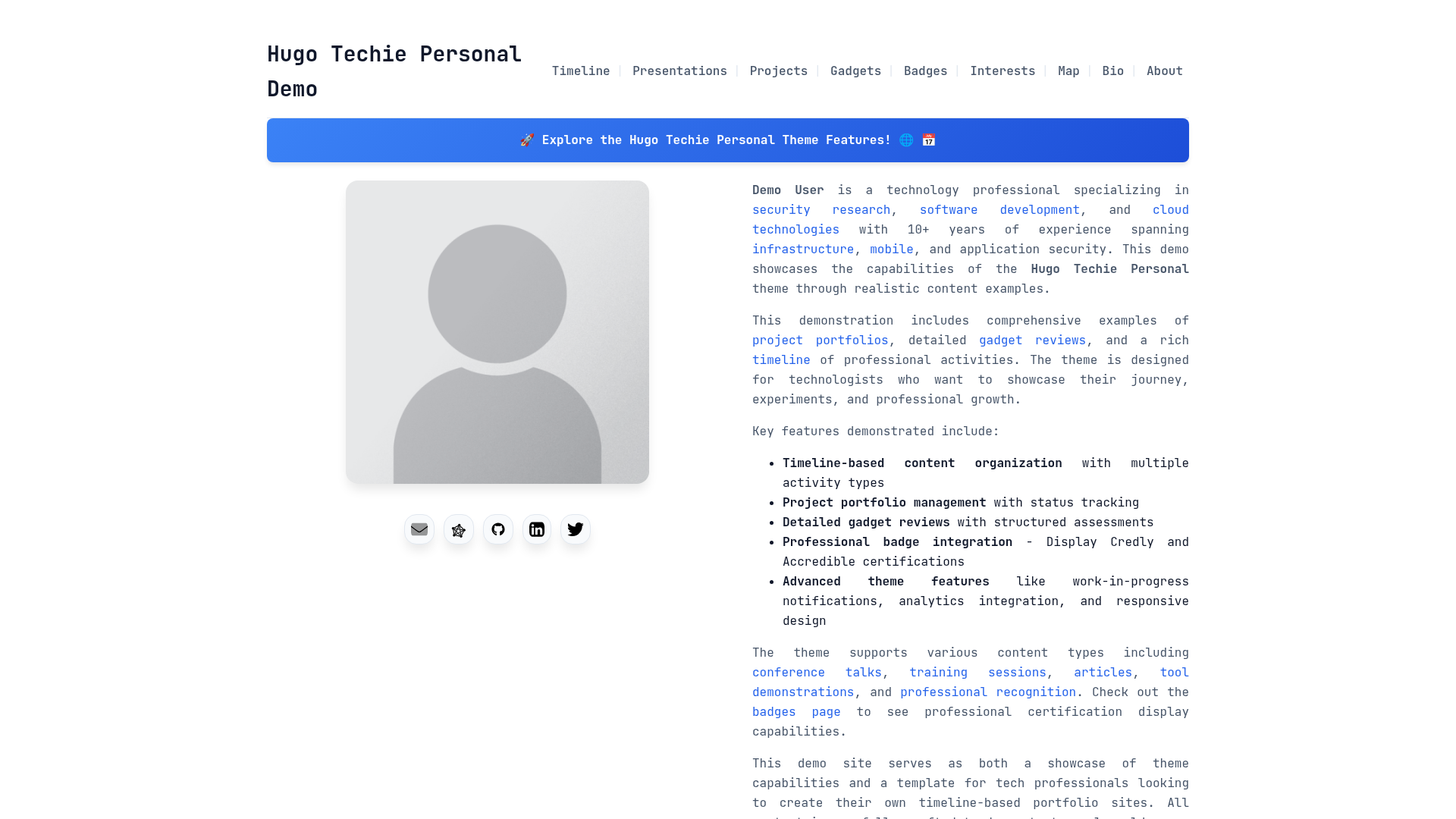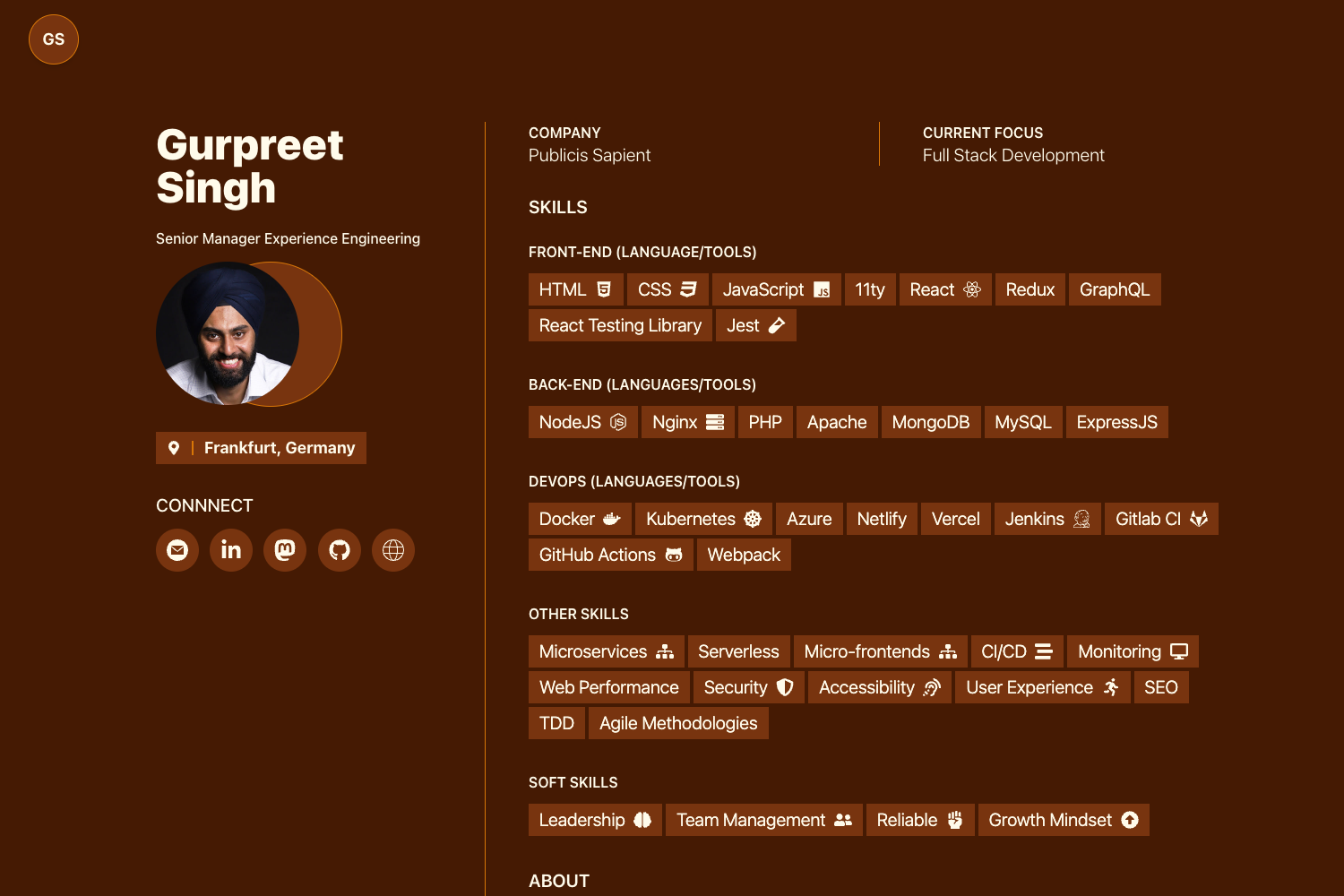
Template details
Gatsby Markdown Typescript Personal Website
Gatsby starter for a personal website/resume blog using Markdown, TypeScript, styled-components, Tailwind CSS, and Framer Motion.
About this template
Gatsby Markdown Typescript Personal Website is an open-source Gatsby starter that builds a personal blog and resume site from Markdown content, styled with Tailwind CSS and styled-components, with Framer Motion animations.
What is Gatsby Markdown Typescript Personal Website?
Gatsby Markdown Typescript Personal Website is a starter template for a personal website or blog, built on the Gatsby static site generator. It takes Markdown files as its content source and outputs a production-ready static site with generated HTML, JavaScript, and CSS bundles. The template was created by SaimirKapaj and is available on GitHub, with a live demo hosted on Netlify.
Key Features
- Markdown-based content — Write blog posts and page content in Markdown; Gatsby transforms the files into static pages during the build.
- TypeScript support — The starter includes TypeScript so you can write typed React components and catch errors at compile time.
- Tailwind CSS + styled-components — Both styling tools are preconfigured. Tailwind provides utility classes, while styled-components enables scoped, component-level styling.
- Framer Motion animations — Page and component transitions use Framer Motion without requiring extra configuration.
- React Font Awesome icons — Icon components from react-fontawesome are included for use in navigation, contact links, and content.
- Quick start with Gatsby CLI — Create a new site with
gatsby new my-site-nameand the starter's GitHub URL, then develop withgatsby develop. - One-click deployment — The README links to deploy buttons for both Netlify and ZEIT Now (now Vercel), so you can publish without touching a terminal.
Who is it for?
- Developers who want a clean, typed starter for a personal portfolio or resume site without building from scratch.
- Bloggers who prefer writing in Markdown and want a static blog deployed to a CDN.
- Gatsby users who want an example of combining TypeScript, Tailwind, styled-components, and Framer Motion in one project.
What can you do with it?
- Publish a personal site — Replace the placeholder content with your bio, resume, and project links, then deploy to Netlify or ZEIT Now.
- Run a Markdown blog — Add posts as Markdown files; the starter's Gatsby configuration renders them into a blog listing and individual post pages.
- Learn a tech stack — Inspect how the starter wires Gatsby with TypeScript, Tailwind, styled-components, and Framer Motion to see how these tools interact.
How does it work?
After cloning the starter, run gatsby develop to start a local dev server at http://localhost:8000, and run gatsby build to generate optimized static files. You can test the production build locally with gatsby serve, which hosts it at http://localhost:9000. For deployment, use the provided Netlify or ZEIT Now buttons pointed at the GitHub repository.
FAQ
How do I create a new site from this starter?
Run gatsby new my-site-name with the starter's GitHub URL. This clones the template and installs dependencies, then you can run gatsby develop to start a dev server.
How do I build and preview the production site?
Execute gatsby build to create an optimized static bundle, then gatsby serve to preview it locally at http://localhost:9000. The deploy buttons push the same build to Netlify or ZEIT Now.
Is this starter free to use?
Yes, the starter is open source under the Gatsby starter model. You can use, modify, and deploy it without payment, provided you follow the license terms in the repository.