Template details
Angular on Netlify Quick Start Template
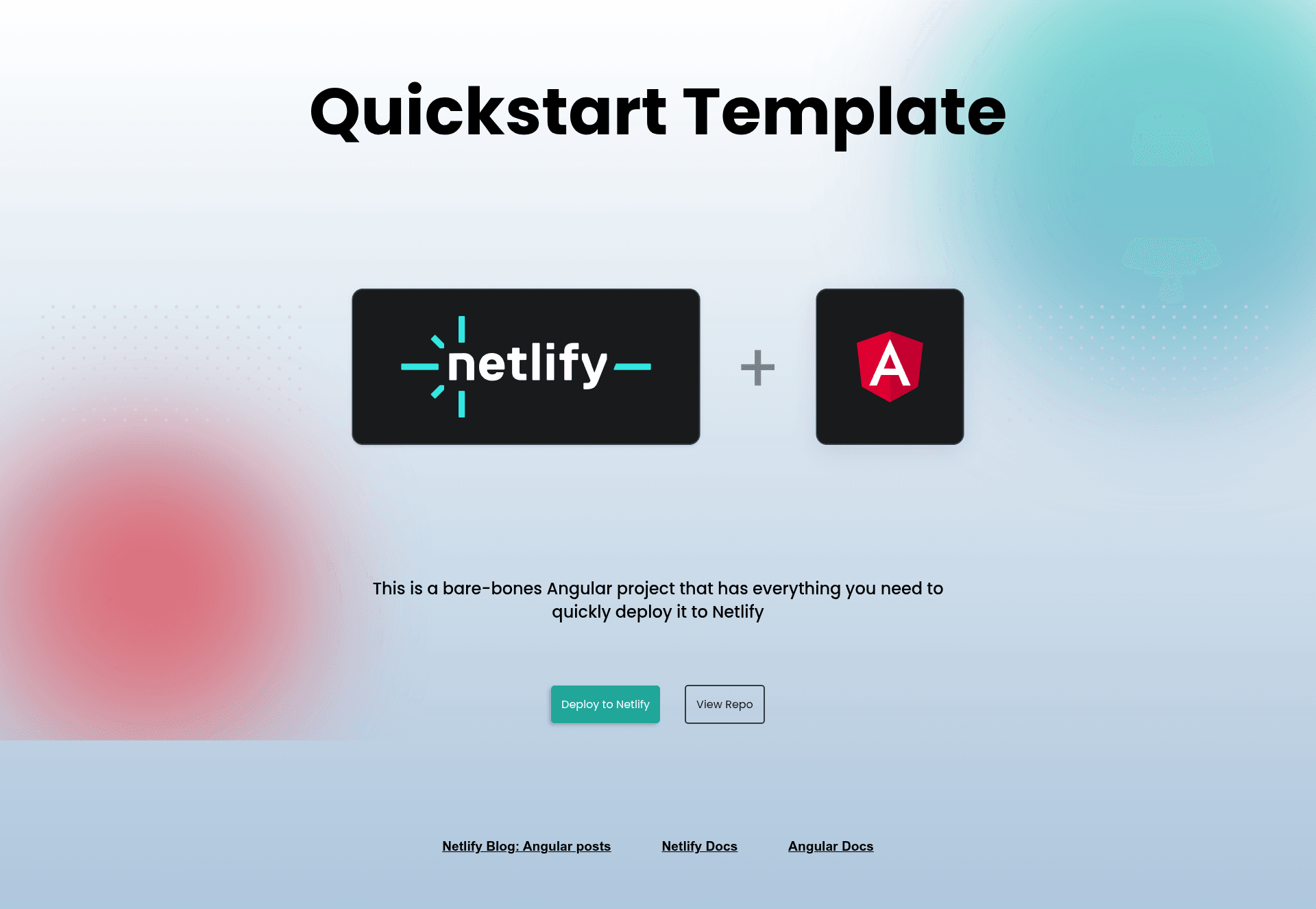
A bare-bones Angular template to get you deployed to Netlify fast!
About this template
Angular on Netlify Quick Start Template is a bare-bones Angular 15 boilerplate from the netlify-templates GitHub organization that exists to get a new Angular site deployed to Netlify as quickly as possible, often with a single click.
What is the Angular on Netlify Quick Start Template?
This template is a minimal Angular project generated with Angular CLI version 15, configured specifically for Netlify hosting. It takes a fresh Angular application and provides the files and settings needed to deploy it, including a netlify.toml configuration, a Deploy to Netlify button, and demo styling. The template is maintained by Netlify and is one of several framework quickstarts in the netlify-templates repository.
Key Features
- One-click deployment — The Deploy to Netlify button in the README creates a new repository, a new Netlify project, and triggers an immediate build and deploy.
- netlify.toml included — The project ships with a Netlify configuration file that defines build settings and the Cypress Netlify Build Plugin.
- Customizable demo styling — An external stylesheet at src/demo-styling.css uses CSS variables such as --top-right-blur-1, --top-right-blur-2, --bttm-left-blur-1, and --bttm-left-blur-2 to control gradient blob colors; removing the file removes the styling.
- Built-in testing — Unit tests run with Jasmine and Karma, while Cypress provides end-to-end tests via the Cypress Netlify Build Plugin during builds.
- Renovate dependency updates — A renovate.json file is included so Renovate can automatically update project dependencies.
- Multiple deployment paths — Besides the button, you can deploy using netlify deploy, dragging and dropping the dist folder into the Netlify UI, or running netlify sites:create-template angular-quickstart.
Who is it for?
Developers who want a proven Angular 15 starting point with Netlify deployment already wired up. Teams that need a tested baseline can keep the included Jasmine/Karma and Cypress tooling. Hackathon participants and prototypers can use the one-click deploy to get a live URL in minutes. Anyone evaluating Netlify's CLI can run netlify dev to get a local server with live previews, functions support, and redirects.
What can you do with it?
- Front-end developers: scaffold a new Angular app, run npm install and ng serve to develop locally, then push to Netlify with netlify deploy.
- Product teams: use the template to spin up a Netlify-hosted demo site with custom gradient styling by editing the CSS variables in src/demo-styling.css.
- Netlify learners: test Netlify Functions and redirects locally with netlify dev --live, and share the live preview URL.
How does it work?
The fastest path is to click the Deploy to Netlify button in the README; Netlify then clones the netlify-templates/angular-quickstart repository, creates a new project, and runs the build. For local development, clone the repo, run npm install and ng serve, or use netlify dev to emulate the Netlify environment. The included netlify.toml configures the build and test plugins.
FAQ
How do I deploy this template?
Click the Deploy to Netlify button, run netlify deploy, drag and drop the dist folder into the Netlify UI, or run netlify sites:create-template angular-quickstart. All create or update a Netlify project.
How do I remove the demo styling?
Delete the src/demo-styling.css file and remove its import from angular.json and app.component.ts. The README notes that removing the file is all that's needed to return to default Angular styling.
How do I remove Cypress testing?
Delete the entire cypress folder and cypress.config.ts, then run npm uninstall cypress. To keep Cypress but disable the build plugin, edit the plugin configuration in netlify.toml.
How do I update Angular dependencies?
Run ng update @angular/core @angular/cli. If TypeScript compatibility issues appear, install a compatible version such as typescript@4.6.4 with npm install typescript@4.6.4 --save-dev.
Why should I rename the project carefully?
Angular projects reference the project name in many files, including netlify.toml and angular.json. The README recommends find-and-replacing all instances of angular-quickstart with your new project name to avoid build and deploy errors.