Template details
Headless Neve
Export a WordPress site built with the Neve theme to a static Next.js site using WPGraphQL.
About this template
Headless Neve is a Next.js starter that converts a WordPress site running the Neve theme into a static site by pulling content through WPGraphQL.
What is Headless Neve?
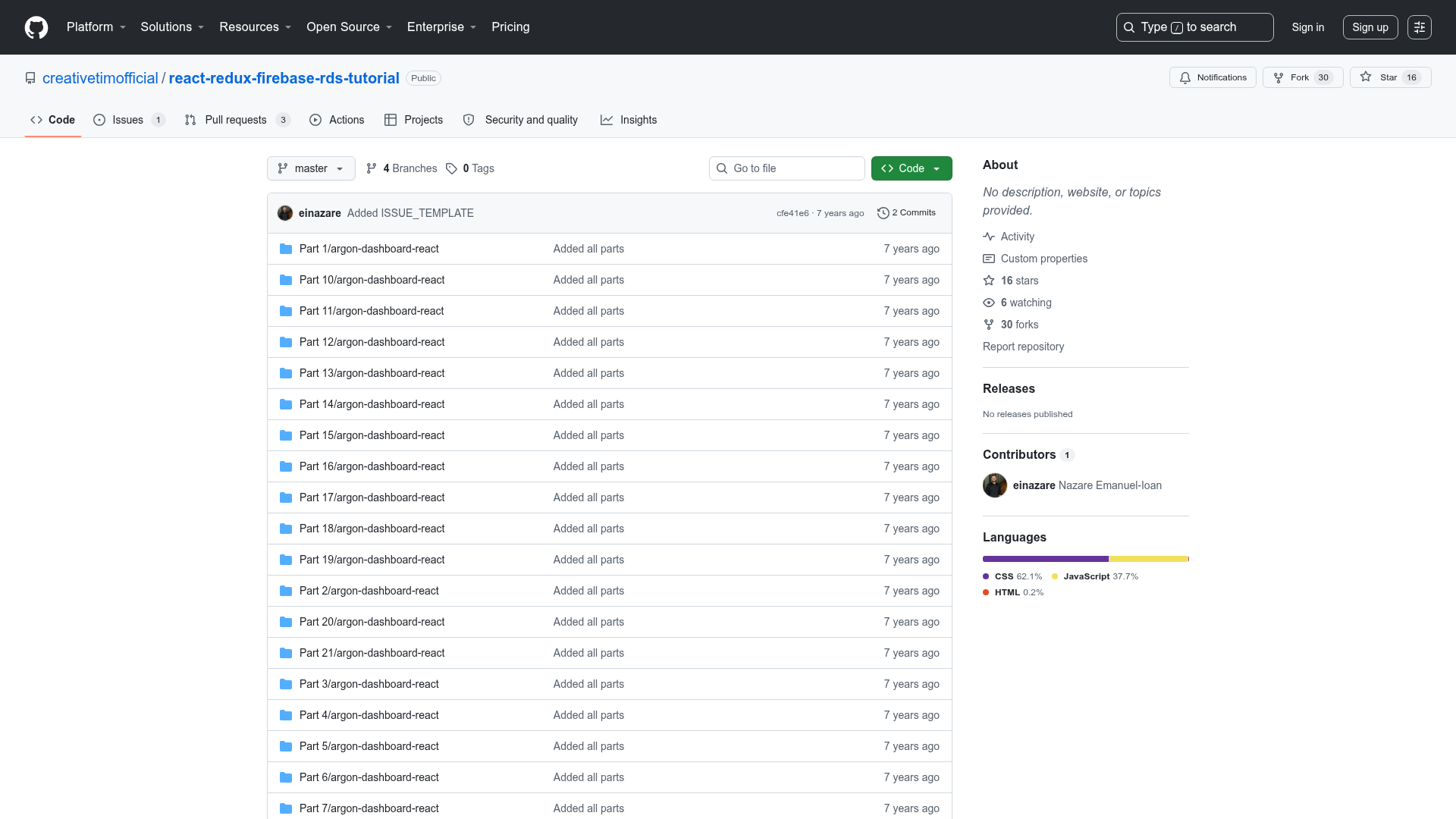
Headless Neve is a Next.js project that statically exports pages and posts from a WordPress v5.7+ site built with the Neve theme v2.10.2+. It uses the WPGraphQL plugin to fetch structured content, then generates a local static site with images and styles saved directly into the project. The result is a deployable Next.js static site — the live demo is at next-static-neve.vercel.app, backed by the original WordPress site at wp4speed.com. The repository is maintained by GitHub user lwz7512 and is available at github.com/lwz7512/next-static-neve.
Key Features
Key features include static export of WordPress content, local asset download, and a configurable source URL.
- Static pages and posts — Fetches WordPress pages and posts via WPGraphQL and renders them as static HTML in the Next.js output.
- Local asset grabbing — Images and CSS styles are downloaded into the local project so the static site doesn't need to rely on the WordPress server.
- Configurable WordPress URL — The source site URL is set through the WORDPRESS_URL environment variable, allowing the same codebase to target different WordPress installations.
- Next.js framework — Built with Next.js, offering a React-based static site generator workflow with
yarn devfor local development and straightforward Vercel deployment. - Deployment workflow — Includes step-by-step instructions to deploy to Vercel by linking a GitHub repository and adding the WORDPRESS_URL environment variable.
- Dependencies — Uses
gotfor making HTTP requests andcheeriofor parsing HTML to extract and process assets. - Minimal setup — Requires WordPress plus Neve theme, the WPGraphQL plugin, and a clone of the repo; no custom build scripts are needed beyond
yarn dev.
Who is it for?
Headless Neve is for WordPress developers, Neve theme users, and agencies who want a static front end while keeping WordPress as the content source.
- WordPress developers who want to move existing sites to a static architecture without rewriting content.
- Neve theme users who want to preserve their theme's design and layout in a headless setup.
- Agencies that deploy client sites to Vercel or similar static hosts and need a repeatable export workflow.
What can you do with Headless Neve?
With Headless Neve you can turn a live WordPress site into a static site, deploy it to Vercel, and use the demo to evaluate the output.
- Convert an existing site: Point WORDPRESS_URL to your WordPress installation, run
yarn dev, and get static pages and posts locally in minutes. - Deploy to Vercel: Push the repository to GitHub, connect it to Vercel, set the WORDPRESS_URL variable, and Vercel builds and hosts the static site.
- Test with the demo: Use the public demo at next-static-neve.vercel.app to see a static export of the wp4speed.com site without any setup.
How does Headless Neve work?
Headless Neve works by querying the WordPress data through WPGraphQL, scraping assets with got and cheerio, and generating a static Next.js site. The setup steps are:
- Create a WordPress v5.7+ site and install Neve v2.10.2+.
- Set WordPress Permalink Settings to the Numeric format.
- Install the WPGraphQL plugin.
- Clone the repository and run
yarnto install dependencies. - Copy
.env.local.exampleto.env.localand set WORDPRESS_URL to your WordPress site URL. - Run
yarn devand visithttp://localhost:3000.
Pros and cons
- Pros: Fast static generation with Next.js; all images and styles are stored locally; clear setup instructions; works with the popular Neve theme.
- Cons: Currently only a few JavaScript assets are included (a stated limitation); requires Neve theme and the WPGraphQL plugin; permalink structure must be Numeric.
FAQ
Does Headless Neve require a specific permalink structure?
Yes, it requires WordPress Permalink Settings to be set to the Numeric format. The README marks this as an important requirement for the static export to generate correct URLs.
Is Headless Neve free?
The repository is public on GitHub and can be cloned and used without any payment. No licensing or pricing details are mentioned beyond that.
What WordPress and theme versions are supported?
The README specifies WordPress v5.7 or newer and Neve theme v2.10.2 or newer. These are the versions used in the provided example.
How do I deploy the generated static site to Vercel?
To deploy, commit your local project to a GitHub repository, create a Vercel account, import the repo, add WORDPRESS_URL as an environment variable in the Vercel project settings, and deploy. Vercel will build the Next.js site and serve it.