Template details
Gatsby minimal starter
Minimal Gatsby boilerplate with a single page, hot-reload dev server, and one-click deploy to Gatsby Cloud.
About this template
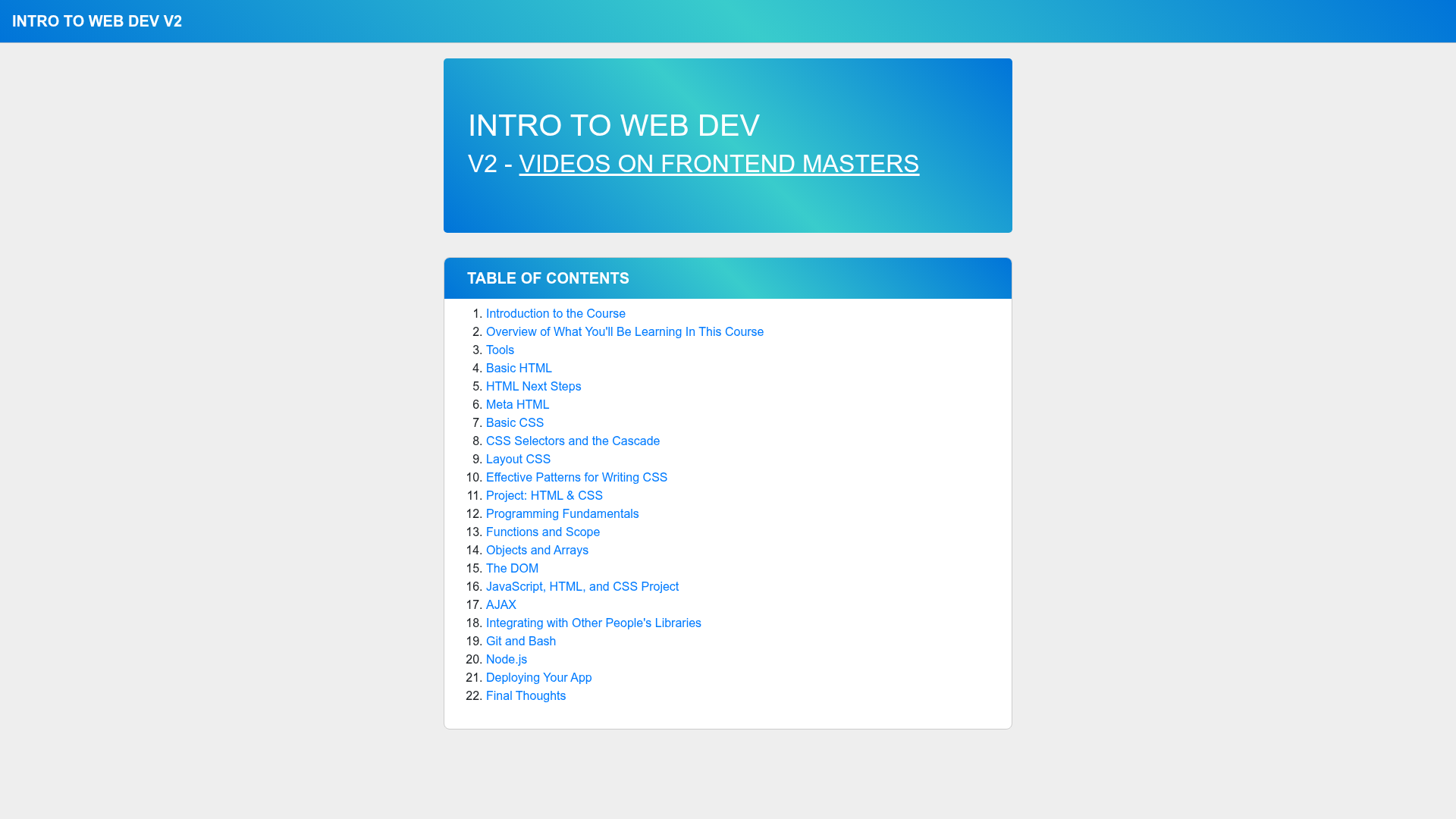
Gatsby minimal starter is a boilerplate template for Gatsby sites that gives you a single ready-to-edit page and the official starting point for the Gatsby CLI. It is maintained by the Gatsby team and used as the base for the Frontend Masters course 'Intro to Web Dev, v2' by Brian Holt, according to the repository description. This starter runs on Gatsby, a React-based static site generator, and includes only what you need to start developing: one source file, a minimal config, and links to the full Gatsby ecosystem.
What is the Gatsby minimal starter?
The Gatsby minimal starter is the default template that the Gatsby CLI scaffolds when you run npm init gatsby. It creates a new Gatsby project with a single page component at src/pages/index.js, a gatsby-config.js file for plugin setup, and the scripts to launch a development server with npm run develop. The output is a working Gatsby site served at http://localhost:8000. The starter is provided by the official Gatsby team and is the basis for many tutorials, including the 'Intro to Web Dev, v2' course material. It takes no configuration input — running the CLI produces a runnable project — and it outputs a plain Gatsby site that can be customized by editing the React component and adding plugins.
Key Features
- Single page component — The starter includes exactly one page at
src/pages/index.js, which renders the site's homepage with a simple heading, so you can immediately edit the visible content. - One-command scaffolding — Running
npm init gatsbyin a terminal tells the Gatsby CLI to create a new site from this minimal starter, with no manual file setup. - Instant development server — The
npm run developcommand starts a local server on port 8000 and hot-reloads the page whenever you save changes tosrc/pages/index.js. - Official documentation links — The README includes links to Gatsby's docs, tutorials, guides, API reference, plugin library, and cheat sheet, each tagged with UTM campaign parameters for the starter.
- One-click Gatsby Cloud deployment — A 'Deploy to Gatsby Cloud' button in the README sends you to Gatsby Cloud with the starter's GitHub repository URL, letting you deploy without configuring a build pipeline.
- Minimal configuration footprint — The project contains only the essentials, making it easy to inspect every file and understand how Gatsby organizes a site.
Who is it for?
- Students learning web development — The starter is the project base in Brian Holt's 'Intro to Web Dev, v2' course, where learners edit the index page as they practice HTML, CSS, and JavaScript.
- New Gatsby developers — If you're trying Gatsby for the first time, this starter gives you a working site in two commands so you can focus on learning how Gatsby renders pages.
- Developers who want a minimal starting point — Instead of using a feature-heavy starter, you get a bare bones project you can extend with your own pages, components, and Gatsby plugins.
What can you do with the Gatsby minimal starter?
- Practice React and JSX: Edit
src/pages/index.jsto change the text and structure of the homepage, then watch the browser update instantly. - Build a personal site: Replace the default content with your own profile, add CSS, and deploy the result to Gatsby Cloud using the one-click button in the README.
- Experiment with Gatsby plugins: Add plugin entries to
gatsby-config.jsto try out image optimization, source files, or analytics on a clean project.
How does the Gatsby minimal starter work?
After you run npm init gatsby, navigate into the new folder and run npm run develop. The development server compiles the Gatsby site and serves it at localhost:8000. When you edit src/pages/index.js, the site hot-reloads to reflect your changes. The README also provides a direct link to deploy the same GitHub repository to Gatsby Cloud.
FAQ
Is the Gatsby minimal starter free?
Yes. The starter is the official open-source starting point for Gatsby, available on GitHub under the Gatsby organization, and can be used for any personal or commercial project.
What do I need to run the Gatsby minimal starter?
You need Node.js and npm installed. Then run npm init gatsby to generate a new site, cd into the folder, and run npm run develop. No other global tools are required.
Does the Gatsby minimal starter include styling?
No, the starter ships without a CSS framework or preprocessor. The only page is unstyled content, so you're free to add any styling approach you like.
How do I deploy the site from this starter?
The README includes a 'Deploy to Gatsby Cloud' button that takes you to Gatsby Cloud with the repository URL. From there you can connect the repo and Gatsby Cloud will build and host the site.