Template details
Anodyne
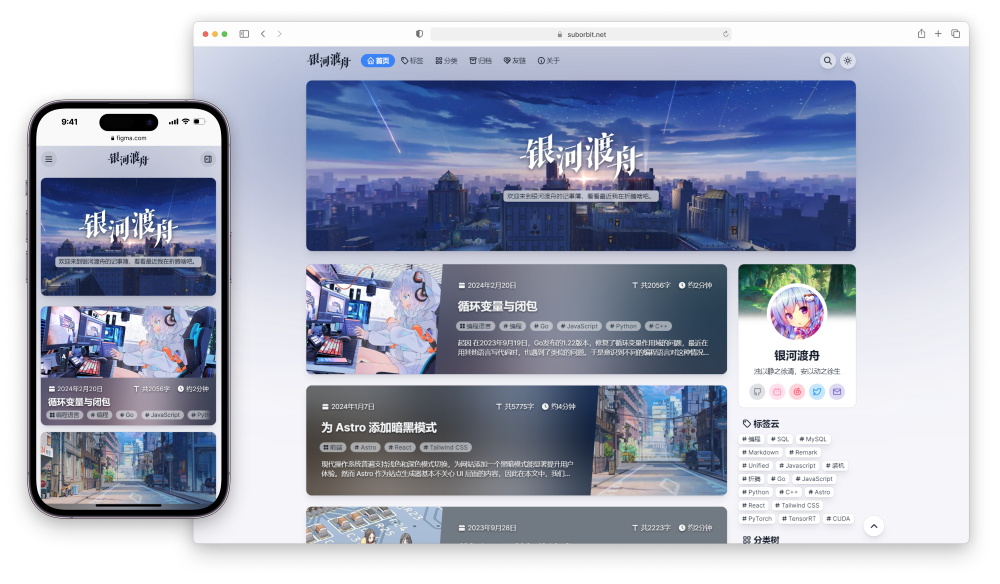
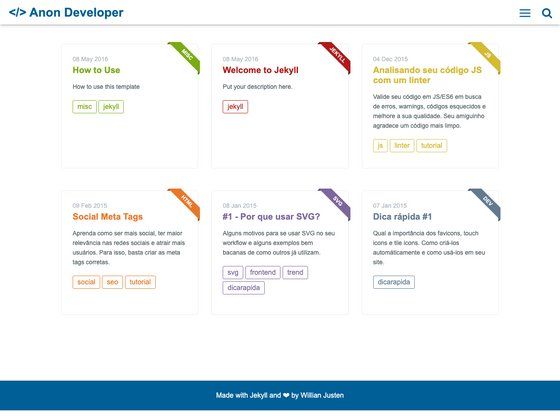
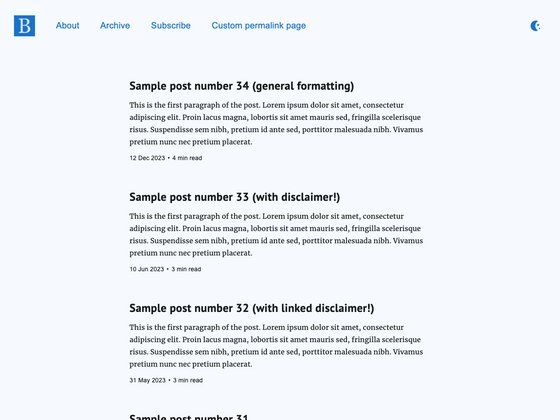
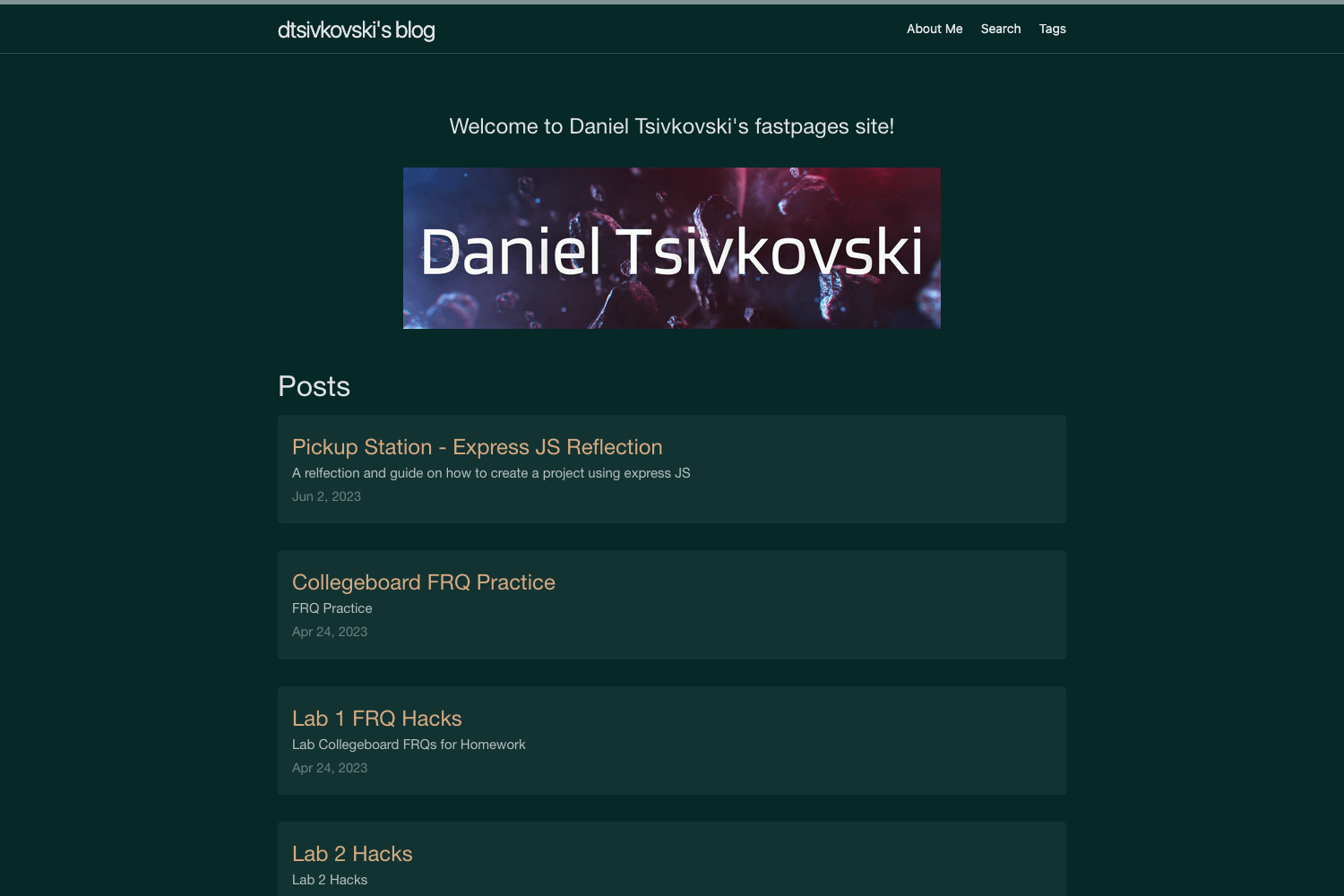
Bright, responsive Hexo theme with Disqus comments, Google Analytics, tags/categories, and Stylus/ejs styling.
About this template
Anodyne is a bright, responsive blogging theme for the Hexo static site generator, created by Jonathan Klughertz, that provides a clean layout with configurable menus, social icons, and built-in Disqus support.
What is Anodyne?
Anodyne is a free, MIT-licensed Hexo theme that transforms a Hexo blog into a visually clean, responsive site. It takes standard Hexo posts and pages (with optional front matter fields such as icon, categories, and tags) and renders them through ejs templates styled with the Stylus preprocessor and the tachyons CSS toolkit. The theme is maintained by Jonathan Klughertz and is distributed via GitHub.
Key Features
- Responsive layout — The theme adapts to mobile and desktop viewports without extra configuration.
- Disqus comments — Set your Disqus shortname in the theme configuration to enable threaded comments on posts.
- Google Analytics — Paste your tracking ID into the theme config to add site-wide analytics.
- Responsive images and videos — Images scale with the layout, and YouTube and Vimeo embeds resize automatically.
- Social account links — Configure an array of social platforms (Twitter, Facebook, Dribbble, GitHub, etc.) with Font Awesome icons in the footer.
- Tags and categories pages — Built-in page types for tags and categories, with widgets showing recent posts and an about section.
- Custom post icons — Set a Font Awesome icon in each post's front matter to display next to the title.
- Stylus and ejs — The theme uses Stylus for CSS preprocessing and ejs for HTML templating, with no build step beyond Hexo's standard generation.
Who is it for?
- Bloggers using Hexo — Anyone running a Hexo blog who wants a bright, clean theme with minimal setup, since the theme works with the standard Hexo post and page workflow.
- Developers creating custom blogs — Developers who want to customize a theme can edit the ejs templates and Stylus files, and extend the theme by adding features such as a gallery (the README explicitly notes no image gallery is included and suggests a PR).
- Technical writers and documentation sites — Because the theme supports categories, tags, and pagination, it can organize a content-heavy site beyond a simple journal.
What can you do with Anodyne?
- Personal blogs — Share posts with support for tags, categories, and Disqus comments, while the responsive design keeps reading comfortable on phones and tablets.
- Photography or portfolio sites — Use the custom icon and banner configuration to create a visual landing page, though note that a built-in gallery is not provided.
- Project or company blogs — Customize the footer about text, add Google Analytics, and link to social profiles to promote a brand.
How does Anodyne work?
Installation follows the standard Hexo theme workflow: clone the repository into your themes directory, set theme: anodyne in your blog's main config, then configure the theme's own config file for menu items, logo, footer text, Disqus shortname, Google Analytics ID, and social links. Posts support standard front matter plus an optional icon field for Font Awesome icons, and dedicated tags and categories pages are created by adding new Hexo pages with the appropriate type.
FAQ
Does Anodyne include a gallery?
No. The theme intentionally omits an image gallery, describing it as "useless and too heavyweight." Users are encouraged to develop one and submit a pull request.
What CSS and templating languages does Anodyne use?
The theme uses Stylus for CSS preprocessing and ejs for HTML templates. It also depends on the tachyons CSS framework and Font Awesome for icons.
How do I set up Disqus comments?
Add your Disqus shortname to the disqus_shortname field under the comments section in the theme's config file. The theme then displays the Disqus comment thread on each post.
Is Anodyne free to use?
Yes, the theme is licensed under the MIT License and is freely available on GitHub.
What configuration options does Anodyne support?
The config file lets you set the menu, logo image source, footer about text, default post title and icon, home page banner text and icon, archive date format, Disqus shortname, Google Analytics ID, and social platform links.