Template details
Bliss
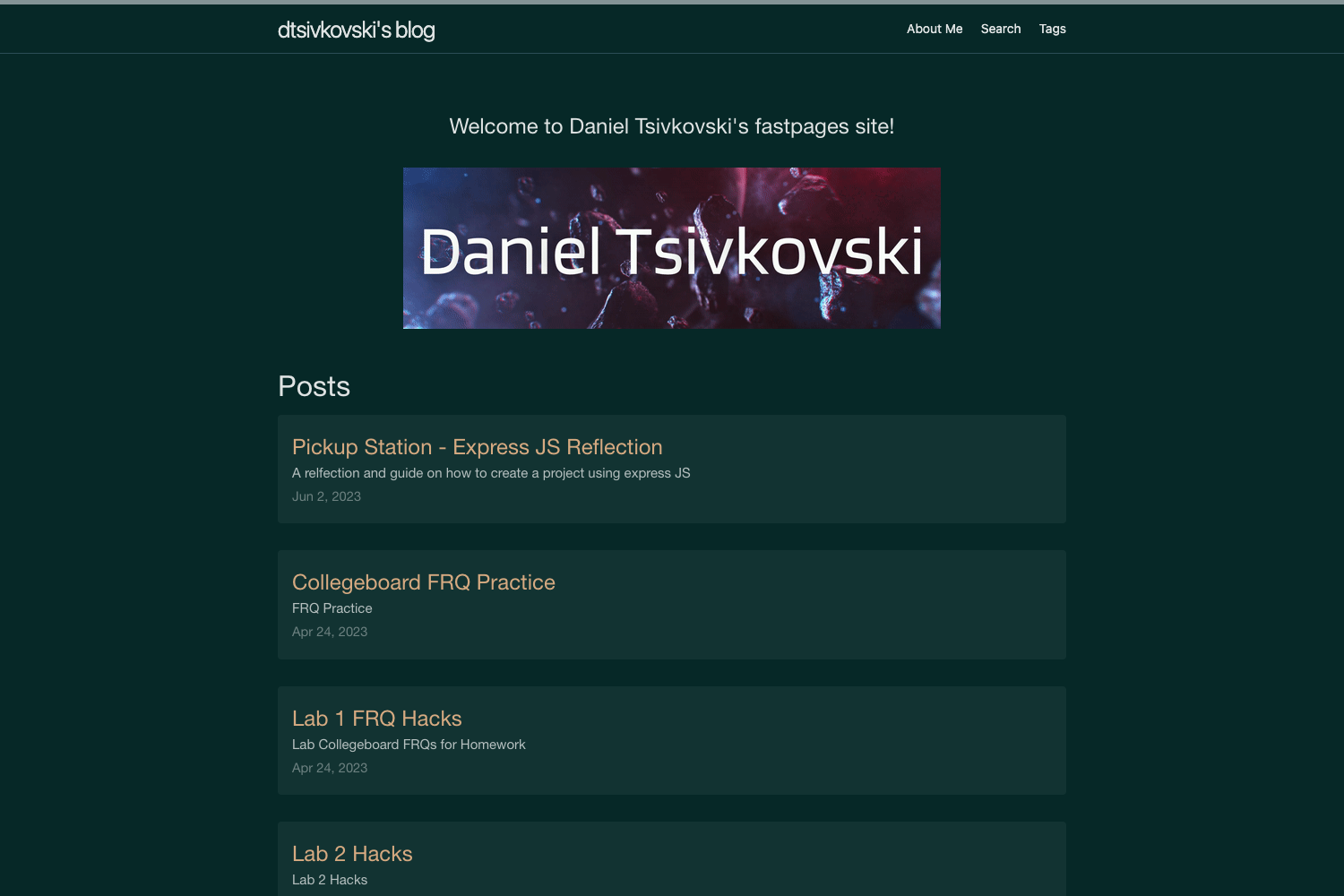
Single-column blog template for Eleventy with dark mode, Mastodon integration, PWA manifest, and automatic OpenGraph images.
About this template
Bliss is a single-column blog template for Eleventy v2.x that focuses on simplicity without sacrificing functionality, built for developers who want a fast, accessible blog with modern integrations. It is distributed as a GitHub repository under the MIT license and was created by Łukasz Wójcik as a modified version of his personal blog theme.
What is Bliss?
Bliss is a ready-to-use blog starter for Eleventy v2.x that converts Markdown posts and pages into a static site. It includes sample content, a site configuration file, and build scripts that output optimized HTML, CSS, and JavaScript. The project is no longer maintained as of January 2025, but the code remains available for forking and customization.
Key Features
- Light/dark mode — includes a switcher that also respects the browser's color scheme preference.
- Mastodon integration — generates a
.well-known/webfingerfile and automatic<link rel="me">tags for account verification. - Social sharing buttons — support popular social media, including Mastodon, plus a copy-URL button.
- Translation ready — uses a separate
phrases.jsfile and custom language tags for localization. - PWA support — ships with a manifest file for installability.
- Automatic OpenGraph images — generates OG images for posts and pages, configurable in
siteConfig.js. - Syntax highlighting — PrismJS via the Eleventy syntax highlighting plugin.
- Asset optimization — optimizes HTML, JS, JSON, and CSS output.
- Multiple feeds — RSS, JSON, and Twtxt.txt feeds plus JSON-LD structured data.
- Accessible and customizable — includes accessibility features, an HSL color palette with CSS variables, and modular SASS stylesheets.
- Post disclaimers — built-in support for adding disclaimers above post content.
Who is it for?
- Personal bloggers who want a clean, single-column layout with dark mode and social sharing without a heavy front-end.
- Eleventy developers looking for a starter that supports translations, custom OpenGraph images, and flexible permalinks.
- Mastodon users who want their blog linked to the fediverse via webfinger and
rel=meverification. - Self-hosters who deploy to Netlify, Vercel, Render, or GitHub Pages using the provided one-click deploy buttons and GitHub Actions workflow.
What can you do with Bliss?
- Launch a blog quickly — clone the repository, run
npm install, and then usenpm run devfor local development ornpm run buildfor production. - Personalize the theme — edit
siteConfig.jsfor metadata,_variables.scssfor colors, and replace favicon, manifest, and OpenGraph assets. - Deploy to hosters — use the included deploy buttons for Netlify, Vercel, and Render, or follow the GitHub Pages instructions using the provided workflow.
- Create a multilingual blog — take advantage of the translation file and language tags to serve content in multiple languages.
How does Bliss work?
Bliss uses Eleventy to generate a static site from Markdown content and data files. After installation, npm run dev starts a local server, while npm run build outputs a production version into the _site directory. All site-wide settings are documented inline in content/_data/siteConfig.js.
Pricing
Bliss is free and open source under the MIT license. There are no paid tiers or premium features.
FAQ
Is Bliss free?
Yes. Bliss is licensed under the MIT license, so you can use, modify, and redistribute it without payment.
Does Bliss still receive updates?
No. The README states that as of January 2025, the project is no longer maintained or updated. The code remains available on GitHub.
How do I deploy Bliss to GitHub Pages?
Fork the repository, edit package.json to change the --pathprefix value to your repository name, enable GitHub Pages with GitHub Actions, and run the "Build and deploy to GitHub Pages" workflow from the Actions tab.
How do I add my own posts?
Add new Markdown files to the content/posts directory. Existing sample posts show the expected front matter and demonstrate features like disclaimers and linked disclaimers.
Does Bliss support OpenGraph images?
Yes, automatic OpenGraph image generation is included and works for pages and posts. You can enable and customize it through siteConfig.js.