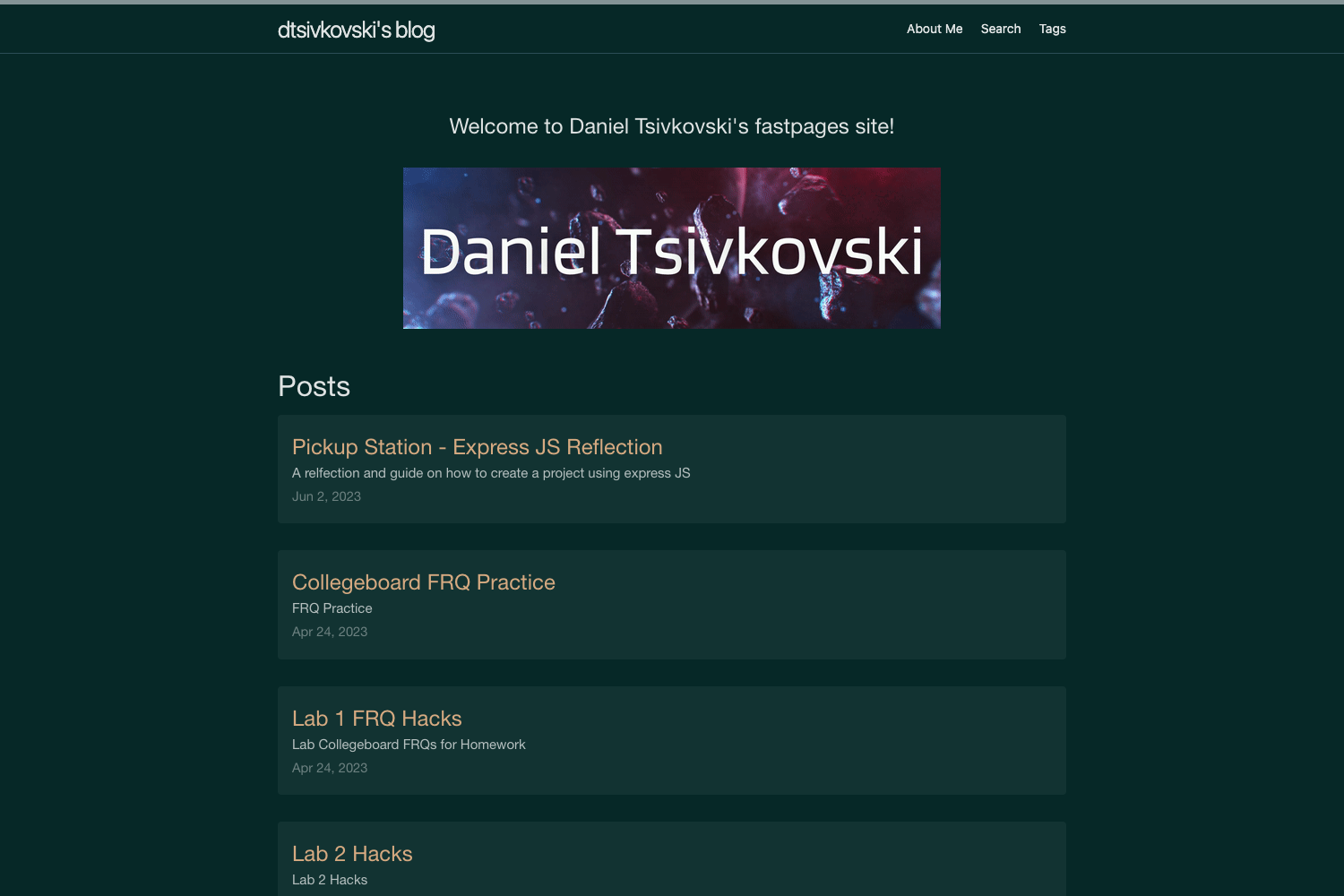
Template details
Jekyll Contrast
A clean Jekyll blog theme with dark mode, KaTeX math, optional sidebar, and zero external resources.
About this template
Jekyll Contrast is a free, open-source Jekyll theme for building fast, static blogs and personal websites, released into the public domain under the Unlicense.
What is Jekyll Contrast?
Jekyll Contrast is a Jekyll theme that converts a GitHub Pages repository into a minimal blog or personal site. It takes standard Jekyll Markdown posts and a _config.yml configuration file as input, and outputs a static website with dark mode, optional sidebar, syntax highlighting, and KaTeX-based math rendering. The theme is created by Niklas Buschmann and hosted on GitHub.
What makes Jekyll Contrast stand out?
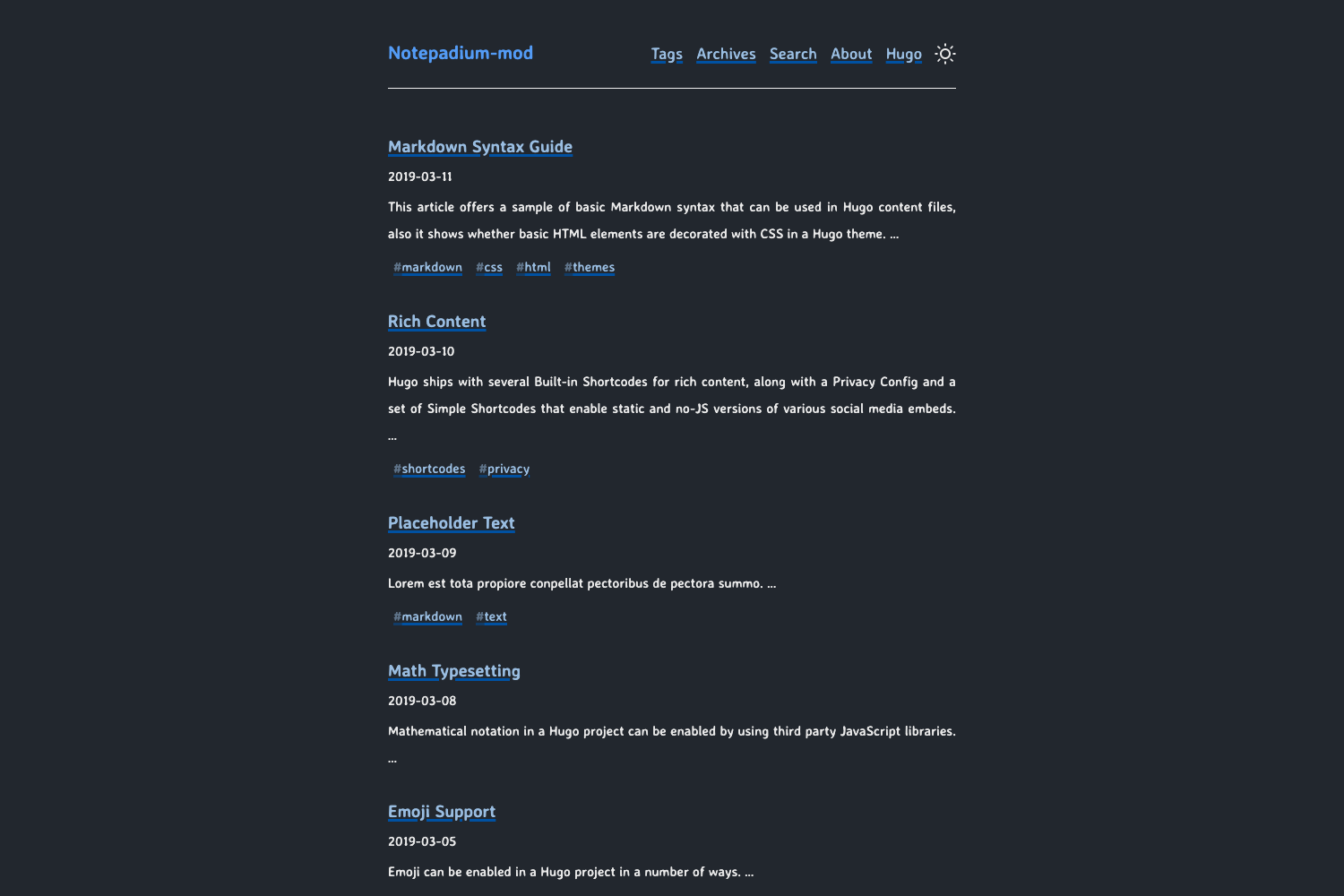
- Dark mode — The theme includes built-in dark mode that adapts to the user's system preference.
- KaTeX math rendering — Bundles KaTeX for fast typesetting; enable it per post by setting
mathjax: truein the front matter. - No external resources — All styles and scripts are served locally, so the site loads without third-party requests by default.
- Optional sidebar — Toggle between a header layout and a sidebar layout using the
show_sidebaroption in_config.yml. - Archive page — An
archive.htmlpage lists all posts chronologically. - Syntax highlighting — Code blocks are highlighted out of the box without additional plugins.
- Comment support — Integrates with Disqus or Isso by setting the shortname or domain in the configuration.
- Customizable navigation — Define navigation and external links in
_config.yml, with optional Font Awesome icons.
Who should use Jekyll Contrast?
- Developers who want a lightweight, Git-based blog hosted on GitHub Pages without a JavaScript build step.
- Academics and writers who need to publish posts with mathematical notation, thanks to the bundled KaTeX.
- Privacy-conscious bloggers who prefer a site that loads no external fonts, scripts, or trackers by default.
What can you do with Jekyll Contrast?
- Launch a personal blog: fork the repository, rename it to
your_username.github.io, and publish Markdown posts with a static site served from GitHub Pages. - Write a math-rich journal: enable
mathjax: truein any post's front matter to render LaTeX-style equations via KaTeX. - Build a simple project site: use the sidebar layout and custom navigation to present project pages and external links.
How does Jekyll Contrast work?
Jekyll Contrast follows the standard Jekyll workflow. Fork the repository, clone it, install Ruby and Bundler, then run bundle exec jekyll serve to preview the site locally. Deployment happens automatically when you push to the master branch of a GitHub Pages repository, with configuration controlled by the _config.yml file.
Pricing
Jekyll Contrast is free to use and modify. It is released into the public domain under the Unlicense, meaning there are no restrictions on commercial or personal use.
FAQ
Is Jekyll Contrast free?
Yes, the theme is free and released into the public domain under the Unlicense. You can use it for personal or commercial projects without attribution or licensing fees.
Does Jekyll Contrast support comments?
Yes, you can enable comments by setting either a Disqus shortname or an Isso domain in the _config.yml file. The theme does not bundle a native commenting system.
How do I enable math equations in a post?
Set mathjax: true in the front matter of the post. The theme includes KaTeX, so no additional scripts are required. For server-side pre-rendering, the page mentions Jektex as an option.
Can I use Jekyll Contrast with GitHub Pages?
Yes, the theme is designed for GitHub Pages. Fork the repository to your_username.github.io, adjust _config.yml, and your site is live.