Template details
Jekyll-Mono
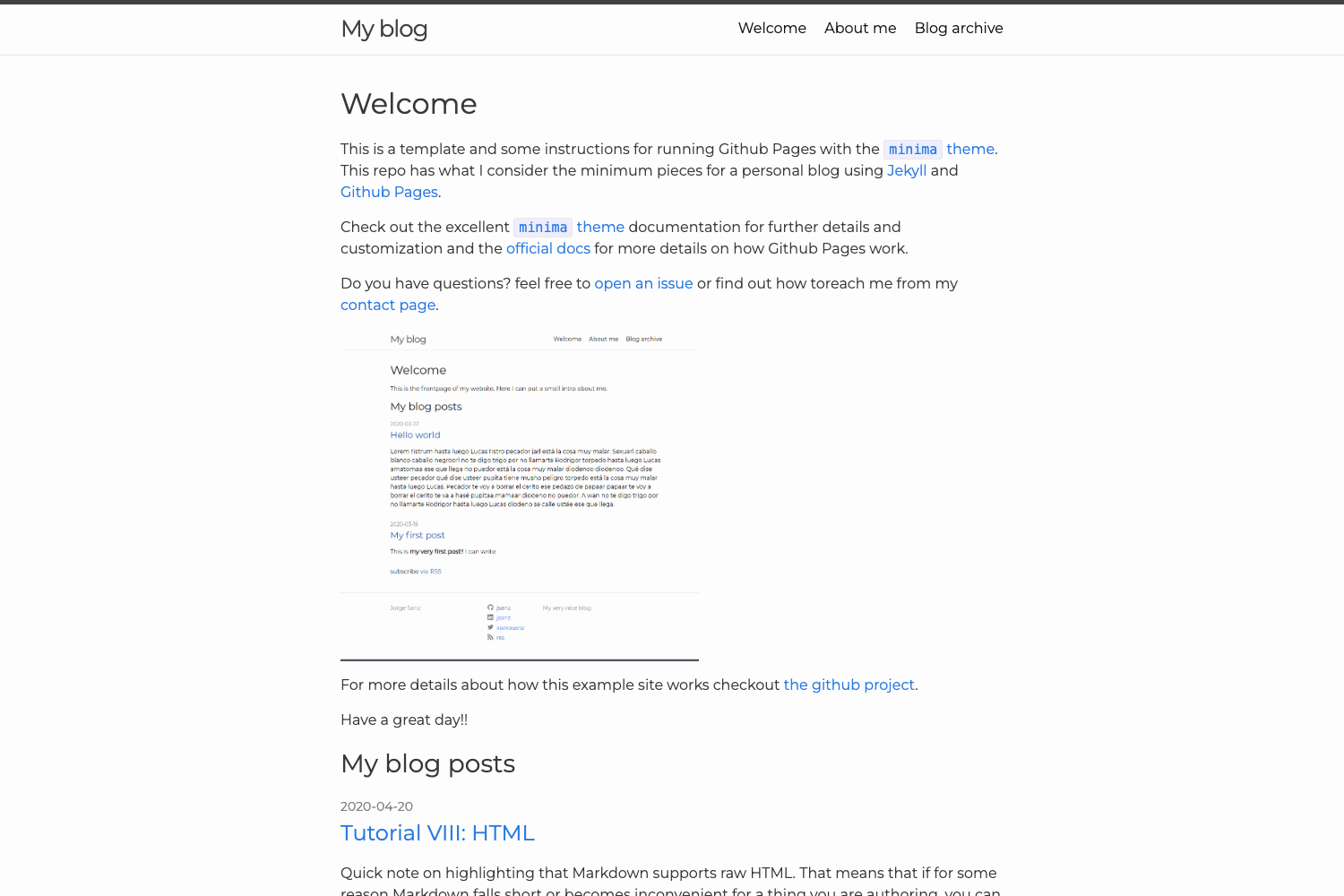
Jekyll-Mono is a minimal Jekyll theme for GitHub Pages that combines a blog, about page, and projects portfolio into a free, customizable static site.
About this template
Jekyll-Mono is a free, MIT-licensed Jekyll theme for GitHub Pages that lets you publish a personal blog, an about/CV page, and a projects portfolio from Markdown files with no server-side database.
What is Jekyll-Mono?
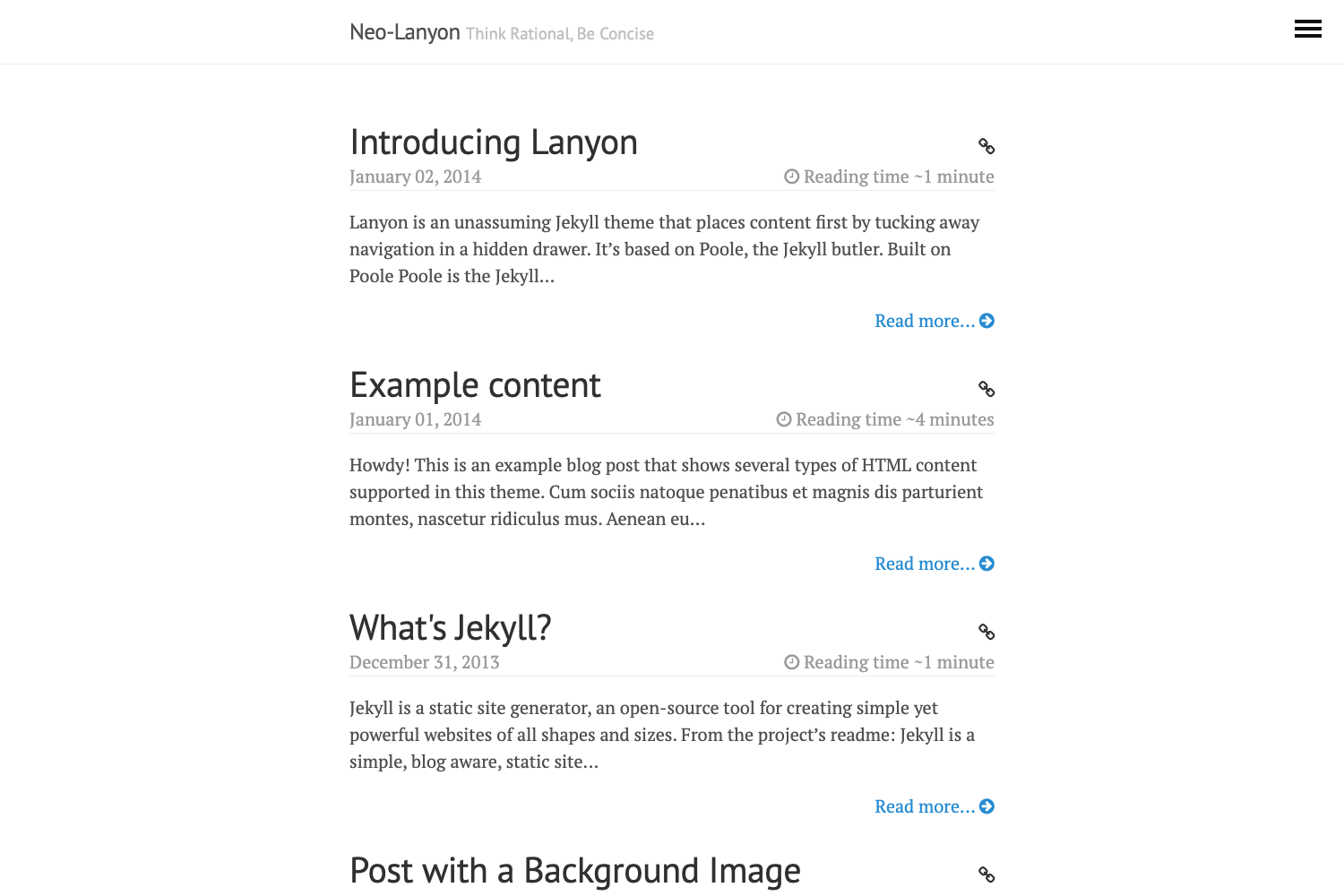
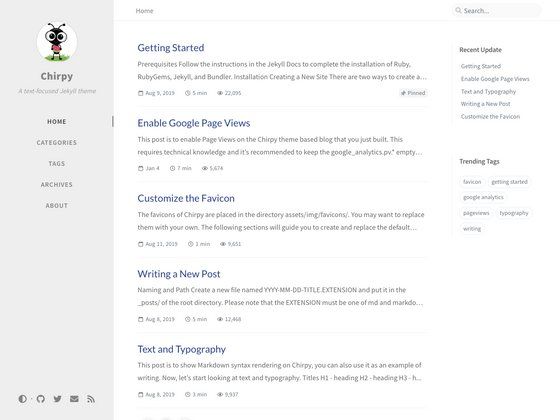
Jekyll-Mono is a static-site theme built on Jekyll, the Ruby-based static site generator. It takes your content written in Markdown, runs it through Jekyll's template system, and outputs a fully static website that can be hosted for free on GitHub Pages. The theme was created by Akshay Agarwal and is based on Barry Clark's Jekyll-Now, with a minimalist "mono" color scheme. It includes a home page, a blog post layout, and separate About and Projects pages that work as an online CV. The repository on GitHub has around 137 stars.
Key Features
- Fork-and-publish setup — Copy the repository to your GitHub account, rename it to yourusername.github.io, and your blog goes live at that URL without any additional build steps.
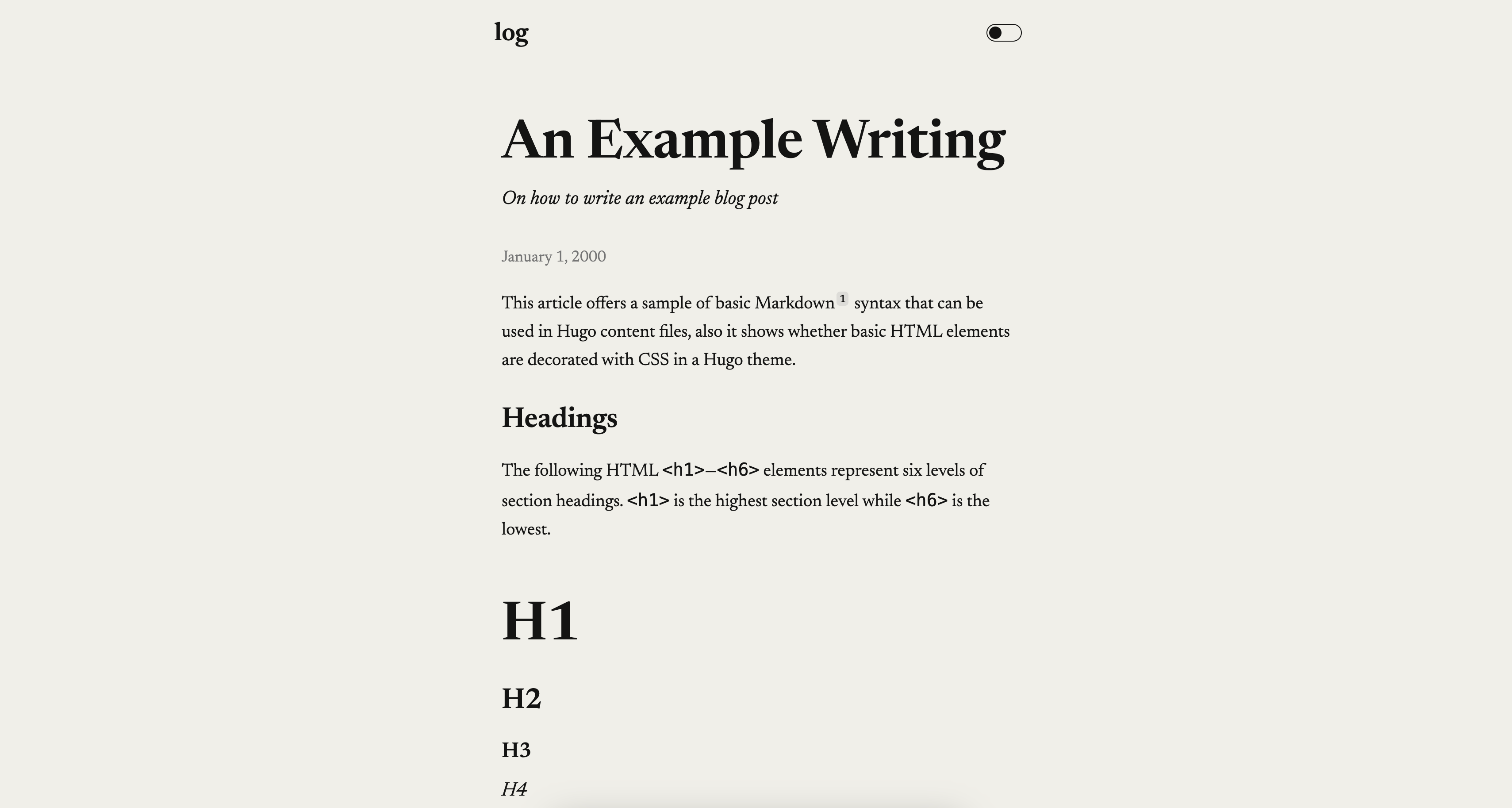
- Markdown blogging — Write posts in Markdown files inside the _posts folder using the year-month-day-title.md naming convention; front matter (layout, title, author) controls each post's metadata.
- Color scheme customization — Edit _variables.scss inside the _sass folder to change the main theme color, header link color, navbar hover color, hyperlink color, and heading colors; sample palettes (violet, blue, red, green, orange) are provided as comments.
- Avatar support — Drop a 220x220px image into the images folder and set its path in the $avatar variable of _variables.scss to display it on the site.
- Google Analytics and Disqus — Toggle Google Analytics tracking and Disqus commenting on and off by editing entries in the _config.yml file.
- Social icons — Enable social media icons through settings in _config.yml; the theme ships with Font Awesome icon support.
- About and Projects pages — Pre-built about.md and projects.md templates let you publish a CV/bio at /about and a project list at /projects.
- MIT licensed — The theme is released under the MIT license, so you can reuse and modify it freely.
Who is it for?
- Developers and technical writers who want a lightweight personal blog hosted on GitHub Pages with no server costs.
- Job seekers and freelancers who need a minimal online presence combining blog posts with an about/CV page and a projects portfolio, all in one repository.
- Jekyll beginners who want to learn static-site theming by forking a small, readable codebase and customizing its Sass variables.
- Students who want to publish course notes or project documentation in Markdown without learning a full CMS.
What can you do with Jekyll-Mono?
- Publish blog posts quickly: write a Markdown file, add the front matter, commit, and GitHub Pages rebuilds the site automatically.
- Build a personal CV site: edit about.md to list your bio, experience, and education; edit projects.md to showcase work; both pages are linked from the site navigation.
- Customize the look without touching HTML: change colors in _variables.scss and update site metadata, analytics, and comments via _config.yml.
- Develop locally on Windows: follow the provided Chocolatey/Ruby/Jekyll steps to run
jekyll serveat http://127.0.0.1:4000/ and preview changes before committing.
How does Jekyll-Mono work?
The setup flow is fork → rename → edit config → publish. Fork the repository to your GitHub account, rename it to yourusername.github.io, then customize _config.yml (site name, description, analytics, comments) and _variables.scss (colors, avatar). For local development on Windows, install Chocolatey, Ruby, and the github-pages gem, clone your fork, and run jekyll serve; the site regenerates on file changes, though changes to _config.yml require a rebuild with jekyll build.
Pricing
Jekyll-Mono is free and open source under the MIT license. Because it deploys to GitHub Pages, the hosting and domain (yourusername.github.io) are also free.
FAQ
Is Jekyll-Mono free?
Yes. The theme is licensed under MIT, meaning you can use, modify, and redistribute it without cost. Hosting on GitHub Pages is also free for public repositories.
What do I need to run Jekyll-Mono?
You need a GitHub account and, if you want to preview locally, Ruby, Jekyll, and the github-pages gem. For Windows, the README provides steps using Chocolatey to install Ruby and the gem.
How do I create a new blog post?
Add a file in the _posts folder named with the pattern year-month-day-title.md (e.g., 2016-03-06-Eternal-Lorem-Ipsum.md). Include front matter at the top with layout, title, and author. Commit the file and GitHub Pages will rebuild the site automatically.
Can I change the theme color?
Yes. Open _sass/_variables.scss and replace the hex value of the $mono variable with a color of your choice. You can also adjust separate variables for header links, navbar hover, hyperlinks, and heading colors.
Does Jekyll-Mono support comments and analytics?
Yes. Google Analytics tracking and Disqus commenting can be enabled by filling in the corresponding fields in _config.yml. Social icons are also configurable there.