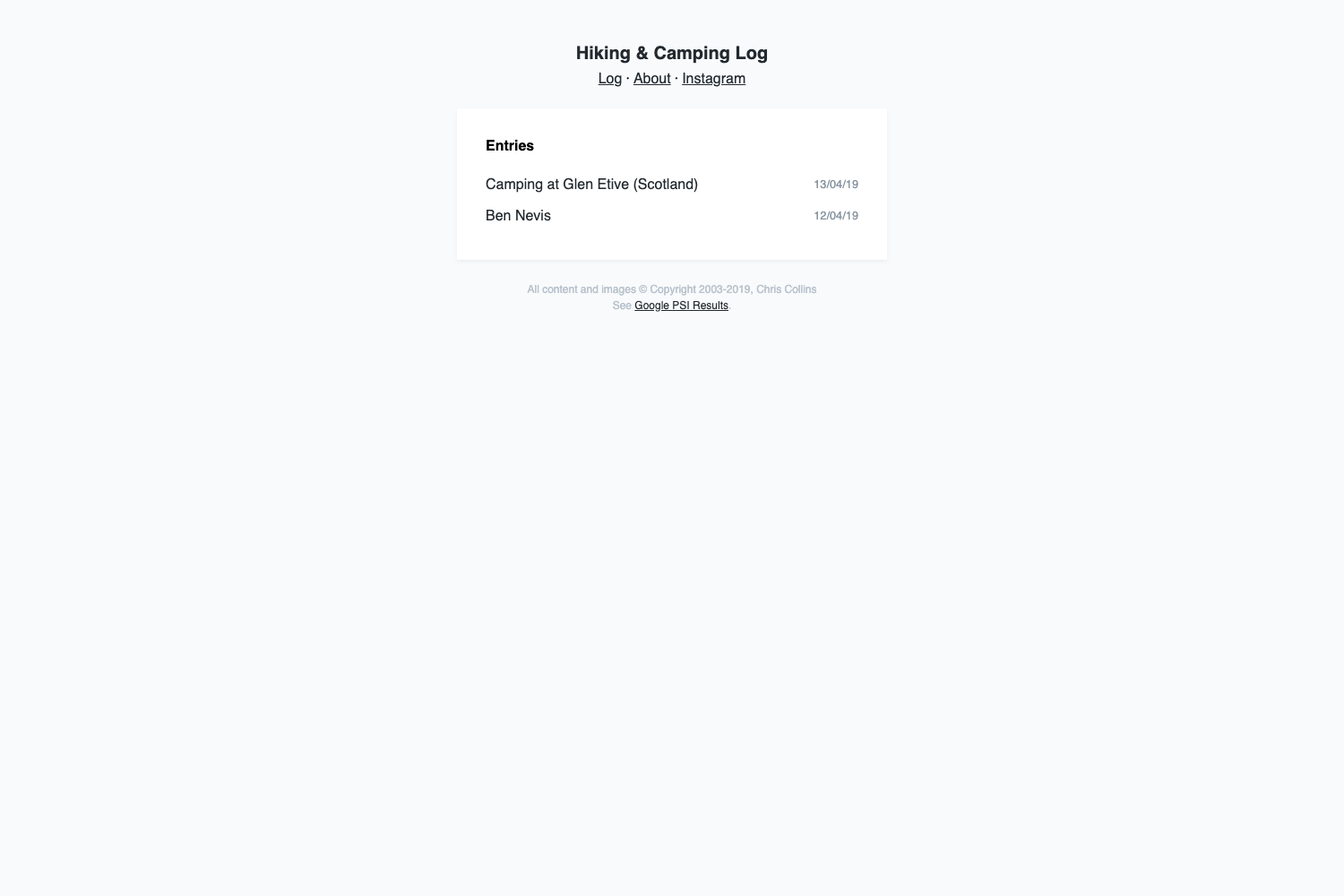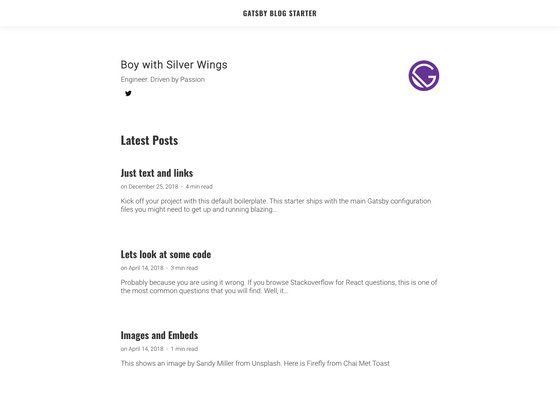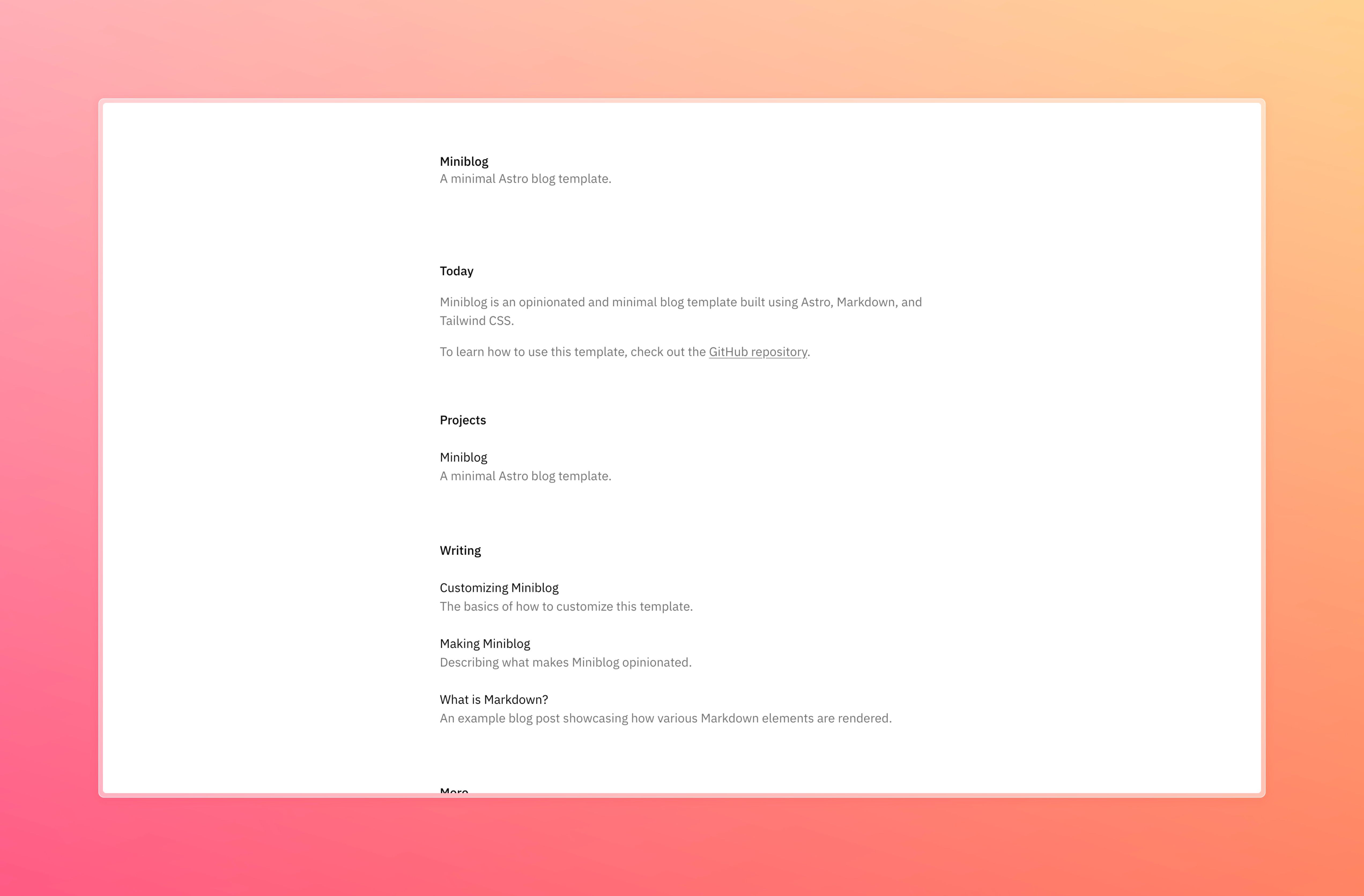
Template details
Aonote
Static blog theme for Astro 6 featuring GFM, MathML math, Shiki code blocks, archive, tags, RSS/Atom, light/dark theme, and i18n.
About this template
Aonote is an open-source static blog theme for Astro 6 that turns Markdown posts into a fast website with GFM, MathML math, Shiki code highlighting, archive, tags, RSS/Atom, a sitemap, and a light/dark theme.
What is Aonote?
Aonote is a static blog theme built for Astro 6, created by runsli (the original design and styles are © runsli). It takes Markdown content from src/content/posts/ and a site configuration from src/site.config.ts, and outputs a static site with a homepage showing recent posts and a tag cloud, individual post pages with a table of contents, an archive page, tag pages, RSS and Atom feeds, a sitemap, and a 404 page. The theme also includes subpath-aware links so it can be deployed under a repository path, and UI strings in both English and Simplified Chinese.
Key Features
- GFM support — Renders GitHub-flavored Markdown including tables, task lists, footnotes, definition lists, and admonitions directly from your Markdown posts.
- MathML math — Uses Temml to render math as MathML, so there is no KaTeX runtime CSS to load; just write LaTeX-style math in your posts.
- Shiki code blocks — Syntax highlighting supports Aonote-style metadata: titles, line highlighting, and diff markers, useful for code-heavy tutorials.
- Archive and tags — An archive page lists all posts, and tag navigation is available; the homepage includes a tag cloud.
- RSS / Atom and sitemap — Generates RSS and Atom feeds and an XML sitemap; the number of feed items is configurable in
src/utils/feed.ts. - Light/dark theme — Theme toggle included; switch between light and dark modes, and toggle UI language via
src/i18n.ts. - Customizable layout — Edit global layout and navigation in
src/layouts/BaseLayout.astro, and theme CSS insrc/styles/aonote.css. - One-command scaffold — Create a new project with
npm create astro@latest my-blog -- --template runsli/astro-theme-aonote, then runnpm run devto start.
Who is it for?
- Independent bloggers — Publish Markdown articles and get a clean, fast site with built-in archive, tags, and RSS/Atom feeds, without setting up a CMS or backend.
- Technical writers — Write with GFM tables, footnotes, task lists, and MathML equations for scientific or developer documentation; Shiki highlighting with line highlights and diffs makes code examples clearer.
- Developers — Customize the Astro theme directly: adjust layouts and components, modify the Markdown pipeline in
src/integrations/aonote-markdown.ts, or change the theme's styling viasrc/styles/aonote.css. - Chinese/English bilingual sites — Use the built-in zh-CN and en UI strings and switch language from
src/site.config.tswithout extra i18n configuration.
What can you do with Aonote?
- Launch a blog in minutes: Scaffold a new project with the template command, add posts under
src/content/posts/, and runnpm run devto preview at http://localhost:4321. - Deploy to Vercel or Netlify: Build with
npm run buildand publish thedist/directory;vercel.jsonis included with CSP headers for Vercel deployment. - Host on a subpath: Set
baseUrlinsrc/site.config.tsto your production URL so links, sitemap, and feeds work correctly even under a repository path. - Convert an existing Markdown collection: Drop your existing
.mdfiles into the content collection and the theme handles GFM features, math, and syntax highlighting for you.
How does Aonote work?
Install the template, then edit three things: src/site.config.ts for site metadata, src/content/posts/ for blog articles, and src/content/pages/about.md for the about page. The Markdown pipeline is customized in src/integrations/aonote-markdown.ts to enable GFM extensions, Temml math, and Shiki. Run npm run build to generate the static site into dist/, then deploy that folder.
Pros and cons
- Pros: Ships with modern features (GFM, MathML, Shiki) out of the box; avoids KaTeX runtime CSS for lighter pages; MIT licensed; includes both English and Chinese UI strings; designed for Astro 6.
- Cons: Requires Node.js version 22.12.0 or higher; the interface strings only cover English and Simplified Chinese unless you expand
src/i18n.ts.
Pricing
Aonote is free and open source under the MIT license. There are no paid tiers or premium features listed; you can use, modify, and redistribute it freely (with attribution to the original Aonote design and styles).
FAQ
What is Aonote?
Aonote is a static blog theme for Astro 6 that renders Markdown posts with GitHub-flavored Markdown, MathML math via Temml, Shiki code highlighting, and includes archive, tags, RSS/Atom, and a sitemap. It is open source (MIT) and styled after the original Aonote design by runsli.
Do I need a special Node.js version?
Yes, the theme requires Node.js version 22.12.0 or higher, and recommends Node.js 22 LTS. This is because Astro 6 needs a recent Node runtime.
What Markdown features does Aonote support?
Aonote uses its own Markdown integration that enables GitHub-flavored Markdown — tables, task lists, footnotes, definition lists, and admonitions — plus MathML equations written in LaTeX syntax and Shiki-powered code blocks with title, line highlight, and diff metadata.
Can I deploy Aonote with my existing static host?
Yes, the build output is a plain dist/ folder. The README explicitly supports Vercel and Netlify: set the build command to npm run build and the publish directory to dist. A vercel.json is included for CSP headers.
How do I change the language or UI text?
Open src/i18n.ts to edit the UI strings; the theme ships with English and Simplified Chinese. The active language is set in src/site.config.ts.