Template details
Miniblog
An opinionated and minimal Astro blog template.
About this template
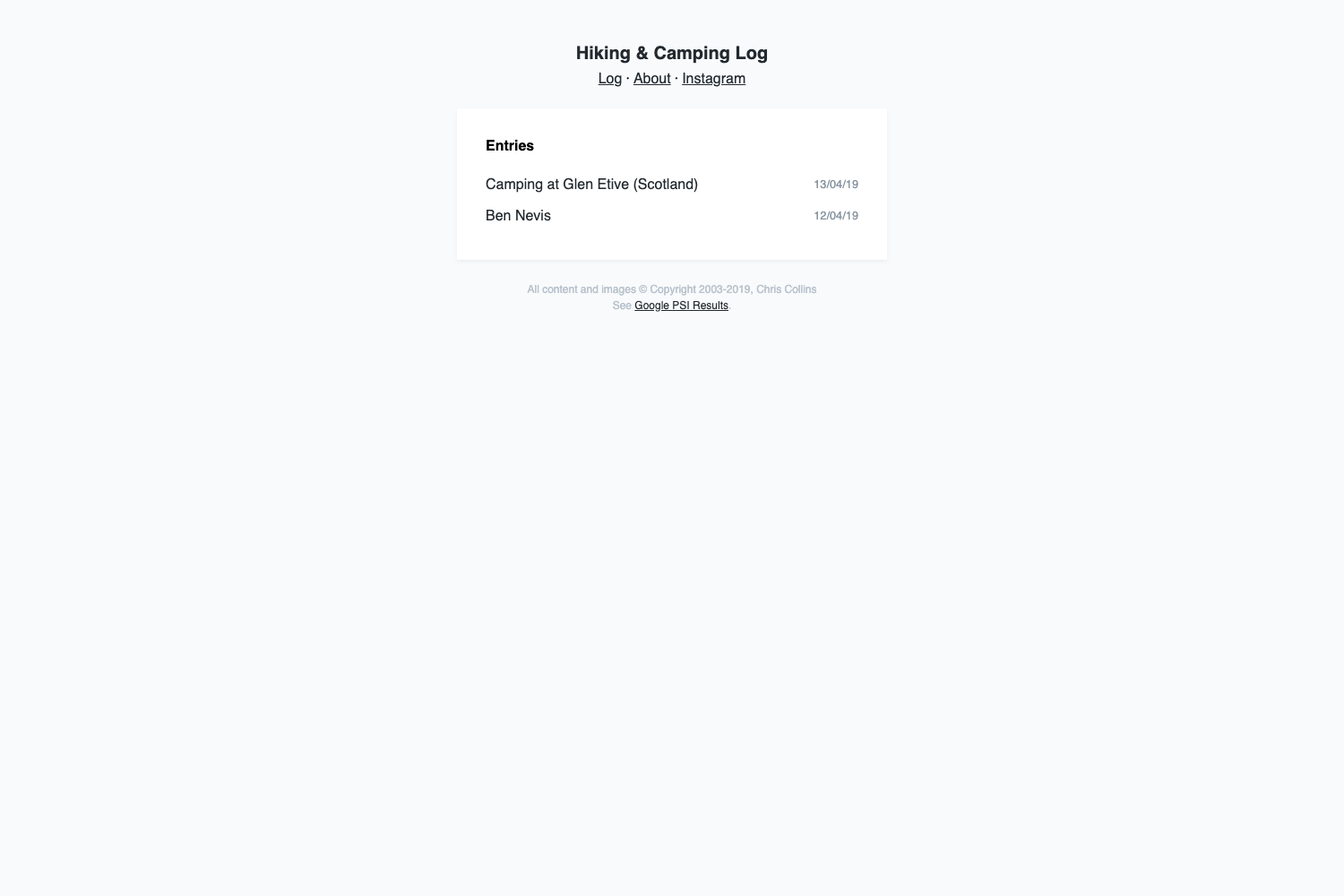
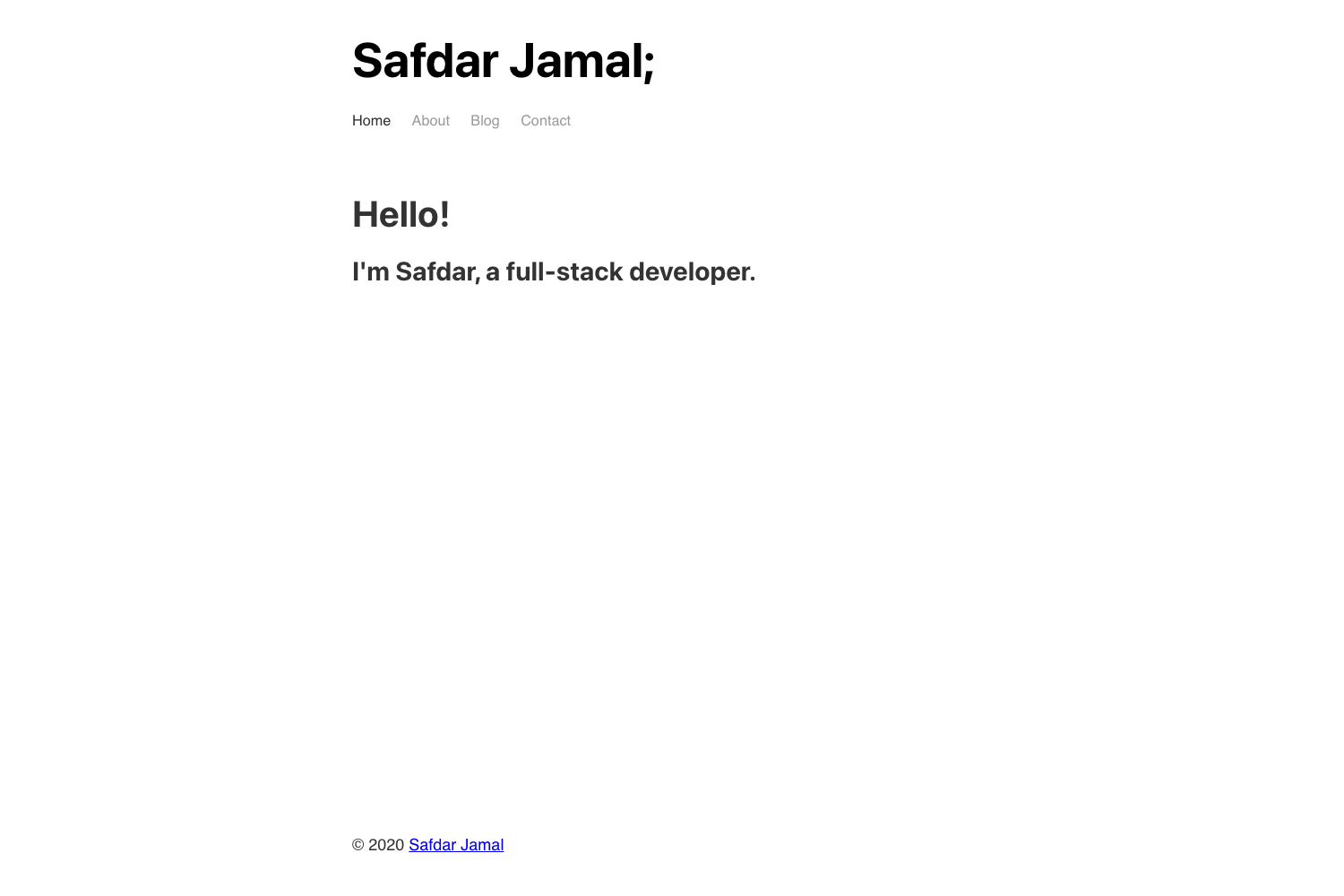
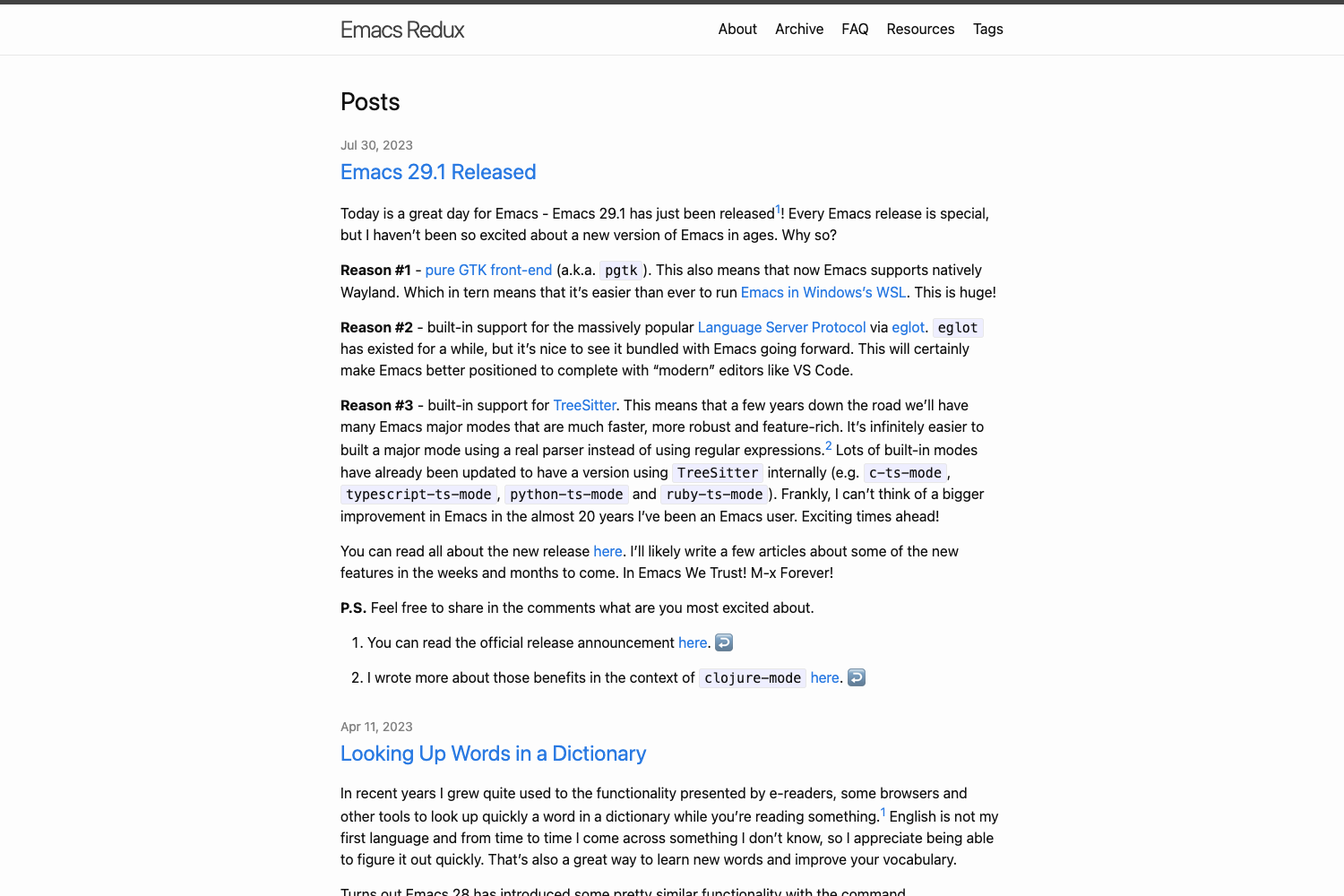
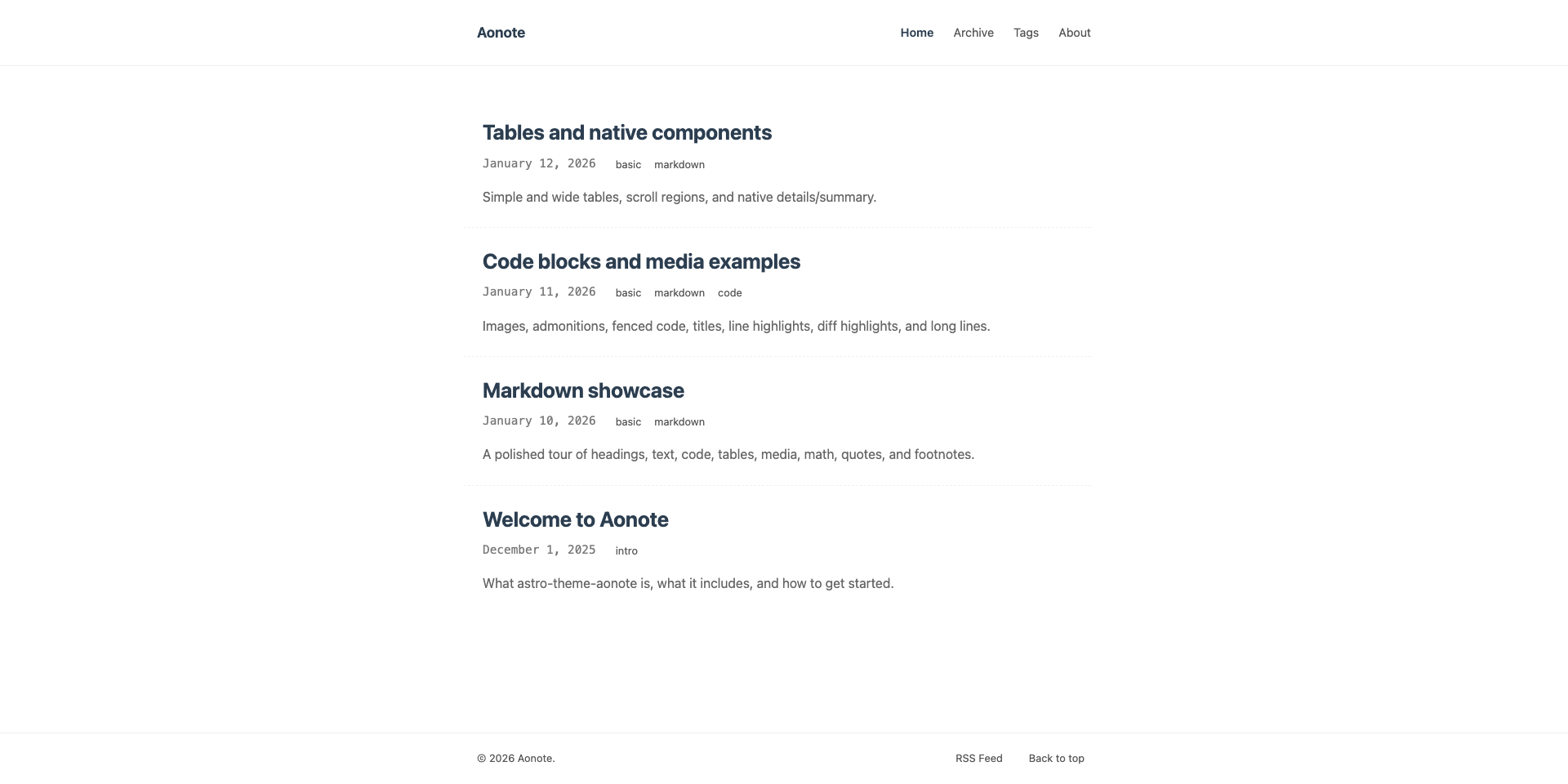
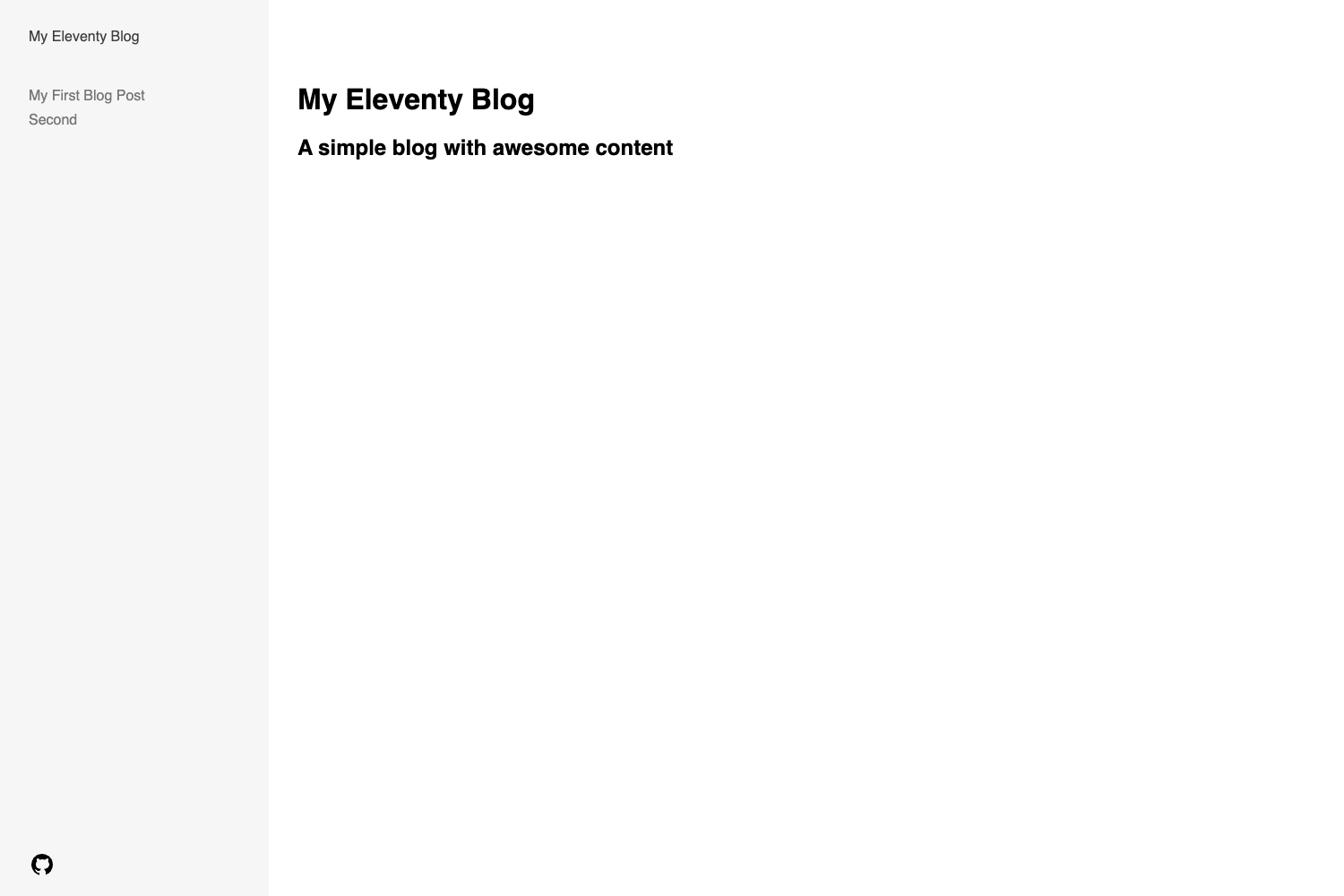
Miniblog is an opinionated and minimal Astro blog template that converts Markdown files into a static blog with an RSS feed, Shiki syntax highlighting, and customizable OpenGraph images.
What is Miniblog?
Miniblog is a minimal, opinionated Astro blog template distributed on GitHub under the MIT License. It takes Markdown files as content input and produces a statically generated blog with an RSS feed, code syntax highlighting, and SEO-ready OpenGraph images. The template runs on the Astro framework and is styled with Tailwind CSS, with pnpm as the package manager. It is the updated version of the original Miniblog template; the v1 branch preserves the earlier release.
Key Features
- Markdown blog posts — Write posts as Markdown files; each file becomes a blog page in the generated site.
- Shiki syntax highlighting — Code blocks are highlighted with Shiki, which runs at build time rather than in the browser.
- RSS feed — The template automatically generates an RSS feed for the blog's posts.
- SEO with customizable OpenGraph images — Each post can be given custom OpenGraph images for social sharing, and basic SEO fields are supported.
- Astro-based static output — Built on the Astro framework, the site compiles to static HTML for fast loading.
- Tailwind CSS styling — The design uses Tailwind CSS (per the repository topics) for utility-first styling.
- Minimal and opinionated — The template deliberately includes only the essentials, with a strong point of view about blog structure rather than a one-size-fits-all theme.
- pnpm-based setup — Installation and development use pnpm (
pnpm install,pnpm dev), keeping the toolchain lean.
Who is it for?
Miniblog is aimed at developers and bloggers who want a small, fast blog without pulling in a full blogging platform or CMS. A developer can fork or use the template, clone it, run pnpm install and pnpm dev, then add Markdown posts in the content directory to see them rendered. A personal blogger who wants full control over their stack can use Miniblog as a starting point and deploy the static output anywhere that hosts static files. An Astro learner can read the template's structure as a reference for how a minimal Astro site with Markdown content, RSS, and syntax highlighting is organized.
What can you do with Miniblog?
- Personal bloggers: Publish essays or notes as Markdown files; the template automatically turns them into a blog with an RSS feed.
- Technical writers: Write code-heavy posts and rely on Shiki to highlight syntax in multiple languages.
- Developers: Customize OpenGraph images per post to control how content appears when shared on social media.
- Indie hackers / side-project owners: Spin up a clean blog quickly for a project using the GitHub template workflow.
How does Miniblog work?
Getting started follows a straightforward setup path. First, you create a new repository using this template or fork the existing repository. Then you clone the repo locally, run pnpm install to install dependencies, and run pnpm dev to start the development server. From there, you add your Markdown blog posts and the template builds the site.
Pricing
Miniblog is free. The project is licensed under the MIT License, so you can use and modify it without paying a fee.
FAQ
Is Miniblog free?
Yes. Miniblog is released under the MIT License, which means you are free to use, copy, modify, and distribute it for personal or commercial projects.
What do I need to run Miniblog?
The only prerequisite listed in the readme is pnpm, the package manager. After cloning the repo, you run pnpm install and then pnpm dev to start the local development server.
How do I add a blog post?
Blog posts are written as Markdown files. You drop a new Markdown file into the blog content location and the template generates a corresponding page in the static site.
Does Miniblog support syntax highlighting?
Yes. Miniblog uses Shiki for code block syntax highlighting, which means code is highlighted during the build step, so no client-side JavaScript is required for highlighting.
Does Miniblog include an RSS feed?
Yes. The template generates an RSS feed automatically, so readers can subscribe to your posts with an RSS reader.