Template details
Maupassant Jekyll
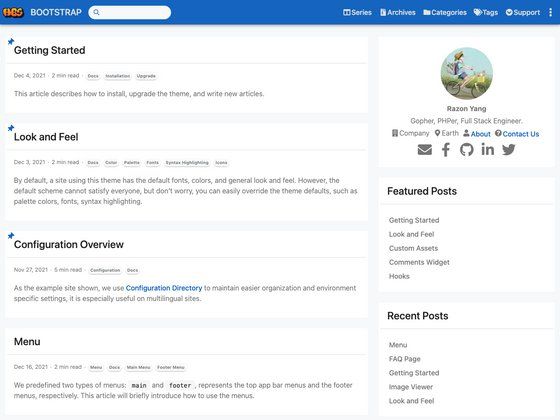
A minimalist Jekyll blog theme focused on performance across devices, with ports to WordPress, Hexo, Ghost, and more.
About this template
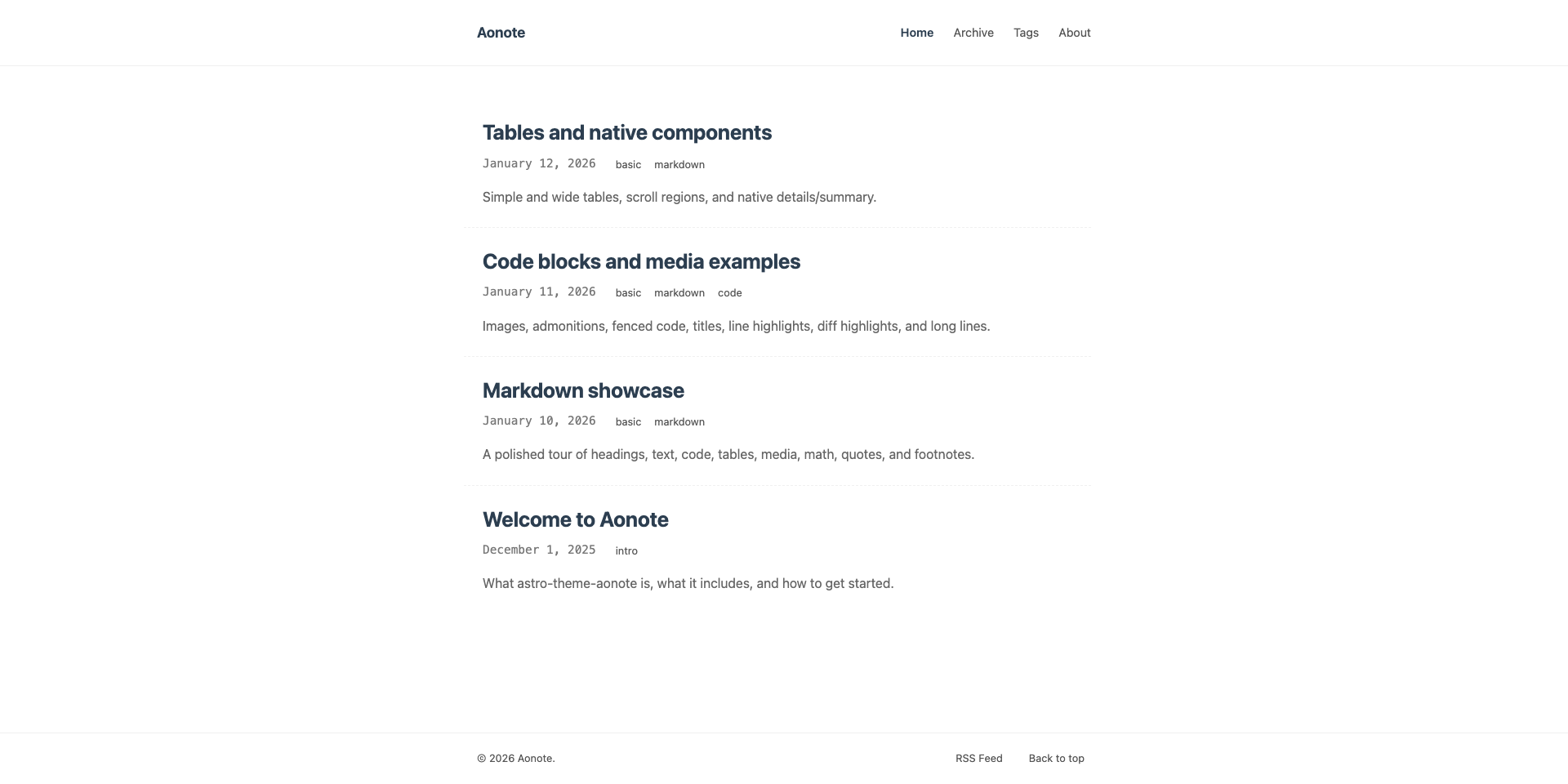
Maupassant Jekyll is a minimal, performance-oriented Jekyll theme for personal blogs, available on GitHub and ported to seven publishing platforms.
What is Maupassant Jekyll?
Maupassant Jekyll is a simple Jekyll template designed to deliver great performance on different devices. It takes Jekyll's static site generator as its foundation and produces a fast-loading blog site. The theme is maintained on GitHub, and the repository includes installation instructions for building and serving the site locally.
Key Features
- Simple design — The template is described as "simple," focusing on essential blog presentation without unnecessary decoration.
- Device-friendly performance — It is explicitly built for great performance on different devices, including mobile and desktop.
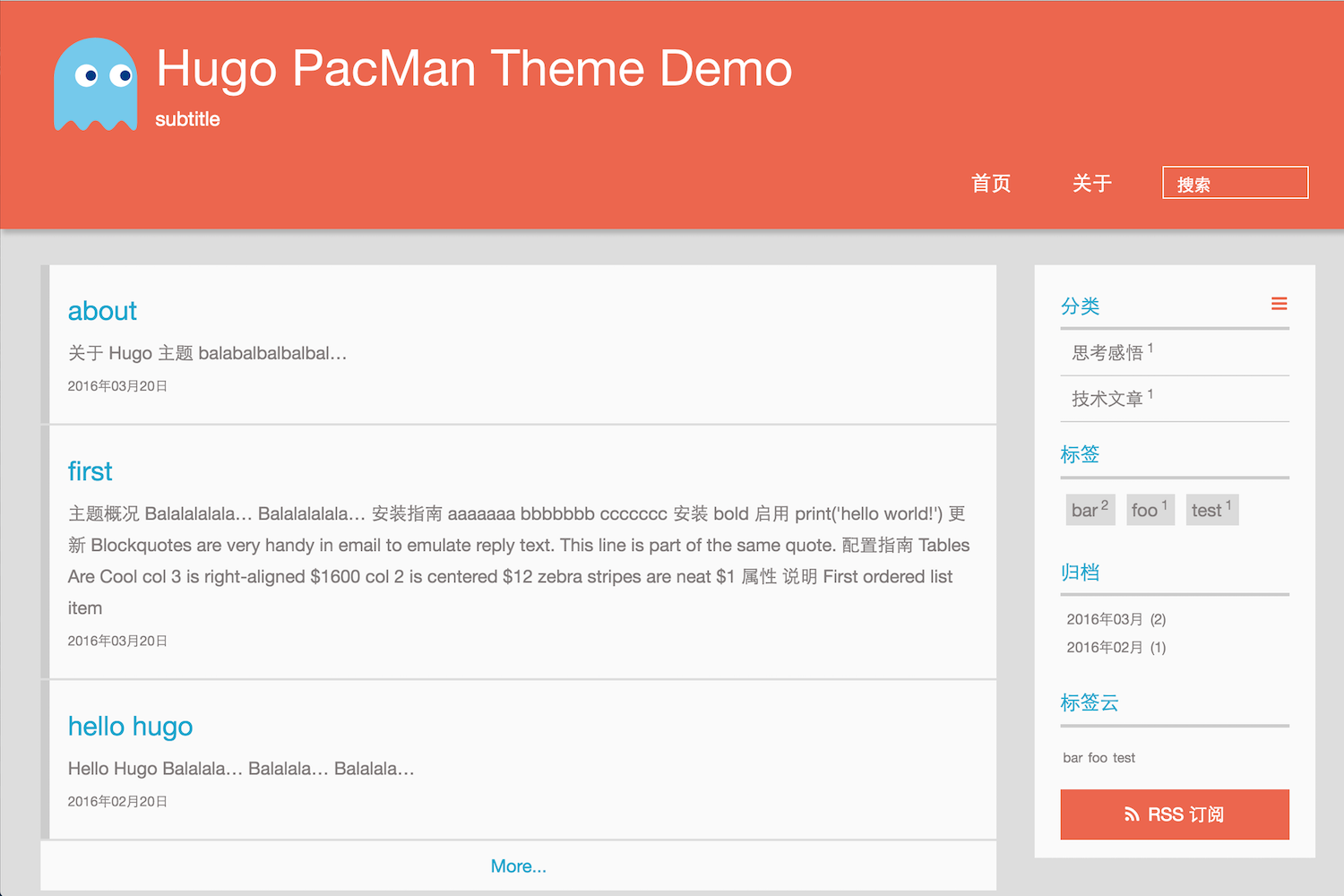
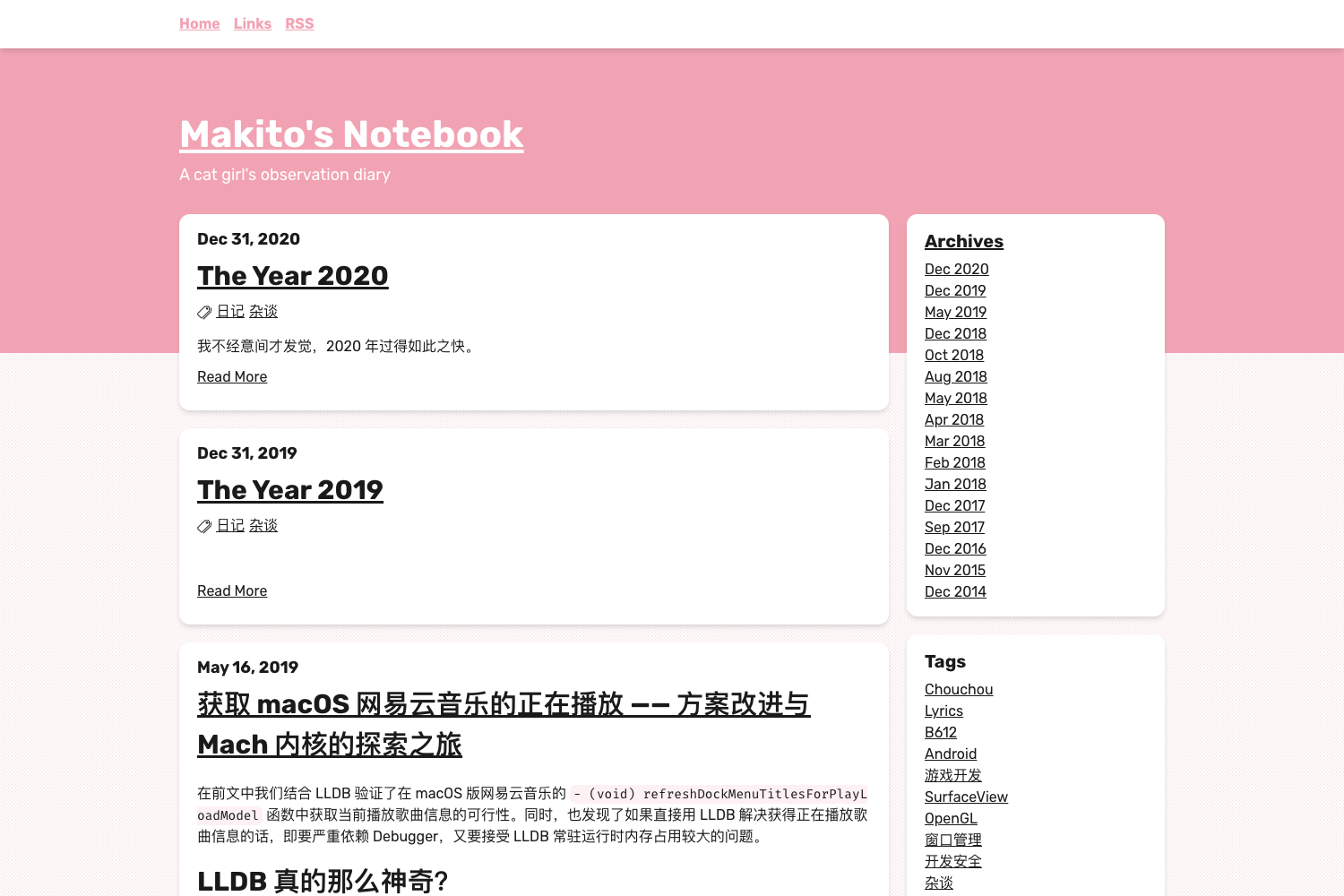
- Multi-platform availability — The same theme has ports to Typecho, Octopress, Farbox, WordPress, Hexo, and Ghost, in addition to this Jekyll version, so a consistent look can be maintained across different blogging engines.
- Straightforward installation — Installation uses standard Jekyll commands: clone the repo, run
jekyll build, thenjekyll serverto serve locally. - GitHub hosted — The project is publicly accessible on GitHub, allowing for cloning, forking, and community contributions.
Who is it for?
Bloggers who use Jekyll and want a lightweight, fast theme will find this a good fit. Developers who maintain a blog and prefer a minimal aesthetic can use it as a base to customize. It also suits users migrating between platforms because the theme offers ports to several other systems.
Use cases
- Jekyll bloggers: Build and serve a personal blog locally with
jekyll buildandjekyll servercommands. - Cross-platform users: Apply the same visual style to blogs hosted on WordPress, Hexo, Ghost, Typecho, Octopress, or Farbox by using the corresponding port.
- Performance-focused sites: Deploy a theme that emphasizes fast loading across devices for readers on varying connection speeds.
How does Maupassant Jekyll work?
The template follows standard Jekyll workflow. Start by cloning the repository with git clone https://github.com/alafighting/maupassant-jekyll.git maupassant, change into the directory, then run jekyll build to generate static HTML files, and jekyll server to preview the site locally.
FAQ
Is Maupassant Jekyll free to use?
Yes. The project is publicly available on GitHub and can be cloned without charge. No licensing or payment details are mentioned in the repository.
What Jekyll version is required?
The repository does not specify a minimum Jekyll version, but it relies on standard Jekyll commands (build and server) that work with current Jekyll releases.
Can I use Maupassant Jekyll with other platforms?
Yes. The theme has been ported to Typecho, Octopress, Farbox, WordPress, Hexo, and Ghost. Each port has its own GitHub repository linked from the main README.
How do I install Maupassant Jekyll?
Use the commands in the README: git clone https://github.com/alafighting/maupassant-jekyll.git maupassant, then cd maupassant, followed by jekyll build and jekyll server.