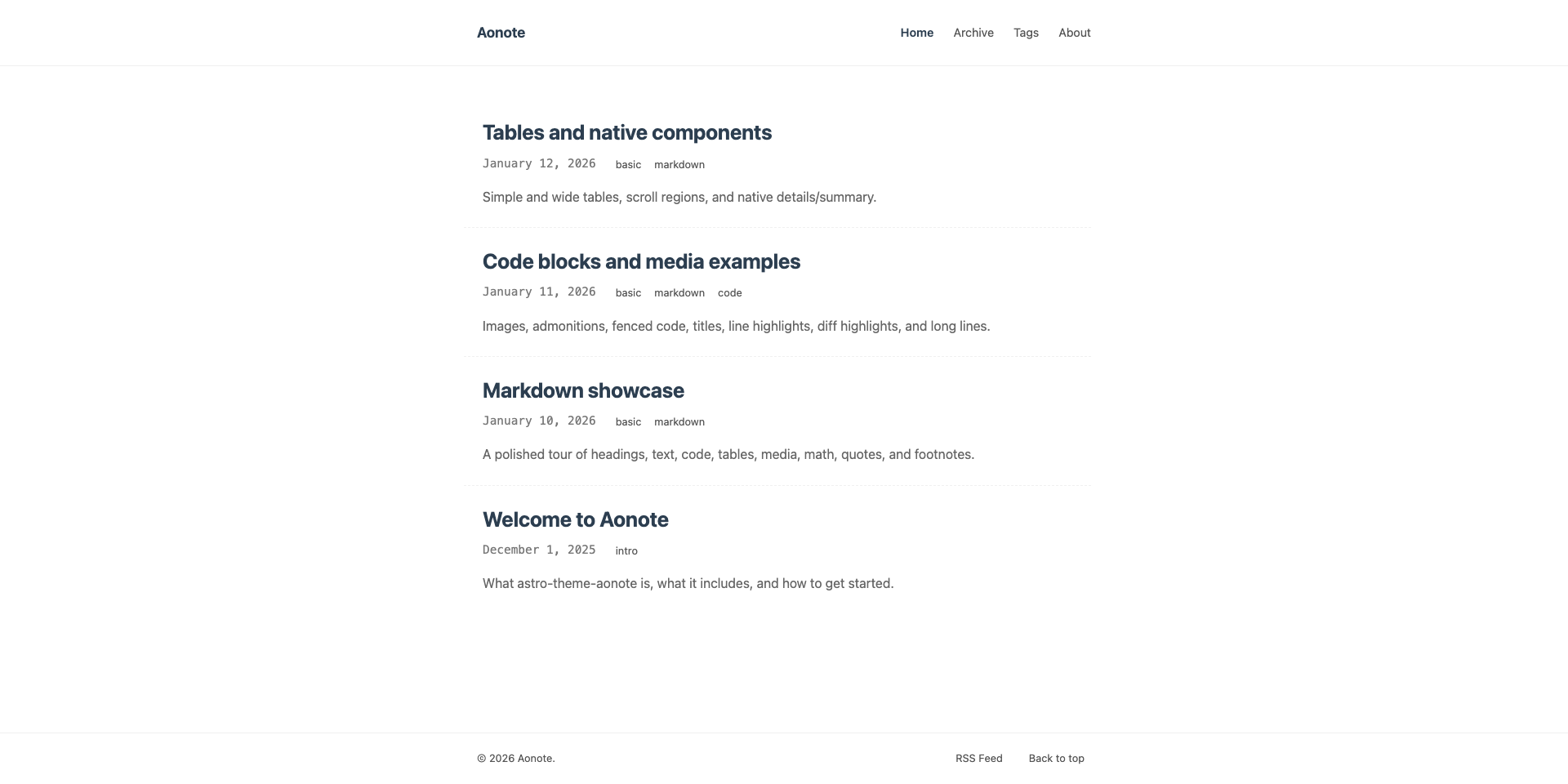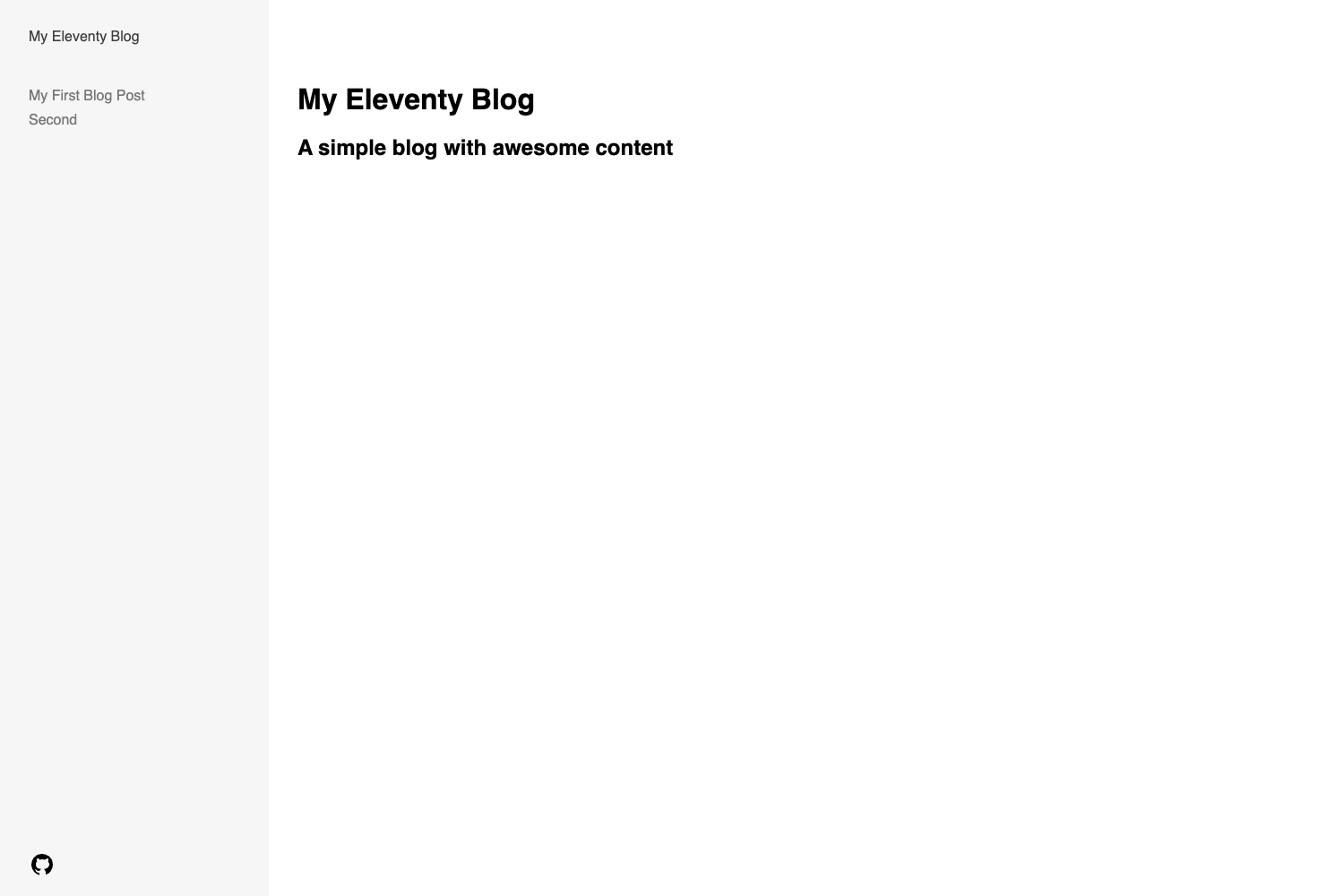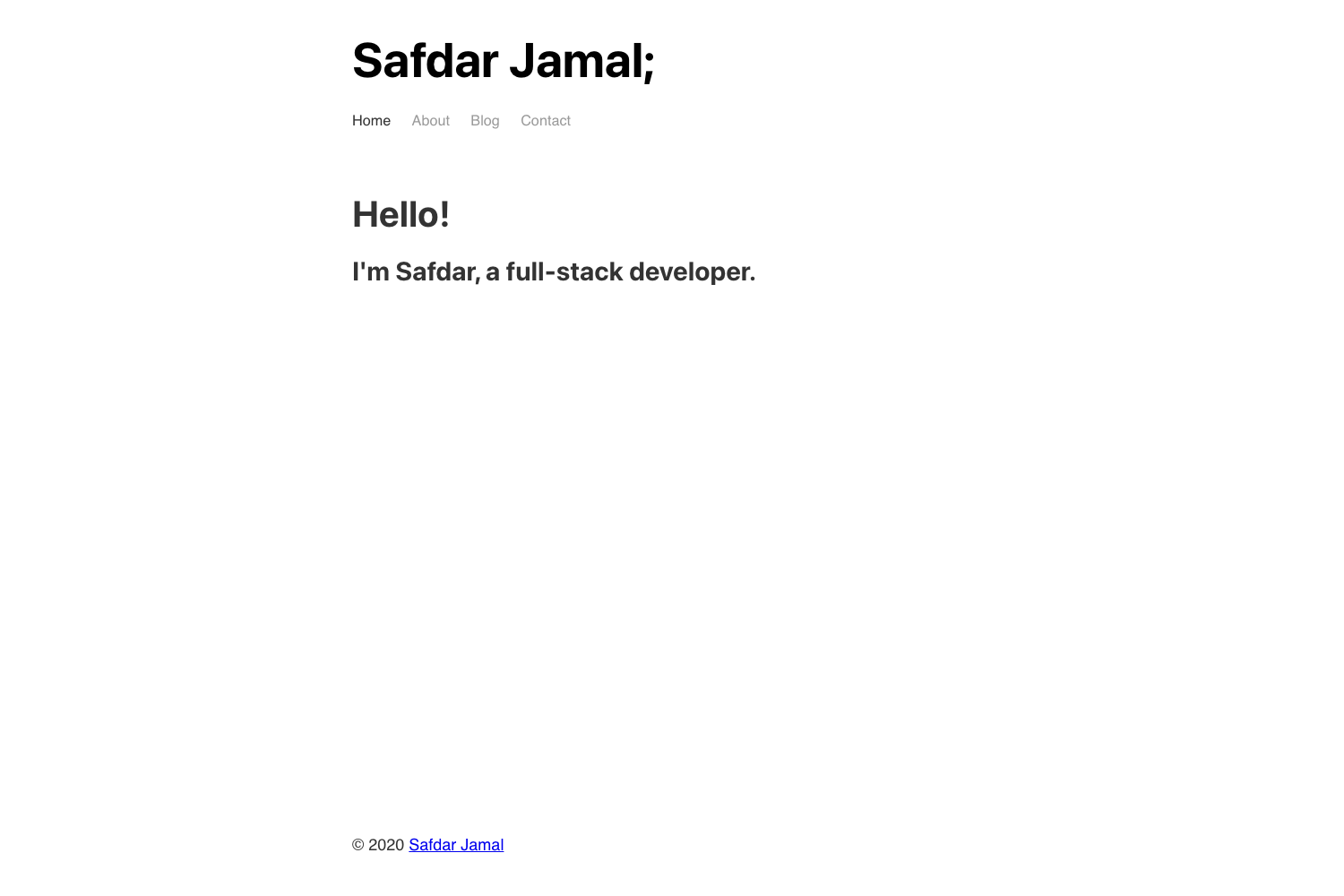
Template details
Simple Journal
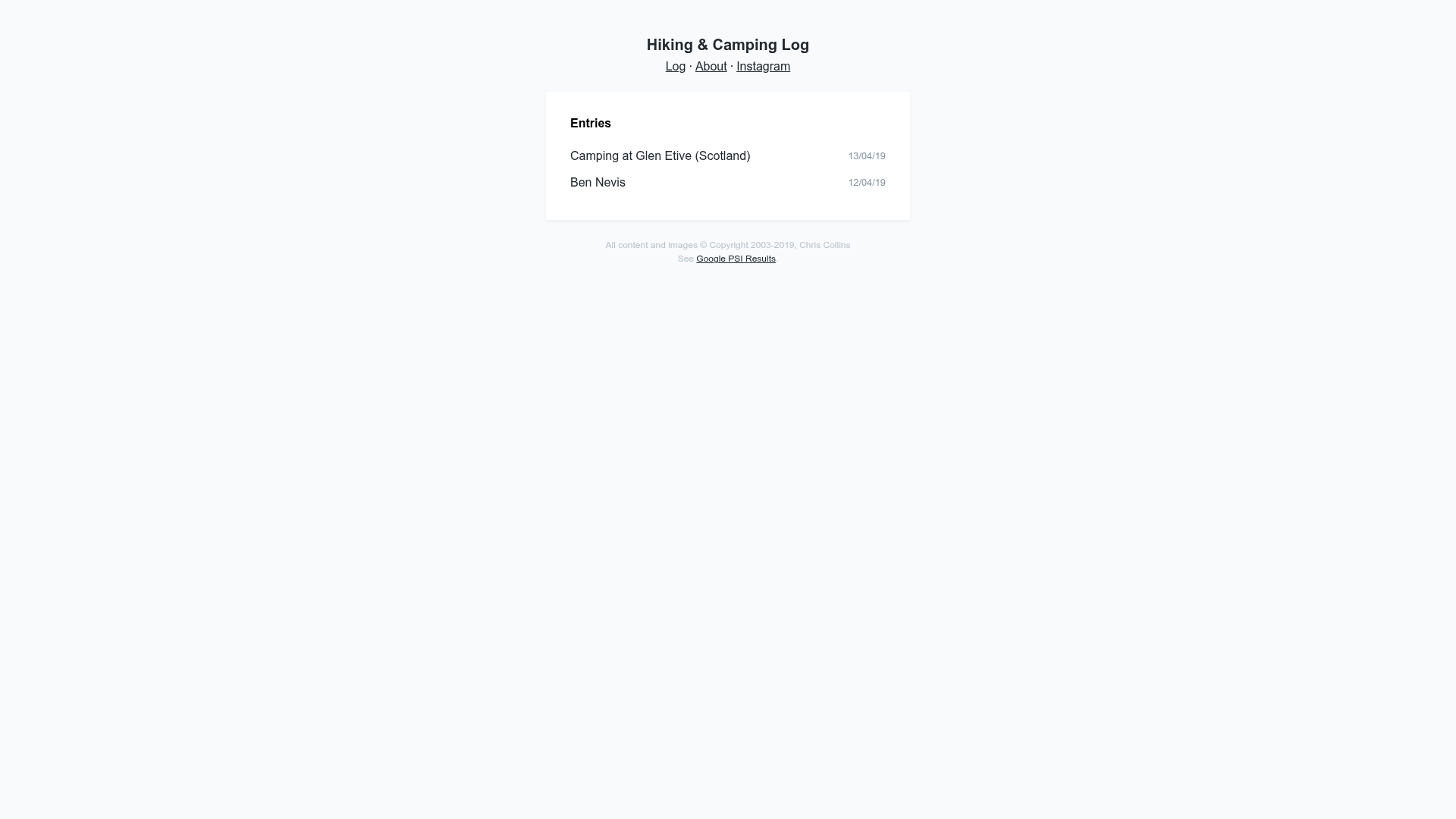
A simple journal/photo log website built on top of Eleventy (11ty).
About this template
Simple Journal is an open-source Eleventy (11ty) starter template for a minimalist journal and photo log website that accepts one Markdown entry per day.
What is Simple Journal?
Simple Journal is a static site template built by developer chrisssycollins, based on the Blazin'/11ty boilerplate. It takes Markdown files with YAML front matter as input and generates a deployable static website, with an optional accompanying photo folder for each entry. The site is preconfigured for Netlify via a one-click deploy button and a demo is available.
Key Features
- Eleventy static site generation — The entire site is built with Eleventy, producing plain HTML that can be hosted anywhere.
- Liquid templating — The default template language is Liquid, which you can swap for another Eleventy-supported engine.
- TailwindCSS compilation — TailwindCSS is compiled as part of the build process, and PurgeCSS removes unused CSS (configured for Tailwind by default).
- SCSS with Gulp — SCSS files are compiled through a Gulp task, allowing custom styles alongside the Tailwind utility classes.
- Automatic image optimization — Lepto JS resizes and optimizes images placed in the entry-specific folder.
- Babel transpilation — ES6 JavaScript is compiled to ES5 for broader browser support.
- SEO meta tags — A set of meta tags are preinstalled, reducing the setup time for search visibility.
- Netlify deploy button — One-click deployment to Netlify is supported directly from the repository.
Who is it for?
- Outdoor enthusiasts and hikers — keep a daily log of trips with optional flags for summits, Munros, camping, and other activities.
- Daily journalers — write a short markdown entry each day, with automatic date-based organization.
- Eleventy developers — use this as a reference or starting point for a photo-journal project, since it shows how to wire Eleventy with Gulp, Tailwind, and image processing.
What can you do with Simple Journal?
- Hikers and campers: record a daily entry with images and metadata toggles such as "summited", "munro", "camping", and "dug".
- Photographers: pair a date-named entry with a corresponding folder of photos, which are automatically resized and optimized by Lepto JS.
- Bloggers: maintain a lightweight daily blog with markdown authoring and a clean, static output.
How does Simple Journal work?
Create a Markdown file in the ./src/entries folder, with a filename that includes the date (for example, 2021-02-25.md). Add YAML front matter with a required name and date, plus optional boolean fields. Drop any photos into a matching folder at ./src/assets/images/entries/YYYY-MM-DD, and the build process handles the rest.
FAQ
Can I create more than one entry per day?
No. The template explicitly limits you to one entry per day. Each entry is a single page file, and the structure is designed for a daily log, not multiple posts per date.
What front matter is required?
The name field (a title for the entry) and date field (in YYYY-MM-DD format) are required. Optional boolean fields include summited, munro, camping, and dug.
How do I add images to an entry?
Images are stored in ./src/assets/images/entries/. Create a subfolder matching the date of the entry (e.g., 2021-02-25) and place your images there. The Lepto JS tooling resizes and optimizes them during the build.
Is Simple Journal free to use?
The repository is open source and can be used freely. The one-click Netlify deployment links to your own Netlify account, where standard Netlify hosting terms apply.
Can I change the templating engine?
Yes. The default templating is Liquid, but the project notes that it can be changed if you prefer another template language supported by Eleventy.