Template details
Arberia Theme for Hugo
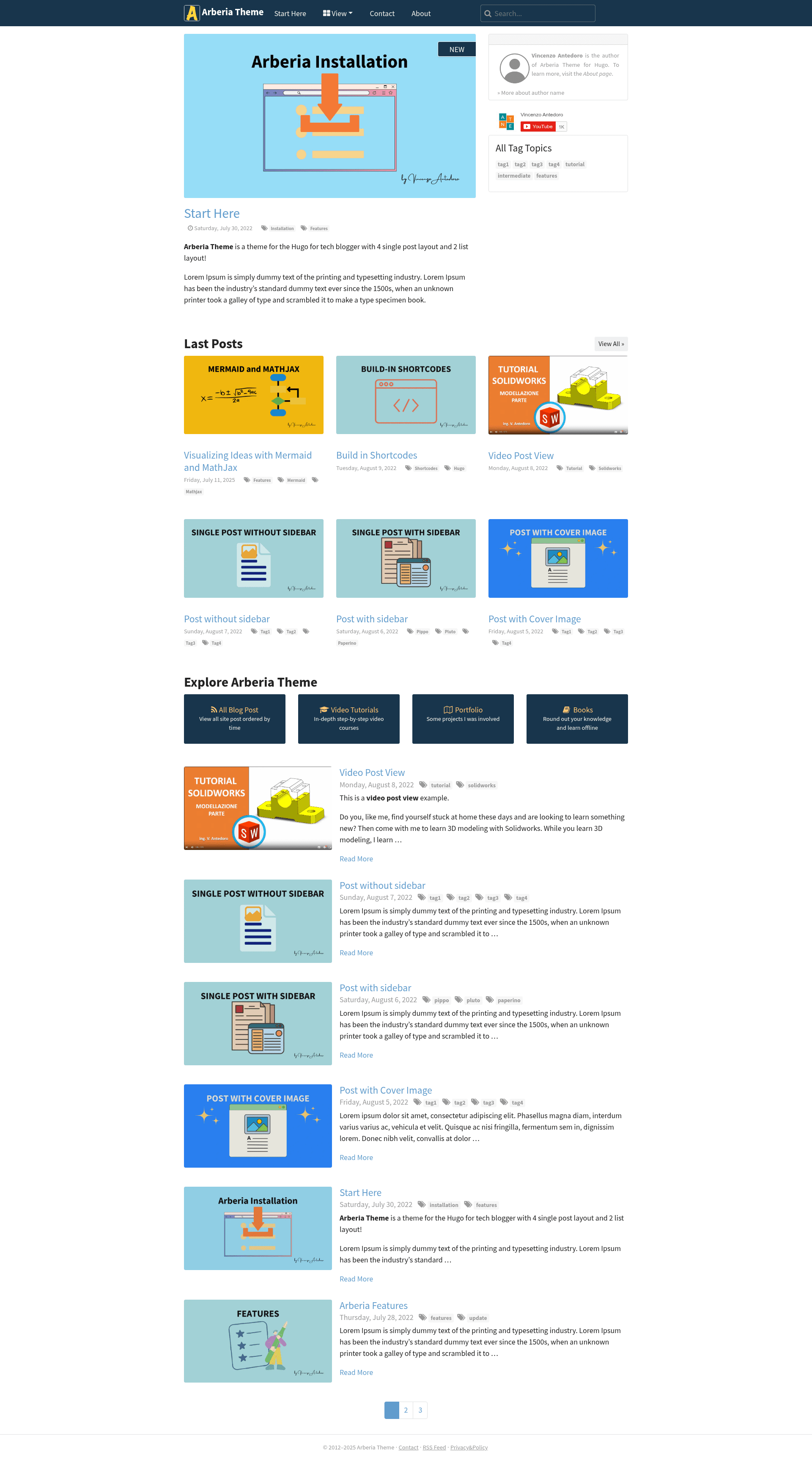
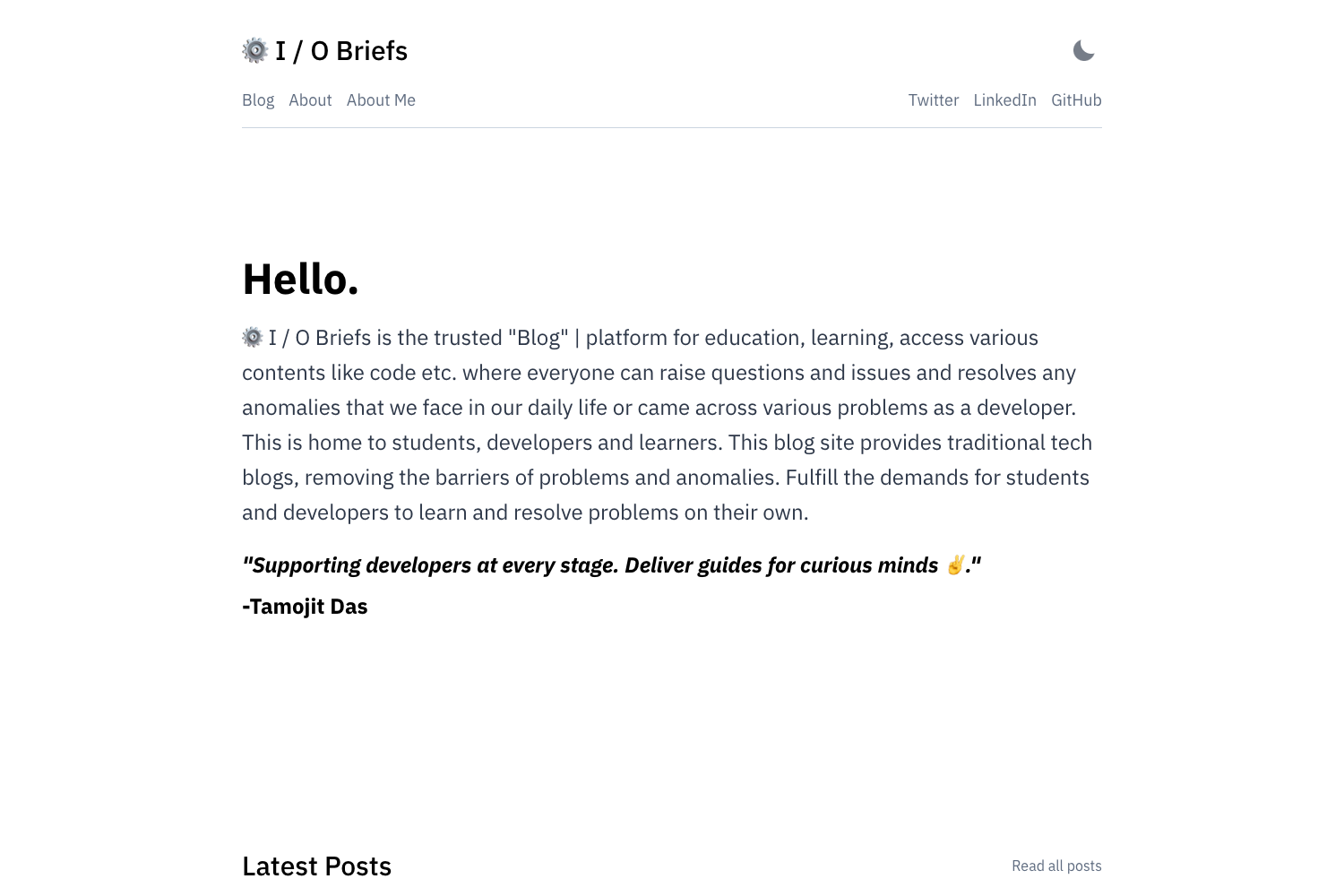
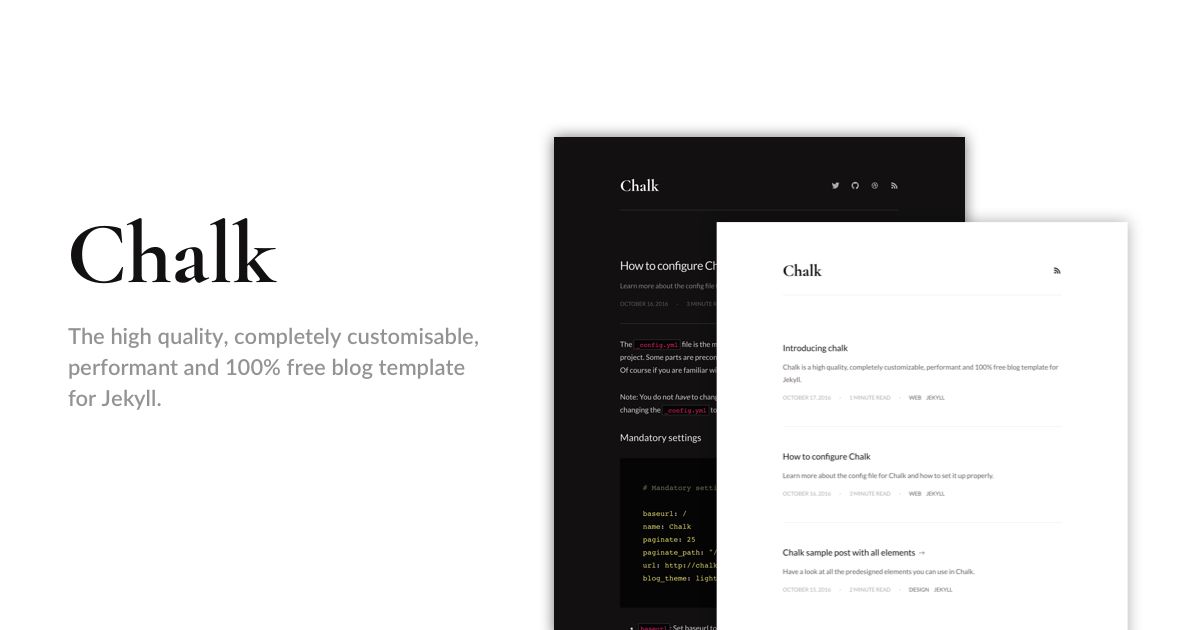
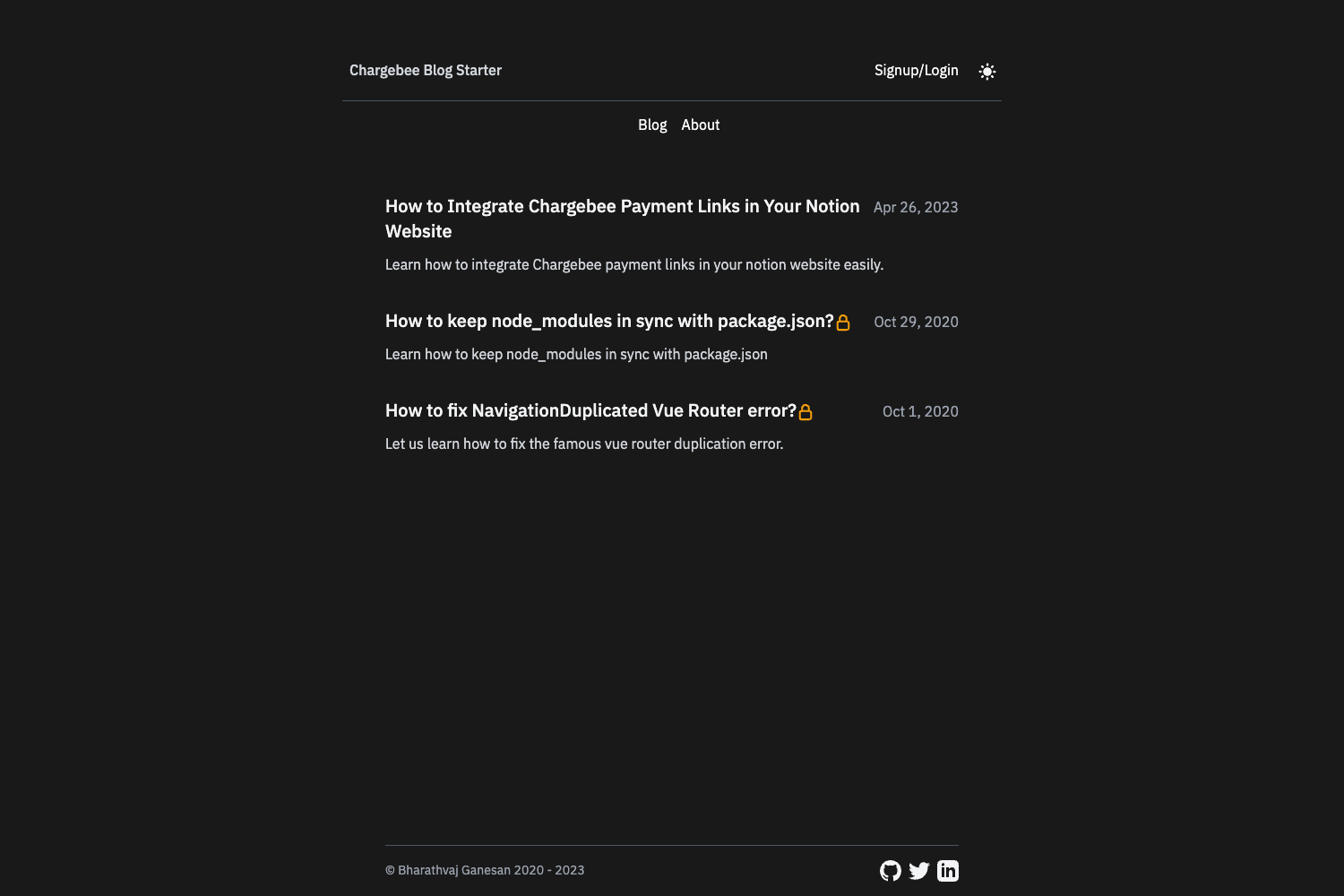
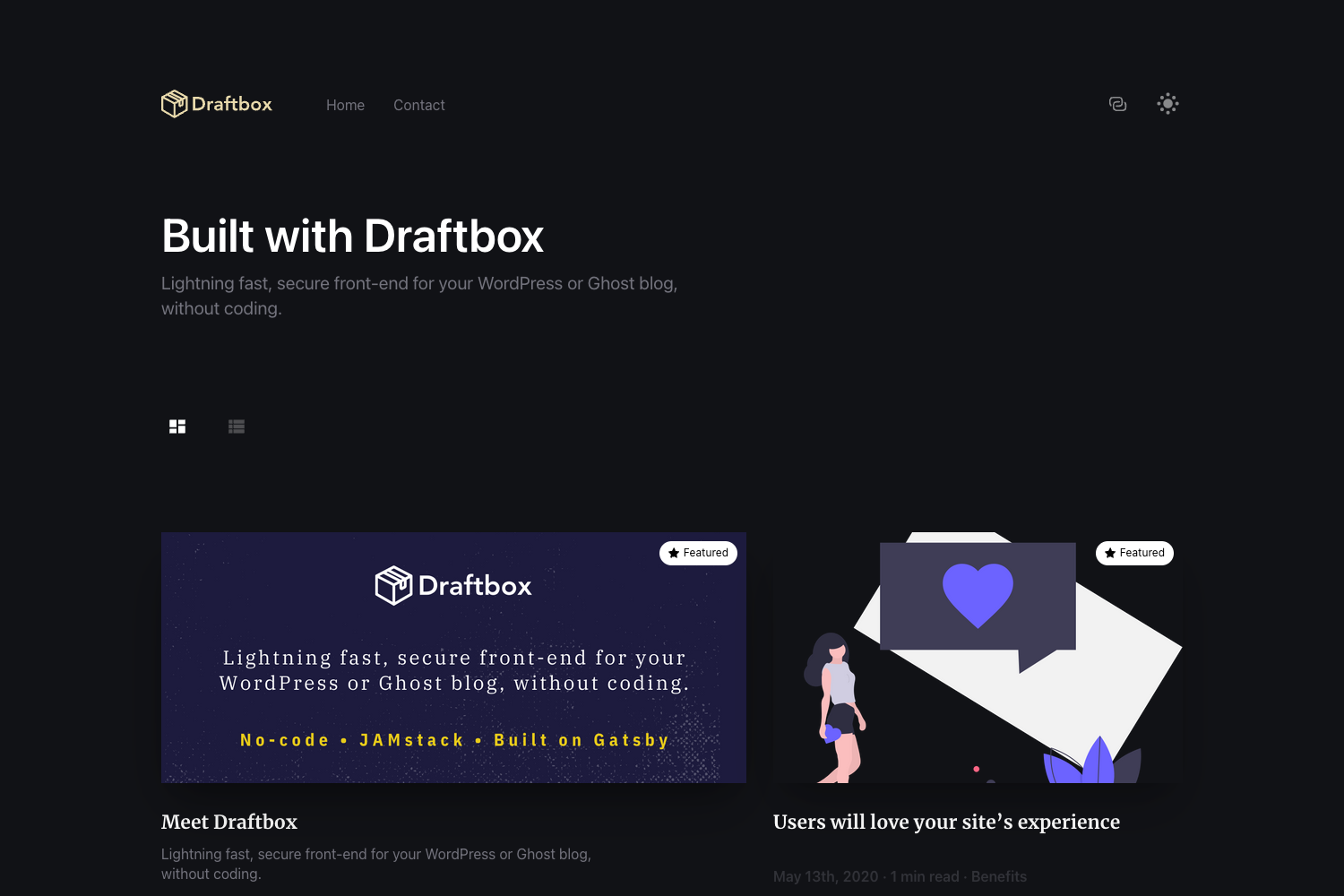
Arberia is a responsive tech-blogger Hugo theme with 4 single post layouts, 2 list layouts, search, and multilingual support.
About this template
Arberia is a responsive Hugo theme for tech bloggers that provides 4 single-post layouts, 2 list layouts, built-in search, and multilingual support. This open-source theme is designed to run entirely with Hugo's built-in asset pipeline, needing no Node.js, webpack, or other build tools.
What is Arberia?
Arberia is a free, open-source Hugo theme built for technology blogs, released under the MIT license by the repository antedoro/arberia. It accepts standard Markdown content with Hugo front matter and outputs a static website with multiple layout options: a classical post view with sidebar, a full-width post view without sidebar, a post view that features a cover image, and a dedicated video post view. The theme also includes two list views — a simple list and a grid — plus a landing page, tag and category pages, a table of contents, and an icon-colored submenu. A live demo is available at arberiatheme.netlify.app.
Key Features
- 4 single-post layouts — switch between sidebar, no-sidebar, cover-image, and video post views by setting the
typevalue in front matter. - 2 list views — display your post archive as a chronological list or as a grid; taxonomy pages switch to a taxonomy-aware rendering in version 1.2.2.
- Client-side search — full-text search powered by Flexsearch.js, with support for the mark.js highlighter found in the theme's dependencies.
- Multilingual support — set
languageNameandlanguageCodeinconfig/_default/hugo.tomlto serve content in multiple languages. - Integrations — Google Analytics and Disqus comments are supported out of the box, and social-media share buttons are included on posts.
- No Node.js build step — the theme uses Hugo's asset pipeline for pipelining, fingerprinting, bundling, and minification, so you only need Hugo installed.
- Taxonomy pages — category and tag views are consolidated under
layouts/_default/with case-insensitive filtering and pagination over posts only.
Who is it for?
- Tech bloggers who want four distinct post presentation styles without modifying templates — set the front-matter
typeand get sidebar, full-width, cover, or video layouts. - Hugo users who prefer a zero-dependency workflow — the theme requires only Hugo; no Node.js, webpack, or npm packages are needed to edit or deploy it.
- Video content creators — the video post view gives vloggers and tech reviewers a layout designed for embedded video, with the same list and grid archive options.
- Multilingual site owners — the built-in Hugo i18n support lets you run language-specific sections with per-language configuration in the
config/directory.
What can you do with Arberia?
- Write and categorize posts: The front matter supports
tags,categories,featured,sidebar,toc, andhiddenFromSearchflags, so you can control exactly how each post appears in the archive and search results. - Highlight key posts: Use the
featured: truefront-matter flag to feature specific articles, and rely on the responsive layout for mobile readers. - Customise menus and footer: As of version 1.2.x, menu and footer links are configured in the
config/directory at the root of your project, and the example-site folder inside the theme shows the expected structure.
How does Arberia work?
After installing Hugo and creating a new site, you download the theme as a zip or add it as a git submodule with git submodule add https://github.com/antedoro/arberia.git arberia. Then copy the exampleSite contents and the archetypes folder into your site root, confirm theme = "arberia" in config/_default/hugo.toml, and start the local server with hugo server -D. To update an existing installation, run git submodule update --remote --merge.
Pricing
Arberia is completely free and open source, released under the MIT license. You can use it for personal or commercial projects without paying a license fee.
FAQ
Is Arberia free?
Yes. Arberia is released under the MIT license, which means it is free to use, modify, and distribute for both personal and commercial blogs.
Does Arberia require Node.js or webpack?
No. The theme uses Hugo's built-in asset pipeline (pipelining, fingerprinting, bundling, and minification), so you only need to install Hugo itself. The project documentation explicitly states that no webpack, Node.js, or other dependencies are required to edit the theme.
How do I install Arberia?
Install Hugo, create a new site, then either download the theme as a zip and extract it into your themes/ directory, or add it as a git submodule. Copy the exampleSite contents and archetypes, set theme = "arberia" in your config file, and run hugo server -D.
What comment system does Arberia support?
Arberia supports Disqus comments out of the box. Simply configure your Disqus shortname in the Hugo configuration file.
What changed in the latest theme update?
According to the release highlights for version 1.2.2, the template makes taxonomy templates more consistent with Hugo's >0.145 lookup, improves tag/category term filtering to be case-insensitive, and switches the list view to a taxonomy-aware rendering when used in taxonomy contexts. The configuration file structure was also changed, moving menu and footer links into the config/ directory.