Template details
Argon Dashboard Django
Open-source Django admin dashboard template built on the Bootstrap 4 Argon Dashboard UI with authentication and Docker deployment scripts.
About this template
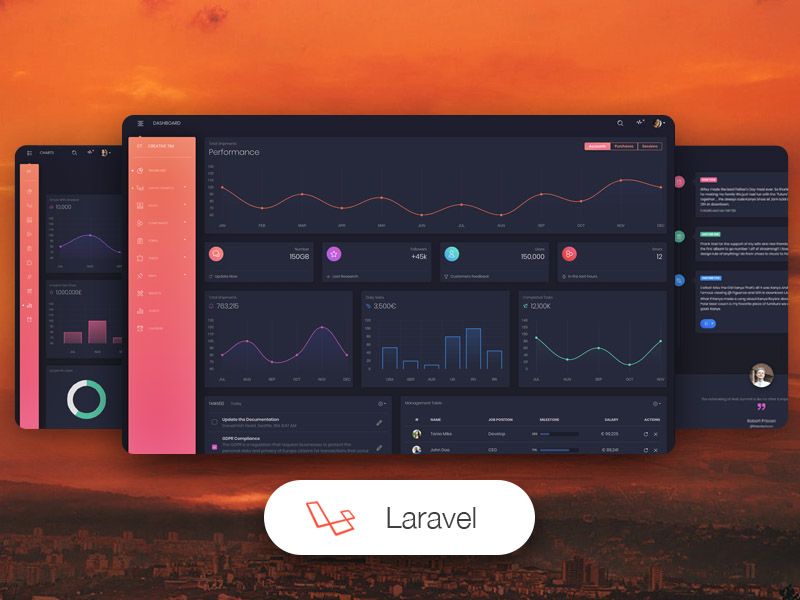
Argon Dashboard Django is an open-source admin dashboard template that combines the Bootstrap 4 Argon Dashboard UI kit with a Django 3.2.6 LTS codebase, delivering a session-authenticated admin panel with deployment scripts for Docker and Gunicorn/Nginx.
What is Argon Dashboard Django?
Argon Dashboard Django is an open-source Django template from Creative Tim and AppSeed, built on the Argon Dashboard Bootstrap 4 design system. It takes a Django project skeleton and produces a UI-ready admin dashboard with login, registration, and private pages protected by session-based authentication. The template runs on Python's Django 3.2.6 LTS with SQLite storage by default and ships with deployment configurations for Docker, Gunicorn, and Waitress.
Key Features
- Django 3.2.6 LTS codebase — a modular structure with a core app for settings and separate home and authentication apps, using Django's native ORM and SQLite database out of the box.
- Argon Dashboard UI Kit — the free version of the Argon Dashboard design, containing over 100 individual Bootstrap 4 components that can be freely combined across pages.
- Session-based authentication — pre-built login and registration pages with form validation, plus a 404 page and automatic redirect of guest users to the login screen.
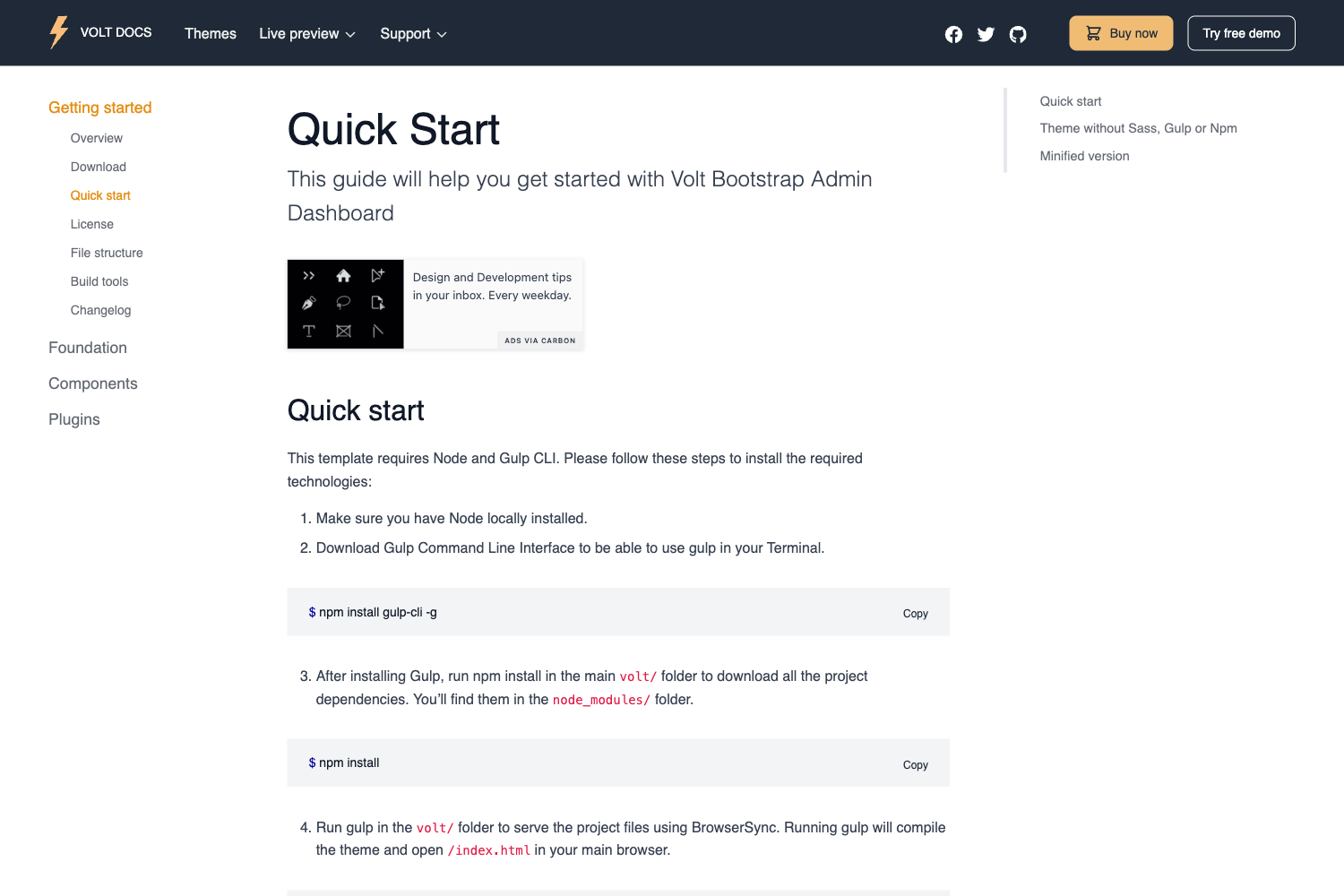
- SCSS compilation with Gulp — front-end assets live in apps/static/assets and can be recompiled by running the
gulp scsstask, which outputs updated CSS to the static/assets/css directory. - Deployment scripts — Docker Compose configuration that starts the app on localhost:85, plus Gunicorn and Waitress setups for production serving.
- Environment-based configuration — global settings in core/settings.py load values from a .env file for injecting secrets and database configuration.
Who is it for?
- Django developers starting a new admin or internal tool project who want a ready-made authentication flow and dashboard layout instead of building from scratch.
- Freelancers and agencies delivering Bootstrap-based admin panels who need a codebase that follows Django best practices and can be quickly restyled through SCSS.
- DevOps-minded teams that require production deployment examples, using the included Docker Compose and Gunicorn/Nginx scripts to ship the app to a server.
What can you do with Argon Dashboard Django?
- Create an authenticated admin panel: register a new user, log in, and the app unlocks private pages served by the home app; the default demo credentials are test / ApS12_ZZs8.
- Customize the UI: edit SCSS files under apps/static/assets and run
gulp scssto recompile the Bootstrap-based styles into the static CSS directory. - Deploy in containers: use the provided
docker-compose pull,build, andup -dcommands to run the application on port 85 in a Docker container.
How does Argon Dashboard Django work?
After cloning the repository, you install dependencies with pip3 install -r requirements.txt, run python manage.py makemigrations and python manage.py migrate to create the SQLite tables, then start the development server with python manage.py runserver. Access the registration page to create a user, and once authenticated the dashboard pages become visible. The bootstrap flow starts from manage.py, which reads core/settings.py and loads configuration from the .env file.
Pricing
The template is free and open-source, licensed under the Creative Tim EULA. You can download it from the Creative Tim product page or clone the GitHub repository.
FAQ
Is Argon Dashboard Django free?
Yes, it is an open-source template released by Creative Tim under the Creative Tim EULA. You can download it from the product page or clone the GitHub repository.
What Django version does it use?
The requirements file pins Django 3.2.6 LTS, a long-term support release. The codebase uses a standard Django project structure with a core app and separate home and authentication apps.
How do I start the project locally?
Clone the repository, install the requirements with pip3 install -r requirements.txt, run python manage.py migrate, and start the server with python manage.py runserver. Then visit http://127.0.0.1:8000/ and create a user on the registration page.
Does it include Docker support?
Yes, the template provides Docker deployment configuration. Running docker-compose pull, build, and up -d starts the app, which is then available at http://localhost:85.
What CSS framework is used?
The UI is based on Argon Dashboard, a Bootstrap 4 design system. SCSS source files are included under apps/static/assets, and Gulp compiles them to the static CSS folder.