Template details
MajesticAdmin-Free-Bootstrap-Admin-Template
Simple Bootstrap 4 Dashboard template.
About this template
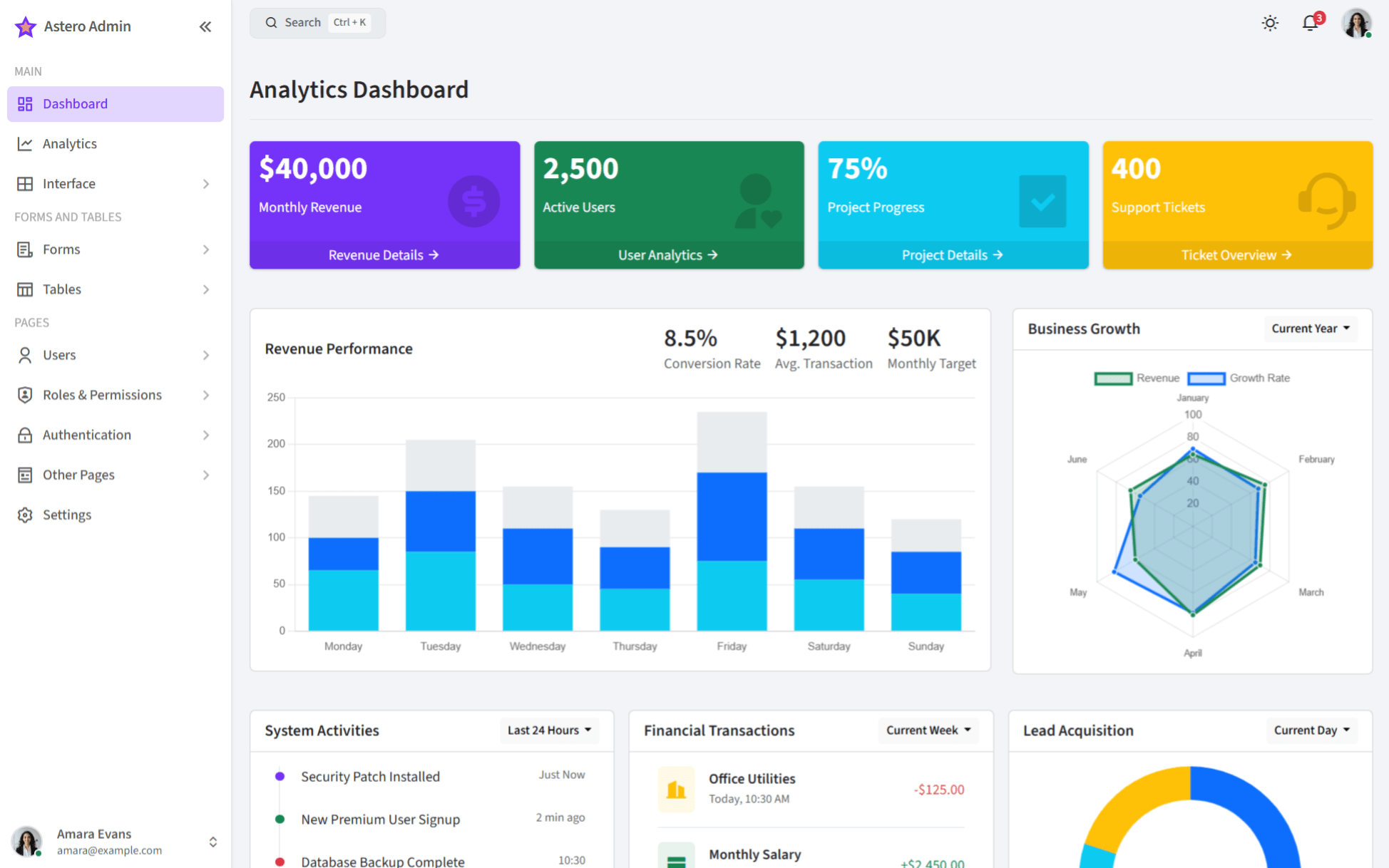
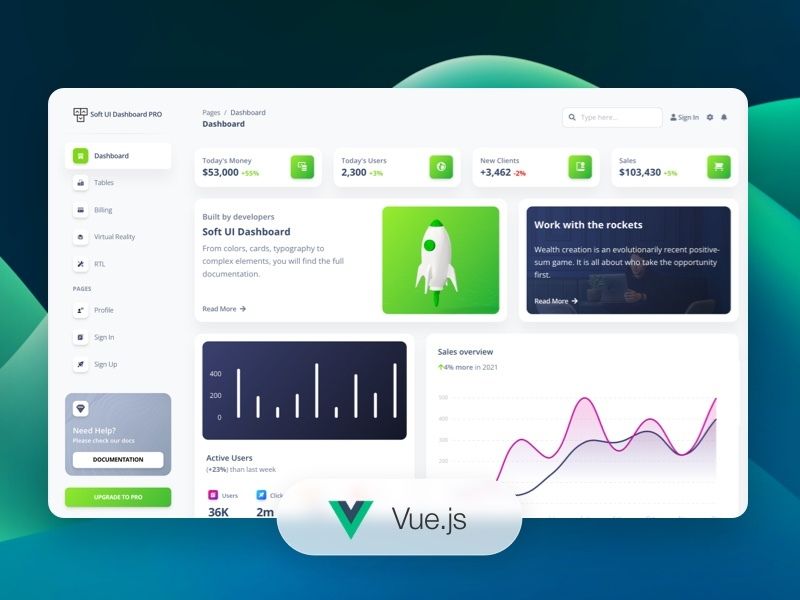
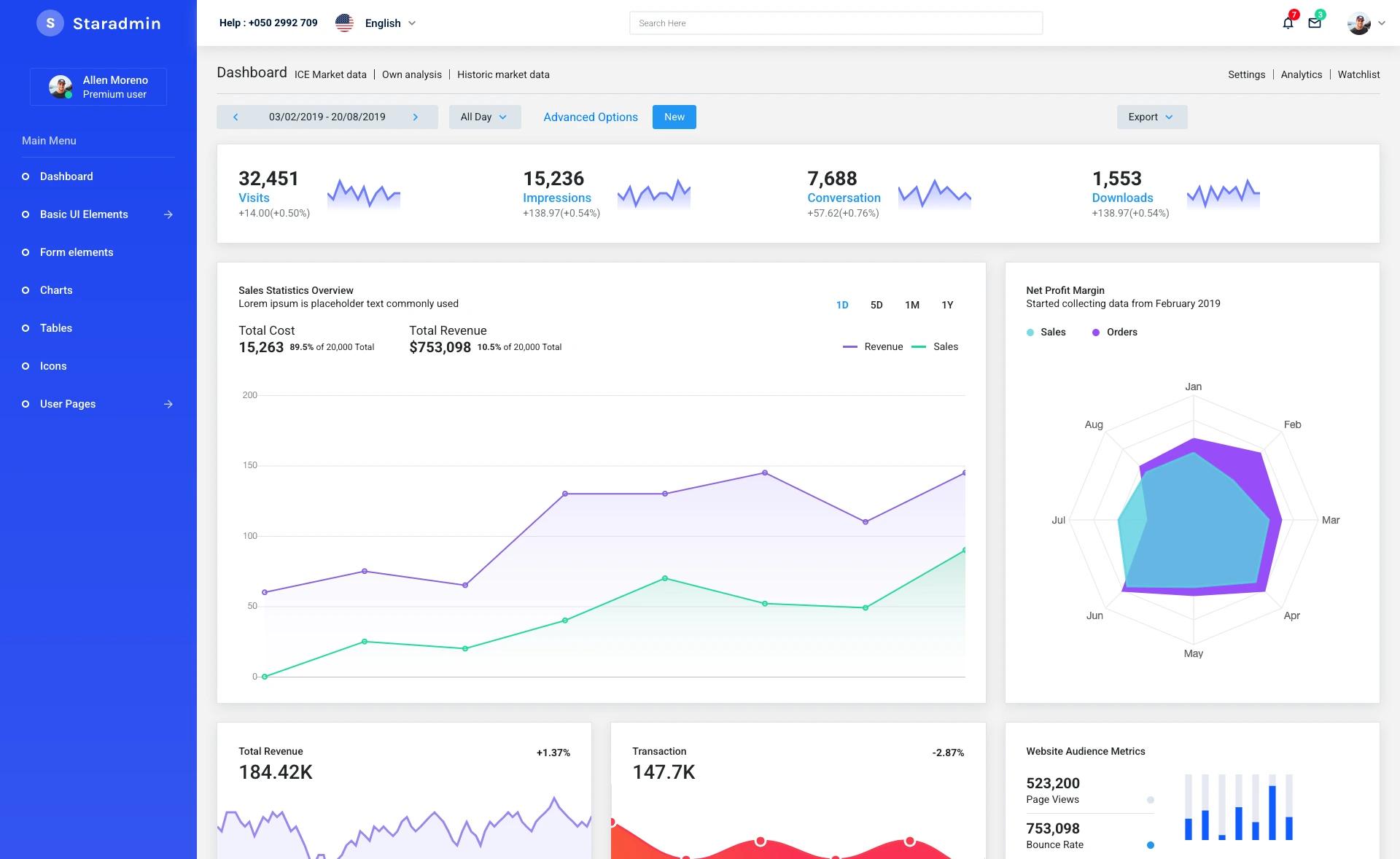
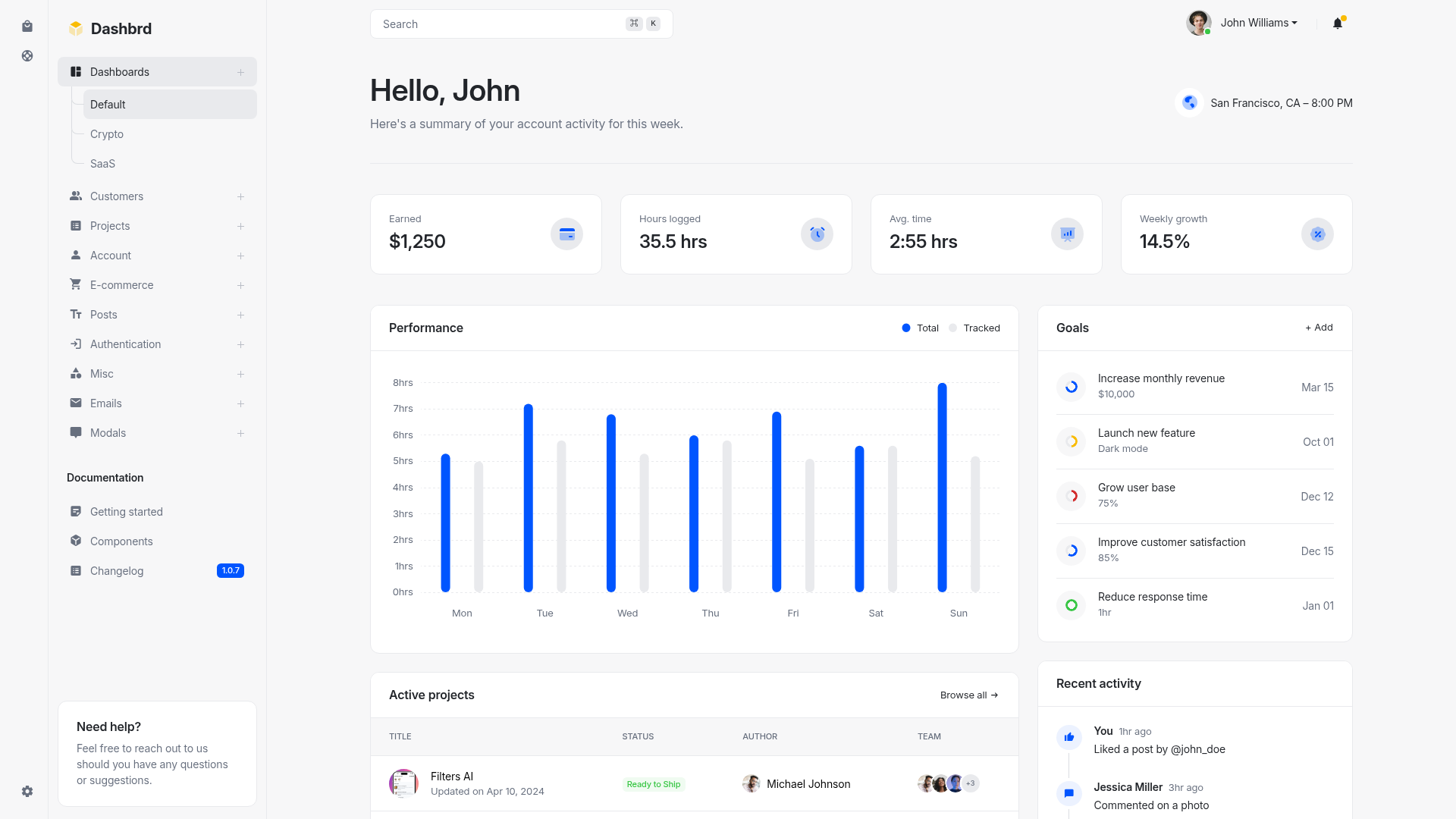
MajesticAdmin-Free-Bootstrap-Admin-Template is a free, open-source Bootstrap 4 admin dashboard template built with SASS, jQuery, HTML5, and CSS, designed to jump-start the creation of responsive administration interfaces.
What is MajesticAdmin-Free-Bootstrap-Admin-Template?
MajesticAdmin-Free-Bootstrap-Admin-Template is a free Bootstrap 4-based admin dashboard template distributed as a GitHub repository. It is built with SASS for styling, jQuery for interactive components, and standard HTML5/CSS markup, and it outputs a ready-to-open index.html demo that you can edit directly. The template is maintained and published by BootstrapDash, as indicated by the demo and documentation links hosted on bootstrapdash.com.
Key Features
- Bootstrap 4 framework — The UI is built on Bootstrap 4, providing the standard grid system, responsive utilities, and prebuilt components.
- SASS source styles — All styling is authored in SASS, so you can change theme variables that affect the entire template.
- jQuery-powered interactions — Includes jQuery for dashboard widgets, navigation menus, and other interactive elements.
- Responsive admin layout — The template is designed to look correct on both desktop and mobile resolutions.
- Documentation included — A
documentation.htmlpage explains how to customize the template and understand its structure. - npm-based build setup — Running
npm installin the repository root installs dependencies for customizing the SASS and scripts. - Demo dashboard page — The template ships with a full example dashboard in
template/index.htmlthat you can preview and modify.
Who is it for?
- Web developers who need a free starting point for a custom admin panel and want to edit SASS variables to match a brand.
- Frontend beginners who want to study a clean, well-commented Bootstrap project and learn how admin templates are organized.
- Indie SaaS or internal tool teams that need a no-cost dashboard UI to wrap around their own data and APIs.
What can you do with it?
- Rapid prototype an admin UI: Open the demo, replace the placeholder text and charts with real project data, and have a dashboard in a few hours.
- Customize theming: Modify the SASS variable files and re-run npm to regenerate a uniquely colored admin theme.
- Learn Bootstrap + SASS integration: Follow the documented structure to see how Bootstrap components, SASS partials, and jQuery scripts combine into one template.
How does it work?
- Download or clone the repository.
- Open
template/index.htmlin a browser to view the demo. - Edit the HTML and SASS code to match your requirements.
- Run
npm installin the root directory to install dependencies; the provided documentation describes further customization.
FAQ
Is Majestic Admin free?
Yes, the repository is published without any license restriction mentioned and is described as a free admin template.
What tech stack does it use?
It uses Bootstrap 4 with SASS styling, jQuery for JavaScript interactions, and standard HTML5/CSS for markup and layout.
How do I customize the template?
Clone or download the repository, edit the HTML files directly, or run npm install and modify the SASS source files; the included documentation walks through the process.