Template details
Jekyll Gruvbox Theme
A nice Gruvbox theme for Jekyll (v3)
About this template
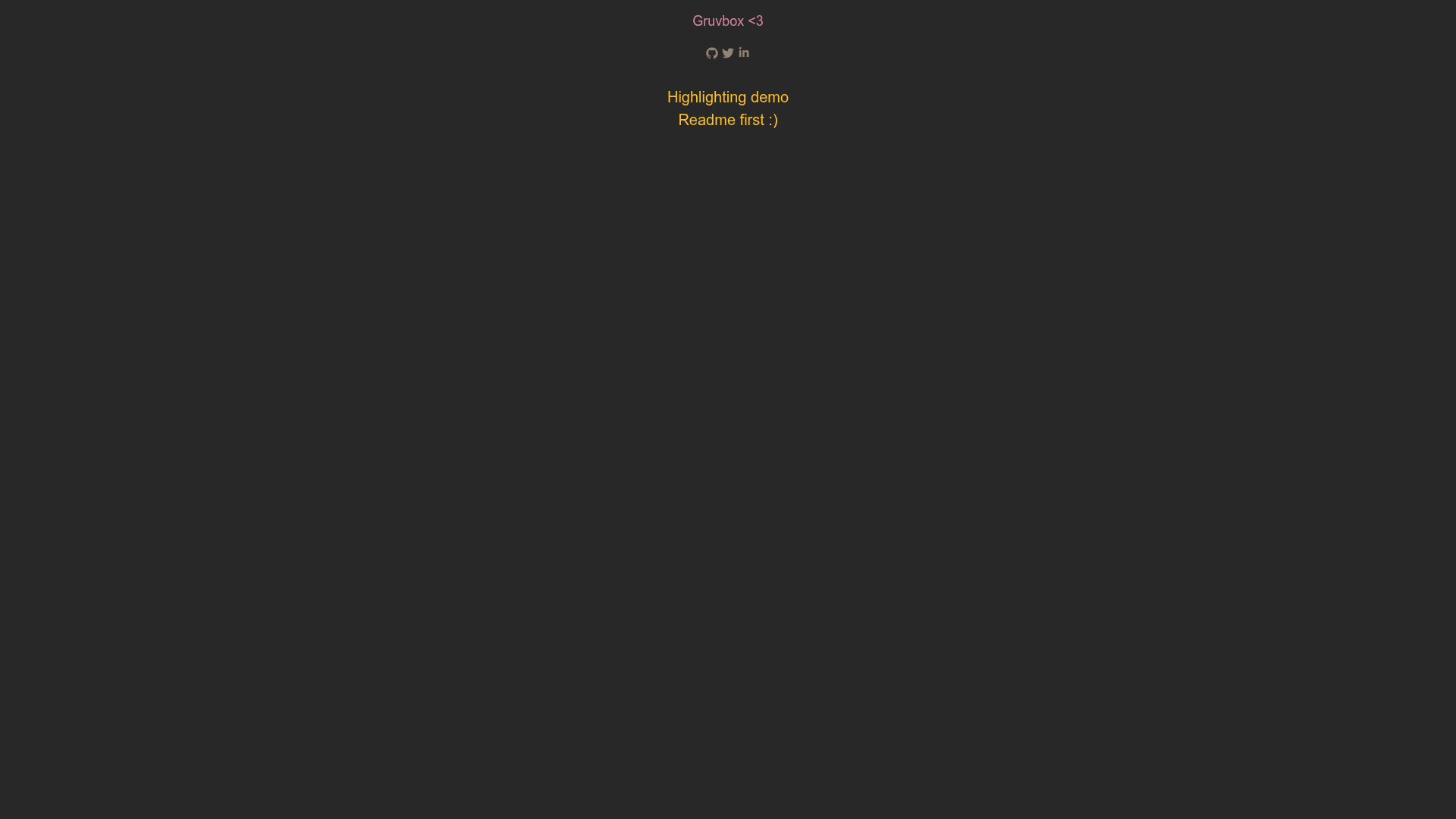
Jekyll Gruvbox Theme is a Jekyll v3 theme that applies the Gruvbox color palette to the Jekyll Minimal theme, with syntax highlighting adapted from Visual Gruvbox Medium Dark. It produces a static blog site with dark, warm Gruvbox colors when you run a standard Jekyll build.
What is Jekyll Gruvbox Theme?
Jekyll Gruvbox Theme is a custom adaptation of the Gruvbox color scheme built on top of the Jekyll Minimal theme. It produces a static blog site with dark, warm Gruvbox colors when you run a standard Jekyll build. The theme is developed by rphlmr and demonstrated at https://rphlmr.github.io/jekyll-gruvbox-theme/. It targets Jekyll v3 and is distributed as a source folder named "gruvbox-jekyll" that you copy into a new or existing Jekyll project.
Key Features
- Based on Jekyll Minimal — Inherits the structure and layout of the Minimal theme, so you get a familiar blog setup without building from scratch.
- Gruvbox color palette — Applies the full Gruvbox color scheme (dark background, warm foreground accents) across the site's design.
- Visual Gruvbox code highlighting — The code highlighter uses a color scheme adapted from the Visual Gruvbox Medium Dark VSCode extension, giving code blocks a consistent dark, warm look.
- Simple installation — Usage is just copying the "gruvbox-jekyll" folder into your Jekyll project and editing
_config.yml. - SCSS customization — Site-wide style changes go in
assets/main.scss, and deeper structural changes can be made in the_sassfolder. - Demo site — A live demo is available to preview the theme before installation.
Who is it for?
- Jekyll bloggers — Anyone running a Jekyll v3 blog who wants a Gruvbox-themed design with minimal setup.
- Developers who use the Gruvbox palette — Users who already work in Gruvbox-colored editors and terminals can extend that aesthetic to their personal site.
- Tinkerers — People comfortable editing SCSS can customize colors and components in
_sasswithout touching the core Jekyll files.
What can you do with it?
- Launch a personal blog — Copy the theme, set your site metadata in
_config.yml, and write Markdown posts to get a dark-styled blog instantly. - Style code-heavy posts — Thanks to the Visual Gruvbox-derived highlighter, code samples in posts match the warm dark tones of the theme.
- Learn Jekyll theming — The small, transparent structure makes a good starting point for understanding how a Jekyll theme's templates, SCSS, and config fit together.
How does it work?
- Copy the "gruvbox-jekyll" folder into your Jekyll project.
- Edit
_config.ymlto set your site metadata. - Run a standard Jekyll build or serve command to generate the static site.
FAQ
Is Jekyll Gruvbox Theme free to use?
The theme is published as a public GitHub repository with no mention of a license or payment, so it is available for anyone to download and use. Check the repository for the current license status.
How do I change the colors?
Colors are controlled by the SCSS files in the _sass folder. Edit those variables or rules, then update assets/main.scss to apply your custom styles.
Does it work with Jekyll v4?
The theme name and description specifically target Jekyll v3, so there is no stated support for v4.
Where can I see a live demo?
A live demo is hosted at https://rphlmr.github.io/jekyll-gruvbox-theme/.