Template details
Clyell
A dark, Linux-console-styled Jekyll theme for blogs with Disqus, Google Analytics, and code highlighting.
About this template
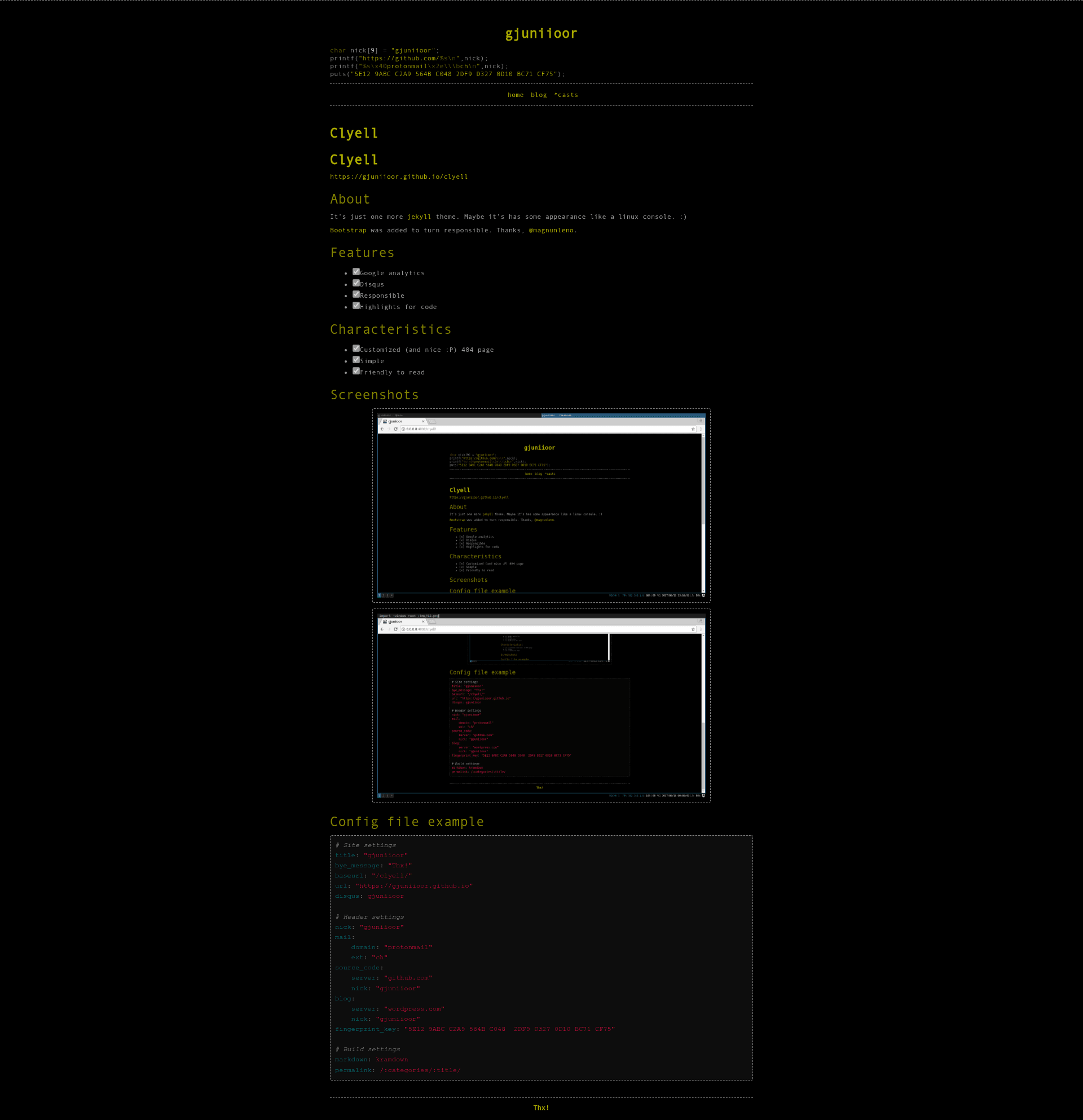
Clyell is a free, dark-themed Jekyll blog theme inspired by Linux terminal consoles, built on Bootstrap and configured entirely through _config.yml. It turns a standard Jekyll static site into a personal blog with Disqus commenting, Google Analytics, and code syntax highlighting.
What is Clyell?
Clyell is a Jekyll theme hosted on GitHub at gjuniioor/clyell with 55 stars, designed to give personal blogs and developer sites a dark, console-inspired appearance. It takes a Jekyll project with Markdown posts and a _config.yml file as input and produces a fully static HTML site. The theme is developed by GitHub user gjuniioor and includes Bootstrap for a responsive layout.
Key Features
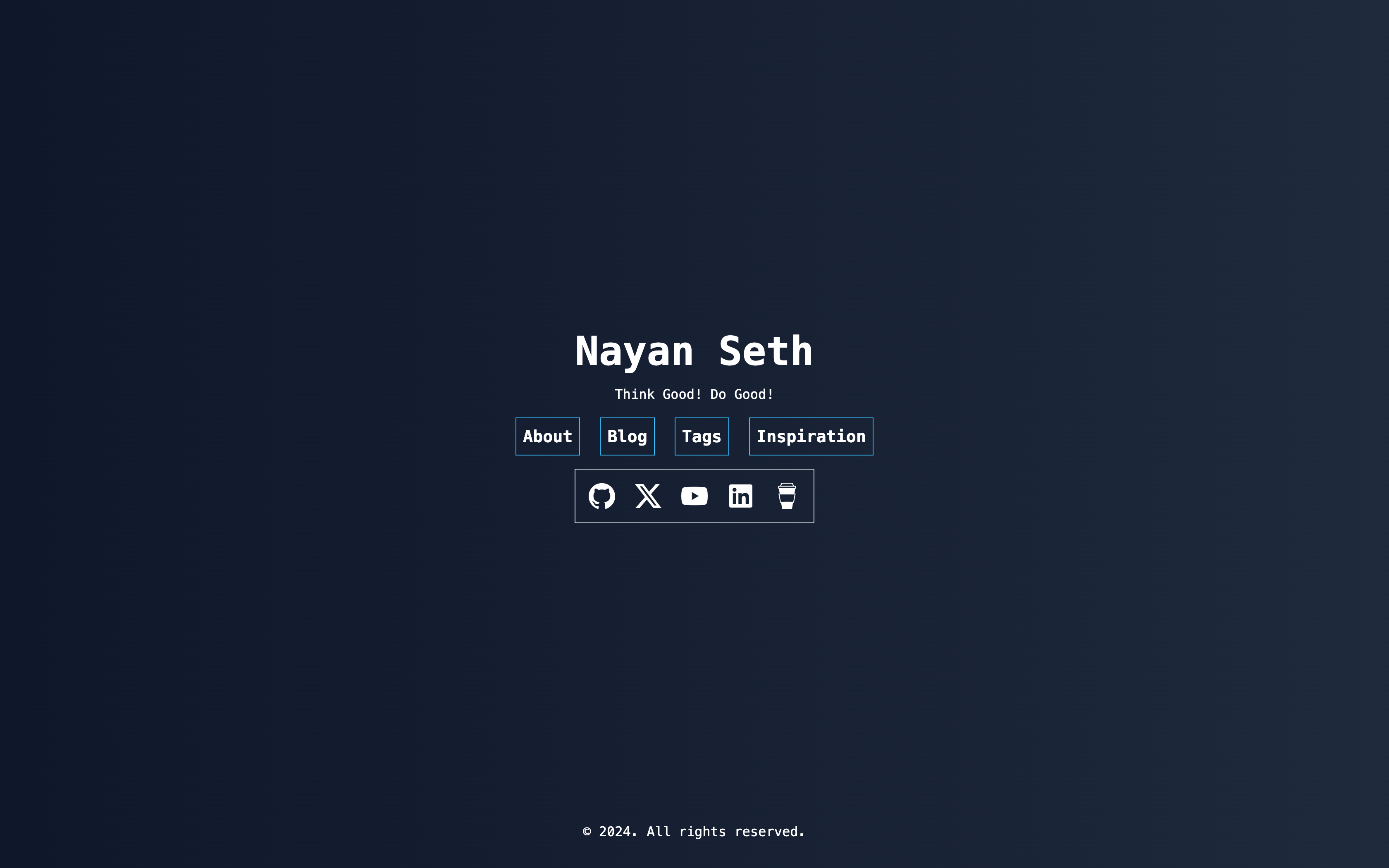
- Linux console aesthetic — The theme mimics the look of a terminal window, with a dark background and terminal-inspired styling, suited to tech-focused content.
- Bootstrap responsiveness — Bootstrap was added to Clyell to ensure the layout adapts cleanly to phones, tablets, and desktops.
- Google Analytics integration — Supports analytics tracking through Jekyll's configuration, so site traffic can be monitored without extra code.
- Disqus comments — Comments are enabled by setting a single
disqusfield in_config.yml, as shown in the example (disqus: gjuniioor). - Code syntax highlighting — Posts with code blocks get styled highlighting, a natural fit for a developer-oriented theme.
- Custom 404 page — A specially designed error page replaces the default Jekyll 404 instead of a bare "not found" message.
- Configurable header profile — Users can set a nickname, email address (split into domain and extension), source-code server and username, blog server, and a fingerprint key in
_config.yml. - Simple and readable layout — The theme sticks to a minimal, text-focused design that makes articles easy to scan.
Who is Clyell for?
- Personal bloggers who want a dark, terminal-like design for their Jekyll-powered site and need built-in Disqus comments and Google Analytics.
- Developers who host portfolios or technical blogs on GitHub Pages and want code highlighting plus links to their source-code accounts directly in the header.
- Privacy-aware users who want to display a fingerprint key in the site header as part of the template's configuration.
What can you do with Clyell?
- Set up a tech blog in minutes by editing
_config.ymlwith your title, nickname, and Disqus shortname, then writing posts in Markdown. - Showcase a developer identity by filling the
source_codeandblogfields to link out to your GitHub and WordPress profiles from every page. - Enable analytics and comments for audience engagement without writing JavaScript, since both integrations are handled by the theme.
How does Clyell work?
Clyell follows the standard Jekyll workflow: clone or fork the repository, edit _config.yml with your site settings (title, baseurl, url, disqus, header information), write content in Markdown, and run jekyll build or jekyll serve to generate the static site. The example config uses Kramdown as the Markdown processor and sets a permalink pattern of /:categories/:title/.
FAQ
Is Clyell free?
Yes, Clyell is a free Jekyll theme available on GitHub from the repository gjuniioor/clyell.
Does Clyell work with GitHub Pages?
Yes, like most Jekyll themes, it can be used on GitHub Pages by adding the theme to a Jekyll site and pushing to a repository.
How do I add Disqus comments?
Set the disqus field in _config.yml to your Disqus shortname, and comments will appear on posts. No additional code is needed.
What Markdown processor does Clyell use?
The configuration file sets markdown: kramdown, so Kramdown is the expected Markdown engine.
Can I use Clyell for a non-blog site?
It is designed for blogs with posts, but the header and layout can be adapted for simple portfolio or project pages.