Template details
Devosfera
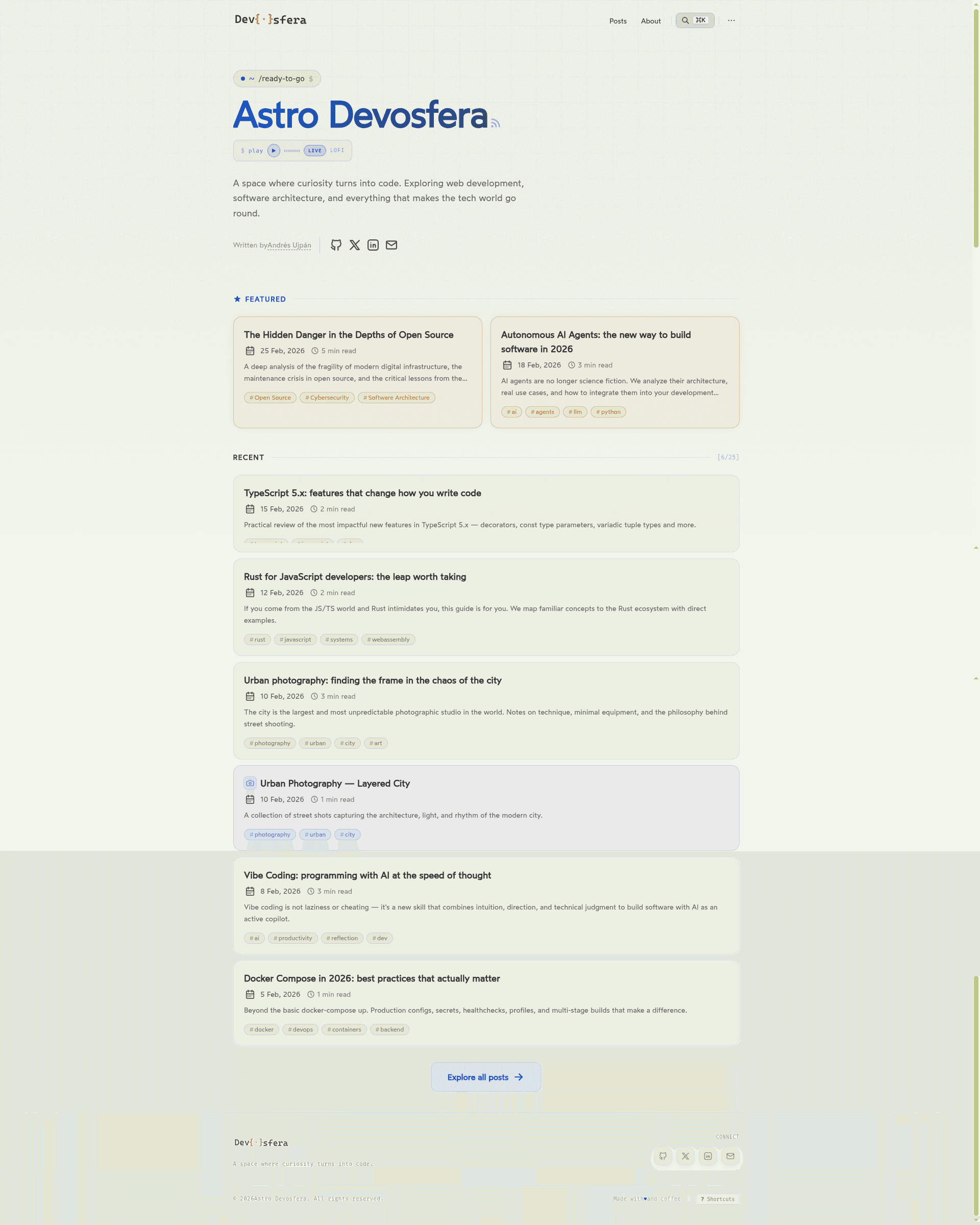
Astro v6 blog theme forked from AstroPaper with terminal-style design, global search, image galleries, and glassmorphism UI.
About this template
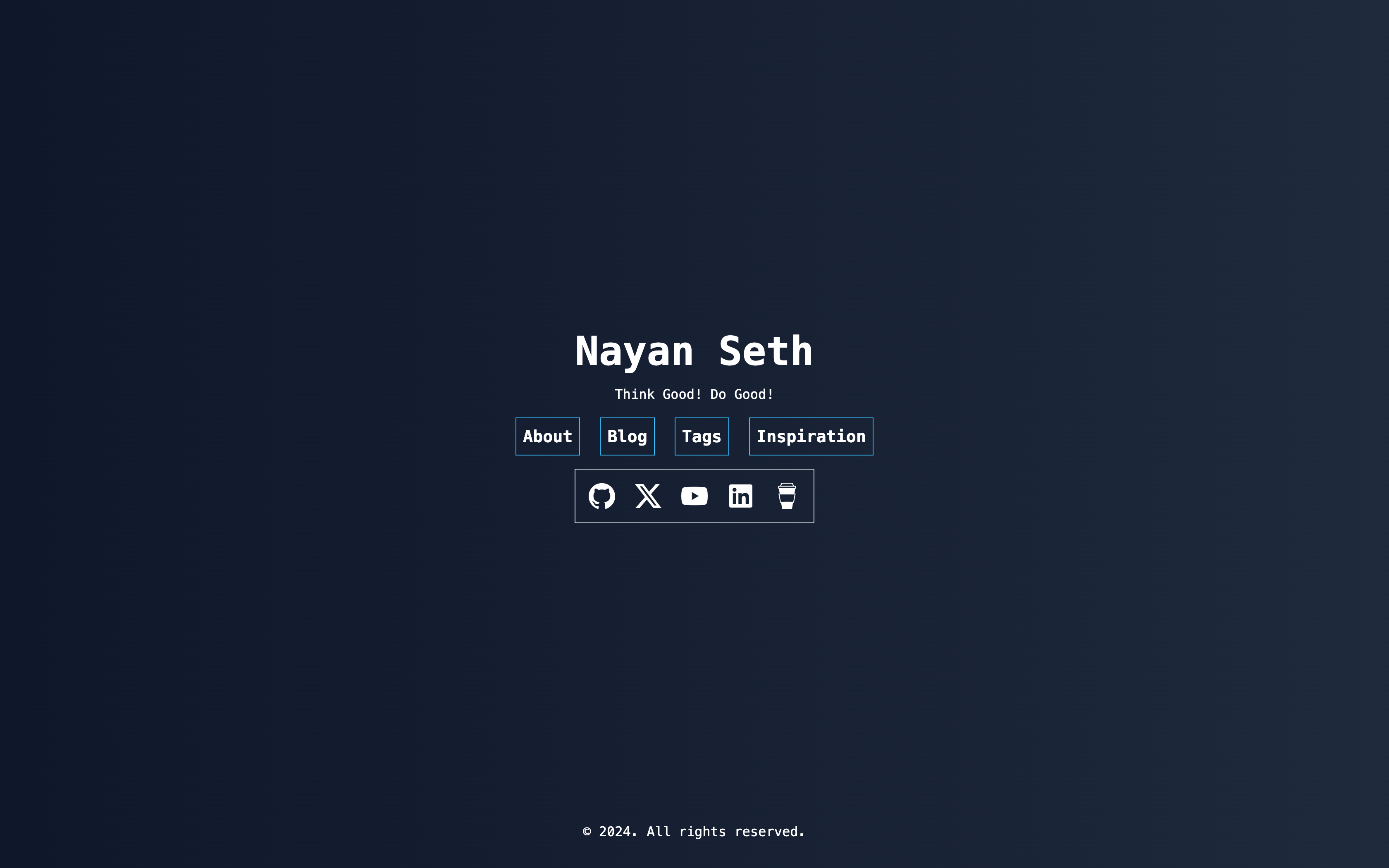
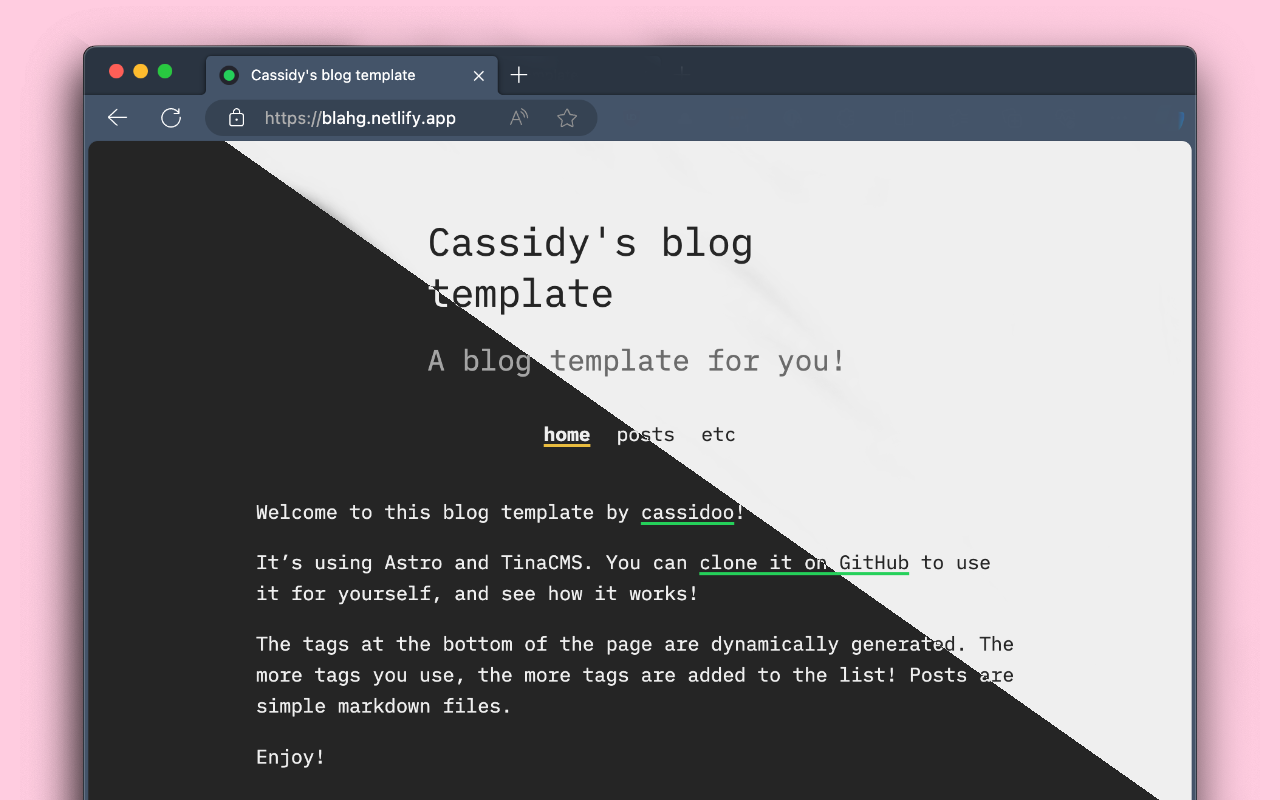
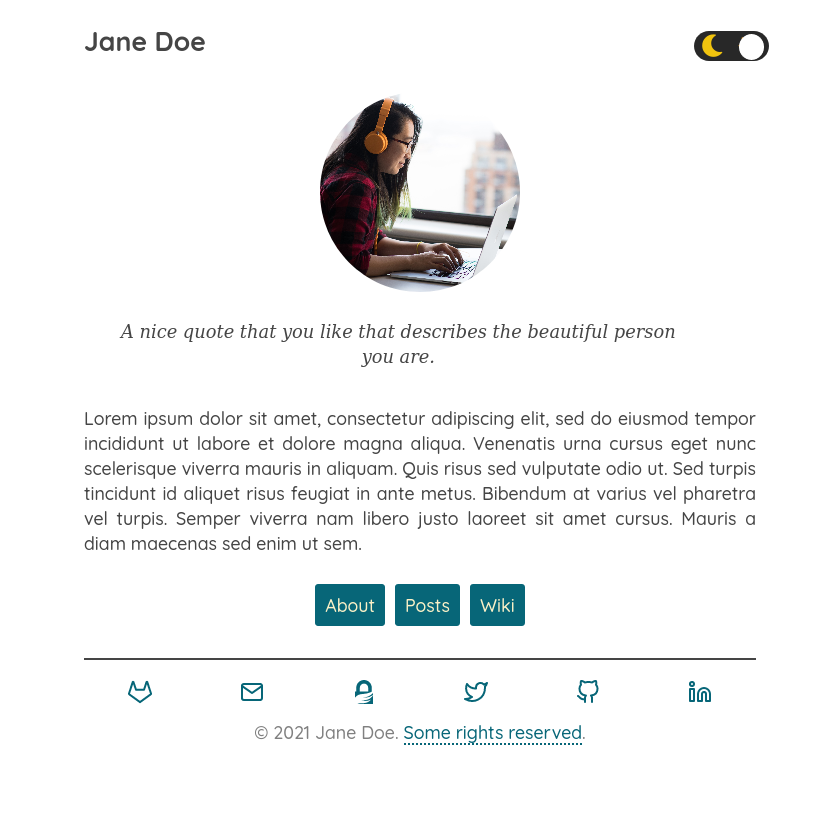
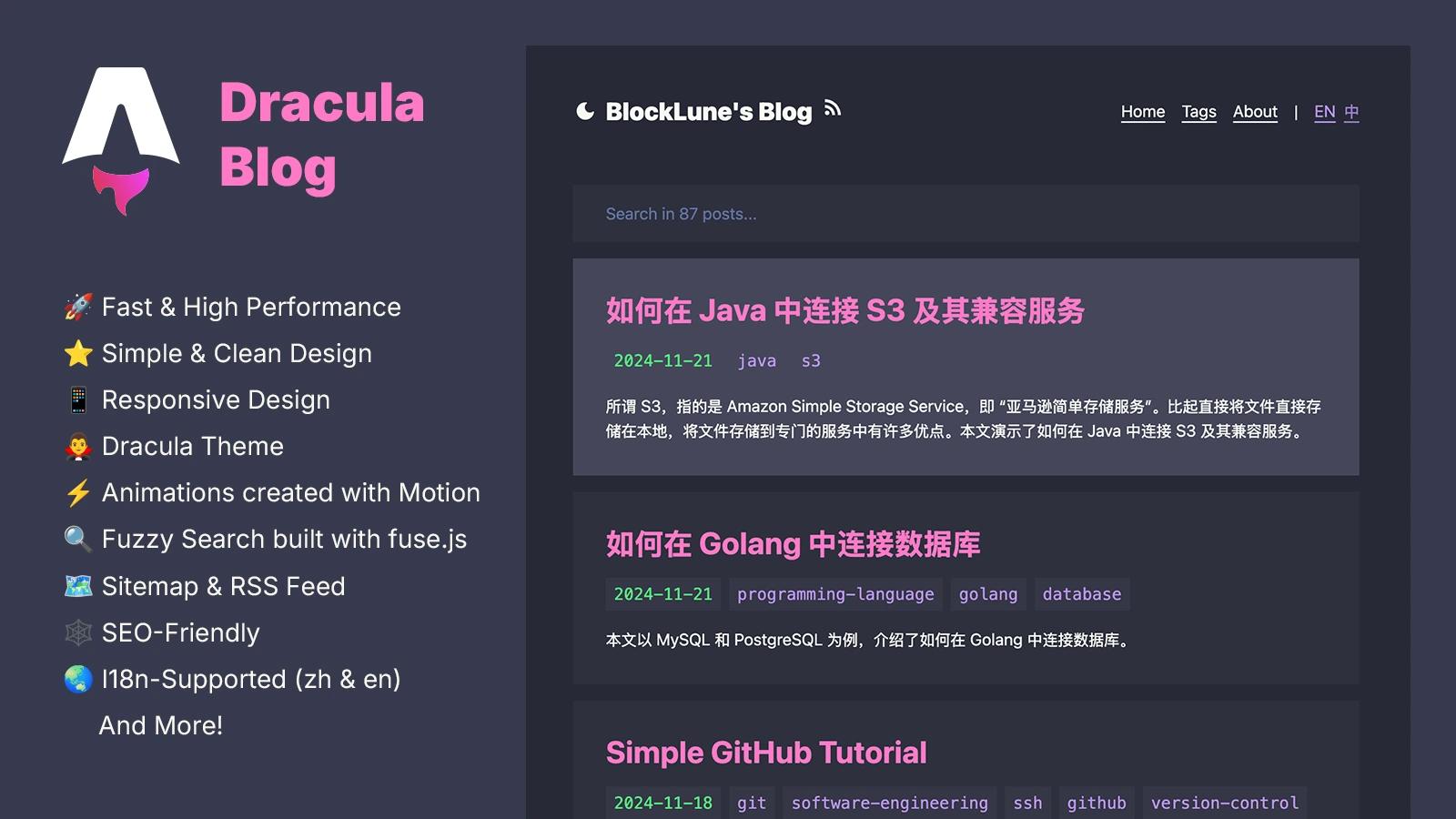
Devosfera is an Astro v6 blog theme — a heavily customized fork of AstroPaper — that turns a static markdown blog into a terminal-styled site with global search, image galleries, and a glassmorphism UI.
What is Devosfera?
Devosfera is a static blog theme built on Astro v6 as a heavily customized fork of the AstroPaper theme. It takes Markdown and MDX posts plus image gallery folders as input and outputs a static site with a terminal-hero home page, global Cmd+K search, and gallery pages with a native lightbox. The theme is developed by 0xdres and distributed under MIT; the live demo runs on Vercel at devosfera.vercel.app.
Key Features
- Global search modal — press Cmd+K or Ctrl+K to open a Pagefind-powered search overlay with full keyboard navigation; the static index is generated during
pnpm run build, so local preview requires a production build first. - Image galleries with lightbox — albums are folders in
src/data/galleries; images are optimized at build time to WebP with srcset and lazy loading, and a native<dialog>lightbox supports keyboard navigation and edge-aware prev/next controls. - GalleryEmbed component — embed any gallery inside an MDX post without an import, using props such as slug, limit, cols (2, 3, or 4), and showLink.
- Custom typography — three local fonts: Wotfard for body text, Cascadia Code for code/mono, and Sriracha for italics/headings.
- Terminal-styled hero — configurable animated prompt (default
~/ready-to-go $) plus an optional branded audio player with wave bars and progress bar, both togglable fromsrc/config.ts. - Unified mixed feed — when enabled, gallery entries appear alongside posts on the home page, archives, tags, and RSS feed, with shared routing and date-sorting helpers.
- SEO and OG images — inherited from AstroPaper: meta tags, Open Graph, sitemap, RSS, light/dark mode, and dynamically generated OG images using Satori.
- Environment-driven social links — GitHub, X, LinkedIn, email, and edit-post URLs load from PUBLIC_* environment variables, so forks don't expose the author's personal data; unset variables simply hide the link.
Who is it for?
- Developers who blog — write posts in Markdown or MDX, use annotated code blocks with Shiki transformers, and auto-generate a table of contents with remark-toc.
- Photographers and visual storytellers — publish image galleries in a dedicated section with a native lightbox and lazy-loaded WebP images, and embed a gallery into any post with GalleryEmbed.
- Theme tinkerers — use the detailed configuration in
src/config.tsand environment variables to rebrand the site, toggle galleries, audio player, and mixed feed, and remove the author's personal content.
What can you do with it?
- Personal tech blog: publish MDX posts with JSX components, code syntax highlighting, and a global search modal.
- Photo album: organize galleries in folders with numeric prefixes for ordering, then display them under
/gallerieswith a fullscreen lightbox. - Minimal portfolio: use the terminal hero, featured grid, and counter sections to highlight selected work or projects.
How does it work?
Clone the repository, copy .env.example to .env, fill in your social values, then run pnpm install and pnpm run dev to start a local server at localhost:4321. Content lives in src/data/blog for posts and src/data/galleries for albums; pnpm run build runs astro check, produces the static site, and generates the Pagefind search index into public/pagefind. A Dockerfile is also provided for containerized deployment.
FAQ
Is Devosfera free?
Yes. The theme is based on AstroPaper and is licensed under MIT, so it is free to use and modify. The customizations are copyright 0xdres, also MIT.
Does Devosfera support MDX?
Yes. Astro MDX integration is included with extendMarkdownConfig set to true, so JSX components can be used directly in posts and GalleryEmbed works without an import.
How do I configure social links?
Social URLs are no longer hardcoded. Copy .env.example to .env and set PUBLIC_SOCIAL_GITHUB, PUBLIC_SOCIAL_X, PUBLIC_SOCIAL_LINKEDIN, PUBLIC_SOCIAL_EMAIL, and PUBLIC_EDIT_POST_URL. For production, set them in your platform's environment settings.
Does the search work in development mode?
The Pagefind index is only generated in a production build. To test search locally, run pnpm run build first, then pnpm run dev or pnpm run preview; otherwise the Cmd+K modal won't have an index.