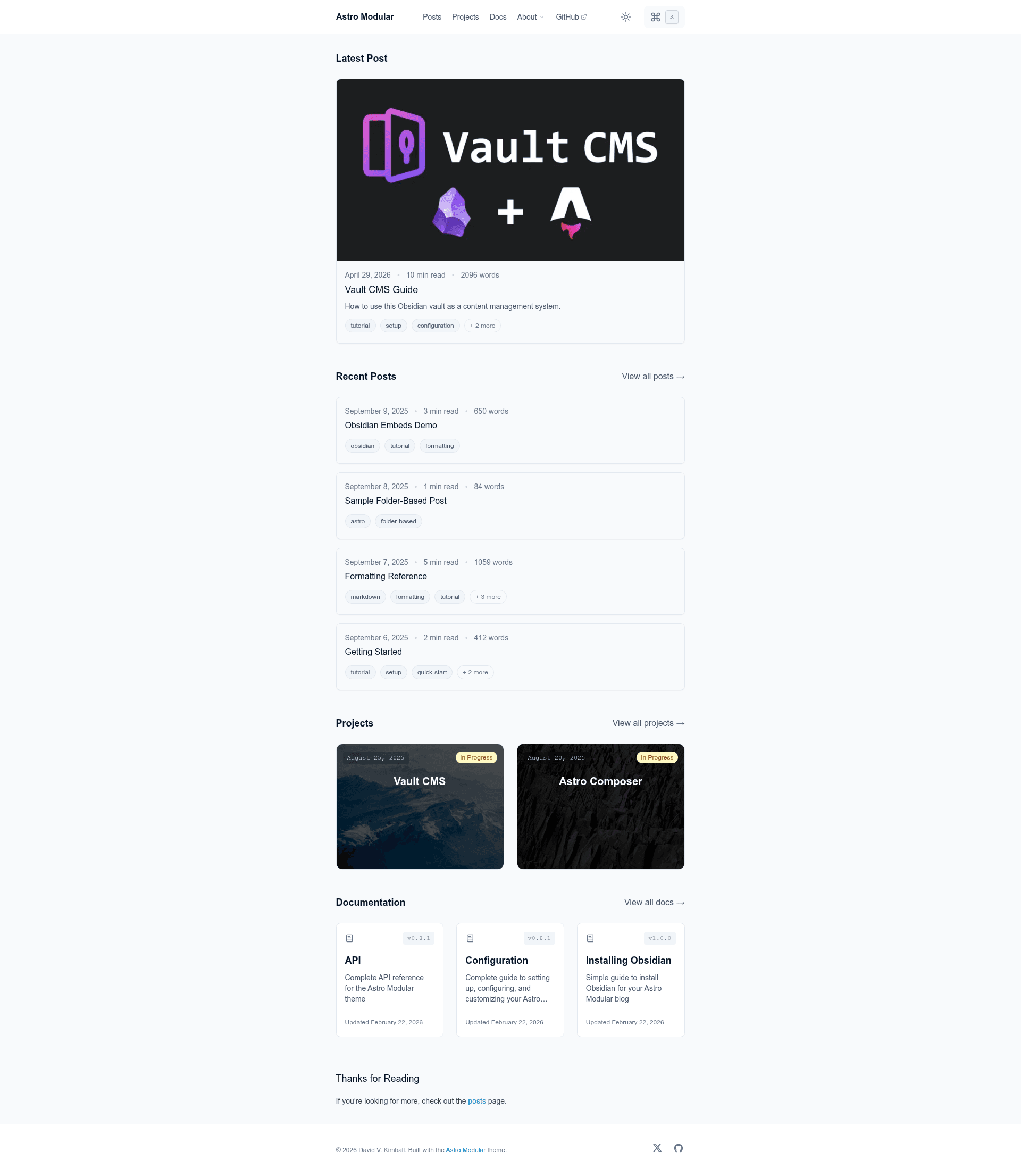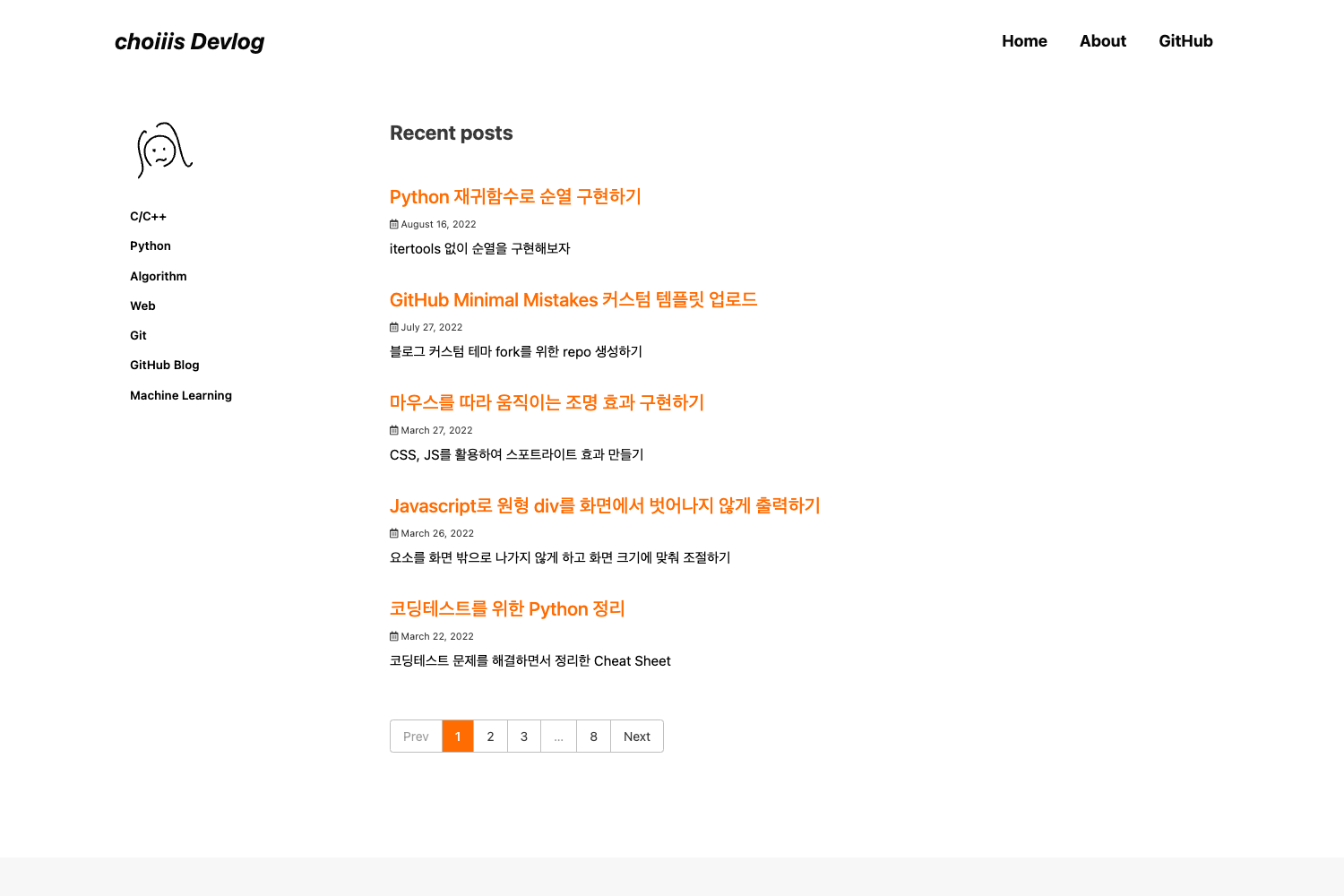
Template details
Astro Modular
A flexible Astro blog theme designed for Obsidian users, built on Vault CMS for write-and-publish workflows.
About this template
Astro Modular is an open-source Astro blog theme that turns an Obsidian vault into a full CMS, so you can write in Obsidian and publish to a static site without leaving your editor.
What is Astro Modular?
Astro Modular is a flexible blog theme built on Astro 6.0.0-beta.1, designed specifically for Obsidian users. It takes markdown notes stored in an Obsidian vault inside src/content/.obsidian and produces a static blog with Obsidian-native features like wikilinks, backlinks, callouts, and graph view. The theme is developed by David V. Kimball and is built on Vault CMS, which handles the Obsidian-to-Astro content pipeline.
The theme uses TypeScript 5.9.2, Tailwind CSS 3.4.17, and requires Node.js 24.13.0+ with pnpm 10.29.3+ as the package manager. Deployment is configured once in src/config.ts and supports Netlify, Vercel, GitHub Pages, and Cloudflare Workers, with the build process generating the platform-specific configuration files automatically.
Key Features
- Obsidian as CMS — Write posts in a vault located at
src/content/.obsidian; Vault CMS provides a setup wizard that configures plugins and ensures new notes include frontmatter. - Graph View — An interactive note graph derived from the vault's links, based on the Spaceship Astro theme's implementation.
- Wikilinks & Linked Mentions — Native support for
[[wikilinks]]and backlink mentions, so vault navigation carries over to the published blog. - Obsidian Callouts & Embeds — Renders Obsidian-style callouts and embedded files directly in markdown; a demo post (
obsidian-embeds-demo.md) is included. - Feature Toggle Control — Every feature — dark/light mode, search and command palette, TOC, comments, image gallery, and more — can be enabled or disabled independently from
src/config.ts. - Performance & SEO — Optimized assets for fast loading, plus automatic sitemap, RSS feed, and Open Graph image generation (using ogImage.click).
- Math & Diagrams — LaTeX math rendering and Mermaid diagrams work out of the box, alongside reading time, word count, smooth scroll, and page transitions.
- Multi-Platform Deployment — Set
deployment.platforminsrc/config.tsto one of "netlify", "vercel", "github-pages", or "cloudflare-workers"; the build generates correct config files with no environment variables needed.
Who should use Astro Modular?
- Obsidian power users — who want to publish their vault as a public blog and keep writing in Obsidian with wikilinks and callouts.
- Markdown-first bloggers — who want a fast Astro static site with built-in SEO, RSS, Open Graph images, and image optimization.
- Developers — who want a customizable TypeScript/Tailwind theme with a CLI scaffold (
pnpm create astro-modular my-blog) and a documentedAGENTS.mdfor AI-agent-driven modifications. - Deployment-flexible site owners — who need to choose between Netlify, Vercel, GitHub Pages, or Cloudflare Workers without rewriting deployment config.
What can you do with Astro Modular?
- Publish from Obsidian instantly — Use Vault CMS to write a note, save it, and publish with the setup wizard handling plugins and frontmatter.
- Customize the whole site — Edit
src/config.tsto change themes, toggle features, set a profile picture, connect comments, or switch typography. - Deploy with one click — Use the ready-made deploy buttons for Netlify, Vercel, or Cloudflare, or build locally and push to GitHub Pages.
How does Astro Modular work?
Get started by running pnpm create astro-modular my-blog (or npm create astro-modular my-blog), which downloads the latest template and installs dependencies. Then run pnpm dev to preview at http://localhost:5000 or pnpm build for a production build. To update the theme later, run pnpm run update, which downloads the latest release, replaces framework files, restores your src/content and profile/favicon assets, and reruns pnpm install.
FAQ
Is Astro Modular free?
Yes, Astro Modular is open source under the MIT License. You can use it for personal or commercial projects and contribute improvements via pull requests.
Can I use Astro Modular without Obsidian?
Yes. The theme works with any markdown editor, but it is specifically optimized for Obsidian, and the repo includes a Vault CMS Guide and an Obsidian Embeds Demo for the Obsidian-specific features.
How do I update the theme without losing my content?
Run pnpm run update. It replaces framework files, restores your src/content and profile/favicon assets, then runs pnpm install. After updating, open Obsidian and use Astro Modular Settings → Apply all settings so your saved settings are written to the new config.ts if needed.
What are the system requirements?
You need Node.js 24.13.0+ and pnpm 10.29.3+ (npm 9.6.5+ also works for the CLI). The theme is built with Astro 6.0.0-beta.1, TypeScript 5.9.2, and Tailwind CSS 3.4.17.
What deployment platforms are supported?
Netlify, Vercel, GitHub Pages, and Cloudflare Workers. Set deployment.platform in src/config.ts and the build process generates the correct configuration files automatically — no environment variables are required.