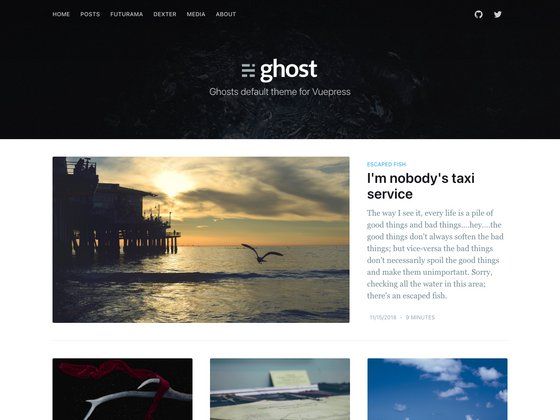
Template details
Saral Hugo Theme
A minimalist and elegant Hugo theme for simple, clean blogs and portfolios.
About this template
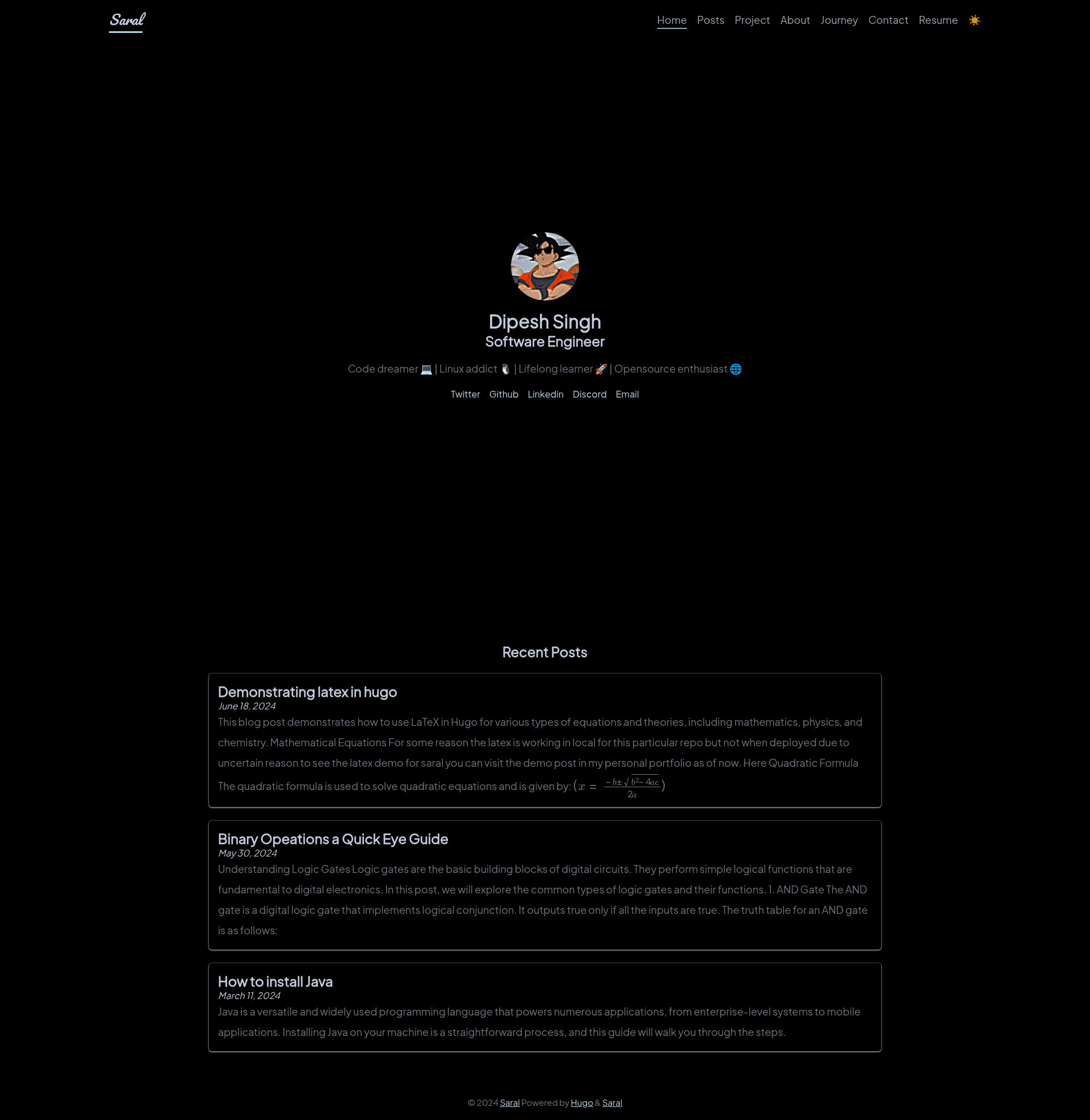
Saral Hugo Theme is a minimalist, open-source Hugo theme for building clean, fast-loading personal blogs and one-page portfolios, maintained on GitHub by dipeshsingh253.
What is Saral Hugo Theme?
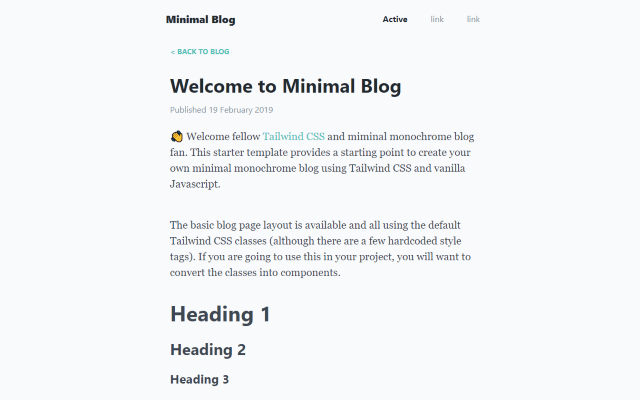
Saral Hugo Theme is a minimalist, open-source Hugo theme that renders a clean, responsive personal site from your Hugo content. It accepts standard Hugo content from the content directory and outputs either a blog-focused site or a one-page portfolio, with two separate demo configurations available. The theme takes inspiration from PaperMod and is released under the MIT License, making it free to use and modify.
The name "Saral" means "simple" in Hindi (सरल), and the theme reflects that philosophy with a clutter-free layout. Currently, the project has 16 stars on GitHub and the repository includes two example branches: exampleSite for the blog-focused version and one-page-portfolio for the portfolio-focused version.
Key Features
- Clean design — Streamlined, clutter-free layout for a straightforward user experience without decorative distractions.
- Responsive layout — Preserves consistent presentation across mobile, tablet, and desktop viewports.
- Customizable configuration — Personalize site settings through the
config.tomlfile, including options for menus, author metadata, and site parameters. - Performance optimized — Lightweight and optimized for fast loading times, reducing page weight for quicker render.
- Code block syntax highlighting — You can choose any Chroma syntax-highlighting theme from the Hugo-supported list, allowing you to style code snippets to match your site.
- Dual-use structure — Includes both blog-focused and portfolio-focused example configurations, so you can adapt the theme to different project needs without rebuilding from scratch.
- Open source license — Available under the MIT License, permitting free use, modification, and redistribution.
Who is it for?
- Software engineers and developers — Use the portfolio-focused version to showcase projects with a dedicated project section, designed specifically for engineering portfolios.
- Bloggers and writers — Publish essays, tutorials, or updates with the blog-focused version, which prioritizes a clean reading experience.
- Students and freelancers — Create a quick, professional online presence with a one-page portfolio, without needing design or frontend expertise beyond Hugo basics.
What can you do with Saral Hugo Theme?
- Software engineers: Build a personal portfolio site with a project section, presenting code work and technical contributions in a simple layout.
- Content creators: Launch a personal blog with minimal setup, leveraging Hugo's fast static-site generation and the theme's responsive design.
- Freelancers: Stand up a one-page portfolio to present services or case studies, with the ability to customize colors and layout via
config.toml.
How does Saral Hugo Theme work?
The README outlines a simple process: clone the repository into your Hugo project's themes directory, set theme = "saral" in your config.toml, add your content to the content directory, and run hugo server -D to preview the site locally. Customization is handled through the theme's configuration options in config.toml.
Pros and cons
- Pros: Lightweight and fast; responsive across devices; easy customization via TOML config; free MIT license; dual blog/portfolio examples.
- Cons: The project section is primarily designed for software engineers, so other users may need to modify it; there is a known issue with changing code block colors in the current version, which requires manual adjustments to
codeandpreelements inmain.css.
Alternatives
- PaperMod — A popular Hugo theme that inspired Saral; it emphasizes speed and a clean, feature-rich blog experience. You can see PaperMod as a more full-featured alternative to Saral's minimalism.
FAQ
Is Saral Hugo Theme free?
Yes, Saral Hugo Theme is open-source and released under the MIT License, which means it is free to use, modify, and distribute.
What does Saral Hugo Theme do?
Saral Hugo Theme is a minimalist Hugo theme that builds a responsive personal blog or one-page portfolio. It takes standard Hugo content and outputs a clean, fast-loading site, with configuration done through config.toml.
How do I install Saral Hugo Theme?
Clone the repository into your Hugo project's themes directory, set theme = "saral" in config.toml, add content to the content directory, then run hugo server -D to preview locally.
What is the difference between the blog and portfolio versions?
Saral provides two example configurations: a blog-focused version and a one-page portfolio version. Each has its own demo link and is available in separate branches of the repository (exampleSite and one-page-portfolio).
Does Saral Hugo Theme have any known limitations?
The README notes that changing code block colors has issues; you may need to adjust the style for code and pre elements in main.css. Additionally, the project section is mainly designed for software engineers, so other users should plan to modify it.